
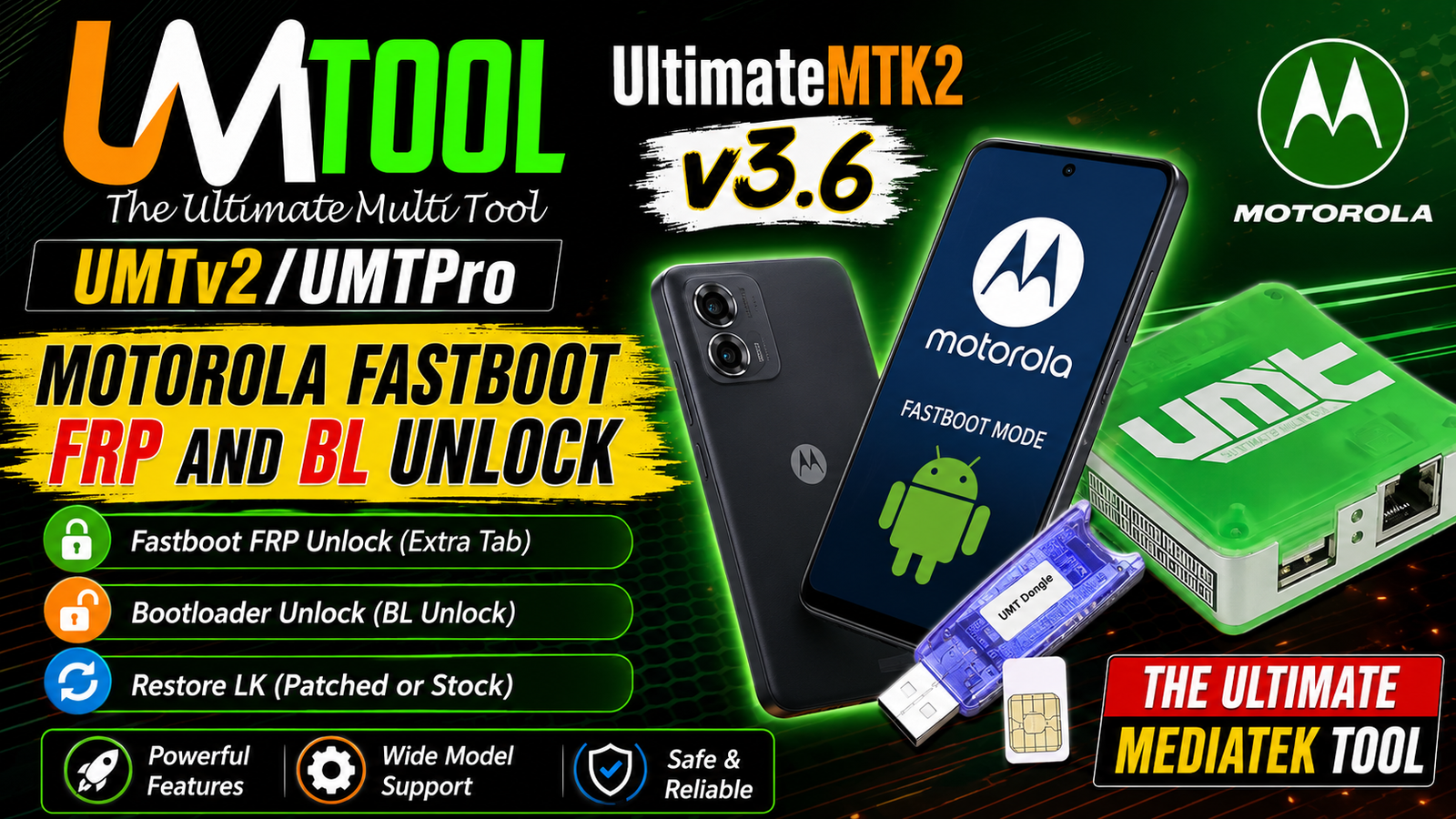
UMTv2/UMTPro UltimateMTK2 v3.6 is the latest update for the UltimateMTK2 module bringing new Motorola Fastboot functions for technicians and mobile repair professionals. This release adds support for Motorola Fastboot FRP Reset and Bootloader Unlock along with new firmware data for several Motorola devices running Android 13 Android 15 and Android 16.
The new Motorola Fastboot FRP/Bootloader Unlock functions are available under the Extra Tab. Users can select supported firmware data automatically or use the new [MANUAL] method with an lk.img file extracted from the device’s stock firmware.
The update also includes an Unlock BL option for unlocking the bootloader together with FRP Reset and a Restore LK function for returning a patched LK file back to the stock version.
For more information: official website.
Main Tools
The UMTv2/UMTPro UltimateMTK2 v3.6 update provides useful Motorola servicing functions, including:
- Motorola Fastboot FRP Reset
- Motorola Bootloader Unlock
- FRP Reset with Bootloader Unlock
- Manual
lk.imgselection - Patched LK restoration
- Stock LK restoration
- Automatic data support for selected Motorola models
- Fastboot-based device servicing
- Firmware-version-based LK data selection
These functions are designed to make supported Motorola servicing operations easier for technicians.
Key Features
Motorola Fastboot FRP/Bootloader Unlock:
A new Motorola Fastboot FRP/Bootloader Unlock option has been added to the Extra Tab. This provides dedicated servicing functionality for supported Motorola devices.
Manual LK Method:
For Motorola models that are not included in the built-in database, UMTv2/UMTPro UltimateMTK2 v3.6 provides a [MANUAL] method.
With this method, users can select the lk.img file directly from the device’s stock firmware.
Make sure the selected lk.img comes from the same firmware version or a higher firmware version than the one installed on the device.
Unlock BL:
The Unlock BL option can be enabled when you want to perform the Bootloader Unlock operation together with FRP Reset.
Restore LK:
The Restore LK function is useful when a patched LK has been used and you need to return the device to its original stock LK.
When the [MANUAL] method is used, the tool can restore the stock version using the appropriate lk.img from the stock firmware.
Supported Functions
The main functions available in this update include:
- Motorola Fastboot FRP Reset
- Motorola Bootloader Unlock
- FRP Reset + Bootloader Unlock
- Manual LK image selection
- Stock
lk.imgsupport - Restore patched LK to stock
- Automatic firmware data selection
- Fastboot servicing operations
Supported Motorola Data:
UMTv2/UMTPro UltimateMTK2 v3.6 adds data for the following Motorola firmware versions:
- XT2255-2 — Android 13 — T2SVS33.68-21-10-21
- XT2303-2 — Android 15 — V1TLS35.73-60-3-8
- XT2307-2 — Android 15 — V1TMS35H.3-45-3-2-3
- XT2431-1 — Android 15 — V1TDS35H.83-20-5-7
- XT2453-1 — Android 16 — W1UCS36H.96-24-4-6
- XT2503-2 — Android 16 — W1VC36H.14-20-1
- XT2507-2 — Android 16 — W1VVS36H.7-21-5-1
For other Motorola models, the [MANUAL] method can be used with a compatible lk.img from stock firmware.
Technical Setup Details
- Software: UMTv2/UMTPro UltimateMTK2 v3.6
- Hardware: UMTv2/UMTPro supported device
- Operating System: Windows 10/11
- Device Mode: Motorola Fastboot Mode
- USB Connection: Good-quality USB cable
- USB Drivers: Latest compatible Motorola USB drivers
- Motorola Device: Supported Motorola model
- Firmware: Correct stock firmware for the device
- Manual Method: Use the [MANUAL] option for unsupported models
- LK File: Select the
lk.imgfile from stock firmware - Firmware Version: The
lk.imgshould be from the same or higher firmware version - Unlock BL: Enable this option when Bootloader Unlock is required with FRP Reset
- Restore LK: Use this option to restore patched LK back to stock
- Internet Connection: Required where the UMT software/service requires online verification
- Permissions: Run the UMT software with administrator privileges
- USB Stability: Keep the device connected throughout the operation
- Backup: Keep a backup of important user data before performing servicing operations
How to Install UMTv2/UMTPro UltimateMTK2 v3.6
- Download the latest UMTv2/UMTPro UltimateMTK2 v3.6 package from this website.
- Extract the downloaded package using a suitable archive utility.
- Install or update the required UMT/UMTPro software components.
- Connect the UMT hardware if required by your setup.
- Install the necessary Motorola USB drivers.
- Launch the UMT software with administrator permissions.
- Open the UltimateMTK2 module.
- Navigate to the Extra Tab.
- Select the Motorola Fastboot FRP/Bootloader Unlock function.
- Select the appropriate automatic device data or choose [MANUAL] when using your own
lk.img. - If required, enable Unlock BL.
- Follow the software instructions and wait for the operation to complete.
For manual operations, make sure the selected lk.img belongs to the same or a higher firmware version.
UMTv2/UMTPro UltimateMTK2 v3.6 is an important update for Motorola servicing adding new Fastboot FRP Reset and Bootloader Unlock functionality. The update includes dedicated data for several Motorola devices across Android 13 Android 15 and Android 16.
The new [MANUAL] LK method is especially useful for additional Motorola models because technicians can select a compatible lk.img directly from stock firmware. The Unlock BL and Restore LK options further improve the available servicing workflow.
Read Also: Minitab Statistical Software 22