
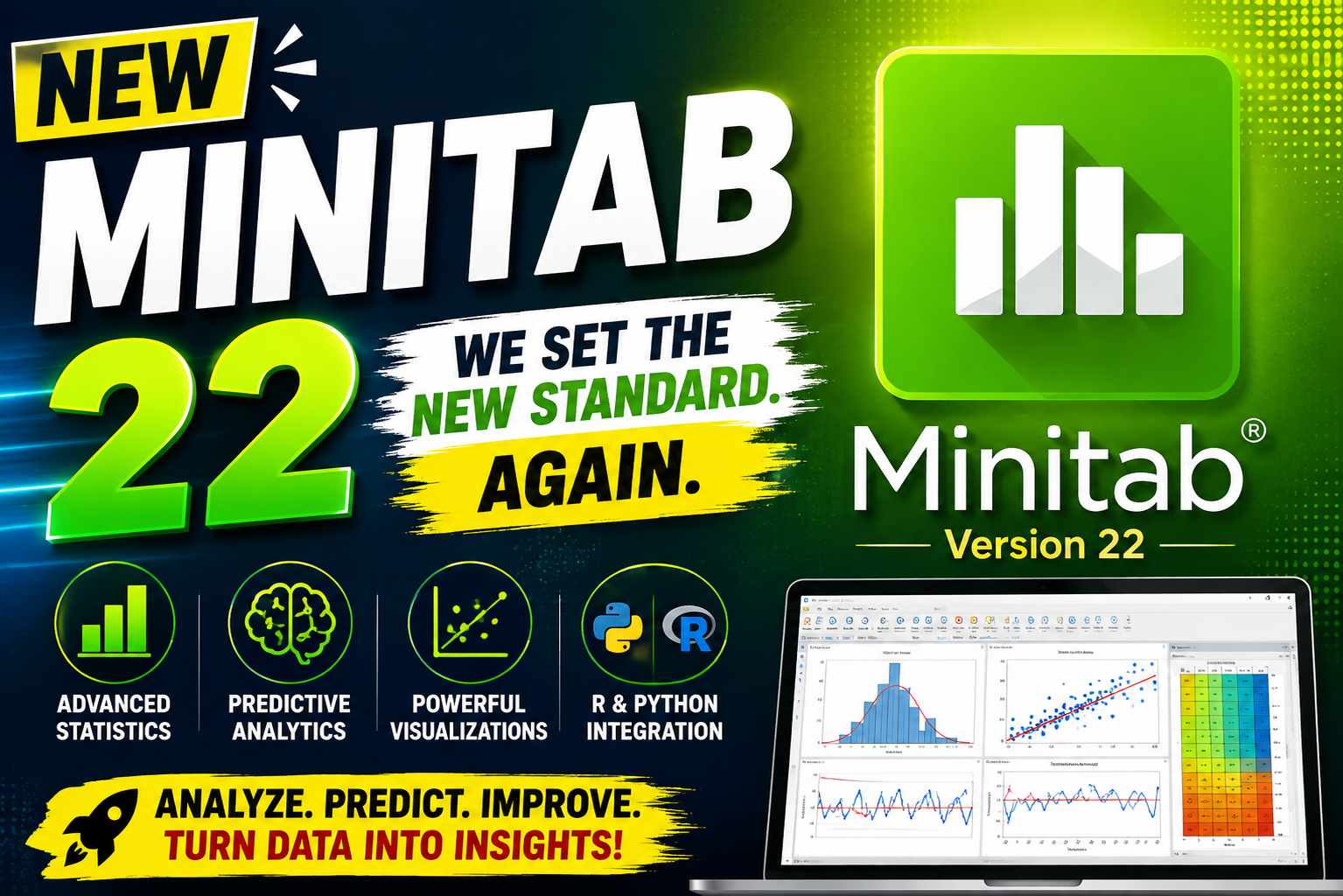
Minitab Statistical Software 22 is a powerful statistical analysis and data visualization solution designed to help users understand complex datasets identify trends discover relationships and make data-driven decisions. It is widely useful for statistical analysis quality improvement research business analytics and predictive modeling.
Minitab provides a combination of classical statistical methods predictive analytics machine learning techniques and interactive visualizations. Users can analyze current and historical data compare alternatives forecast future results and present findings through clear and professional graphs. For more information official websute
Key Features
- dvanced Statistical Analysis
- Minitab provides a broad range of statistical methods for analyzing datasets, testing assumptions, identifying relationships, and supporting evidence-based decisions.
- 2. Predictive Analytics
- Use predictive techniques to identify patterns in existing data and estimate possible future outcomes. These capabilities can help users compare alternatives and develop better forecasts.
- 3. Machine Learning Tools
- Minitab supports advanced machine learning methods, including Classification and Regression Trees (CART), TreeNet, and Random Forests, helping users investigate complex datasets.
- 4. Interactive Graph Builder
- The Graph Builder makes it easier to explore different ways of presenting data. Users can evaluate multiple graph types and select a visualization that communicates their findings effectively.
- 5. Dynamic Data Visualization
- Create visual representations such as bar charts, correlograms, heat maps, and other analytical graphs. Visual tools can make complicated statistical results easier to understand.
- 6. R and Python Integration
- Advanced users can extend their analytical workflows by working with open-source programming languages such as R and Python alongside Minitab.
Supported Functions
Minitab Statistical Software 22 supports a wide variety of statistical and analytical tasks, including:
- Descriptive statistics and data exploration
- Hypothesis testing
- Regression and correlation analysis
- Analysis of variance (ANOVA)
- Predictive analytics and forecasting
- Quality improvement and process analysis
- Machine learning techniques
- Data visualization and graph creation
- Trend and pattern analysis
- Relationship analysis between variables
- Interactive graphical exploration
- Integration with R and Python
- Statistical modeling and decision support
Technical Setup Details
- Software Full Name Minitab Statistical Software 22
- Latest Version 22.4.0
- Setup Type Standalone Windows setup
- File Name Minitab Statistical Software 22
- File Size 64-bit (x64)Approximately 288 MB
- Architecture 64-Bit (x64)
System Requirements
- Operating System: Windows 7, Windows 8, Windows 8.1, Windows 10, or Windows 11, depending on the supported release
- RAM: 8 GB or more
- Free Disk Space: At least 1 GB
- Processor: Intel Core i5 or equivalent multi-core processor
- Architecture: 64-bit (x64)
How to Install
- Obtain the Minitab Statistical Software 22 installer from an authorized or official source.
- If the installer is compressed, extract the downloaded archive using Windows extraction tools or compatible archive software.
- Open the extracted installation folder.
- Run the official installer.
- Follow the on-screen installation instructions.
- Review and accept the software license terms.
- Select the desired installation location and continue.
- Allow the installation process to complete.
- Launch Minitab from the Windows Start menu or desktop shortcut.
- Activate or sign in with a valid license if required.
Minitab Statistical Software 22 provides a comprehensive environment for statistical analysis predictive analytics machine learning and data visualization. Its combination of traditional statistical methods interactive Graph Builder capabilities predictive tools, and R/Python integration makes it a flexible solution for working with complex data.
Whether you are analyzing business information improving processes conducting research or exploring statistical relationships Minitab can help transform raw data into useful insights. For the safest and most reliable experience users should install the software from an official source and ensure their Windows system meets the current requirements.
Read Also : WinCHM Pro 5