
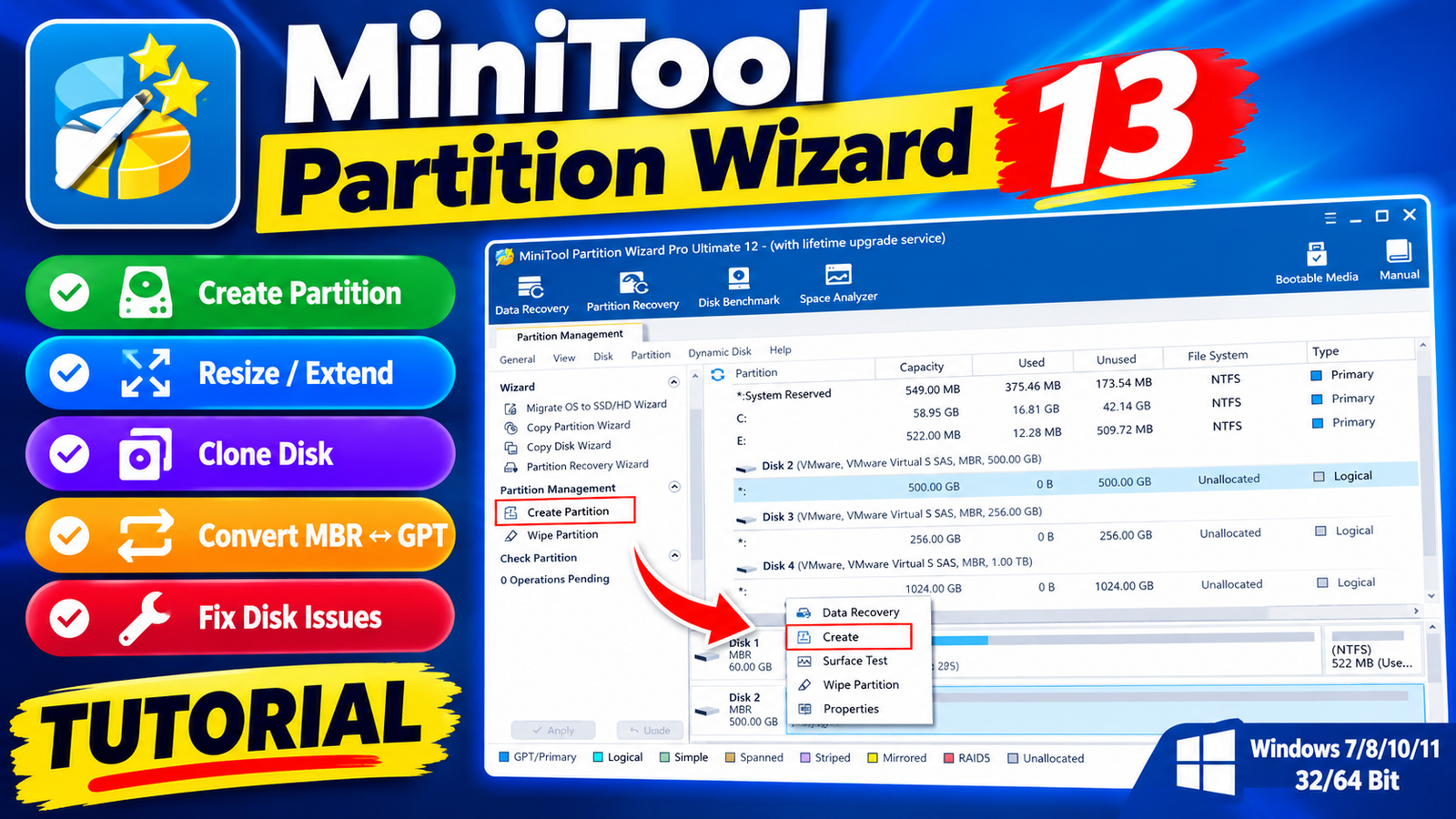
MiniTool Partition Wizard 13 is a comprehensive disk partition management utility designed to help users manage hard drives SSDs partitions and storage space on Windows PCs. It provides tools for resizing moving merging splitting formatting copying and converting partitions while also offering disk cloning,operating system migration disk analysis and data recovery features.
The software can be useful when a C drive becomes full when upgrading to an SSD or when preparing a disk for a newer Windows installation. It also includes advanced features such as MBR/GPT conversion NTFS/FAT conversion partition recovery surface testing and Win-PE-based bootable media creation.For more information official website
Key Features
- MiniTool Partition Wizard 13
- Resize, move, extend, merge, split, format, and delete partitions.
- Extend a C drive using available unallocated or free space.
- Clone complete disks and individual partitions.
- Migrate Windows to a new SSD or HDD.
- Convert system disks between MBR and GPT.
- Convert NTFS to FAT and FAT to NTFS where supported.
- Change dynamic disks into basic disks.
- Create Win-PE-based bootable media.
- Scan and recover lost or deleted partitions.
- Rebuild the Master Boot Record (MBR).
- Perform disk and partition surface tests.
- Analyze disk-space usage with Space Analyzer.
- Benchmark disk performance.
- Check and repair supported file-system issues.
- Wipe disks and partitions securely.
- Manage dynamic volumes.
- Support UEFI boot environments.
- Provide tools for Windows and Windows Server environments.
Supported Functions
- Data Recovery
- MiniTool Partition Wizard includes tools for scanning lost or deleted partitions and recovering accessible data from supported storage devices.
- Partition Management
- Users can create, delete, format, resize, move, merge, split, copy, hide, explore, and wipe partitions. Drive letters, labels, partition status, and other properties can also be managed.
- Disk Conversion
- The software provides options for converting disks between MBR and GPT, initializing disks, rebuilding MBR, and converting supported dynamic disks to basic disks.
- OS Migration and Disk Cloning
- You can copy system and non-system partitions, clone disks, and migrate an operating system to another SSD or HDD.
- Disk Analysis and Maintenance
- Tools such as Disk Benchmark, Space Analyzer, Surface Test, Check File System, and Disk Properties help users examine storage performance and condition.
- Dynamic Disk Management
- Supported operations include creating, deleting, formatting, moving, resizing, copying, wiping, and exploring volumes, along with supported dynamic-to-basic disk conversion.
- Bootable Media Builder
- The Win-PE-based Bootable Media Builder can create bootable recovery media for supported Windows environments. This can be useful when Windows cannot start normally and disk-management or recovery tools are required.
Technical Setup Details
- Software Full Name: MiniTool Partition Wizard 13
- Latest Version: 2026
- Setup Type: Standalone Installer
- File Name: MiniTool Partition Wizard 13 Technician
- File Size: 141 MB*
- Architecture: 32-bit (x86) / 64-bit (x64)
- Operating System: Windows 7, 8, 8.1, 10, 11
System Requirements
MiniTool Partition Wizard 13 make sure your computer meets the required specifications:
- Operating System: Windows 7, Windows 8, Windows 8.1, Windows 10, or Windows 11.
- RAM: 8 GB recommended.
- Storage: At least 500 MB of free disk space for installation.
- Processor: Intel Pentium i5 or a comparable multi-core processor.
- Architecture: 32-bit or 64-bit Windows, depending on the supported edition.
- Boot Support: UEFI environments are supported for applicable bootable-media functions.
How to Install MiniTool Partition Wizard 13
- MiniTool Partition Wizard 13
- Download the MiniTool Partition Wizard 13 installer from a legitimate and trusted source.
- If the downloaded package is compressed, extract it using a compatible archive utility.
- Open the extracted folder and locate the official installer executable.
- Run the installer with the required Windows permissions.
- Read and accept the software license agreement.
- Select the installation location and continue through the setup wizard.
- Choose the components or shortcuts you want to install, if the installer provides these options.
- Click Install and wait for the installation process to finish.
- Launch MiniTool Partition Wizard from the Start menu or desktop shortcut.
- Before performing operations such as formatting, wiping, conversion, or partition resizing, back up important data and carefully verify the selected disk or partition.
MiniTool Partition Wizard 13 provides a broad collection of tools for managing Windows storage devices. From basic operations such as creating and resizing partitions to advanced tasks such as disk cloning OS migration MBR/GPT conversion partition recovery and Win-PE bootable media creation it can serve as a versatile disk-management solution.
For safety always create a backup of important files before making major changes to partitions or disks particularly when using operations such as format wipe delete conversion or disk cloning.
Read Also:4DDiG Partition Manager 3 x64