
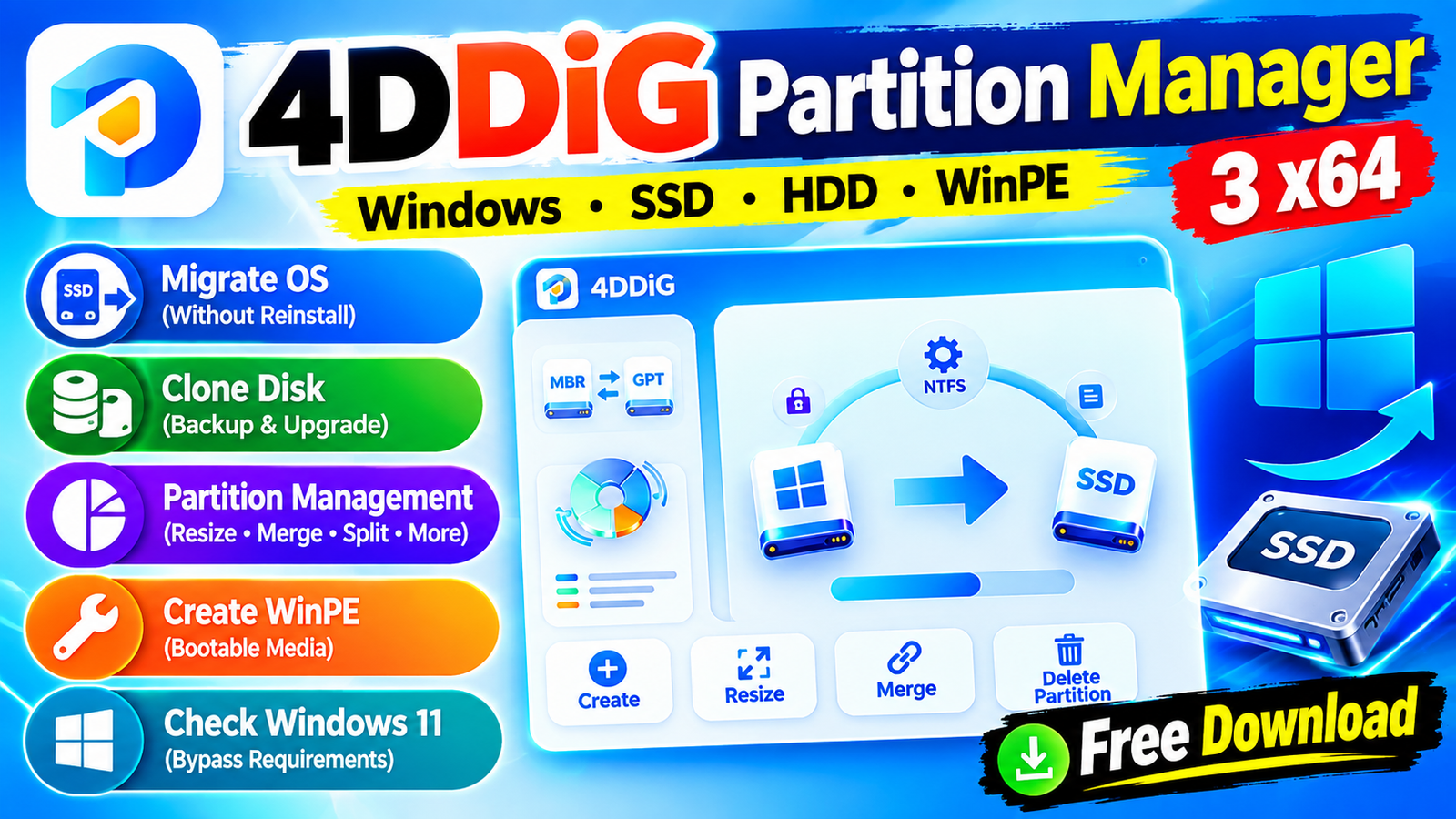
4DDiG Partition Manager 3 x64 is a Windows disk and partition management software designed to help users organize manage clone and optimize their storage drives. It provides tools for partition management disk cloning and Windows OS migration making it useful when upgrading to an SSD replacing a hard drive or reorganizing available disk space.
The software can migrate Windows to an SSD without reinstalling the operating system clone an entire hard drive for backup or upgrading and create WinPE bootable media for computers that cannot boot normally. It also includes options for resizing splitting merging creating deleting formatting and converting partitions.For more information official website
Key Features
- 4DDiG Partition Manager 3 x64
- Migrate Windows OS: Move Windows from an existing drive to an SSD without reinstalling the operating system.
- Clone Disk: Clone an entire hard drive to another disk for backup or storage upgrades.
- Partition Management: Manage partitions and optimize available disk space.
- Resize / Move Partition: Adjust partition sizes or move partitions within available disk boundaries.
- Extend / Shrink Partition: Extend a partition using free space or shrink it to create space for other partitions.
- Split Partition: Divide one partition into multiple smaller partitions.
- Merge Partition: Combine adjacent partitions into a larger partition without data loss.
- Create Partition: Create new partitions from unallocated disk space.
- Delete Partition: Remove unwanted partitions and convert their space into unallocated space.
- Format Partition: Format partitions and change supported file systems such as NTFS and exFAT.
- Change Drive Letter: Assign a different drive letter to a partition.
- Convert MBR to GPT: Convert MBR disks to GPT for supported system upgrades.
- Create WinPE: Create bootable WinPE media for troubleshooting and disk operations.
- Windows 11 Compatibility Check: Check whether a PC meets Windows 11 upgrade requirements.
- Windows 11 Requirement Bypass: Provides an option to bypass certain Windows 11 requirements, depending on system support.
Supported Functions
4DDiG Partition Manager 3 x64 includes several functions for managing storage devices:
- Resize and move partitions without changing their stored data.
- Extend partitions using available unallocated space.
- Shrink partitions to create additional storage space.
- Split partitions into smaller sections.
- Merge adjacent partitions to increase available space.
- Create new partitions from unallocated space.
- Delete unnecessary partitions.
- Format partitions for reuse.
- Change partition drive letters.
- Convert MBR to GPT for compatible upgrade scenarios.
- Clone disks to another storage device.
- Migrate Windows OS to an SSD.
- Create WinPE bootable media.
- Repair, recover, or restore supported partitions and storage configurations.
Technical Setup Details
- Software Full Name: 4DDiG Partition Manager 3 x64
- Latest Version: 3
- Setup Type: Free / Full Standalone Setup
- File Name: 4DDiG Partition Manager 3
- File Size: 79 MB
- Architecture: 64-Bit (x64)
- Operating System: Windows 7, 8, 8.1, 10, and 11
System Requirements
4DDiG Partition Manager 3 x64 make sure your computer meets the following minimum requirements:
- Operating System: Windows 7/8/8.1/10/11, with supported updated versions
- Processor: Intel Pentium i5, multi-core GHz or higher
- RAM: 4 GB of RAM required
- Storage: At least 250 MB of free disk space
- Architecture: 64-bit (x64)
- Additional Requirements: Storage-related operations may require compatible disks, partitions, and sufficient free/unallocated space.
How to Install 4DDiG Partition Manager 3
- 4DDiG Partition Manager 3 x64
- Download the 4DDiG Partition Manager 3 x64 setup file to your Windows PC.
- Locate the downloaded RAR file and extract it using WinRAR, WinZip, or Windows’ built-in extraction tools.
- Open the extracted folder and locate the installer.
- Run the installer with the appropriate Windows permissions.
- Read and accept the software license terms.
- Select the desired installation location.
- Click Install and wait for the setup process to complete.
- Launch 4DDiG Partition Manager 3 after installation.
- If your installation package contains additional instructions, read the included text file before using the software.
- Create a backup of important data before performing major partition, cloning, formatting, or disk-conversion operations.
4DDiG Partition Manager 3 x64 provides a collection of tools for Windows users who need to manage partitions and storage devices. Its features include OS migration disk cloning partition resizing splitting merging formatting MBR-to-GPT conversion and WinPE bootable media creation.
Whether you are upgrading from an HDD to an SSD reorganizing disk space or managing multiple partitions 4DDiG Partition Manager 3 offers several storage-management functions through a single Windows application. Keep in mind that partition and disk operations can affect your data so backing up important files before making major changes is recommended.
Read Also:GiliSoft AI Toolkit 2026