
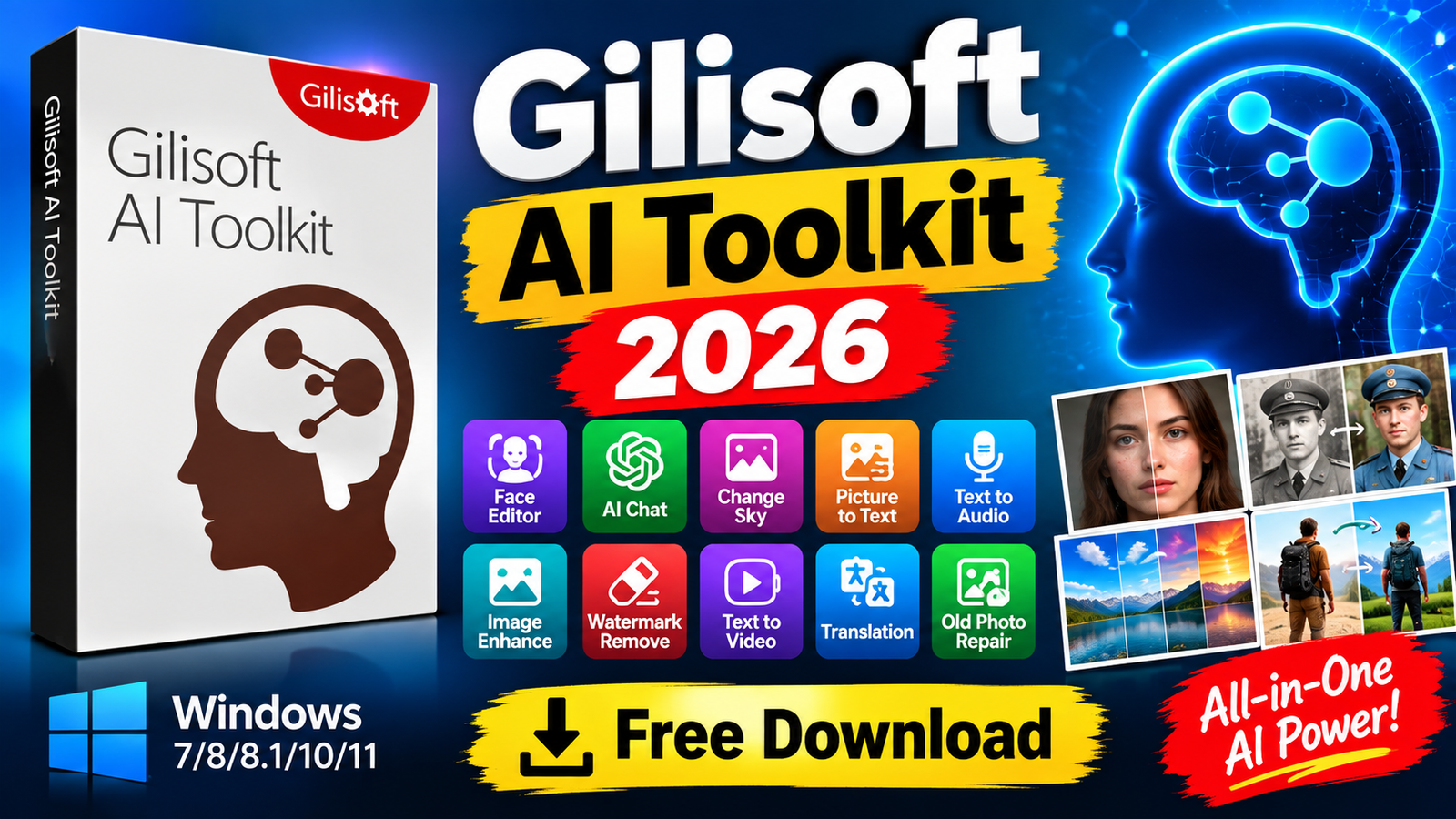
GiliSoft AI Toolkit 2026 is an all-in-one AI-powered toolkit designed for image editing photo restoration text processing audio conversion translation, and video creation. It brings together a wide range of creative and practical AI tools in a single Windows application. Users can work with images text speech and videos without requiring multiple separate programs.
With features such as Face Editor AI Chat Picture to Text Text to Audio Old Photo Repair Super-Resolution Upscaling Background Removal Image Enhancement Text to Video and Video Background Changer GiliSoft AI Toolkit can be useful for content creators designers students photographers and everyday users.For more information official website
Key Features
- GiliSoft AI Toolkit 2026
- Face Editor: Swap and edit faces with AI-powered processing for more natural-looking results.
- AI Chat: Generate conversations, ideas, drafts, and useful written content using an intelligent assistant.
- Custom Presenter: Create customized presenter-related content for different creative and production projects.
- Picture to Text: Extract readable text from images using intelligent text recognition.
- Text to Audio: Convert written content into spoken audio for accessibility and other applications.
- Change Sky: Replace the sky in photographs to create different moods and visual compositions.
- Whitening & Shaping: Provides options for adjusting skin appearance and body shape.
- Old Photo Repair: Restore damaged or aged photographs and improve their visual appearance.
- Speech to Text: Convert spoken words into written text for transcription and note-taking.
- Super-Resolution Upscaling: Increase image resolution and improve details in low-resolution pictures.
- Translation: Translate text, documents, and images between different languages.
- Watermark Removal: Remove watermarks from images where you have the necessary rights to modify the content.
- Face Repair: Improve facial details and reduce visible imperfections in photographs.
- Image Enhancement: Improve lighting, colors, contrast, and overall image quality.
- Image Remove BG: Automatically separate people or objects from their backgrounds.
- Colorize Photos: Add color to black-and-white or grayscale photographs.
- Video Background Changer: Replace video backgrounds without requiring a traditional green screen.
- Text to Video: Generate video content from written text with suitable visual elements and background audio.
- Artistic Style Transfer: Apply artistic effects and styles to supported visual content.
Supported Functions
- GiliSoft AI Toolkit 2026
- GiliSoft AI Toolkit supports a broad range of AI-assisted functions for creative and productivity workflows. Its image tools can be used for face editing, facial repair, photo enhancement, background removal, sky replacement, body shaping, watermark removal, image enlargement, and photo colorization.
- For older photographs, the repair and colorization functions can help improve damaged or faded images. The Super-Resolution feature can also be used to enlarge suitable low-resolution images while attempting to preserve important details.
- For text and audio workflows, Picture to Text can extract information from images, while Speech to Text converts spoken content into written text. Text to Audio provides the opposite workflow by converting written content into speech. Translation tools can help process text, documents, and images in different languages.
- The toolkit also includes video-oriented functions. Video Background Changer can replace backgrounds in existing videos, while Text to Video can help turn written information into visual video content.
Technical Setup Details
- Software Full Name: GiliSoft AI Toolkit 2026
- Latest Version: 2026
- Setup Type: Offline Installer
- File Name: GiliSoft AI Toolkit 2026
- File Size: 751 MB
- Architecture: 64-bit (x64) / 32-bit (x86)
- Operating System: Windows 7, 8, 8.1, 10, 11
System Requirements
GiliSoft AI Toolkit 2026, make sure your computer meets the required specifications.
- Operating System: Windows 7/8/8.1/10/11, with updated versions recommended.
- Processor: Intel Pentium i5 or equivalent multi-core processor, GHz or higher.
- RAM: 8 GB of memory required.
- Storage: At least 2 GB of free hard-disk space for installation.
- Architecture: 32-bit or 64-bit, depending on the available setup.
- Graphics: A compatible graphics environment may be required for certain AI-powered functions.
How to Install GiliSoft AI Toolkit 2026
- GiliSoft AI Toolkit 2026
- Download the GiliSoft AI Toolkit 2026 setup package from your chosen source.
- Locate the downloaded RAR file on your computer.
- Extract the archive using WinRAR, WinZip, or Windows’ built-in extraction tools.
- Open the extracted folder and locate the application installer.
- Run the installer and allow Windows to continue if a security prompt appears.
- Read and accept the software license terms.
- Select the desired installation location and start the installation.
- Wait until the installation process has completed successfully.
- Launch GiliSoft AI Toolkit from the Start menu or desktop shortcut.
- For any legitimate activation or configuration files supplied with your licensed package, follow the vendor’s documentation.
GiliSoft AI Toolkit 2026 combines numerous AI-powered tools for photo editing restoration text extraction speech processing translation, image enhancement and video creation. Features such as Face Editor Old Photo Repair Super-Resolution Upscaling Remove BG Text to Video and Video Background Changer make it a versatile toolkit for different creative workflows.
Before installation users should verify the system requirements and ensure that their Windows version and hardware are compatible with the desired AI functions. Feature availability and performance may vary depending on the system and software version.
Read Also:Realme Bloatware Remover V1.0