
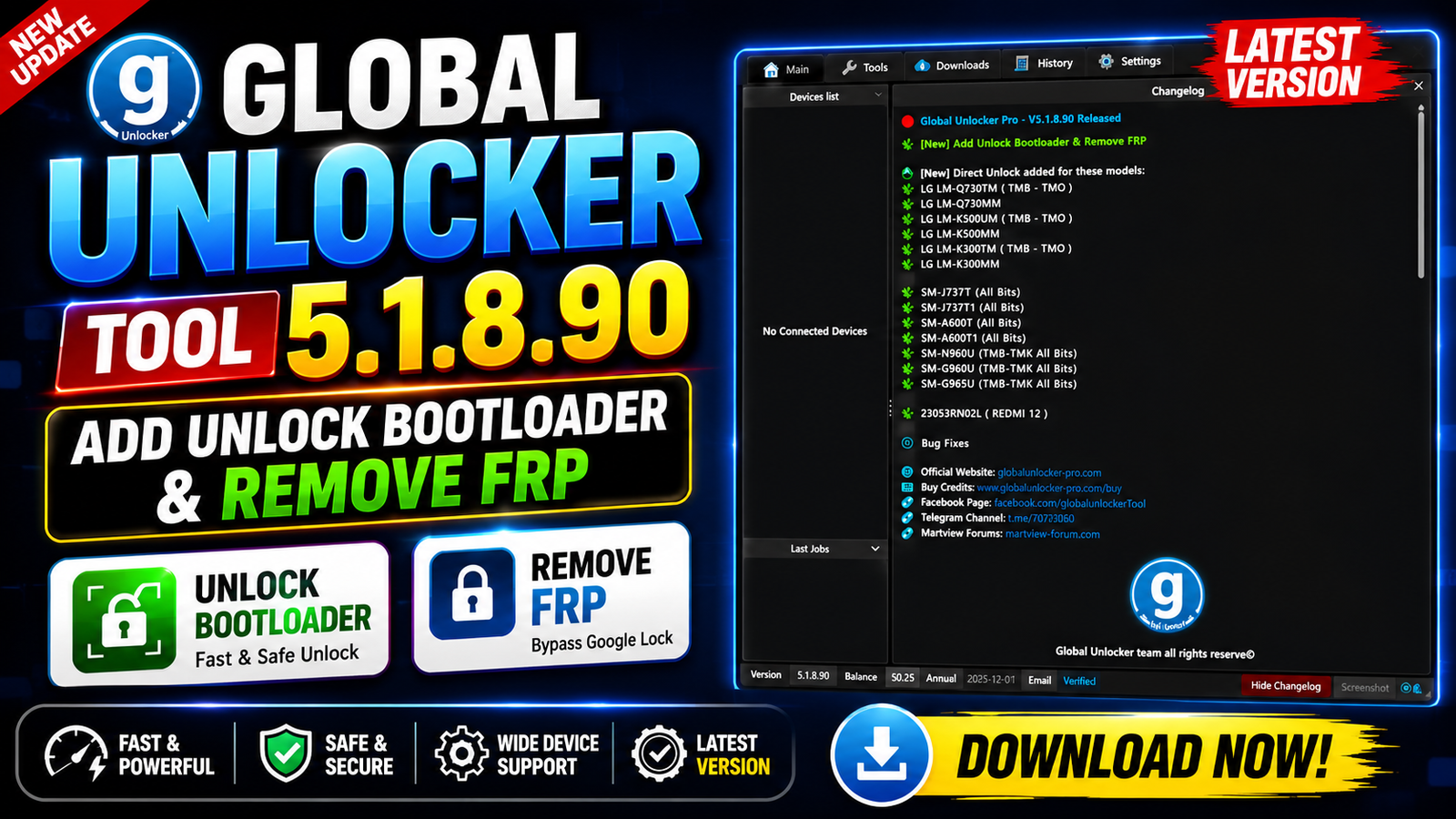
Global Unlocker Tool 5.1.8.90 is a new update for Motorola device servicing, bringing useful Unlock Bootloader and Remove FRP functions for selected Motorola models. The latest release focuses on devices that can be handled through FastBoot Mode, making it useful for technicians working with supported Moto smartphones.
This version adds support across several popular Moto Edge, Moto G, and Moto Razr series models, including newer 2025 and 2026 devices. The update also includes bug fixes and stability improvements to provide a smoother servicing experience.
With its expanded Motorola support, Global Unlocker Tool 5.1.8.90 can be useful for mobile repair technicians who need a dedicated solution for supported Motorola devices.
For more information: official website.
Main Tools
The main servicing functions included in Global Unlocker Tool 5.1.8.90 are:
- Motorola Unlock Bootloader
- Motorola FRP servicing
- FastBoot Mode support
- Support for selected Moto Edge models
- Support for selected Moto G models
- Support for selected Moto Razr models
- Improved tool stability
- Bug fixes and performance improvements
Key Features
1. Unlock Bootloader for Motorola:
The latest update adds Unlock Bootloader support for a range of selected Motorola smartphones. The function works through FastBoot Mode on supported models.
2. Remove FRP for Motorola:
Global Unlocker Tool 5.1.8.90 also adds FRP servicing support for listed Motorola devices. Compatibility depends on the exact model and software/security version.
3. FastBoot Mode:
The newly added Motorola functions are designed to work through FastBoot Mode, allowing the tool to communicate with supported devices for servicing operations.
4. Expanded Motorola Support:
The update covers multiple generations of Motorola smartphones, including newer Moto Edge, Moto G, and Moto Razr models.
5. Bug Fixes:
The developer has also included bug fixes in this release to improve overall performance, reliability, and the user experience.
Supported Functions
Global Unlocker Tool 5.1.8.90 supports the following Motorola models for the newly added functions:
Moto Edge Series:
- XT2205 – Moto Edge (2022) [CDMA]
- XT2305 – Moto Edge (2023)
- XT2139 – Moto Edge 20 Lite
- XT2303 – Moto Edge 40 (2023)
- XT2307 – Moto Edge 40 Neo 5G (2023)
- XT2409 – Moto Edge 50 Neo 5G (2024)
- XT2519 – Moto Edge (2025)
- XT2505 – Moto Edge 60
- XT2509 – Moto Edge 60 Neo
- XT2503 – Moto Edge 60 Fusion
- XT2507 – Moto Edge 60 Pro
- XT2607 – Moto Edge 70 Pro
Moto G Series:
- XT2163 – Moto G Pure
- XT2213 – Moto G 5G (2022) [CDMA]
- XT2613 – Moto G (2026)
- XT2513 – Moto G 5G (2025)
- XT2173 – Moto G31
- XT2165 – Moto G Power (2022)
- XT2167 – Moto G41
- XT2149 – Moto G50 5G (2021)
- XT2343 – Moto G54 5G
- XT2435 – Moto G55 5G (2024)
- XT2529 – Moto G56 5G (2025)
- XT2133 – Moto G60s
- XT2431 – Moto G64 5G
- XT2529 – Moto G66j 5G
- XT2621 – Moto G67 (2026)
- XT2255 – Moto G72
- XT2237 – Moto G73 5G (2023)
- XT2527 – Moto G86 5G
- XT2527 – Moto G86 Power 5G
- XT2271 – Moto G Play (2023)
- XT2615 – Moto G Play (2026)
- XT2311 – Moto G Power 5G (2023)
- XT2415 – Moto G Power 5G (2024)
- XT2515 – Moto G Power 5G (2025)
- XT2211 – Moto G Stylus (2022)
- XT2317DL – Moto G Stylus (2023)
Moto Razr Series:
- XT2453 – Moto Razr 50 / Moto Razr (2024)
- XT2553 – Moto Razr 60 / Moto Razr (2025)
Note: The supported functions can vary depending on the device variant, software build, security patch, and FastBoot compatibility.
Technical Setup Details
- Tool Name: Global Unlocker Tool
- Version: 5.1.8.90
- Device Brand: Motorola
- Supported Mode: FastBoot Mode
- Supported Functions: Unlock Bootloader & Remove FRP
- Supported Series: Moto Edge, Moto G, and Moto Razr
- Operating System: Windows PC
- USB Connection: Required
- USB Drivers: Motorola USB Drivers recommended
- USB Cable: Good-quality data cable required
- Battery: Keep the device sufficiently charged
- Permissions: Run the tool with Administrator privileges
- Internet: Required if the tool’s specific operation needs online services
- Compatibility: Support depends on the exact model, variant, firmware, and security version
- Backup: Back up important user data before servicing
How to Install Global Unlocker Tool 5.1.8.90
Follow these general steps to install the tool:
Step 1: Download the Tool
Download the Global Unlocker Tool 5.1.8.90 package from this Website.
Step 2: Extract the Files
If the downloaded package is compressed, extract it using a suitable archive utility such as 7-Zip or WinRAR.
Step 3: Run the Setup
Open the extracted folder and launch the available setup or executable file.
Step 4: Install Required Drivers
Install the required Motorola USB drivers so Windows can correctly recognize the connected device.
Step 5: Launch the Tool
Run Global Unlocker Tool with Administrator privileges.
Step 6: Connect the Motorola Device
Place the supported Motorola smartphone into FastBoot Mode and connect it to the computer using a reliable USB cable.
Step 7: Check Device Detection
Confirm that the tool correctly detects the connected Motorola device and displays the correct model information.
Step 8: Use the Supported Function
Select the appropriate supported servicing function for the connected model and follow the tool’s on-screen instructions.
Always verify the exact model and software version before performing any bootloader or FRP-related operation.
Global Unlocker Tool 5.1.8.90 brings an important Motorola-focused update with Unlock Bootloader and Remove FRP support through FastBoot Mode for a wide selection of Moto Edge, Moto G, and Moto Razr devices.
The update is particularly notable because the supported list includes newer models such as the Moto Edge 60 series, Moto Edge 70 Pro, Moto G56 5G, Moto G67, Moto G86 series, and Moto Razr 60. Along with the new Motorola functions, the release also includes bug fixes for better stability.
Read Also: GMR Nothing Firmware Extractor