
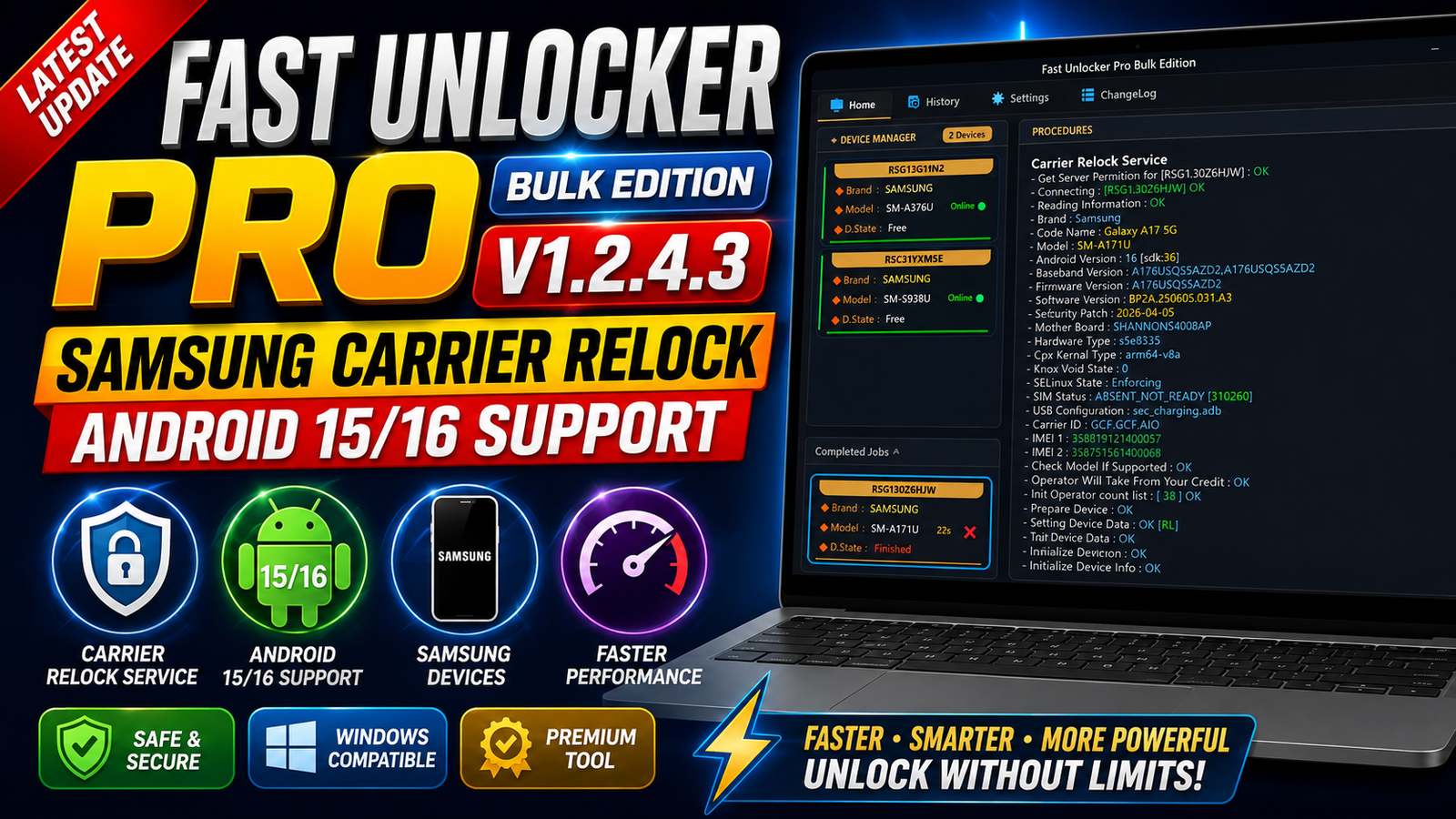
Fast Unlocker Pro Bulk Edition V1.2.4.3 is the latest update for mobile technicians and smartphone programmers working with supported Samsung devices. This release introduces a new Samsung Carrier ReLock security patch with updated BIT support for several Samsung Galaxy smartphones and tablets.
The latest version also works with Android 15 and Android 16 at the time of this update. According to the update information, additional unlock and relock functions are planned for future releases.
Fast Unlocker Pro is designed to provide fast and straightforward operations for supported devices, making it useful for GSM technicians who regularly handle Samsung software-related tasks.
For more information: official website.
Main Tools
Fast Unlocker Pro Bulk Edition V1.2.4.3 focuses on Samsung device servicing and carrier-related operations. The main highlights of this release include:
- Samsung Carrier ReLock support
- New security patch support
- Updated Samsung BIT handling
- Android 15 compatibility
- Android 16 compatibility
- Fast unlock and relock operations for supported devices
- Username and password login support
- Bulk Edition workflow for professional users
- Improved operation speed and stability
Key Features
Samsung Carrier ReLock New Security Patch
The biggest highlight of this update is the addition of new Samsung Carrier ReLock security patch support. Several models have received updated BIT transitions, including:
- SM-A176U — BIT [5 > 6]
- SM-A266U — BIT [8 > 9]
- SM-A376B — BIT [1 > 3]
- SM-A376U — BIT [1 > 3]
- SM-F761B — BIT [9 > B]
- SM-F761U — BIT [9 > B]
- SM-F766B — BIT [9 > B]
- SM-F766U — BIT [9 > B]
- SM-S176V — BIT [4 > 5]
- SM-S266V — BIT [8 > 9]
- SM-S376V — BIT [1 > 3]
- SM-S731U — BIT [6 > 8]
- SM-X218U — BIT [B > C]
Android 15 & Android 16 Support
Fast Unlocker Pro Bulk Edition V1.2.4.3 currently works with supported devices running Android 15 and Android 16. This makes the update useful for technicians handling newer Samsung security versions.
Fast & Safe Operation
The update is designed around fast and simple operations. Technicians can use the supported functions through the Fast Unlocker interface while following the software’s requirements and supported-device limitations.
Login With Existing Fast Unlocker Account
Users can log in using the username and password already used with Fast Unlocker. This provides a familiar login experience for existing users.
Supported Functions
The main supported functions and capabilities mentioned for V1.2.4.3 are:
- Samsung Carrier ReLock
- New security patch handling
- Updated BIT support for listed Samsung models
- Android 15 device compatibility
- Android 16 device compatibility
- Supported unlock operations
- Supported relock operations
- Fast processing workflow
- Fast Unlocker account login
- Bulk servicing workflow
Note: Actual operation availability can depend on the exact Samsung model, firmware version, security patch, BIT version, and server/tool support.
Technical Setup Details
- Tool Name: Fast Unlocker Pro Bulk Edition V1.2.4.3
- Platform: Windows PC
- Device Support: Supported Samsung smartphones and tablets
- Android Support: Android 15 and Android 16
- Connection: USB data cable
- USB Drivers: Required Samsung USB drivers
- Internet: Stable internet connection required for online features
- Login: Fast Unlocker username and password
- Security Support: Updated Samsung BIT security versions
- Operation: Carrier ReLock and supported unlock/relock functions
- PC Requirement: Stable Windows system with sufficient free storage
- Permissions: Run the tool with appropriate Windows permissions
- Battery: Keep the connected device sufficiently charged
- USB Connection: Use a reliable cable and avoid disconnecting during operations
- Compatibility: Always verify the exact model, firmware, BIT version, and security patch before starting an operation.
How to Install Fast Unlocker Pro Bulk Edition V1.2.4.3
Follow these general steps to prepare the latest version:
- Download the Fast Unlocker Pro Bulk Edition V1.2.4.3 package from this website.
- Extract the downloaded archive using a suitable extraction program.
- Open the extracted Fast Unlocker Pro folder.
- Run the tool executable with the required Windows permissions.
- Install any required USB drivers if they are not already installed.
- Make sure the computer has a stable internet connection.
- Enter your existing Fast Unlocker username and password.
- Connect the supported Samsung device using a reliable USB cable.
- Allow the tool to detect the connected device.
- Select the supported operation required for your compatible device.
- Follow the instructions displayed by the software and wait until the operation is completed.
Do not disconnect the device or interrupt the process while an active servicing operation is running.
Fast Unlocker Pro Bulk Edition V1.2.4.3 is an important update for Samsung servicing professionals. The release adds a new Carrier ReLock security patch, updates BIT support for multiple Samsung models, and provides support for supported devices running Android 15 and Android 16.
With account-based login, fast operation, and planned future unlock and relock improvements, this version is a useful update for technicians who work with compatible Samsung devices.
Read Also: Dashcam Viewer Plus 4