
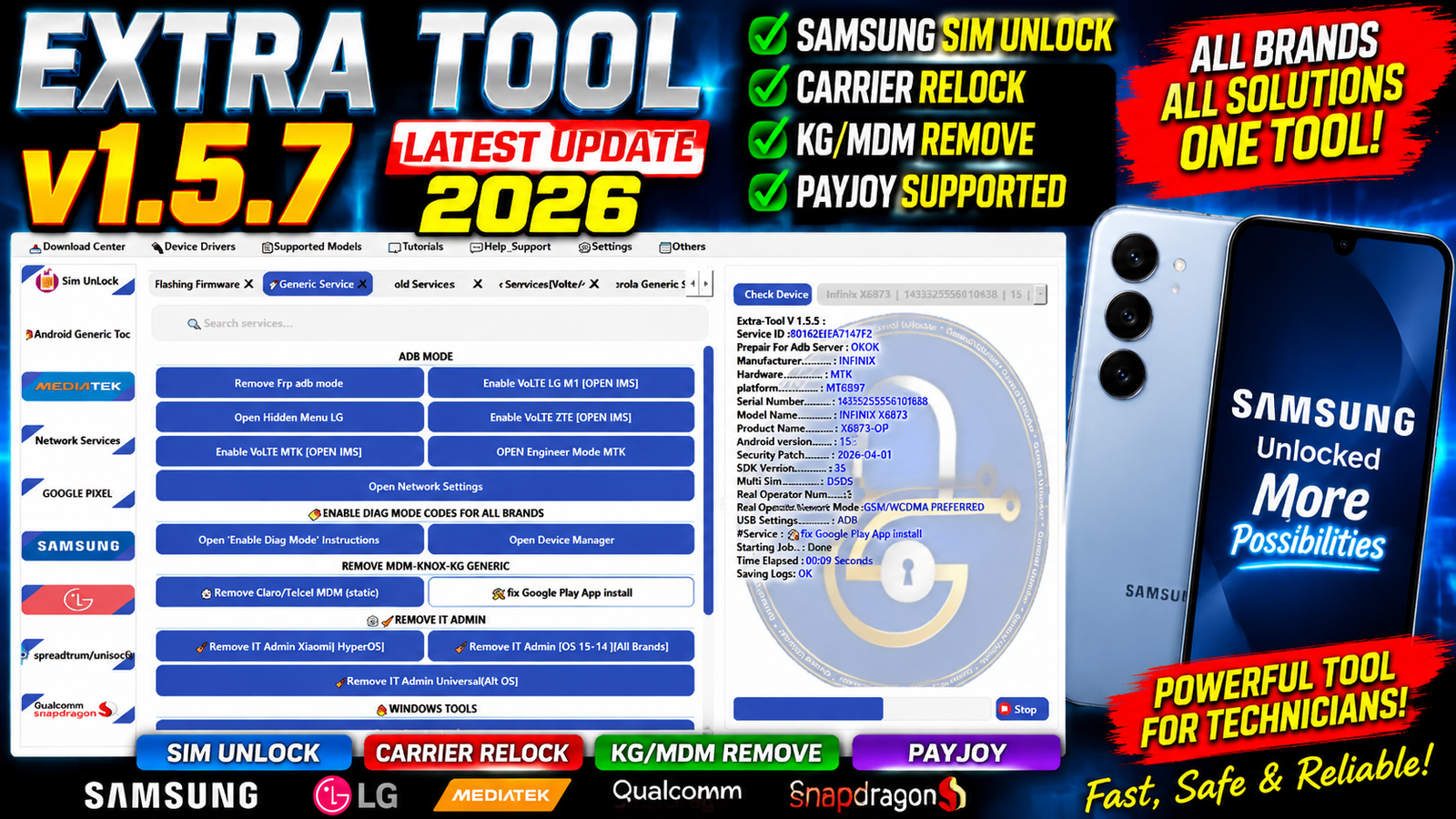
Extra Tool V1.5.7 is the latest update for mobile technicians and Samsung repair professionals looking for improved device servicing functions. This new version brings several fixes and successful operations for Samsung SIM unlock, carrier relock, KG/MDM/KNOX removal, PayJoy removal and Google Play app installation.
The Extra Tool V1.5.7 Latest Update 2026 also improves service provider handling and fixes problems related to Google Play app installation. With the new update, technicians can work with selected Samsung models more efficiently and perform supported service operations through the tool.
For more information: official website.
Main Tools
Extra Tool V1.5.7 provides several useful servicing functions for supported Samsung devices, including:
- Samsung SIM Unlock
- Carrier Relock
- Service Provider Update Fix
- KG Removal
- MDM Removal
- KNOX Related Servicing
- Samsung PayJoy Removal
- Google Play App Installation Fix
- Samsung Software Servicing
- Device Management Servicing
These functions make the tool useful for technicians who regularly work with Samsung devices and software related issues.
Key Features
1. Fix Service Provider Updates
The latest version includes a fix for service provider update related problems. This improvement can help technicians handle supported Samsung service provider operations more reliably.
2. Carrier Relock Success
Extra Tool V1.5.7 brings successful carrier relock operation on the supported:
Samsung Galaxy A20 TMK
This update improves the tool’s carrier servicing capabilities for compatible devices.
3. Samsung SIM Unlock
The update also includes a successful SIM unlock operation for:
Samsung SM-J327T TMO / T-Mobile
This feature can be useful for technicians servicing compatible carrier locked Samsung devices.
4. KG MDM and KNOX Removal
Extra Tool V1.5.7 reports successful KG MDM KNOX removal on:
Samsung A326U / A32s
This provides an updated servicing option for supported device configurations.
5. MDM Removal
The new version also includes a successful MDM removal operation for:
Samsung Galaxy A71 SM-A715F
MDM servicing is useful when working with supported devices affected by enterprise device management restrictions and should only be performed on devices the technician is authorized to service.
6. Samsung PayJoy Removal
Another important addition in this release is:
Remove Samsung PayJoy
This function is included as part of the latest Extra Tool V1.5.7 servicing improvements. Availability can depend on the device model and software version.
7. Google Play App Installation Fix
The update also fixes Google Play app installation problems. This can improve the software experience on supported Samsung devices where Google Play applications were previously unable to install correctly.
Supported Functions
The main supported functions reported in Extra Tool V1.5.7 are:
- Fix Service Provider Updates
- Carrier Relock
- Samsung SIM Unlock
- KG Removal
- MDM Removal
- KNOX Related Removal
- Samsung PayJoy Removal
- Google Play App Installation Fix
- Samsung Device Servicing
Reported Successful Models:
- Samsung Galaxy A20 TMK — Carrier Relock Success
- Samsung SM-J327T TMO T-Mobile — SIM Unlock Success
- Samsung A326U A32s — KG MDM KNOX Removal Success
- Samsung Galaxy A71 SM-A715F — MDM Removal Success
Model support may vary depending on firmware, security patch, carrier configuration
Technical Setup Details
- Operating System: Windows 10 or Windows 11
- Processor: Intel or AMD processor
- RAM: Minimum 4 GB recommended
- Storage: At least 1 GB of free disk space
- USB Port: Working USB 2.0 or USB 3.0 port
- USB Cable: Good-quality Samsung-compatible data cable
- Samsung Drivers: Install the latest compatible Samsung USB drivers
- Administrator Rights: Run the tool with Administrator privileges when required
- Internet Connection: Required for online or server-based functions
- Device Battery: Keep the Samsung device sufficiently charged
- Device Detection: Make sure Windows properly detects the connected Samsung device
- Firmware Support: Use a supported Samsung model and compatible firmware/security version
- Security Software: Temporarily check antivirus restrictions if they prevent the tool from running
- Backup: Always create a backup of important user data before performing servicing operations
How to Install Extra Tool V1.5.7
Follow these general steps to install the latest version:
- Download the Extra Tool V1.5.7 package.
- Extract the downloaded archive using a suitable extraction utility.
- Open the extracted Extra Tool folder.
- Install the required Samsung USB drivers if they are not already installed.
- Run the Extra Tool executable as administrator when required.
- Connect the supported Samsung device to the computer using a reliable USB cable.
- Allow Windows to detect and install the required device drivers.
- Open Extra Tool and check that the device is properly detected.
- Select the required supported servicing function.
- Follow the tool instructions carefully and wait until the operation is completed.
- Do not disconnect the USB cable during an active operation.
For carrier, SIM, KG, MDM, KNOX or PayJoy related functions, make sure you have authorization to service the device and understand the applicable carrier or ownership requirements.
Extra Tool V1.5.7 Latest Update 2026 brings several important improvements for Samsung device servicing. The update includes successful results for Samsung SIM unlock and carrier relock on selected models, along with KG MDM KNOX and MDM servicing improvements.
The addition of Samsung PayJoy removal and the Google Play app installation fix further expands the tool’s servicing capabilities. For mobile repair technicians, Extra Tool V1.5.7 can be a useful update when working with supported Samsung models and software configurations.
Read Also: Motorola MTK LK Toolkit Pro v1.0.0