
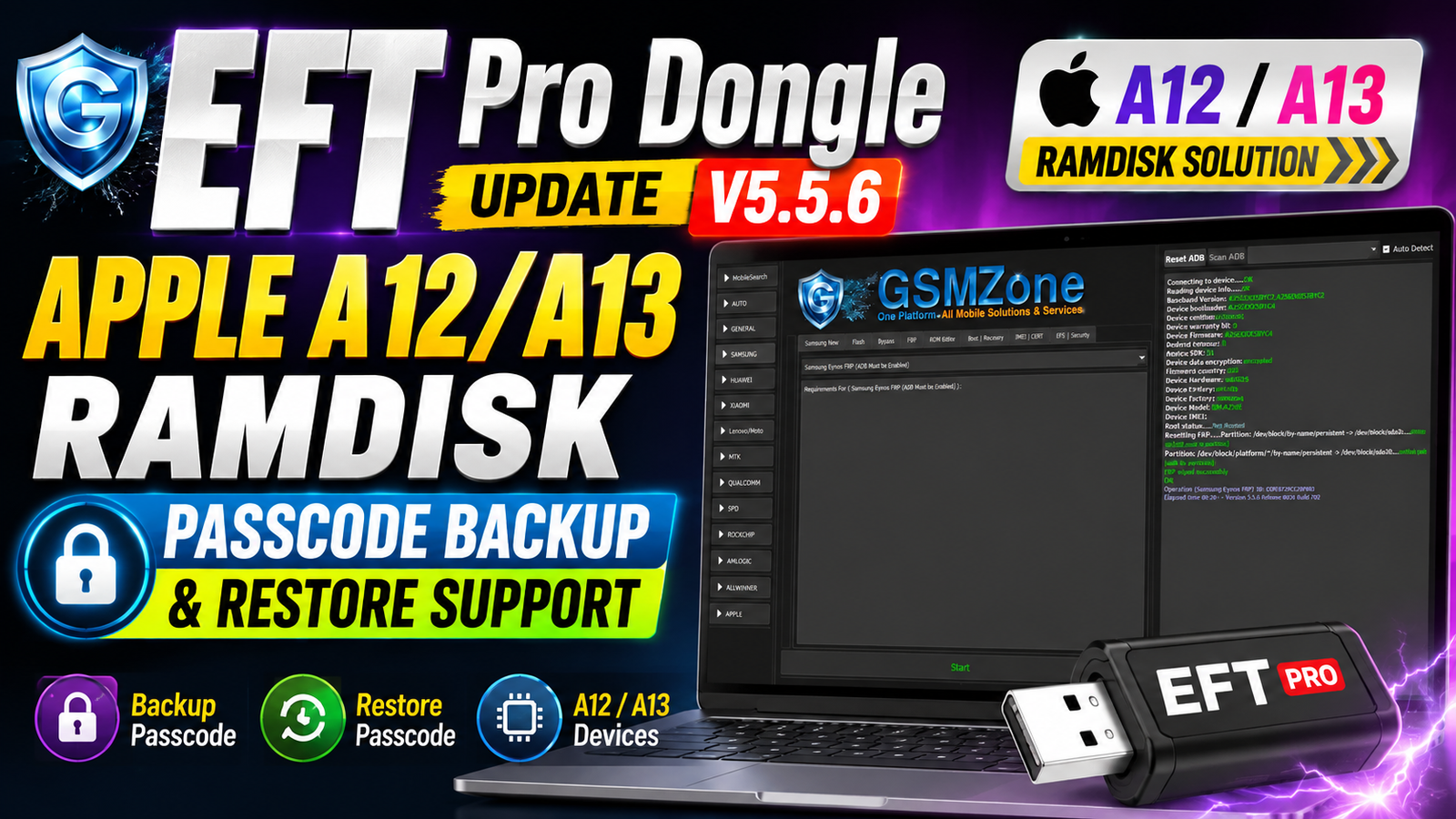
The EFT Pro Dongle Update V5.5.6 Build 001 is now available with a new set of Apple Ramdisk features. This update focuses on supported Apple A12 and A13 devices and introduces Ramdisk Passcode Backup and Restore operations in BETA.
The new functionality is designed for supported iPhone and iPad models and works with compatible RP2350 Hardware Pwner boards running usbliter8 firmware. EFT Pro users can now create a backup of supported Ramdisk-mode data and restore a previously created backup after erasing the device.
More Apple devices and functions are expected to be added gradually after testing.
For more information: official website.
Main Tools
The EFT Pro V5.5.6 update works together with the following hardware and software:
- EFT Pro Dongle V5.5.6 Build 001
- Compatible RP2350 Hardware Pwner
- usbliter8 firmware
- EFT Pro Apple Ramdisk module
- Compatible USB cable
- Windows PC
- Supported iPhone or iPad
Supported RP2350 Boards:
The update supports several RP2350-based boards, including:
- Waveshare RP2350 USB-A
- Waveshare RP2350 Zero
- Pimoroni TINY2350
- Raspberry Pi Pico 2
Any compatible RP2350-based board flashed with usbliter8 firmware may also be supported.
Key Features
The major highlight of EFT Pro Dongle V5.5.6 Build 001 is the addition of new Apple Ramdisk Passcode operations.
Apple Ramdisk Passcode:
New BETA functions have been added for supported Apple A12/A13 devices:
- Backup — BETA
- Restore — BETA
These functions allow technicians to save supported Ramdisk-mode data before an erase operation and restore a previously created backup afterward.
Prepare usbliter8 Board:
EFT Pro also provides the Prepare usbliter8 Board option, which can automatically detect and flash supported RP2350 boards with the required firmware.
OneClick Ramdisk Workflow:
The update integrates the new operations into the EFT Pro Apple Ramdisk OneClick workflow, making the process easier to follow through the EFT Pro log.
Supported Functions
The EFT Pro V5.5.6 Build 001 Apple module includes:
- Apple Ramdisk Passcode Backup — BETA
- Apple Ramdisk Passcode Restore — BETA
- RP2350 Hardware Pwner support
- usbliter8 board preparation
- Pwned DFU workflow
- Apple Ramdisk OneClick
- Boot Passcode / Hello iOS OneClick support
- Backup of supported Ramdisk-mode data
- Restore of previously created backup
Supported Apple Devices:
The current supported device list includes:
- iPhone XS
- iPhone XS Max
- iPhone XR
- iPhone 11
- iPhone 11 Pro
- iPhone 11 Pro Max
- iPhone SE (2nd generation)
- iPad Air (3rd generation)
- iPad mini (5th generation)
- iPad (8th generation)
- iPad (9th generation)
Support may be expanded in future updates after additional testing.
Technical Setup Details
- EFT Pro Version: V5.5.6 Build 001
- Target Devices: Supported Apple A12/A13 iPhone and iPad models
- Required Hardware: Compatible RP2350 Hardware Pwner
- Required Firmware: usbliter8 firmware
- DFU Requirement: Device must be placed into Pwned DFU Mode.
- PC Requirement: Windows PC with EFT Pro installed.
- USB Connection: Use a suitable USB cable for the RP2350 board and Apple device.
- Board Preparation: Use Prepare usbliter8 Board to detect and flash supported RP2350 boards.
- Apple Module: EFT Pro → Apple → Ramdisk → OneClick.
- Operation: Boot Passcode/Hello iOS 11.x–26.x OneClick.
- Backup Function: Saves supported Ramdisk-mode data.
- Restore Function: Restores a previously created backup.
- Backup/Restore Status: Both functions are currently BETA.
- Important: Compatibility may vary by device, firmware version, and hardware configuration.
How to Install EFT Pro Dongle V5.5.6
- Download the latest EFT Pro Dongle V5.5.6 Build 001 package from this website.
- Extract the downloaded package.
- Install or update the EFT Pro software on your Windows PC.
- Connect your EFT Pro Dongle.
- Make sure the dongle is detected correctly.
- Prepare a compatible RP2350 Hardware Pwner.
- Use Prepare usbliter8 Board to detect and flash the supported RP2350 board when required.
- Connect the supported Apple device and place it into DFU Mode.
- Follow the EFT Pro Apple Ramdisk workflow and the instructions shown in the software log.
- Once the device is successfully prepared, you can access the new Backup and Restore BETA functions.
The EFT Pro Dongle V5.5.6 Build 001 update brings an important new Apple Ramdisk feature set for supported A12 and A13 devices. The addition of Passcode Backup and Restore BETA gives repair technicians new workflow options when working with compatible iPhone and iPad models.
The update also adds support for popular RP2350 Hardware Pwner boards, including Raspberry Pi Pico 2 and other compatible RP2350 devices running usbliter8 firmware.
With more devices expected to be added after testing, EFT Pro users should keep their dongle and software updated to take advantage of future Apple support and improvements.
Read Also: Cakewalk Sonar 32 x64