
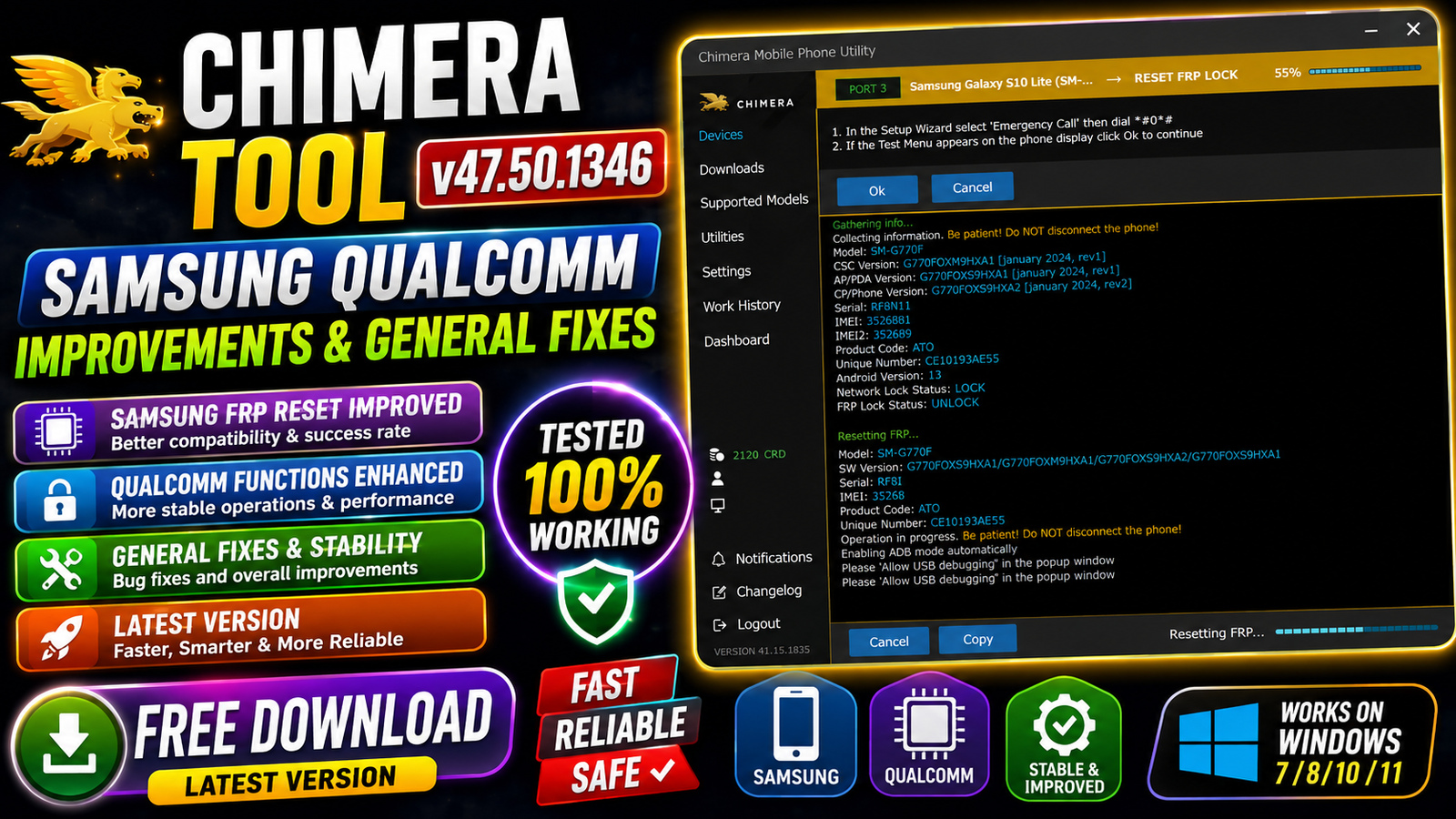
Chimera Tool v47.50.1346 is the latest update for professional mobile repair technicians, bringing significant improvements for Samsung Qualcomm devices along with multiple stability fixes across the platform. This release introduces new Qualcomm programmers for many Samsung Galaxy smartphones and tablets, allowing users to perform advanced servicing operations with higher compatibility and reliability.
The update expands support for the latest Samsung BIT versions and includes essential features such as Factory Reset, Remove FRP, Remove FMM, Remove MDM, Root, Repair Boot, Repair Serial, CSC Change, Reset Battery Status, and more. In addition, several bugs have been fixed to improve the overall user experience and increase procedure success rates.
For more information: official website.
Main Tools
- Samsung Qualcomm Service
- Factory Reset
- FRP Removal
- Remove FMM Lock
- Remove MDM Lock
- Repair Boot
- Root Samsung Devices
- Repair Serial Number
- CSC Change
- Remove KnoxGuard
- Reset Battery Status
- Device Information Reader
- Qualcomm Programmer Support
- Samsung Firmware Service
- Chimera Utility Tools
Key Features
- Samsung Qualcomm Service
- Factory Reset
- FRP Removal
- Remove FMM Lock
- Remove MDM Lock
- Repair Boot
- Root Samsung Devices
- Repair Serial Number
- CSC Change
- Remove KnoxGuard
- Reset Battery Status
- Device Information Reader
- Qualcomm Programmer Support
- Samsung Firmware Service
- Chimera Utility Tools
Supported Functions
The following functions are now available for supported Samsung Qualcomm devices:
- Factory Reset
- Remove FRP
- Get Device Information
- Remove FMM
- Remove MDM
- Repair Boot
- Root
- Repair Serial
- CSC Change
- Remove KnoxGuard (Supports devices up to the February 2024 Security Patch)
- Reset Battery Status
Supported Samsung Qualcomm Models:
Samsung Galaxy A Series:
- Samsung Galaxy A23 (SM-A235N) (BITC)
- Samsung Galaxy A23 5G (SM-A236U) (BITF)
- Samsung Galaxy A73 5G (SM-A736B) (BITC)
Samsung Galaxy M Series:
- Samsung Galaxy M14 (SM-M145F) (BITC)
- Samsung Galaxy M55 5G (SM-M556B) (BIT5)
Samsung Galaxy S Series:
- Samsung Galaxy S21 5G (SM-G9910) (BITG)
- Samsung Galaxy S21 FE 5G (SM-G990E) (BITN)
- Samsung Galaxy S21 FE 5G (SM-G990U2) (BITL)
- Samsung Galaxy S22 5G (SM-S901N) (BIT9)
- Samsung Galaxy S22 5G (SM-S901U) (BITA)
- Samsung Galaxy S22 Plus 5G (SM-S906U) (BITA)
- Samsung Galaxy S22 Ultra 5G (SM-S908E) (BITE)
- Samsung Galaxy S22 Ultra 5G (SM-S908N) (BIT9)
- Samsung Galaxy S22 Ultra 5G (SM-S908U) (BITA)
- Samsung Galaxy S23 5G (SM-S911N) (BIT8)
- Samsung Galaxy S23 FE 5G (SM-S711U) (BIT8)
- Samsung Galaxy S23 Plus 5G (SM-S916N) (BIT8)
- Samsung Galaxy S23 Plus 5G (SM-S916U) (BIT7)
- Samsung Galaxy S24 Plus (SM-S926U) (BIT6)
- Samsung Galaxy S24 Ultra (SC-52E) (BIT1)
- Samsung Galaxy S24 Ultra (SM-S928N) (BIT6)
- Samsung Galaxy S24 Ultra (SM-S928U) (BIT6)
Samsung Galaxy Tab Series:
- Samsung Galaxy Tab A9+ WiFi (SM-X210) (BITC)
- Samsung Galaxy Tab A9+ 5G (SM-X218U) (BITC)
- Samsung Galaxy Tab S7 FE (SM-T737) (BIT9)
Samsung Galaxy Z Series:
- Samsung Galaxy Z Flip 5 5G (SM-F731N) (BIT7)
- Samsung Galaxy Z Flip 6 5G (SM-F741U) (BIT4)
- Samsung Galaxy Z Fold 4 5G (SM-F936B) (BITC)
- Samsung Galaxy Z Fold 4 5G (SM-F936N) (BIT8)
- Samsung Galaxy Z Fold 5 5G (SM-F946U) (BIT8)
- Samsung Galaxy Z Fold 6 5G (SM-F956U) (BIT4)
General Improvements:
The latest version also includes several important fixes and enhancements:
- Added a Forgot Password link on the login page.
- Improved the Utility pages.
- Fixed filtering on the Licence Settings page.
- Fixed a crash during the BlackBerry Network Factory Reset procedure.
- Fixed a crash that could occur while performing Samsung KnoxGuard Bypass.
- Improved overall stability.
- Increased success rate for supported procedures.
- Recommended update for users experiencing previous failures.
Technical Setup Details
- Software Name: Chimera Tool
- Version: v47.50.1346
- Release: Latest 2026 Update
- Developer: Chimera Team
- License: Paid
- Supported Platform: Windows
- Operating System: Windows 10 / Windows 11 (64-bit)
- Processor: Intel or AMD Dual-Core or higher
- RAM: Minimum 4 GB (8 GB Recommended)
- Storage: At least 2 GB Free Space
- Internet Connection: Required for Login and License Verification
- USB Drivers: Samsung USB Drivers Installed
- Cable: Original USB Cable Recommended
How to Install Chimera Tool v47.50.1346
- Download Chimera Tool v47.50.1346 from this website.
- Extract the downloaded ZIP or RAR file using WinRAR or 7-Zip.
- Install the application by running the setup file.
- Complete the installation wizard.
- Launch Chimera Tool as Administrator.
- Log in with your Chimera account.
- Install or update Samsung USB Drivers if necessary.
- Connect your Samsung Qualcomm device using a USB cable.
- Select the desired operation from the software.
- Wait until the process is completed successfully.
Chimera Tool v47.50.1346 is a major update focused on expanding Samsung Qualcomm support and improving overall software stability. With newly added Qualcomm programmers, support for the latest Samsung BIT versions, and powerful servicing functions like FRP Removal, Factory Reset, Root, Repair Boot, Repair Serial, CSC Change, Remove MDM, Remove FMM, and KnoxGuard Removal, this release provides mobile repair professionals with a more reliable and efficient solution.
The additional bug fixes and performance improvements make this version highly recommended for technicians who regularly service Samsung Qualcomm devices. Updating to Chimera Tool v47.50.1346 ensures better compatibility, improved success rates, and smoother repair operations.
Read Also: GeekFlashTool 2026