
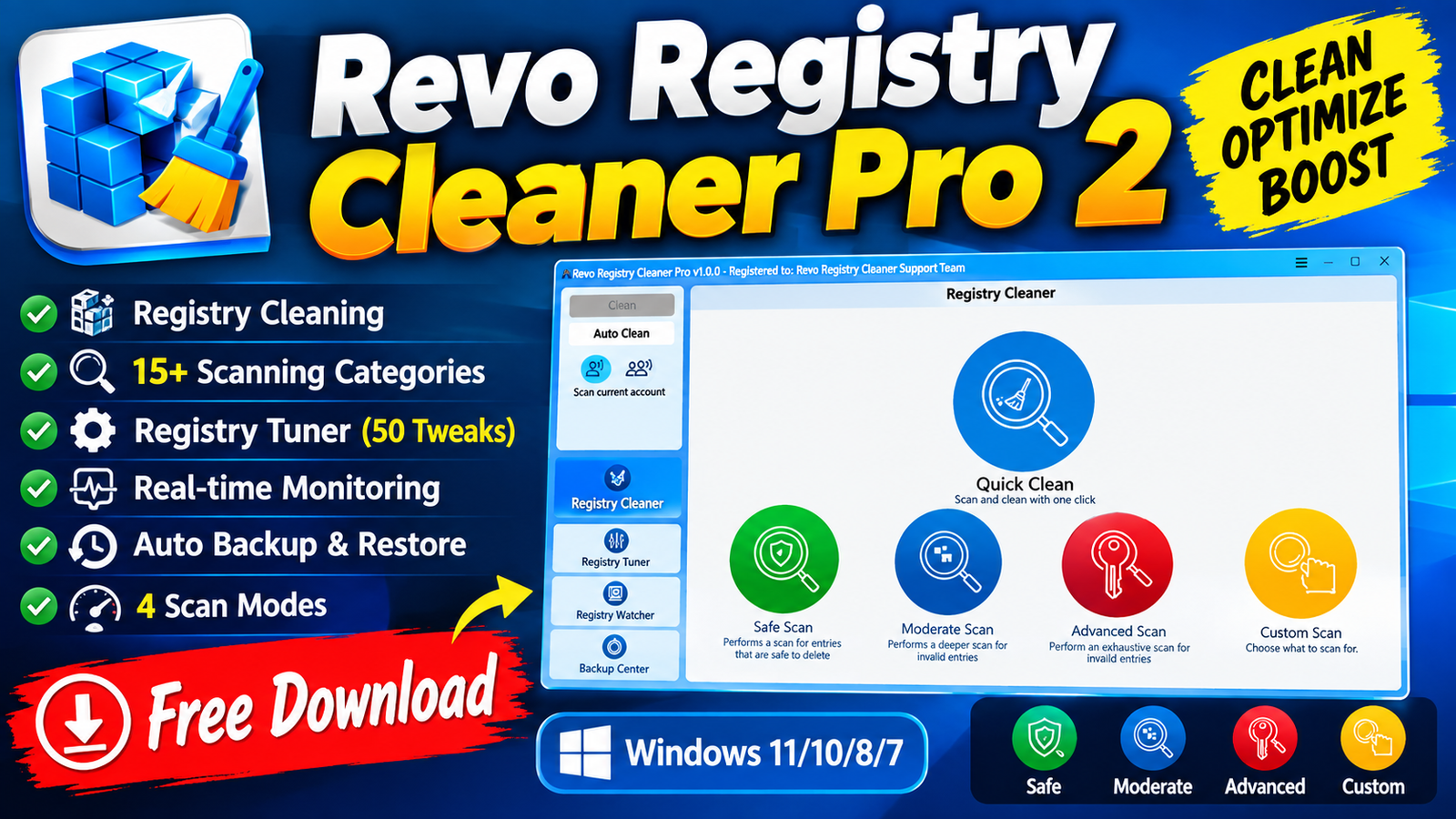
Revo Registry Cleaner Pro 2 is a Windows registry cleaning and optimization utility designed to identify and remove invalid, obsolete, and unnecessary Registry entries. The software provides more than 15 scanning categories, multiple scan-depth modes, customizable include/exclude lists, and advanced scanning algorithms to give users greater control over the cleaning process.
In addition to Registry cleaning, Revo Registry Cleaner Pro 2 includes a Registry Tuner with 50 Windows tweaks, a real-time Registry Watcher, and backup features for protecting important Registry data. These tools make it useful for users who want to analyze, clean, monitor, and fine-tune their Windows Registry from one application.For more information official website
Key Features
- Registry Item Removal: Find and remove invalid and unnecessary Registry items.
- Advanced Scanning Algorithms: Uses advanced methods to identify Registry issues.
- 4 Scan Modes: Choose different scanning depths according to your requirements.
- 15+ Scanning Categories: Scan different areas of the Windows Registry.
- Registry Tuner: Access 50 Registry tweaks for customizing and fine-tuning Windows.
- Registry Watcher: Monitor Registry key and value changes in real time.
- Custom Include/Exclude Lists: Specify Registry keys that should or should not be scanned.
- Multiple User Accounts Scanning: Scan Registry data associated with multiple Windows user accounts.
- Auto Clean & Backup: Combine cleaning with backup functionality for additional safety.
- Registry Backup: Create backups of selected keys or perform complete Registry backups.
- Scheduled Auto Backup: Automatically create backups according to a schedule.
- USB Stick Support: The application can be used from a USB stick.
Supported Functions
- Revo Registry Cleaner Pro 2 supports several functions for Registry management and Windows optimization. Its main function is scanning the Registry for invalid or unnecessary entries and allowing users to remove detected items.
- The Registry Watcher provides real-time tracking of Registry modifications. Users can review and export changes and apply filters based on operation type or data content. The software can also identify the processes responsible for Registry modifications.
- For safety, users can create backups of specific Registry keys or complete Registry backups. The automatic backup feature can also schedule backups of selected keys or the complete Registry.
Technical Setup Details
- Software Full Name Revo Registry Cleaner Pro 2
- Latest Version new
- Setup Type Standalone Installer
- File Name Revo Registry Cleaner Pro 2
- File Size 96 MB
- Architecture 32-bit (x86) / 64-bit (x64)
- Operating System Windows 10 / Windows 11
System Requirements
Before installing Revo Registry Cleaner Pro 2, make sure your computer meets the following requirements:
- Operating System: Windows 7, Windows 8, Windows 8.1, Windows 10, or Windows 11
- RAM: 8 GB recommended/required according to the provided specifications
- Storage: At least 250 MB of free disk space
- Processor: Intel Pentium i5, multi-core GHz or higher
- Architecture: x86 or x64, depending on the supported installation packa
How to Install Revo Registry Cleaner Pro 2
- Download the Revo Registry Cleaner Pro 2 setup archive from a trusted and legitimate source.
- Extract the downloaded RAR file using WinRAR, WinZip, or Windows’ built-in archive support.
- Open the extracted folder and locate the installer.
- Run the installer with the required Windows permissions.
- Read and accept the software’s license terms.
- Select the preferred installation location.
- Follow the on-screen instructions to complete the installation.
- Launch Revo Registry Cleaner Pro 2 after installation.
- Before making Registry changes, create a Registry backup for additional safety.
- Start with the scanning and tuning features according to your requirements.
Revo Registry Cleaner Pro 2 combines Registry cleaning advanced scanning Windows tuning real-time Registry monitoring and backup functionality in a single Windows utility. With 15+ scanning categories four scan modes customizable Registry lists 50 Registry tweaks and automated backup options it provides users with detailed control over Registry maintenance and Windows configuration.
For safer Registry maintenance create a backup before removing or modifying Registry entries and review detected items carefully before applying changes.
Read Also:MiniTool Partition Wizard 13