
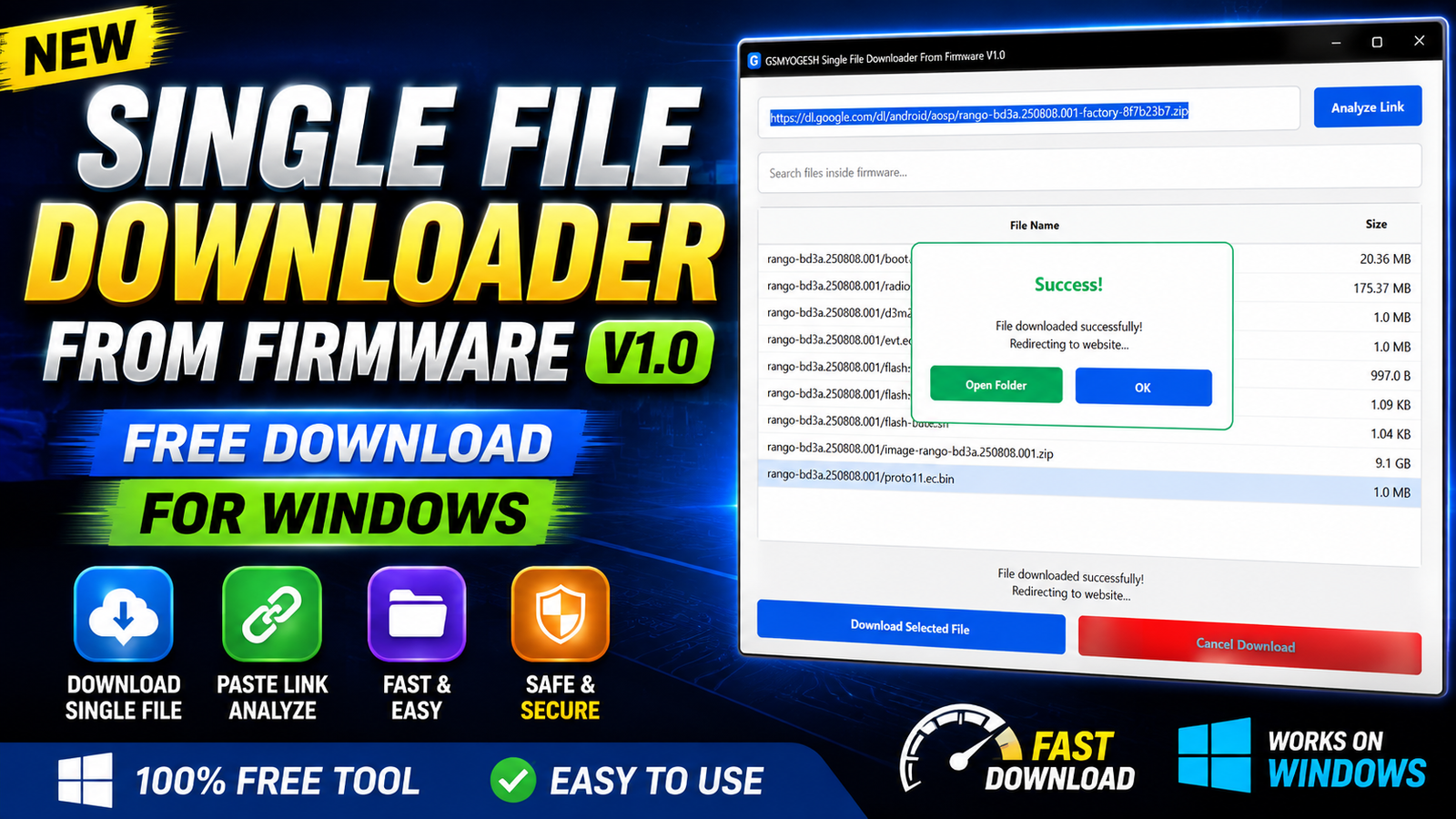
Single File Downloader From Firmware V1.0 is a lightweight Windows utility that allows users to download a single file from a large firmware ZIP package without downloading the entire archive. This tool is especially useful for mobile repair technicians, Android developers, and users who only need specific firmware files such as boot.img, vbmeta.img, recovery.img, super.img, or other partition images.
Instead of downloading several gigabytes of firmware, the software analyzes the direct firmware ZIP link, displays all files inside the archive, and lets you select only the file you need. This saves both time and internet bandwidth, making firmware extraction much more efficient.
For more information: official website.
Main Tools
Single File Downloader From Firmware V1.0 includes several useful tools for working with firmware archives:
- Analyze direct firmware ZIP download links.
- Display all files contained inside the firmware archive.
- Built-in search function to quickly locate a specific file.
- View the size of every file before downloading.
- Download only the selected file instead of the entire firmware.
- Select a custom destination folder for saving downloads.
- Live download progress monitoring.
- Download speed display.
- Estimated remaining download time.
- Cancel download anytime.
- Open the download folder after completion.
Key Features
Analyze Firmware ZIP Links:
Simply paste a direct firmware ZIP URL, and the software will scan the archive without downloading it completely.
View Archive Contents:
After analysis, every file stored inside the firmware package is listed in an organized format.
Smart File Search:
Use the built-in search box to instantly locate files like:
- boot.img
- vendor_boot.img
- vbmeta.img
- recovery.img
- super.img
- dtbo.img
- modem.img
Download Individual Files:
Instead of downloading a massive firmware package, users can select only the required file.
Download Progress Monitor:
The application displays:
- Download percentage
- Download speed
- Remaining download time
- Current download status
Download Cancellation:
Users can stop any download at any time if needed.
Open Download Folder:
Once downloading finishes, the destination folder can be opened directly from the application.
Supported Functions
Single File Downloader From Firmware V1.0 supports the following functions:
- Analyze direct firmware ZIP links.
- Read firmware archive contents.
- Display complete file list.
- Search files inside firmware.
- Show file sizes.
- Download selected files only.
- Save downloads to a custom folder.
- Show download progress.
- Display download speed.
- Show estimated remaining time.
- Cancel downloads.
- Open saved folder after completion.
Technical Setup Details
- Software Name: Single File Downloader From Firmware
- Version: V1.0
- Developer: GSM X Team
- Operating System: Windows 7 / 8 / 10 / 11
- Architecture: 32-bit & 64-bit
- License: Free
- Category: Firmware Utility
- Internet Required: Yes
- User Interface: Simple and beginner-friendly
How to Install Single File Downloader From Firmware V1.0
Follow these steps to install Single File Downloader From Firmware V1.0:
- Download the latest version from this website.
- Extract the ZIP file using WinRAR or 7-Zip.
- Open the extracted folder.
- Run the application as Administrator.
- No complicated installation is required.
- The software is now ready to use.
Single File Downloader From Firmware V1.0 is a practical utility for anyone working with Android firmware. Instead of downloading an entire firmware package, it allows you to analyze the archive, locate the exact file you need, and download only that file. Its simple interface, search functionality, progress tracking, and selective download capability make it an excellent tool for mobile technicians, developers, and advanced Android users. If you frequently work with firmware files, this free Windows utility can help save time, storage space, and internet bandwidth.
Read Also: Android Root Tool (ART) V6.0.2.0