
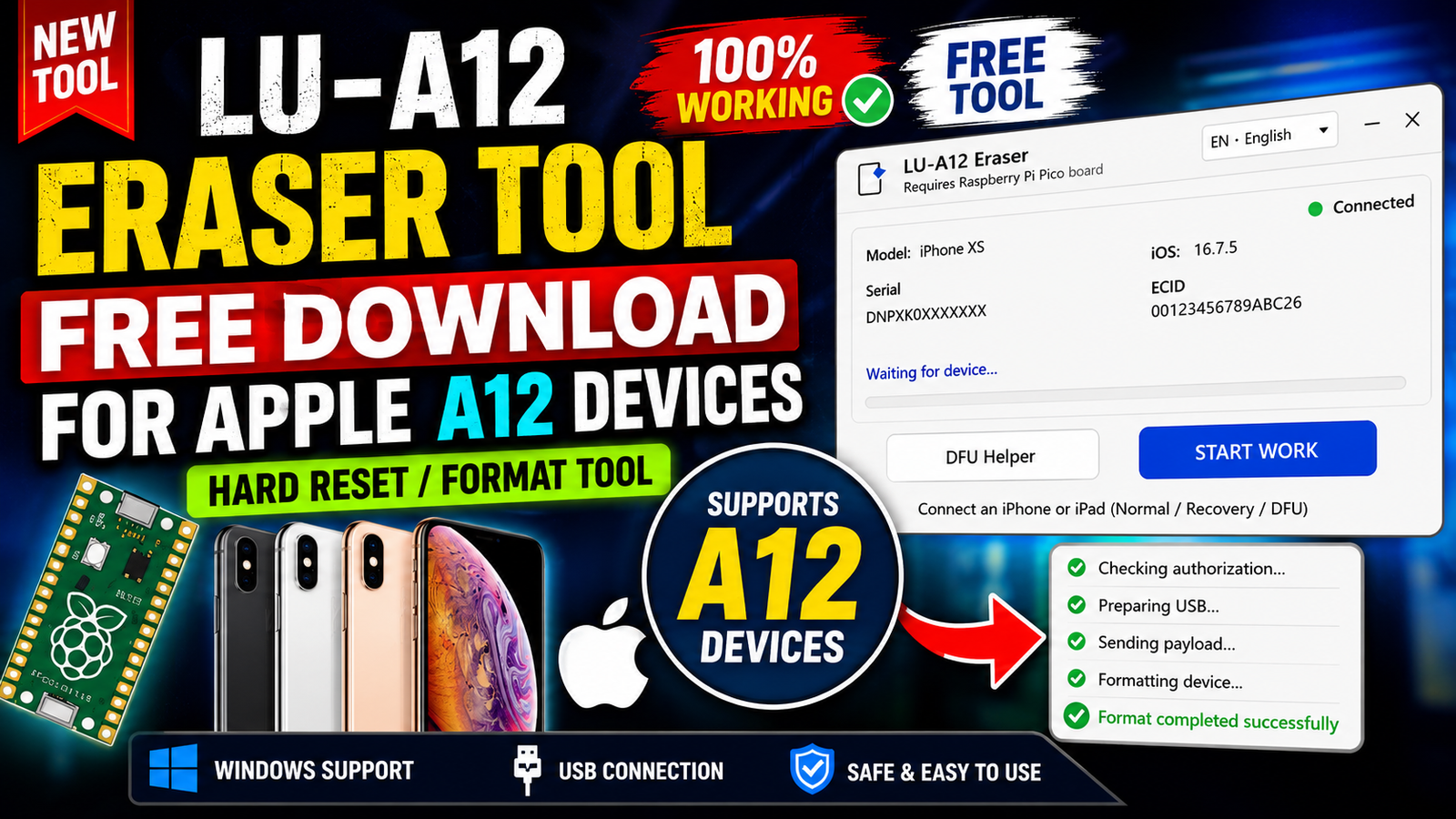
LU-A12 Eraser Tool is a free Windows utility designed for working with Apple A12 devices. The software requires a Raspberry Pi Pico Board to perform supported operations, making it different from standard iPhone service tools that work only through a USB cable. The application features a clean interface, English language support, and is intended for users who already have the required hardware setup.
Before publishing this tool, I downloaded and checked the software to see how it looks and what options are available. Since I did not have a Raspberry Pi Pico board connected during testing, I could not verify the actual erase process. Therefore, this review is based only on the visible interface and official software information rather than untested claims.
For more information: official website.
Main Tools
LU-A12 Eraser includes a simple interface that focuses on Apple A12 device servicing.
- Apple A12 Device Eraser Utility
- Raspberry Pi Pico Hardware Support
- USB Device Communication
- English Language Interface
- Lightweight Windows Application
- Simple Dark Theme Dashboard
- Hardware Detection Support
- Easy Navigation Layout
Key Features
- Completely free to download and use.
- Designed specifically for Apple A12 devices.
- Requires a Raspberry Pi Pico board for supported operations.
- Clean dark-mode interface.
- English language support.
- Lightweight software with a simple layout.
- USB-based device connection.
- Beginner-friendly interface.
- Fast startup without unnecessary menus.
- Suitable for technicians and mobile repair users.
- Easy-to-understand navigation.
- Runs on Windows operating systems.
Supported Functions
Based on the software interface and available information, the following functions are supported or indicated:
- Apple A12 device erase operation.
- Raspberry Pi Pico hardware integration.
- USB device communication.
- English language selection.
- Hardware requirement notification.
- Simple control panel for operations.
- Basic software interface for service tasks.
Note: During testing, the Raspberry Pi Pico board was not connected, so the erase process could not be verified. This article only describes functions that are visible inside the software.
Technical Setup Details
- Software Name: LU-A12 Eraser
- Operating System: Windows
- Supported Devices: Apple A12 Devices
- Language: English
- License: Free
- Developer: Original Developer
- Required Hardware: Raspberry Pi Pico Board
- Connection Type: USB Cable
- User Interface: Dark Theme
- Installation Type: Desktop Application
How to Install LU-A12 Eraser
- Download the LU-A12 Eraser package from this website.
- Extract the downloaded ZIP or RAR file.
- Open the extracted folder.
- Run the application as Administrator.
- Connect the Raspberry Pi Pico board if required.
- Connect the supported Apple A12 device using a USB cable.
- Wait for the software to detect the connected hardware.
- Choose the required operation from the interface.
- Follow the on-screen instructions.
- Close the application after completing your work.
LU-A12 Eraser is a lightweight Windows utility created for servicing Apple A12 devices with the help of a Raspberry Pi Pico Board. Its interface is clean, simple, and easy to understand, making it suitable for technicians familiar with Apple servicing tools.
Although I was unable to test the erase operation because the required hardware was unavailable, the software clearly communicates its hardware requirements and provides a straightforward user experience. If you already own a Raspberry Pi Pico board and work with supported Apple A12 devices, LU-A12 Eraser may be worth exploring. Always ensure you understand the tool’s functions and use it responsibly on supported devices.
Read Also: Unlock Tool 2026.07.30.0