
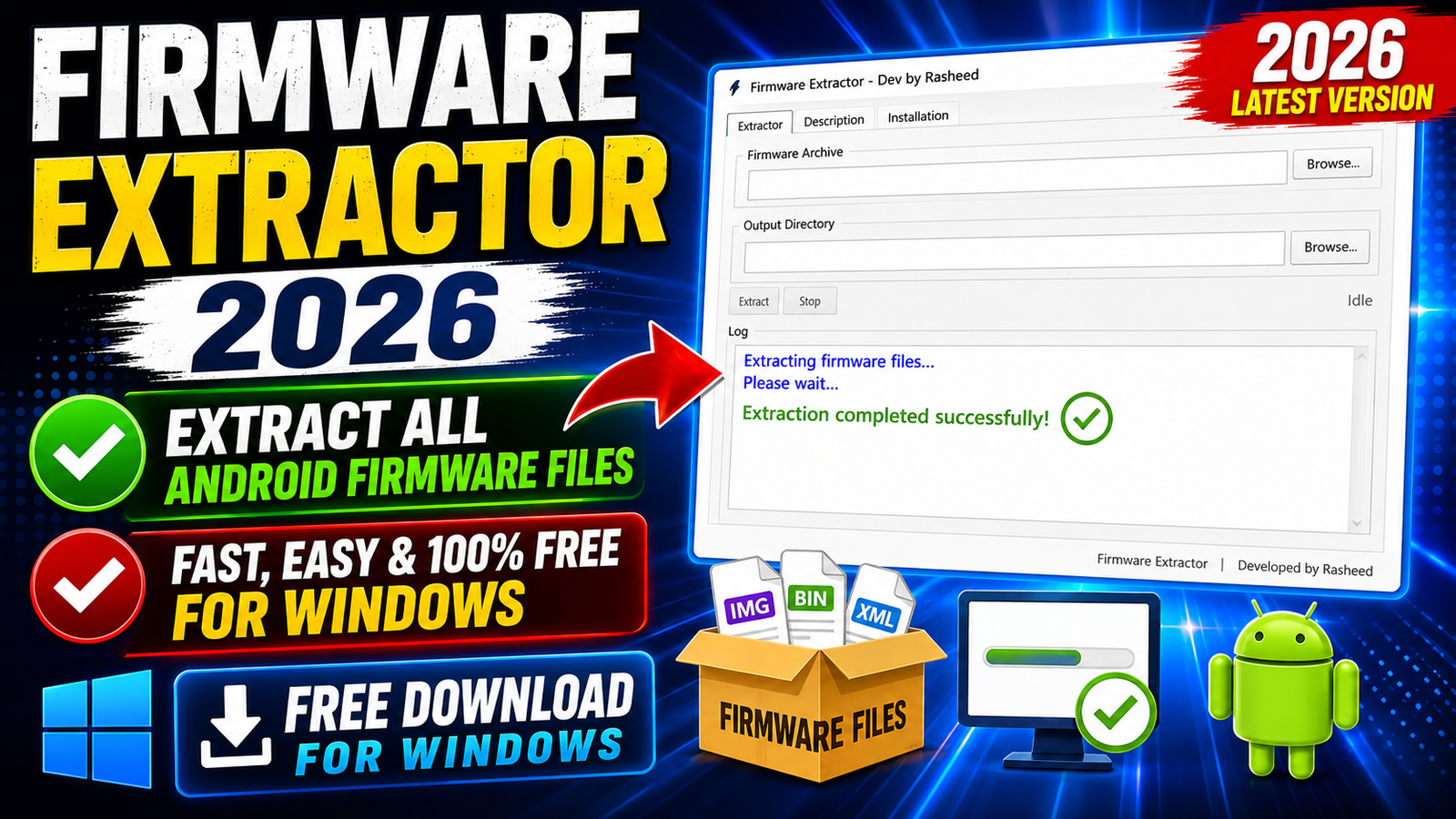
Firmware Extractor 2026 Free Download is a useful Windows utility for users who need to extract Android firmware packages and image files from different brands and platforms. Instead of using a separate extractor for every firmware format, this tool supports a wide range of Android firmware packages in one place.
The tool can handle common formats such as payload.bin, super.img, Samsung TAR.MD5, QFIL, PAC, OZIP, KDZ, RUU, NB0, and several other firmware packages. This makes it useful for mobile software technicians, firmware developers, Android repair technicians, and users who need to inspect firmware files.
For more information: Click Here
Main Tools
- Firmware Package Extractor – Extract files from different Android firmware packages.
- Payload.bin Extractor – Extract files from plain
payload.binOTA packages. - Super.img Extractor – Extract partitions and files from
super.img. - Samsung Firmware Extractor – Extract Samsung
TAR.MD5firmware files. - OTA Firmware Extractor – Supports A-only and A/B OTA update packages.
- QFIL Package Extractor – Extract files from Qualcomm QFIL firmware packages.
- PAC Firmware Extractor – Extract Unisoc/Spreadtrum PAC firmware packages.
- OPPO OZIP Extractor – Extract supported OPPO OZIP firmware archives.
- Sony TFT Extractor – Extract files from Sony TFT upgrade packages.
- Nokia NB0 Extractor – Extract supported Nokia NB0 firmware packages.
- LG KDZ Extractor – Extract files from LG KDZ firmware packages.
Key Features
- Extract Android firmware packages on Windows
- Supports multiple firmware formats
- Extract
payload.binfiles - Extract
super.imgpackages - Support for A-only OTA packages
- Support for A/B OTA packages
- Support for Samsung TAR.MD5 firmware
- Support for RAW image files
- Support for chunk image files
- Support for QFIL packages
- Support for OPPO OZIP archives
- Support for Sony TFT upgrade packages
- Support for ZTE update.zip packages
- Support for KDDI BIN files
- Support for Unisoc PAC packages
- Support for Nokia NB0 firmware
- Support for LG KDZ packages
- Support for HTC RUU packages
- Support for Amlogic firmware packages
- Support for Rockchip upgrade packages
- Simple extraction workflow
- Selectable output folder
- Useful for firmware analysis and repair work
- Designed for Windows users
Supported Functions
The useful part of this tool is that it is not limited to just one firmware format. It supports many different Android firmware packages and image files used by different manufacturers.
The full supported list includes:
- A-only over-the-air update packages
- A/B over-the-air update packages
- Plain payload.bin packages
- RAW image files
- Plain super.img packages
- Samsung TAR.MD5 archives
- Chunk image files
- QFIL packages
- Archives containing image files
- OPPO OZIP archives
- Sony TFT upgrade packages
- ZTE update.zip packages
- KDDI BIN files
- BIN archives
- Unisoc PAC upgrade packages
- Plain PAC packages
- Signed images with Auth DA
- Nokia NB0 upgrade packages
- LG KDZ update packages
- HTC RUU packages
- Amlogic upgrade packages
- Rockchip upgrade packages
Because of this wide format support, Firmware Extractor can be useful when working with firmware from different Android manufacturers and hardware platforms.
Technical Setup Details
- Operating System: Windows PC
- Architecture: 64-bit Windows recommended
- WSL2: WSL2 setup must already be completed
- Storage: Enough free disk space for the firmware and extracted files
- Permissions: Administrator permission may be required for some operations
- Firmware: A supported firmware package
- USB Driver: Required only when other device-related tools or workflows need device communication
- Internet: May be required for downloading the tool, dependencies, or updates
How to Install Firmware Extractor
Follow these basic steps to set up and use Firmware Extractor:
Step 1: Prepare Windows
Make sure you are using a supported Windows version and have enough free storage space for the firmware files and extracted data.
Step 2: Complete WSL2 Setup
Before using the extractor, make sure WSL2 setup is already completed on your Windows computer.
Step 3: Open Firmware Extractor
After completing the required setup, launch the Firmware Extractor application.
Step 4: Open the Extractor Tab
Inside the program, go to the Extractor tab.
Step 5: Select Firmware
Click Browse… and select the firmware package you want to extract.
The package can be one of the supported formats, such as payload.bin, super.img, Samsung TAR.MD5, PAC, OZIP, KDZ, RUU, or another supported package.
Step 6: Select Output Folder
Choose the folder where you want the extracted firmware files to be saved.
Make sure the selected drive has enough free storage because firmware packages can contain large image files.
Step 7: Click Extract
After selecting the firmware and output location, click Extract.
The tool will start processing the selected firmware package.
Step 8: Wait for Completion
Wait until the extraction process finishes. Do not close the application while the operation is running.
Step 9: Check Extracted Files
When the process is complete, open the selected output folder and check the extracted firmware files.
You can then inspect the available partitions and image files according to your repair, development, or firmware analysis requirements.
Firmware Extractor 2026 is a multi-format firmware extraction utility for Windows that supports a large range of Android firmware packages. It can work with payload.bin, super.img, Samsung TAR.MD5, QFIL, PAC, OZIP, TFT, KDZ, RUU, NB0, Amlogic, Rockchip, and other supported formats.
The simple workflow makes it easy to select a firmware package, choose an output directory, and extract the available files. For users working with different Android firmware formats, having multiple extraction options in one tool can save time and simplify firmware analysis.
Read Also: UnlockTool 2026.08.09.0