
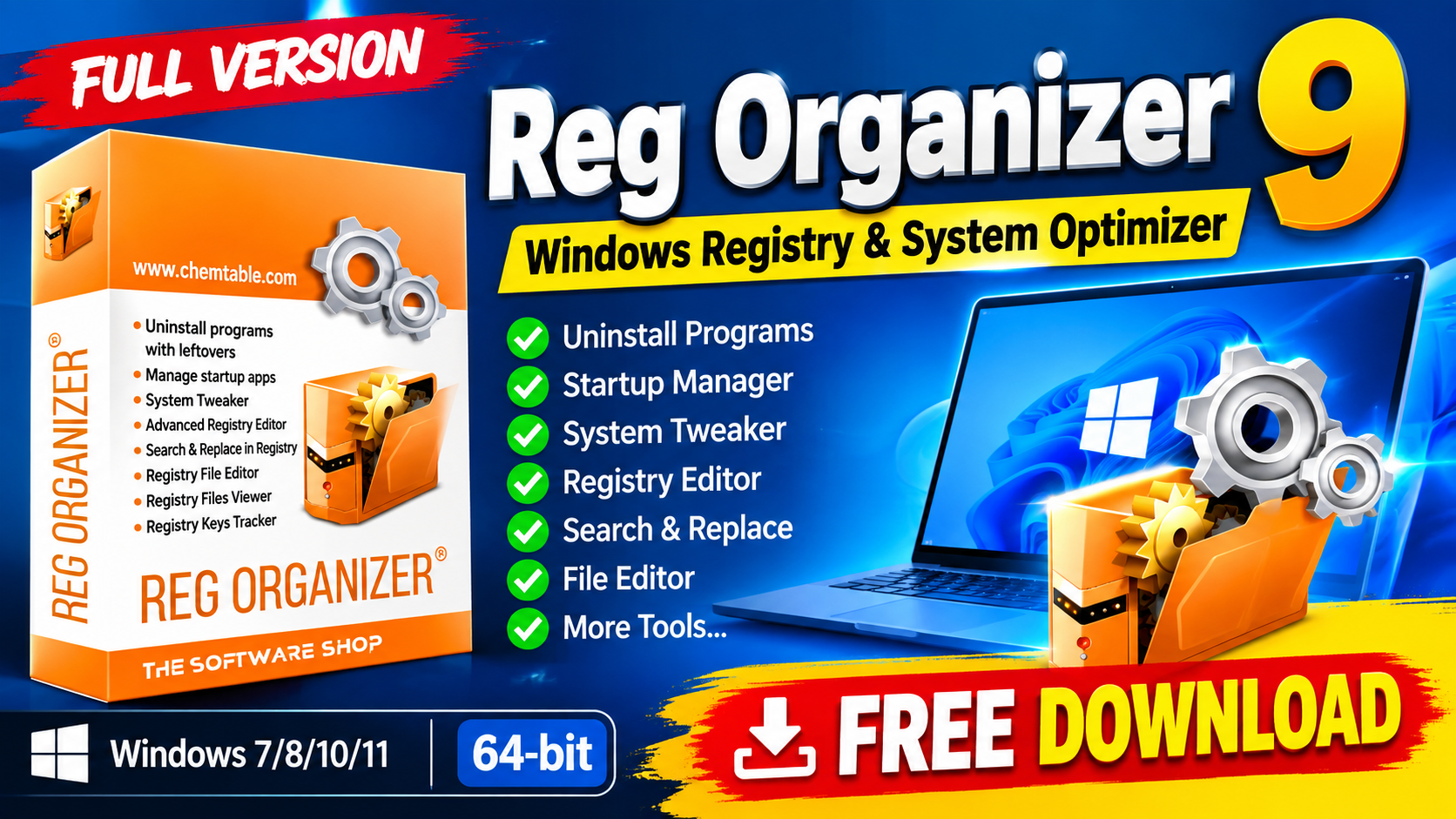
Reg Organizer 9 is a Windows system utility designed to help users manage the Windows Registry uninstall unwanted applications control startup programs and optimize various system settings. It combines several maintenance and registry-management tools into one application making it useful for users who want greater control over their Windows environment.
One of its notable features is Full Uninstall™ which can help remove applications along with leftover files and registry entries. Reg Organizer also includes an Advanced Registry Editor Registry Search and Replace System Tweaker Registry Files Viewer and Registry Keys Tracker. For more information official website
Key Features
- Full Uninstall™: Uninstall applications and search for leftover files and registry entries.
- Advanced Startup Manager: Manage programs that automatically start with Windows.
- System Tweaker: Access and modify numerous Windows settings and tweaks.
- Advanced Registry Editor: Edit, export, import, copy, and manage registry keys and values.
- Search and Replace in Registry: Search for application-related registry entries and replace or remove them.
- Registry File Editor: Edit
.regfiles and create modular registry files. - Registry Files Viewer: Preview registry files before importing their contents.
- Registry Keys Tracker: Monitor registry changes made by applications.
- Windows Optimization: Provides tools that can help manage system resources and Windows behavior.
- Standalone Application: Can be installed and used as a dedicated Windows utility.
Supported Functions
Reg Organizer 9 supports a range of registry and system-management functions, including:
- Program Uninstallation – Remove applications and search for remaining traces.
- Startup Management – Control applications that launch automatically with Windows.
- Registry Editing – Create, modify, export, import, and delete registry entries.
- Registry Searching – Find specific keys and values throughout the Windows Registry.
- Registry Replacement – Search for and replace registry data when required.
- REG File Management – View and edit
.regfiles before applying changes. - Registry Monitoring – Track registry modifications made by programs.
- Windows Tweaking – Change various documented and undocumented Windows settings.
- System Maintenance – Use the included tools to manage Windows configuration and improve system organization.
Technical Setup Details
- Software Full Name: Reg Organizer 9
- Latest Version: Reg Organizer 9
- Setup Type: Offline Installer / Full Standalone Setup
- File Name: Reg Organizer 9
- File Size: 24 MB
- Architecture: 64-Bit (x64)
- License: Depends on the edition/license obtained
- Operating System: Windows 10 / Windows 11
System Requirements
Before installing Reg Organizer 9, make sure your computer meets the following requirements:
- Operating System: Windows Vista, Windows 7, Windows 8, Windows 8.1, Windows 10, or Windows 11
- Processor: Intel Pentium i3, multi-core processor or higher
- RAM: 256 MB or more
- Hard Disk Space: At least 50 MB of free space
- Architecture: 64-bit (x64)
How to Install Reg Organizer 9
- Download the Reg Organizer 9 setup package from a legitimate and trusted source.
- If the downloaded package is compressed, extract it using WinRAR, WinZip, or Windows’ built-in extraction option.
- Open the extracted folder and locate the installer.
- Run the installer as an administrator if required.
- Accept the software license terms.
- Select the desired installation location.
- Follow the instructions displayed by the installation wizard.
- Click Install and wait for the installation to complete.
- Launch Reg Organizer from the Start Menu or desktop shortcut.
- Before making registry changes, consider creating a Windows restore point or registry backup.
Reg Organizer 9 provides a comprehensive collection of tools for managing the Windows Registry uninstalling applications controlling startup programs editing registry files and adjusting Windows settings. Its combination of registry-management and system-tweaking features makes it a useful utility for experienced Windows users who need more control over system configuration.
Because registry changes can affect Windows stability and application behavior users should always make backups and understand the changes they are making before modifying important registry entries.
Read Also:Revo Registry Cleaner Pro 2