
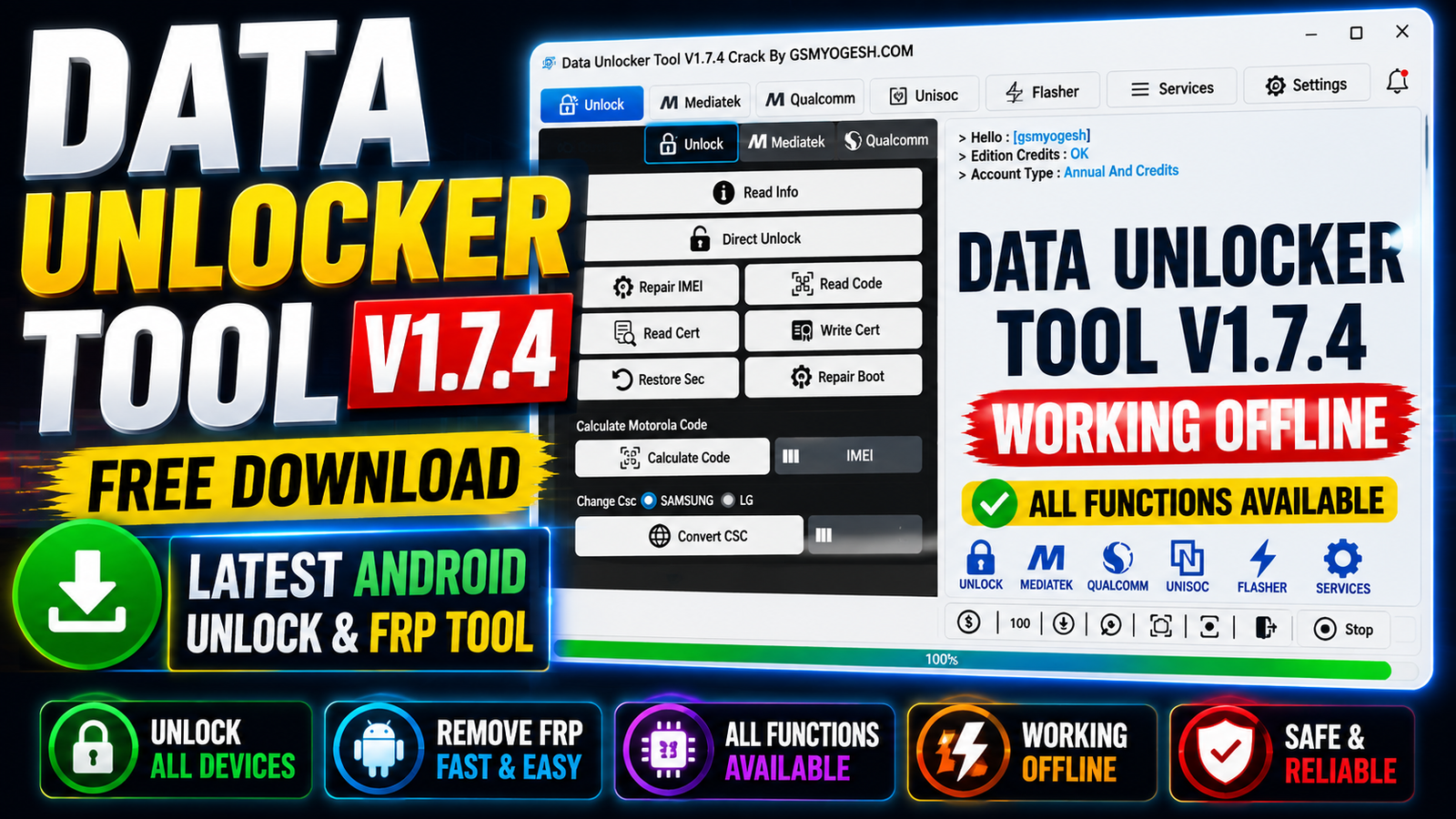
Data Unlocker Tool V1.7.4 Free Download is the latest offline Android servicing utility designed for mobile technicians and repair professionals. The tool supports a wide range of Samsung Xiaomi Huawei Motorola LG Oppo Vivo Infinix Realme and other compatible Android devices.
The latest V1.7.4 update adds new Samsung Direct Unlock support expands compatibility with Dialn devices introduces support for the Unisoc Tiger T310_64 CPU and includes several stability and compatibility improvements.
One of the main advantages of this edition is its offline working capability. After installation, supported operations can be performed without depending on the original online server. DA, EMI, Preloader, Firehose, firmware, and other required files can be selected manually from local storage when necessary.
For more information: official website.
Main Tools
- MediaTek Tool – DA, Preloader, EMI, BROM, FRP, Boot Repair, Partition Manager and Firmware Flashing.
- Qualcomm Tool – Firehose Loader, FRP, EFS Backup, QCN, Partition Manager and Firmware Flashing.
- Samsung Tool – FRP, Direct Unlock, KG Lock, Knox, CSC Change and DM Mode Flashing.
- Unisoc / SPD Tool – FRP, Factory Reset, MDM, PAC Flashing and Engineer Menu.
- Huawei Tool – Huawei ID, Network and supported device servicing.
- Xiaomi Tool – Mi Account, Bootloader and supported MTK servicing.
- Motorola Tool – Unlock Code Calculation, Fastboot Flashing and Network Settings.
- LG Tool – CSC, KDZ/XML Flashing, Diag Menu and Network Functions.
- Oppo & Vivo Tool – Demo Mode removal and supported device servicing.
- Infinix & Realme Tool – MDM, ID and supported repair functions.
- Partition Manager – Read, Erase, Write and Backup partitions.
Key Features
The latest version includes a large collection of Android servicing functions.
1. Offline Operation:
The offline edition is designed to work without depending on the original online server. After installation, supported operations can be performed using locally available files.
2. No Internet Required:
No continuous internet connection is required after the software has been installed and configured for offline use.
3. No Yearly Renewal for Offline Edition:
The offline edition does not require activation or yearly renewal according to the supplied release information.
4. Multi-Brand Support:
The tool supports various Android brands, including:
- Samsung
- Xiaomi
- Huawei
- Motorola
- LG
- Oppo
- Vivo
- Infinix
- Realme
- Other supported Android devices
5. Multi-Chipset Support:
Data Unlocker Tool works with supported:
- MediaTek
- Qualcomm
- Unisoc
- Spreadtrum
chipsets.
6. Device Information:
Before starting a supported repair operation, users can read connected device information to identify the phone and available service mode.
7. IMEI and Security Functions:
For supported devices and legitimate repair scenarios, the tool provides options to:
- Read IMEI 1
- Write IMEI 1
- Read IMEI 2
- Write IMEI 2
- Repair IMEI
- Read security codes
- Read device certificates
- Write certificates
- Restore supported security data
- Backup security partitions
- Backup EFS
IMEI-related functions should only be used for lawful repair and restoration of a device’s original identity.
Supported Functions
The following are the major functions available in Data Unlocker Tool V1.7.4:
- Direct Unlock for supported devices
- Device information reading
- Security code reading
- Certificate reading and writing
- Security data restoration
- Boot repair
- Motorola unlock code calculation using IMEI
- Samsung CSC change
- LG CSC change
- Samsung and LG CSC conversion
- Samsung FRP servicing through MTP
- EmToken writing through ADB
- EmToken V1, V2, V3, and V4 support
- Custom DA selection
- Manual Preloader loading
- Manual EMI loading
- BROM-based supported servicing
- Xiaomi Mi Account servicing on supported MTK devices
- Oppo Demo Mode servicing
- Vivo Demo Mode servicing
- Huawei ID servicing
- Realme ID servicing
- Safe Factory Reset
- Samsung KG Lock servicing
- Samsung Knox servicing
- Infinix MDM servicing
- Supported MTK bootloader operations
- Boot repair through BROM
- Partition Read
- Partition Erase
- Partition Write
- Security partition backup
- Scatter firmware flashing
- Dump file flashing
- Qualcomm model-based servicing
- Firehose loader support
- Manual Firehose loading
- Qualcomm Partition Manager
- Qualcomm firmware flashing
- Qualcomm FRP servicing
- Xiaomi supported account servicing
- Modem configuration reset
- EFS backup
- QCN backup writing
- Unisoc FRP servicing
- PAC firmware flashing
- Samsung DM Mode flashing
- LG DM Mode flashing
- Motorola Fastboot flashing
- KDZ firmware flashing
- XML firmware flashing
- Dump file flashing
- Carrier Policy reading and writing
- Baseband repair
- Network configuration servicing
- VoLTE-related functions on supported devices
- Diag Mode support
- LG diagnostic menus
- Samsung service menus
- MediaTek Engineer Mode
- Qualcomm MBN Test Menu
- Xiaomi MBN Config Editor
- ZTE diagnostic options
Availability of individual functions depends on the phone model, chipset, security version, firmware, and supported service method.
Network & Baseband Functions:
Data Unlocker Tool V1.7.4 also includes several network and modem-related utilities for supported devices.
Available options include:
- Network Unlock
- Read IMEI 1 and IMEI 2
- Write IMEI 1 and IMEI 2
- Carrier Policy reading
- Carrier Policy writing
- Baseband repair
- 3G settings writing
- 4G settings installation
- Supported VoLTE configuration
- Supported network band control
- 4G network repair
- Replace SIM-related repair options
- Policyman removal
- Motorola 3G settings
- QCN backup writing
- Diag Mode activation
These functions should be used only for supported devices and authorized network or repair work.
Advanced Service Menus:
The software also provides shortcuts to several manufacturer and chipset service menus, including:
- SPD Engineer Menu
- SPD Operator Settings
- SPD GCF Settings
- ZTE IMS Menu
- LG IMS Menu
- MediaTek Engineer Mode
- MediaTek Operator Selection
- MediaTek MiscConfig
- Xiaomi MBN Config Editor
- Qualcomm MBN Test Menu
- LG Diag Menu
- LG APN Menu
- LG Enable Bands Menu
- LG NOA Test Settings
- LG MCFG Edit Menu
- Samsung SPC Menu
- Samsung USB Menu
- Samsung Hidden Services
- Samsung Change CSC Menu
- Universal Network Menu
- ZTE General Diag Menu
Technical Setup Details
- Operating System: Windows 7, Windows 8, Windows 10, or Windows 11
- Architecture: Recommended 64-bit Windows
- USB Connection: Working USB data cable
- Drivers: Install the required Android, Samsung, Qualcomm, MediaTek, or Unisoc drivers
- Firmware Files: Keep required firmware files locally available
- DA Files: Required for some MediaTek operations
- EMI Files: Required for supported MTK operations
- Preloader: Required for selected MediaTek procedures
- Firehose: Required for supported Qualcomm procedures
- PAC Files: Required for supported Unisoc flashing
- KDZ/XML Files: Required for compatible LG and other supported operations
- Administrator Access: Recommended for installation and operation
- Internet: Not required for supported offline functions after installation
How to Install Data Unlocker Tool V1.7.4 ZIP
Follow these steps to install the offline edition:
- Download the Data Unlocker Tool V1.7.4 ZIP package from this Website.
- Extract the ZIP archive using WinRAR or 7-Zip.
When the password prompt appears, enter: gsmyogesh
- Open the extracted Data Unlock Tool folder.
- Find Data Unlock Tool.exe.
- Right-click the executable and select Run as Administrator.
- The username and password should already be filled in.
- Do not modify the pre-configured login details.
- Click the Login button.
- Wait for the Login Successful message.
- Click OK.
- The main software interface will open.
- Data Unlocker Tool is now ready for supported offline operations.
Data Unlocker Tool V1.7.4 is a feature-rich Android servicing tool aimed at technicians who need offline access to supported repair flashing diagnostic network and device-maintenance functions. Its biggest advantage is the ability to work with locally stored DA EMI Preloader Firehose and firmware files without relying on the original online server for supported operations.
The V1.7.4 update adds several Samsung Direct Unlock models new Dialn support, Unisoc Tiger T310_64 compatibility and multiple stability and bug fixes. With support for MediaTek Qualcomm Unisoc Samsung Xiaomi Huawei Motorola LG Oppo Vivo Infinix Realme and other supported devices it can be a useful addition to a professional mobile servicing toolkit.
Read Also: Exynos FRP GSMCode.PRO v1.0.0