
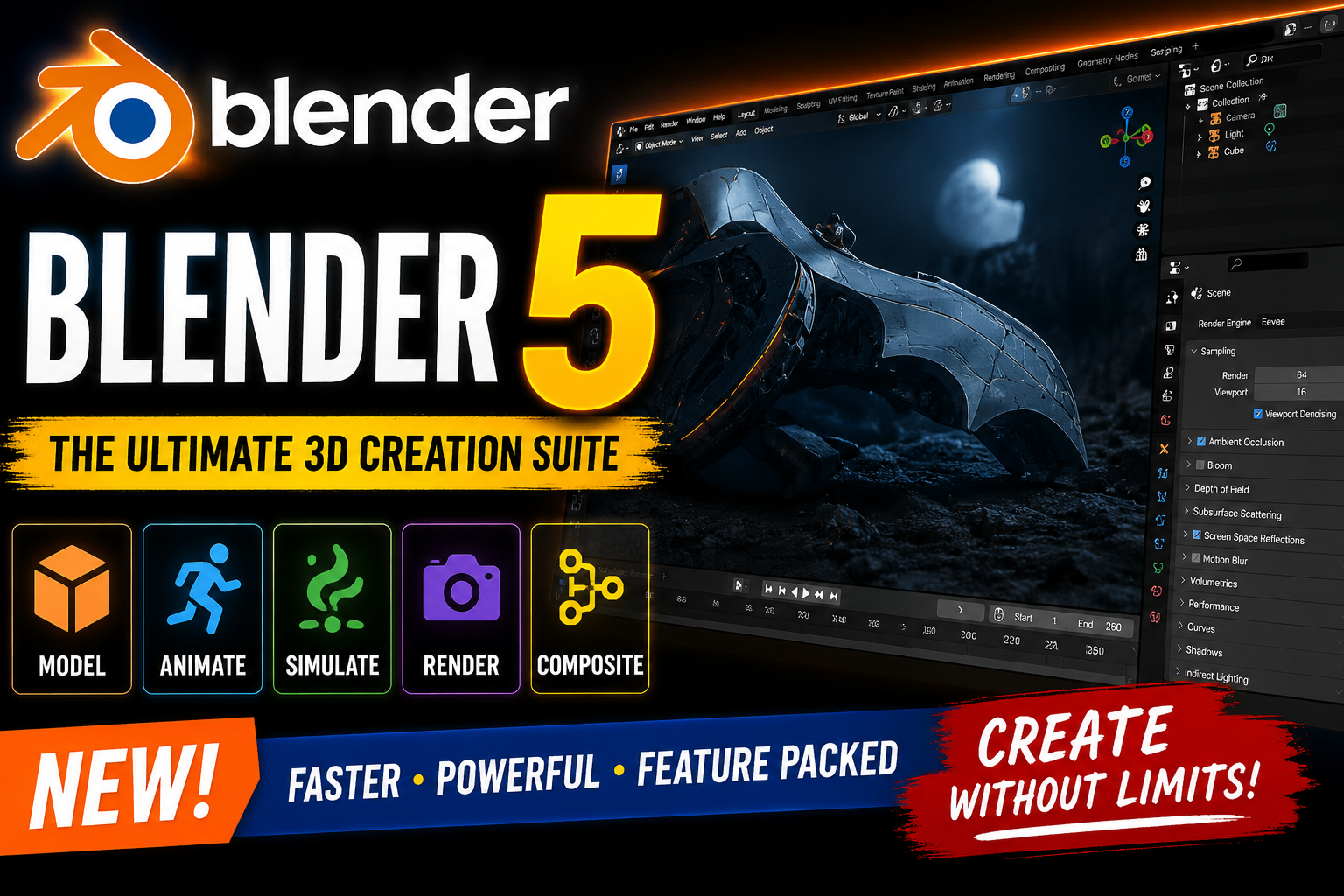
Blender 5 is a powerful and advanced 3D creation suite designed for artists designers animators and visual effects professionals.It supports almost every stage of the 3D production pipeline including modeling rigging animation simulation rendering compositing and motion tracking.Blender also provides tools for video editing and game asset creation. Its wide range of features makes it a versatile solution for different creative projects.Advanced users can use Blender’s extensive Python API to customize the application automate workflows and create specialized tools.The software also offers a flexible interface with customizable window layouts and keyboard shortcuts. This allows users to create a workspace that matches their individual workflow.For more information:official website
Key Features
- Free and open-source 3D creation software.
- Supports the complete 3D production pipeline.
- Provides advanced modelling and sculpting tools.
- Includes powerful animation and rigging features.
- Supports high-quality rendering with Cycles.
- Offers professional simulation tools for various production needs.
- Includes camera and object motion tracking capabilities.
- Provides masking and compositing tools for VFX workflows.
- Includes a powerful Video Editor for basic video editing tasks.
- Provides an extensive Python API for scripting and customization.
- Supports game asset creation and production workflows.
- Offers a fully customizable interface, window layout, and shortcuts.
- Supports story art and drawing directly in a 3D environment.
- Provides retopology, curves, and advanced modelling workflows.
Supported Functions
Rendering: Create high-quality, realistic renders with the Cycles engine.
Modeling: Create detailed 3D assets with modeling, sculpting, retopology, and curves.
Sculpting: Use powerful digital sculpting tools for detailed 3D designs.
Animation & Rigging: Create professional animations with advanced rigging tools.
Story Artist: Draw and develop creative stories directly in a 3D environment.
VFX: se camera tracking, object tracking, masking, and compositing tools.
Simulation: Create realistic physics, fluid, smoke, and other effects.
Pipeline: Integrate Blender with various professional production workflows.
Video Editing: Edit and manage videos with the built-in Video Editor.
Scripting: Customize and automate workflows using the Python API.
Interface: Fully customize the interface, layouts, and keyboard shortcuts.
Technical Setup Details
- Software Full Name: Blender 5 Free
- Setup File Name: Blender_5_x64.rar
- Setup Size: Approximately 347 MB
- Application Type: Free / Full Standalone Setup
- Compatibility Architecture: 64-bit (x64)
- Application Version: Blender 5.1.0
- Installation Type: Full Standalone Setup
- Supported Platform: Windows
System Requirements
- Operating System: Windows 10/11 (most updated versions only)
- RAM: 16 GB of RAM required
- Hard Disk Space: 2 GB of free space required for full installation
- Processor: Intel Core i7, multi-core processor or higher
- Architecture: 64-bit (x64) compatible system
How to Install Reallusion BLENDER 5
- Download the Blender 5 setup archive to your computer.
- Locate the downloaded RAR file in your Downloads folder.
- Extract the downloaded archive using WinRAR, WinZip, or the built-in Windows extraction tool.
- Open the extracted installation folder.
- Locate and run the Blender installer application.
- Follow the installation wizard and accept the software terms and conditions.
- Select the desired installation location on your computer.
- Click the Install button and wait for the installation process to finish.
- Launch Blender 5 from the desktop or Start menu.
- Configure your preferred settings and start creating your 3D projects.
Blender 5 is a comprehensive and versatile 3D creation suite that provides tools for almost every stage of the digital production pipeline. From modelling and sculpting to animation simulation rendering VFX and video editing it offers a wide range of creative capabilities in one application.With powerful rendering features an extensive Python API customizable interface and professional production tools Blender 5 is a flexible solution for artists animators designers and 3D professionals. Its open-source nature also makes it an accessible option for users looking to explore advanced 3D creation and digital content production.Read Also:CIMCO Edit 2024