
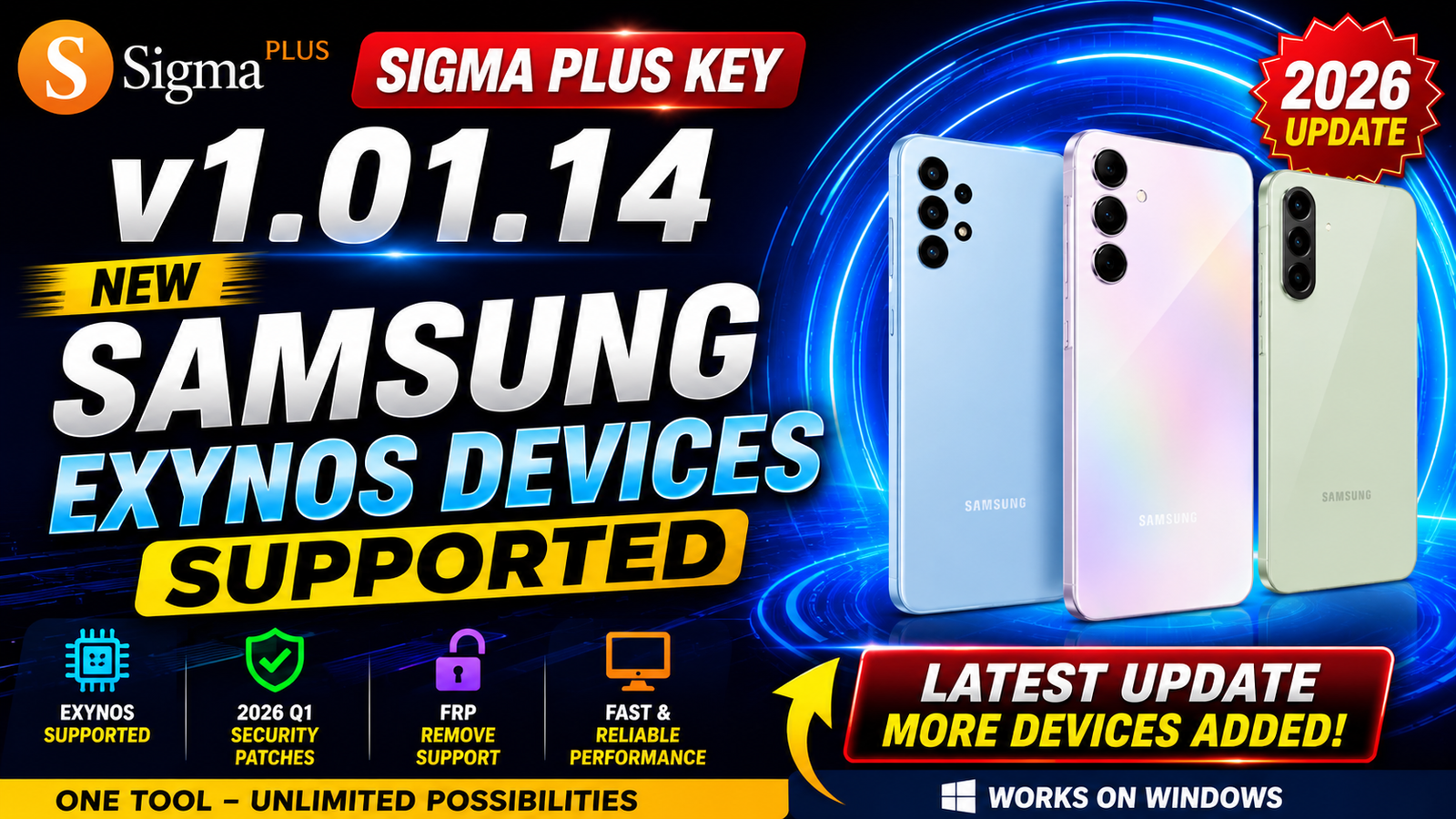
Sigma Plus Key v1.01.14 is the latest update for mobile phone repair professionals, bringing expanded support for Samsung Exynos devices. This version introduces FRP Remove support for the newest Samsung smartphones and tablets running Android 15 and Android 16, including devices with Q1 2026 security patches.
One of the biggest improvements in this release is that no phone disassembly or Test Point access is required. The update supports the latest Exynos 2400 and Exynos 2500 chipsets, making it compatible with many recent Samsung Galaxy A Series, Galaxy S Series, and Galaxy Tab models.
If you work with Samsung software repair, FRP unlocking, or device servicing, Sigma Plus Key v1.01.14 provides a faster and safer solution for handling modern Exynos-powered devices.
For more information: official website.
Main Tools
- Samsung Exynos FRP Remove
- Samsung Exynos Service Module
- Enable ADB Tool
- Download Mode Switch Tool
- Repair from Download Mode
- Samsung Device Information
- Firmware Service Functions
- USB Communication Module
Key Features
- Added Remove FRP support for Samsung Exynos devices with security updates up to Q1 2026.
- Compatible with Android 15 and Android 16 devices.
- No Test Point required.
- No phone disassembly required.
- Supports the latest Exynos 2400 and Exynos 2500 processors.
- Works with Samsung Galaxy A Series, Galaxy S Series, and Galaxy Tab devices.
- Added Enable ADB service function.
- Added Switch to Download Mode feature.
- Added Repair from Download Mode function.
- Improved compatibility with newer Samsung firmware.
- Supports security patches up to April 2026, with selected models supported on May 2026 security updates.
- Stable and faster service operations.
Supported Functions
FRP Remove Supported Exynos CPUs:
- Exynos 850
- Exynos 7570
- Exynos 7870
- Exynos 7884
- Exynos 7885
- Exynos 7904
- Exynos 8890
- Exynos 8895
- Exynos 9610
- Exynos 9611
- Exynos 980
- Exynos 9810
- Exynos 9820
- Exynos 9825
- Exynos 990
- Exynos 1280
- Exynos 1330
- Exynos 1380
- Exynos 1480
- Exynos 1580
- Exynos 2100
- Exynos 2200
- Exynos 2400
- Exynos 2500
Newly Added Service Functions:
- Remove FRP
- Enable ADB
- Switch to Download Mode
- Repair from Download Mode
- Samsung Device Detection
- Service Operations via USB
Important Notes:
- Supports Android 15 and Android 16.
- Compatible with security patches up to April 2026.
- Some Samsung models also support May 2026 security updates.
- If the operation fails on the installed firmware, downgrade or change to another supported firmware version and try again.
Technical Setup Details
- Software Name: Sigma Plus Key
- Version: v1.01.14
- Latest Release: 2026
- Developer: Sigma Team
- Supported Brands: Samsung
- Supported CPUs: Samsung Exynos
- Operating System: Windows 10 / Windows 11 (64-bit recommended)
- RAM: 4 GB minimum (8 GB recommended)
- Processor: Intel Core i3 or higher
- Free Disk Space: 500 MB or more
- USB Driver: Samsung USB Driver
- Internet Connection: Required for activation and updates
How to Install https://unluckytool.com/
- Download Sigma Plus Key v1.01.14 from this website.
- Extract the downloaded ZIP or RAR file using WinRAR or 7-Zip.
- Install the Sigma Plus Key setup on your Windows PC.
- Install the latest Samsung USB Drivers.
- Restart the computer if required.
- Launch Sigma Plus Key as Administrator.
- Connect your Samsung Exynos device using a quality USB cable.
- Select the required service such as Remove FRP, Enable ADB, or Download Mode.
- Follow the on-screen instructions to complete the operation.
Sigma Plus Key v1.01.14 is an important update for technicians who service modern Samsung Exynos devices. With expanded FRP Remove support for security patches up to Q1 2026, compatibility with Android 15 and Android 16, and support for the latest Exynos 2400 and Exynos 2500 processors, it simplifies Samsung servicing without requiring Test Point access or device disassembly. The addition of Enable ADB, Download Mode, and Repair from Download Mode functions makes this release even more useful for GSM repair professionals looking for a reliable Samsung service solution.
Read Also: Single File Downloader From Firmware V1.0