
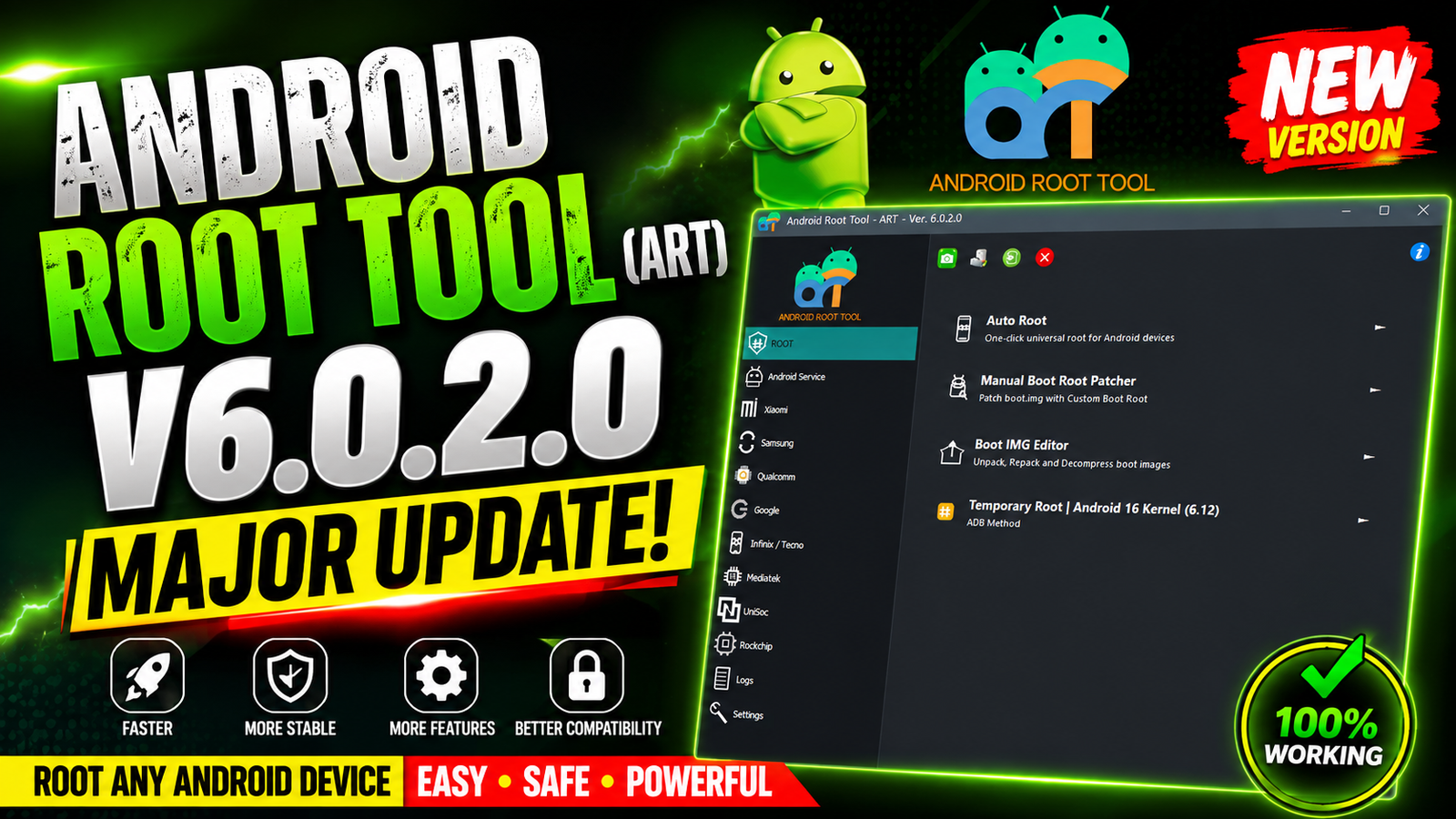
Android Root Tool (ART) V6.0.2.0 is the latest update for Android technicians repair professionals and advanced users who need powerful Android servicing features. This version introduces Android 16 Temporary Root support for locked bootloader devices allowing users to perform advanced operations without permanently unlocking the bootloader.
The new update supports Android 16 devices running Kernel 6.12.x and adds temporary root access for a wide range of Xiaomi Redmi and POCO smartphones. With temporary root enabled, users can access important service functions such as MediaTek Bootloader Unlock Qualcomm Diag Mode device maintenance and advanced repair operations.
For more information: official website.
Main Tools
- Android 16 Temporary Root
- MediaTek Bootloader Unlock
- Qualcomm Diag Mode
- Temporary Root Manager
- Bootloader Management
- ADB Mode Operations
- Preloader Mode Functions
- Device Information Reader
- Partition-Based Bootloader Unlock
- Xiaomi Service Module
- Redmi Service Module
- POCO Service Module
- Motorola MTK Service Module
Key Features
Android 16 Temporary Root:
The biggest addition in ART V6.0.2.0 is Android 16 Temporary Root support.
Requirements:
- Android 16
- Kernel 6.12.x
Benefits include:
- No permanent root installation
- Works on locked bootloaders
- Safe temporary root session
- No boot image modification
- Ideal for servicing and repairs
Temporary Root Enables:
Once temporary root is active, technicians can perform:
- MTK Bootloader Unlock
- Qualcomm Diag Activation
- Service Mode Access
- Advanced Device Maintenance
- Engineering Functions
- Repair Operations
- Partition Access
Supported Functions
Xiaomi Temporary Root:
Supports:
- Xiaomi 17 Ultra (nezha)
- Xiaomi 17 Pro Max (popsicle)
- Xiaomi 17 Pro (pandora)
- Xiaomi 17 Max (byron)
- Xiaomi 17 (pudding)
- Xiaomi 17T Pro (warhol)
- Xiaomi 17T (chagall)
- Xiaomi 15T Pro (klimt)
- Xiaomi 15T (goya)
Redmi Temporary Root:
Supports:
- Redmi K90 Pro Max (myron)
- Redmi K80 Ultra (dali)
- Redmi Turbo 5 Max (dash)
- Redmi Turbo 5 (klee)
- Redmi Note 15 Pro 4G (charoite)
- Redmi Note 15 4G (spinel)
- Redmi Note 14 Pro (obsidian)
- Redmi Note 14 4G (tanzanite)
- Redmi Note 13 Pro 4G (emerald)
- Redmi 15C (dew)
- Redmi 14C (lake)
- Redmi 14C (pond)
- Redmi 13 (moon)
- Redmi 13 (tides)
POCO Temporary Root:
Supports:
- POCO F8 Ultra (myron)
- POCO X8 Pro Max (dash)
- POCO X8 Pro (klee)
- POCO X7 Pro (rodin)
- POCO C85 (dew)
MediaTek Bootloader Unlock 2026:
Supports unlocking through:
- Preloader Mode
- ADB Mode
Features:
- Partition-Based Bootloader Unlock
- Automatically relocks after firmware flashing
- Automatically relocks after OTA updates
- No permanent bootloader modification
Supported devices:
- Redmi 13x (moon / tides)
- Redmi 13C / POCO C65 (gale / gust)
- Redmi A3 (blue)
- POCO X7 Pro (rodin)
- Redmi Note 15 Pro (lapis)
- Redmi K80 Ultra (dali)
- Redmi K70E / POCO X6 Pro 5G (duchamp)
- Redmi Note 13 Pro 4G / POCO M6 Pro (emerald)
- Redmi 15C / POCO C85 (dew)
- Redmi Note 14 4G (tanzanite)
- Redmi Note 14 Pro 4G (obsidian)
- Redmi 14C / POCO C75 / Redmi A3 Pro (pond)
- Motorola 2024–2026 MediaTek Models
Technical Setup Details
- Software Name: Android Root Tool (ART)
- Version: V6.0.2.0
- Latest Release: 2026
- Operating System: Windows 10 / Windows 11 (64-bit)
- Supported Android Version: Android 16
- Required Kernel: 6.12.x
- Processor: Intel or AMD Dual-Core or higher
- RAM: Minimum 4 GB (8 GB Recommended)
- Storage: At least 500 MB of free disk space
- USB Drivers: Xiaomi, MediaTek, Qualcomm, and Motorola USB Drivers
- Connection Mode: USB Cable
- Administrator Rights: Recommended
- Internet Connection: Required for some online functions
How to Install Android Root Tool (ART) V6.0.2.0
- Download Android Root Tool (ART) V6.0.2.0 from this website.
- Extract the downloaded ZIP or RAR file using WinRAR or 7-Zip.
- Disable antivirus temporarily if it blocks the application.
- Install the required USB drivers for your device.
- Run the tool as Administrator.
- Connect your Android phone using a compatible USB cable.
- Enable USB Debugging if using ADB Mode.
- Select the desired operation, such as Temporary Root or Bootloader Unlock.
- Follow the on-screen instructions until the process completes.
- Disconnect and reboot the device if required.
Android Root Tool (ART) V6.0.2.0 is a significant update for mobile repair professionals working with the latest Android devices. With support for Android 16 Temporary Root on locked bootloaders technicians can perform advanced servicing tasks without permanently modifying the device. The update also expands compatibility with the newest Xiaomi Redmi POCO and Motorola MediaTek models while introducing partition-based MediaTek Bootloader Unlock through Preloader and ADB modes. Overall ART V6.0.2.0 provides a faster safer and more efficient solution for Android servicing unlocking, and maintenance.
Read Also: Ghost Auth Tool V3.8