
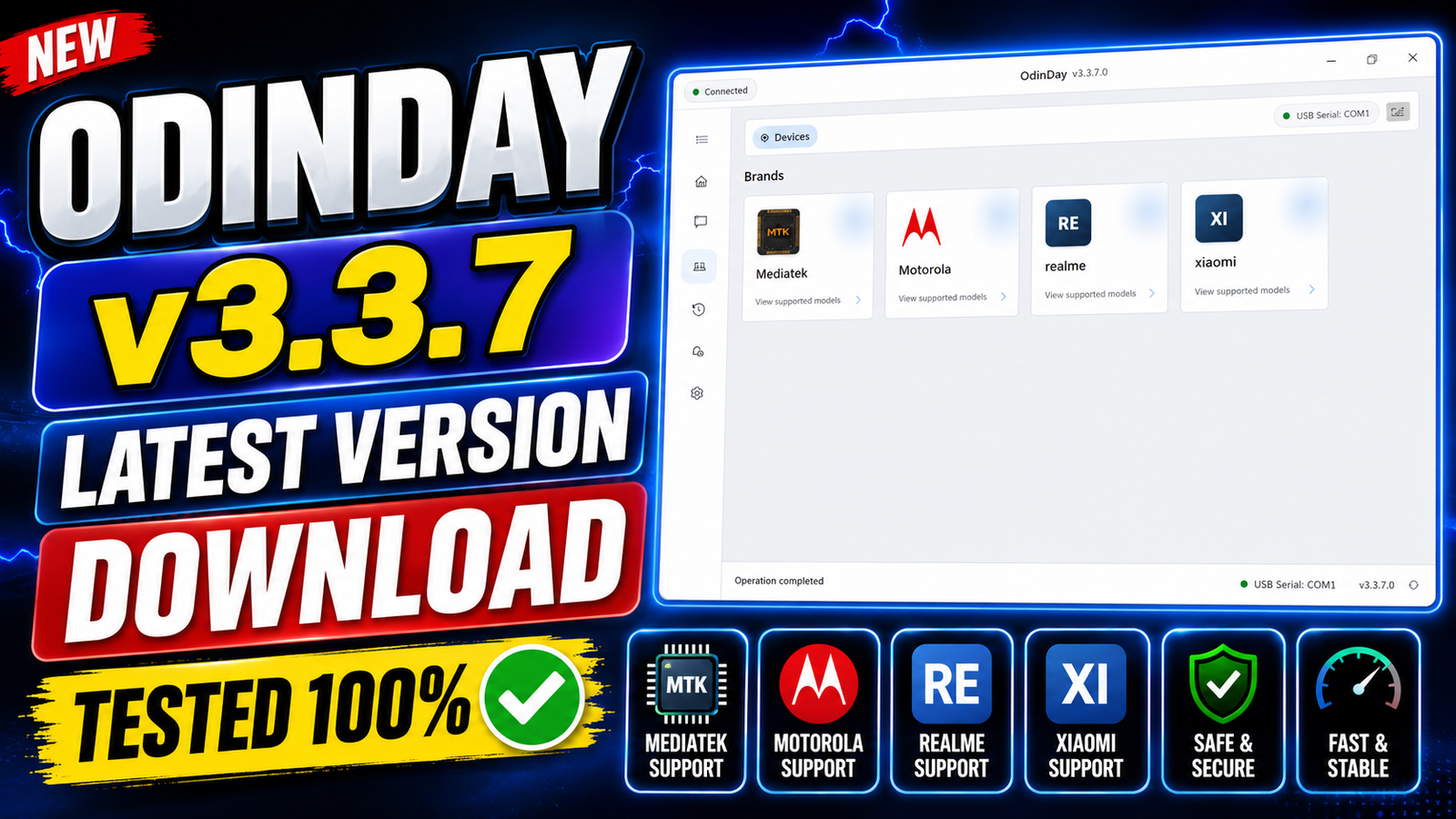
OdinDay 3.3.7 is the latest professional mobile servicing software designed for technicians who work with MediaTek, Motorola, Xiaomi, realme, Oppo, and Huawei devices. The tool provides a complete solution for flashing firmware, unlocking bootloaders, bypassing FRP, repairing partitions, managing NV data, removing MDM, fixing software issues, and performing advanced maintenance tasks.
The latest v3.3.7 release introduces a redesigned Messenger system, improved USB Monitoring Studio, enhanced HTTP Logger Studio, updated USB drivers, and better MediaTek USB analysis. Whether you are repairing Android smartphones or managing firmware operations, OdinDay 3.3.7 offers an all-in-one platform for daily mobile servicing.
For more information: official website.
Main Tools
- MediaTek MTK V5 & V6 Module
- Motorola Service Module
- Xiaomi Service Module
- realme Service Module
- Bootloader Management
- Firmware Flashing Tool
- FRP Unlock Module
- IMEI Repair Tool
- NV Data Manager
- GPT Manager
- RPMB Manager
- Oeminfo Manager
- Huawei Repair Module
- Oppo Repair Module
- USB Monitoring Studio
- HTTP Logger Studio
- Messenger
- Work History Manager
- Notification Center
- Profile Management
Key Features
- Supports MediaTek MTK V5 and MTK V6 devices.
- Supports Motorola smartphones.
- Supports Xiaomi smartphones.
- Supports realme smartphones.
- Bootloader Unlock.
- Bootloader Relock.
- Permanent Bootloader Unlock.
- Bypass FRP Lock.
- Bypass SLA/DAA Protection.
- Crash Preloader Mode.
- Read Complete Device Information.
- Factory Reset.
- Format Device.
- Oppo Factory Reset.
- Flash Stock Firmware.
- Write IMEI.
- Read Security Keys.
- Decode NVRAM.
- Read NV Items.
- Write NV Items.
- Erase NV Items.
- Read GPT Partition.
- Write GPT Partition.
- Read Preloader.
- Write Preloader.
- Read Raw Firmware.
- Write Raw Firmware.
- Read RPMB.
- Write RPMB.
- Read RPMB Key.
- Erase RPMB.
- Patch Certificate.
- Write Oeminfo.
- Fix DM-Verity Corruption.
- Fix No Efuse State.
- Remove PayJoy Lock.
- Remove Security Plugin.
- Reset Huawei ID.
- Reset Oppo ID.
- Demo Remove Oeminfo.
- IT Admin / PayJoy Unlock.
- Remove MDM Lock.
- Remove OTA Restrictions.
- Remove Mi Account.
- Mi Account Global Conversion.
- Modem Patch.
- Persist Patch.
- Restore Vbmeta.
- Patch Vbmeta.
- USB Monitoring Studio.
- HTTP Logger Studio.
- Built-in Messenger.
- Work History Tracking.
- Notification System.
- Dark Theme & Light Theme.
- User Profile Management.
Supported Functions
- Bootloader Unlock & Relock
- Permanent Bootloader Unlock
- Factory Reset
- Format User Data
- FRP Unlock
- SLA/DAA Authentication Bypass
- Flash Firmware
- Read & Write Firmware
- Read & Write Preloader
- GPT Read & Write
- Raw Firmware Backup & Restore
- RPMB Read, Write & Erase
- Read RPMB Key
- IMEI Repair
- Read Device Information
- Decode NVRAM
- Read, Write & Erase NV Items
- Certificate Patching
- Oeminfo Writing
- DM-Verity Repair
- No Efuse State Fix
- PayJoy Removal
- Security Plugin Removal
- Huawei ID Reset
- Oppo ID Reset
- Demo Removal
- MDM Removal
- OTA Removal
- Mi Account Removal
- Mi Global Conversion
- Modem Repair
- Persist Repair
- Restore Vbmeta
- Patch Vbmeta
- USB Traffic Monitoring
- HTTP & HTTPS Traffic Logging
- Messenger Integration
- Profile Management
- Notification Management
- Work History Logging
Technical Setup Details
- Software Name: OdinDay
- Latest Version: 3.3.7
- License: Free / Registration Required
- Developer: OdinDay Team
- Supported Operating System: Windows 10 & Windows 11 (64-bit recommended)
- Processor: Intel or AMD Dual-Core or higher
- RAM: Minimum 4 GB (8 GB Recommended)
- Storage Space: At least 2 GB of free disk space
- USB Drivers: Installed automatically during setup
- Internet Connection: Required for account login, activation, and updates
How to Install OdinDay 3.3.7
- Download the latest OdinDay 3.3.7 ZIP package from this website.
- Extract the downloaded ZIP file using WinRAR or any ZIP extraction software.
- Open the extracted folder.
- Right-click OdinDayInstaller.exe and select Run as administrator.
- If Windows SmartScreen appears, click More Info and then Run Anyway.
- Wait while the installer initializes.
- Accept the End User License Agreement (EULA).
- Select the installation folder or keep the default location.
- Click Install.
- Allow the installer to download the required USB drivers and additional packages.
- Wait until the installation finishes.
- Click Close.
- Launch OdinDay using the desktop shortcut.
- Create a new account if you are a new user.
- Verify your email address.
- Log in using your registered account.
- Create your unique username when prompted.
- OdinDay 3.3.7 is now installed and ready to use.
OdinDay 3.3.7 is a powerful all-in-one servicing tool for Android smartphone repair professionals. It combines advanced MediaTek V5/V6 support, bootloader management, FRP bypass, firmware flashing, IMEI repair, NV management, RPMB operations, MDM removal, and Huawei/Oppo repair functions into a single application. The latest version also introduces a modern Messenger, improved USB Monitoring Studio, enhanced HTTP Logger Studio, updated USB drivers, and better system stability. If you need a reliable utility for servicing MediaTek, Motorola, Xiaomi, realme, Oppo, and Huawei devices, OdinDay 3.3.7 is an excellent choice for both beginners and professional technicians.
Read Also: MStarBinTool GUI v2.4