
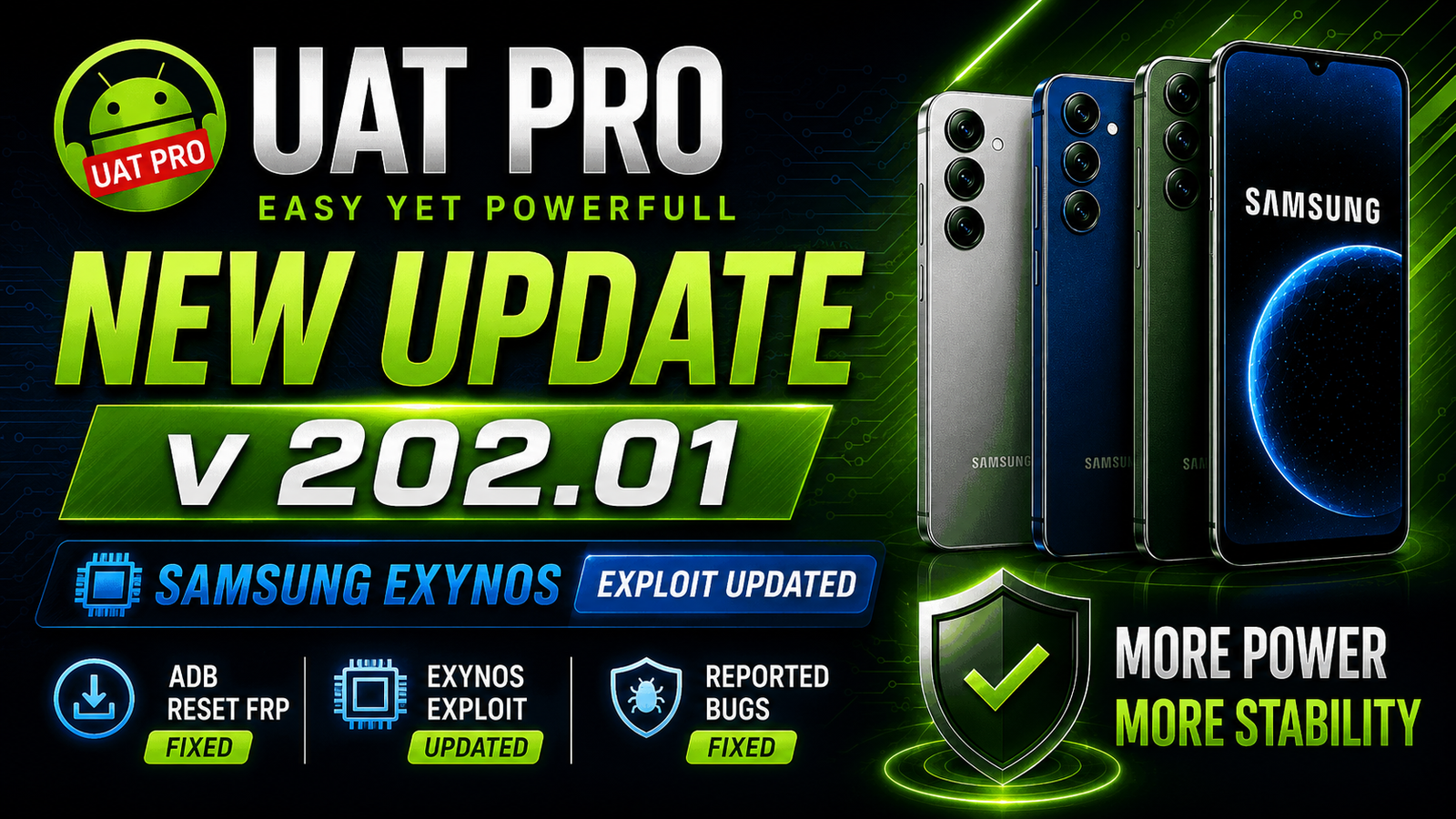
UAT PRO V202.01 has been officially released with significant improvements for Samsung devices powered by Exynos chipsets. This latest update focuses on enhancing the Exynos exploit, improving FRP reset reliability through ADB mode, and resolving several bugs reported by users. These refinements provide technicians with a smoother, more stable, and more efficient servicing experience when working with supported Samsung smartphones and tablets. For more information: official website.
Main Tools
UAT PRO V202.01 comes with essential modules for mobile servicing:
- Samsung Exynos Support: Offers dedicated functions for servicing Samsung smartphones and tablets powered by Exynos chipsets.
- FRP Reset Operations: Performs Factory Reset Protection (FRP) removal using supported methods, including ADB on compatible devices.
- Advanced Exploit Engine: Includes updated Exynos exploit technology for improved compatibility and operation on supported devices.
- Device Information: Reads detailed device information such as model, Android version, IMEI, serial number, and firmware details.
- Factory Reset: Resets supported devices quickly without requiring a full firmware flash.
Key Features
1. Fixed – Exynos ADB Reset FRP
Improved reliability and success rate when performing Factory Reset Protection (FRP) removal via ADB on supported Samsung Exynos devices.
2. Updated – Exynos Exploit
The Exynos exploit has been updated and optimised to improve compatibility with newer security patches and supported Samsung models.
3. Fixed – Some Reported Bugs
Addressed multiple user-reported issues to enhance overall stability, performance, and usability.
Supported Functions
UAT PRO V202.01 supports a variety of Samsung Exynos servicing operations, including:
- ADB FRP Reset
- Samsung Exynos Exploit Operations
- Device Information Reading
- Factory Reset
- FRP Removal
- Reboot Functions
- Download Mode Operations
- Android Utility Functions
- Software Maintenance and Diagnostics
Technical Setup Details
- Supported OS: Windows PC
- Minimum RAM: 4 GB
- Storage Requirement: 57.20 MB
- Supported Brands: Samsung
- Required USB Drivers: Samsung USB Drivers
- Licence: Valid UAT PRO Activation Required
How to Install UAT PRO V202.01
- Download the latest UAT PRO V202.01 package from this Website.
- Extract the downloaded ZIP archive.
- Run the installer as Administrator.
- Complete the installation by following the on-screen instructions.
- Install the latest Samsung USB Drivers if they are not already installed.
- Connect your UAT PRO supported hardware or ensure your licence is activated.
- Launch the application and allow it to check for any available online updates.
- Restart the software if prompted.
UAT PRO V202.01 is a valuable maintenance update that focuses on improving Samsung Exynos servicing. With a fixed ADB FRP reset process, an updated Exynos exploit, and multiple bug fixes, technicians can expect a more reliable and efficient workflow. These improvements help increase compatibility, reduce servicing issues, and provide a smoother experience when working with supported Samsung devices.
Read Also: The Ghost Tool v3.0.0