
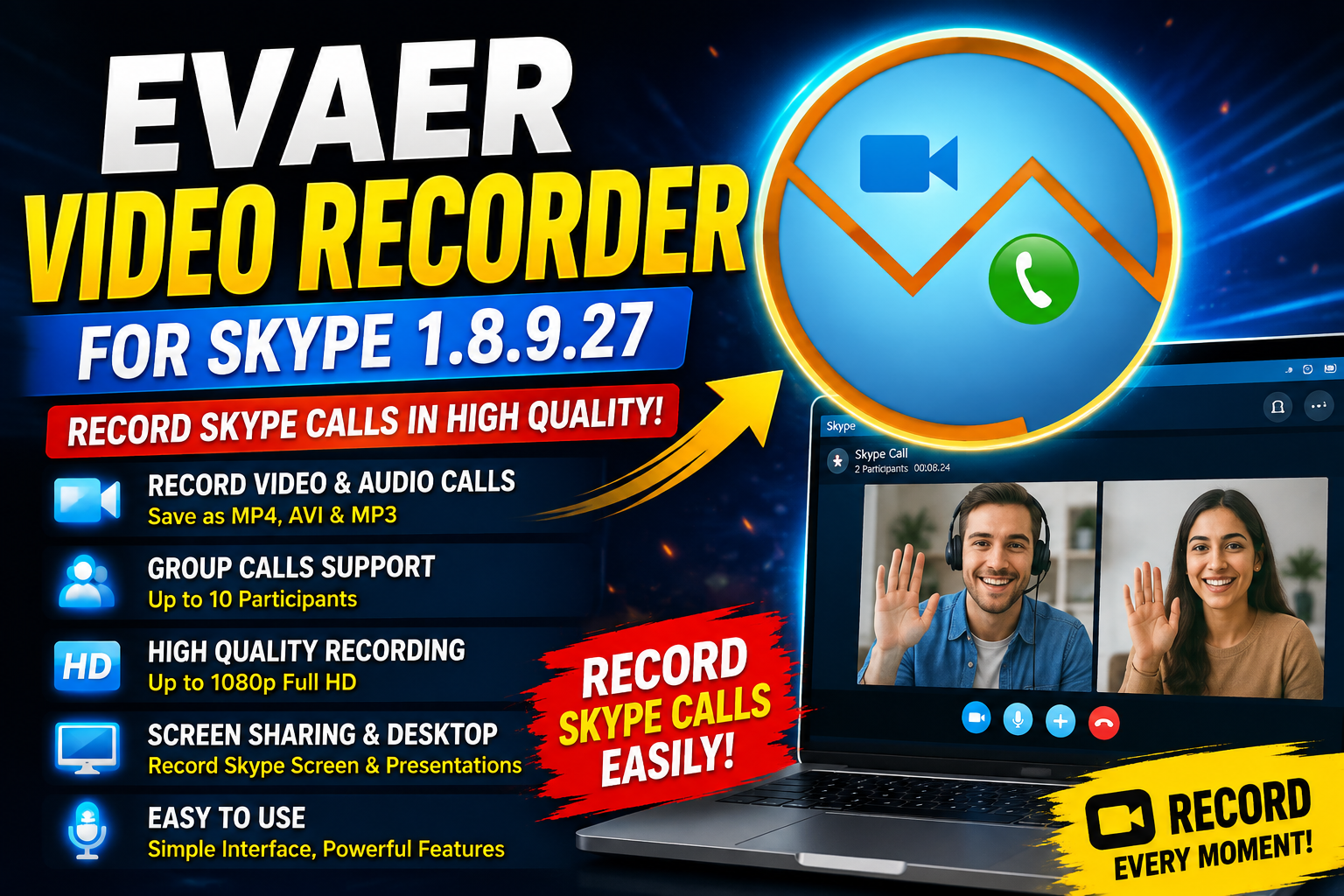
Evaer Video Recorder is a specialized recording utility designed to capture Skype video and audio calls in high quality. It can record individual conversations interviews conferences podcasts screen-sharing sessions and group video calls.Unlike traditional screen-recording software Evaer captures the original Skype audio and video data rather than simply recording the contents of your screen. This helps maintain the quality of the recorded call even when the Skype window is resized during recording.For more information official website
Key Features
- High-Quality Skype Recording: Capture original Skype audio and video data without traditional screen-capture limitations.
- Multiple Video Formats: Save Skype video calls as MP4 or AVI files and audio calls as MP3.
- Group Call Recording: Supports recording Skype group video calls with up to 10 participants.
- Flexible Recording Modes: Choose Picture-in-Picture, Side-by-Side, separate files, local webcam, or remote webcam recording.
- Adjustable Video Quality: Configure resolution, codec, aspect ratio, and frame rate according to your requirements.
- Video Preview: Preview the recording while the Skype call is in progress.
- Screen-Sharing Recording: Record Skype desktop and screen-sharing sessions.
- Skype Voicemail Support: Save Skype video messages and voicemails directly to your hard drive.
- Automatic Call Detection: Automatically detects whether the call is audio or video and selects an appropriate recording format.
- Easy-to-Use Interface: A straightforward interface makes recording accessible to both beginners and experienced users.
Supported Functions
Evaer Video Recorder provides a range of recording functions for different communication scenarios. Users can record standard one-to-one Skype video calls as well as group conversations and screen-sharing sessions.
- Record Skype video and audio calls in high quality.
- Support MP4, AVI, and MP3 output formats.
- Record one-to-one and group video calls with up to 10 participants.
- Support Picture-in-Picture and Side-by-Side recording modes.
- Record Skype screen-sharing and desktop sessions.
- Record local webcam or remote webcam separately.
- Capture both sides, local-only, or remote-only audio.
- Support video resolutions up to 1080p Full HD.
- Adjust video codec, frame rate, aspect ratio, and resolution.
- Preview video while recording.
- Save Skype video messages and voicemails to your hard drive.
Technical Setup Details
- Software Full Name Video Recorder for Skype
Latest Version 1.8.9.27
Setup Type Offline Installer / Standalone Setup - File Name Video Recorder for Skype
- File Size Approximately 25 MB
- Architecture 32-bit & 64-bit
- Developer Evae
- Operating System Windows 10 / Windows 11
System Requirements
Before installing Evaer Video Recorder make sure your computer meets the necessary requirements.
- Operating System: Windows Vista, Windows 7, Windows 8, Windows 10
- Architecture: 32-bit (x86) or 64-bit (x64)
- Processor: Compatible Windows processor
- RAM: Sufficient memory for Skype and recording simultaneously
- Storage: At least enough free disk space for recorded media
- Internet Connection: Required for Skype communication
- Skype: A compatible Skype installation is required
How to Install Video Recorder for Skype
- Download the Evaer Video Recorder for Skype 1.8.9.27 installation package from a legitimate source.
- If the package is compressed, extract it using WinRAR, WinZip, or Windows’ built-in extraction tools.
- Open the extracted folder and locate the installer.
- Run the installer with the appropriate permissions.
- Read and accept the software license terms.
- Select the desired installation location if prompted.
- Click Install and wait for the installation process to complete.
- Launch Evaer Video Recorder for Skype.
- Open Skype and configure your preferred recording settings.
- Start recording when you begin a supported Skype call.
Evaer Video Recorder is designed for users who need a dedicated solution for recording Skype conversations interviews conferences podcasts screen-sharing sessions and personal calls. Its support for MP4 AVI and MP3 output multiple recording layouts adjustable video quality group calls and separate audio recording makes it a versatile Skype recording utility.
Read Also:Amolto Call Recorder