
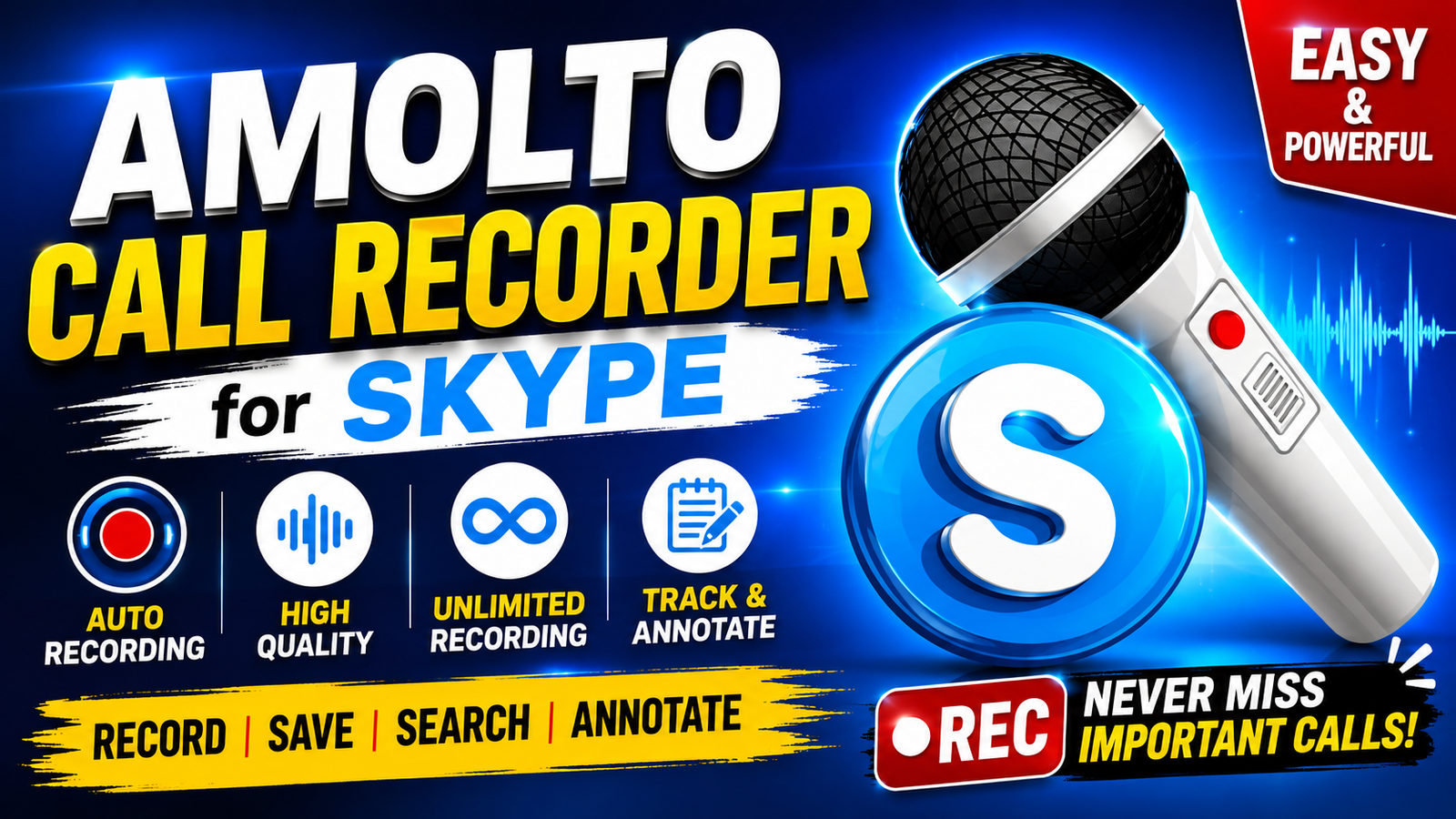
Amolto Call Recorder is a Windows-based call recording application designed to record conversations made through Skype and compatible communication applications. It provides an easy way to capture important audio conversations without requiring complicated recording settings.Another useful feature is the ability to add notes or MP3 tags to recordings. This can be helpful when you need to identify a particular meeting interview discussion or important part of a call later.For more information official website
Key Features
- . Automatic Call Recording
- Amolto Call Recorder can automatically start recording when a supported Skype call begins. This reduces the need to manually start the recorder every time.
- 2. High-Quality Audio
- The application saves recordings in high-quality audio formats, helping preserve the clarity of the original conversation.
- 3. Unlimited Recording Duration
- The recorder does not impose a short recording-time limit, allowing longer conversations to be captured without intentionally cutting them into smaller sections.
- 4. Call History Management
- Users can maintain a history of recorded conversations and search through previous recordings when they need to find a specific call.
- 5. Notes and MP3 Tags
- You can add annotations or MP3 tags to recordings. This makes it easier to identify important conversations and organize your recording collection.
Supported Functions
Amolto Call Recorder provides several functions for managing and recording Skype conversations, including:
- Automatic recording when a call starts
- High-quality audio recording
- Extended or unlimited recording duration
- Call history and recording management
- Search and sorting options
- Notes and annotations for recordings
- MP3 tag support
- Easy access to previously saved conversations
- Windows-based standalone installation
Technical Setup Details
- Software Full Name Amolto Call Recorder
- Setup Type Standalone/Offline Installe
- File Name Amolto Call Recorder
- File Size 50 MB
- Architecture 32-bit and 64-bit
System Requirements
- Operating System: Windows 7, Windows 8, Windows 8.1, or Windows 10
- RAM: 512 MB minimum
- Hard Disk: At least 50 MB of available storage
- Processor: Intel Pentium 4 Dual Core or higher
- Communication Software: Skype or another supported application
- Architecture: 32-bit (x86) or 64-bit (x64), depending on the release
How to Install Amolto Call Recorder
- Download the installer from the software’s official or trusted source.
- If the installer is provided in a compressed ZIP archive, extract it using Windows’ built-in extraction tool or a trusted archive utility.
- Open the extracted installation folder.
- Run the installer executable.
- Review and accept the software license terms.
- Choose the installation location if prompted.
- Follow the on-screen instructions to complete the installation.
- Launch Amolto Call Recorder after installation.
- Configure the recording and storage preferences according to your requirements.
- Open a supported Skype call and verify that recording works
Amolto Call Recorder offers a straightforward solution for recording and organizing Skype conversations on Windows. Its automatic recording high-quality audio extended recording capability call history search and annotation features make it useful for users who need to preserve important conversations.
Whether you are recording interviews meetings discussions or other permitted communications the software provides practical tools for managing recordings. Before installation check the supported Windows version and Skype compatibility and use the latest legitimate release available from a trusted source.
Read Aslo:Infinity CM2MT2