
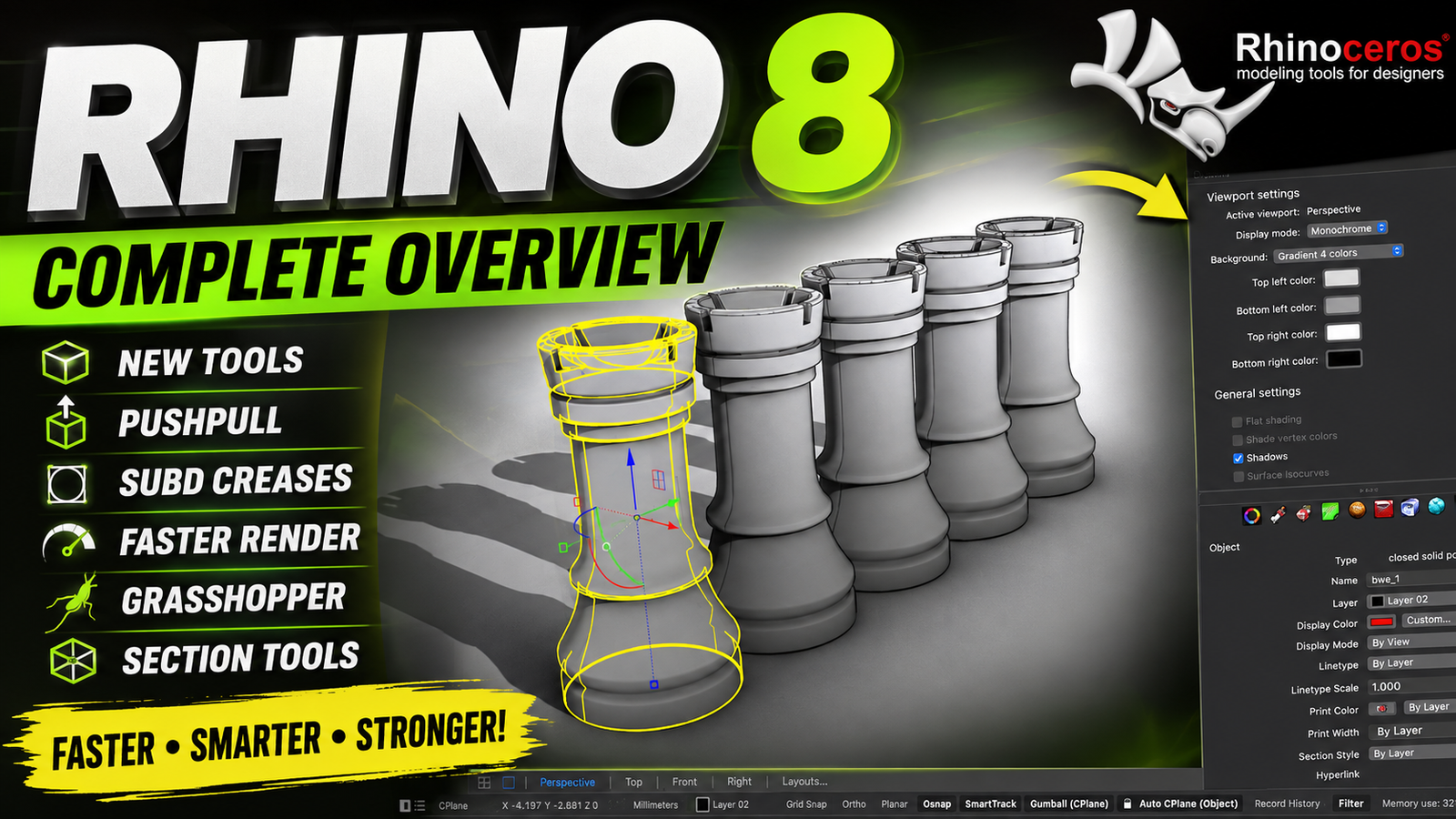
Rhino 8 is a powerful 3D modeling and design application for architects engineers designers manufacturers and other professionals who need accurate and flexible tools for creating complex models. Rhinoceros is well known for its precise NURBS-based modeling capabilities while also supporting SubD meshes rendering drafting fabrication workflows and visual programming through Grasshopper.
Rhino 8 introduces several improvements designed to make modeling faster and more efficient. New tools such as ShrinkWrap PushPull SubD Creases improved Gumball controls Auto CPlanes and enhanced sectioning workflows give users greater control over their designs. For more information official website
Key Features
- . ShrinkWrap
- ShrinkWrap creates a watertight mesh around selected geometry, making it useful for preparing complex models for 3D printing, scanning, visualization, and other workflows.
- 2. PushPull Modeling
- The PushPull workflow allows users to quickly grab a surface or face and push or pull it to extend or extrude geometry. This makes direct modeling considerably faster.
- 3. SubD Creases
- Rhino 8 expands SubD modeling with crease functionality, giving designers better control over sharp and smooth transitions in SubD models.
- 4. Improved Gumball
- The Gumball modeling widget receives additional grips and controls for moving, scaling, rotating, extending, and extruding objects more efficiently.
- 5. Sectioning Tools
- New sectioning capabilities make it easier to create section details, clipping views, fabrication curves, and 2D drawings from 3D models.
- 6. Faster Rendering
- The updated Cycles rendering engine provides faster feedback and GPU-accelerated ray tracing where supported by the hardware.
- 7. Better Grasshopper Integration
- Grasshopper receives new capabilities for managing Rhino object attributes, annotations, blocks, UserText, and live baking workflows.
- 8. Customizable User Interface
- Window Layouts allow users to customize, save, share, and restore preferred interface arrangements for different projects and workflows.
- 9. Improved Mesh Booleans
- The rewritten Mesh Boolean tools provide more reliable operations when working with complex mesh geometry.
- 10. Advanced Drafting
- Rhino 8 improves drafting and documentation with enhanced linetypes, clipping workflows, section drawings, and layout functionality.
Supported Functions
Rhino 8 supports a broad range of professional modeling and design functions, including
- NURBS-based 3D modeling
- SubD modeling and editing
- Mesh modeling
- PushPull workflows
- Surface creation and editing
- Surface fillets with dynamic radius previews
- Auto CPlanes
- Advanced Gumball controls
- Section Styles
- Selective Clipping
- Dynamic Vector Drawings
- Clipped Views
- Fabrication sectioning
- UV mapping and unwrapping
- Procedural textures
- GPU-accelerated ray tracing
- Monochrome display mode
- Grasshopper visual programming
- Grasshopper object attributes
- Grasshopper annotations and blocks
- Grasshopper live baking
- UserText management
- Custom linetypes
- Blocks and Block Manager
- Mesh Boolean operations
- Reflected Ceiling Plans
- 2D layouts and documentation
- USD and glTF-related workflows where supported
- Architectural and product visualization
Technical Setup Details
- Software Full Name: Rhinoceros 8
- Latest Version: 8.31.26126.13431
- Setup Type :Standalone Installer
- File Name
- :Rhinoceros 8
- File Size: 726 MB
- Architecture :64-bit (x64)
Application Type :Standalone Installer
System Requirements
- Operating System: Windows 10 or Windows 11, preferably fully updated
- Processor: Intel Core i5 or equivalent multi-core processor and above
- RAM: 8 GB minimum recommended
- Storage: At least 4 GB of available disk space for installation
- Architecture: 64-bit processor and operating system
- Graphics: A compatible graphics processor is recommended, particularly for advanced rendering and visualization
- Internet: May be required for certain licensing, account, or online features
How to Install Rhinoceros 8
- Download the official Rhino 8 installer from the developer’s website.
- Make sure your Windows system meets the minimum requirements.
- Run the installer with appropriate Windows permissions.
- Accept the software license agreement.
- Select the installation location and required components.
- Click Install and wait for the installation to complete.
- Launch Rhino 8 from the Start Menu or desktop shortcut.
- Sign in or enter your valid license information when requested.
- Check for available software updates before beginning your project.
Rhino 8 is a comprehensive solution for professional 3D modeling architectural design product development engineering visualization and fabrication workflows. Its combination of precise modeling tools SubD improvements PushPull modeling advanced sectioning enhanced rendering and expanded Grasshopper functionality makes it a significant upgrade for many design workflows.
With features such as ShrinkWrap Auto CPlanes improved Gumball controls Mesh Booleans UV mapping procedural textures SectionTools and customizable Window Layouts Rhino 8 gives users more flexibility and control over complex projects.
Read Also:LabelJoy Server 6