
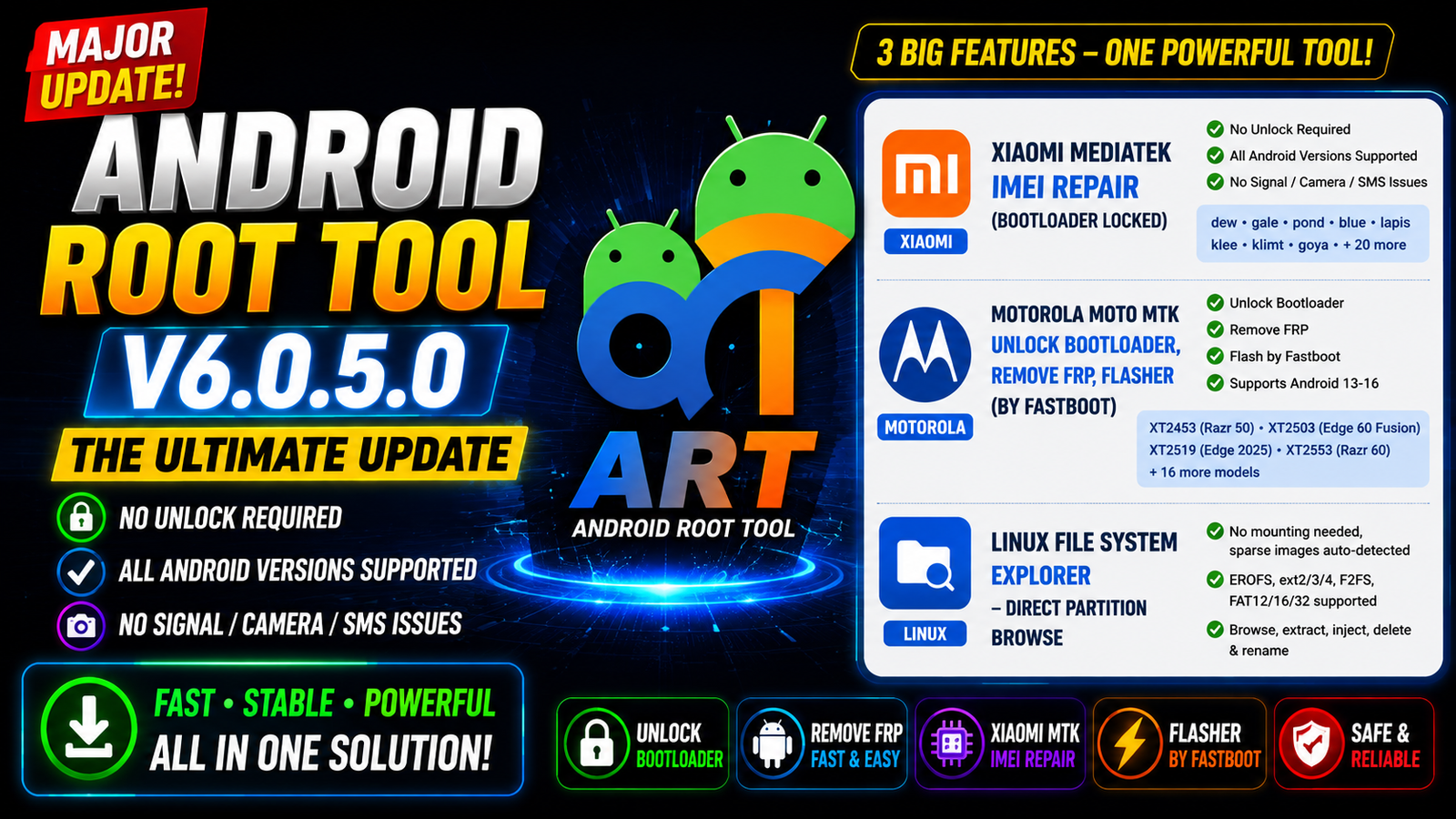
Android Root Tool V6.0.5.0 is a major new update for mobile repair technicians and advanced Android users. This release adds several powerful functions for Xiaomi MediaTek IMEI repair on bootloader-locked devices, Motorola MediaTek bootloader unlock and FRP removal, Linux file system exploration new Qualcomm EDL functions, and Xiaomi MTK temporary root bootloader unlock.
The latest version is focused on newer Android devices and current security patches, while also improving support for raw partition images and EDL-based operations. The update includes support for several Xiaomi, Redmi, POCO, Motorola, Nothing Phone, and OnePlus devices.
For more information: official website.
Main Tools
- Xiaomi MediaTek IMEI Repair Tool – Bootloader-locked IMEI repair for supported Xiaomi, Redmi, and POCO MTK devices.
- Motorola MTK Tool – Fastboot Bootloader Unlock, FRP Remove, and firmware flashing.
- Linux File System Explorer – Browse, extract, inject, delete, and manage files in EROFS, ext2/3/4, F2FS, and FAT images.
- Qualcomm EDL Tool – Read eMMC/UFS storage information and perform supported EDL operations.
- Nothing Phone EDL Tool – EDL Auth, firmware Read/Write, FRP Reset, Format, and Partition Manager.
- OnePlus EDL Auth Tool – EDL authentication support for compatible OnePlus devices.
- Xiaomi MTK ADB Tool – Temporary Root-based bootloader unlock for supported models such as Redmi 15R and Redmi K80 Pro.
Key Features
The most important features of the latest Android Root Tool update include:
- Xiaomi MTK IMEI repair for supported bootloader-locked devices
- Motorola MTK bootloader unlock
- Motorola MTK FRP removal
- Motorola Fastboot firmware flashing
- Android 13/14/15/16 support for listed Motorola models
- Linux raw partition file explorer
- EROFS file management
- ext2/ext3/ext4 file management
- F2FS file management
- FAT12/FAT16/FAT32 file management
- Qualcomm EDL storage information
- eMMC and UFS detection
- Nothing Phone EDL Auth
- OnePlus EDL Auth
- Nothing Phone firmware operations
- Nothing Phone partition manager
- Xiaomi MTK ADB temporary root functions
Supported Functions
Xiaomi MediaTek
- Bootloader-locked IMEI repair on supported devices
- Support for old and new MTK models
- Xiaomi and Redmi MTK device support
- POCO MTK device support
Motorola MediaTek
- Fastboot Bootloader Unlock
- Fastboot FRP Remove
- Fastboot Firmware Flashing
- Android 13, 14, 15, and 16 support
Linux File System
- EROFS
- ext2
- ext3
- ext4
- F2FS
- FAT12
- FAT16
- FAT32
- Raw partition browsing
- File extraction and injection
Qualcomm
- EDL Storage Info
- eMMC information
- UFS information
- Nothing Phone EDL Auth
- OnePlus EDL Auth
Nothing Phone
- EDL Authentication
- Firmware Read
- Firmware Write
- FRP Reset
- Format
- Partition Manager
Xiaomi MTK
- ADB Temporary Root
- Supported bootloader unlock workflow
- Redmi 15R
- Redmi K80 Pro
Technical Setup Details
- Operating System: Windows 10 / Windows 11
- Processor: Intel/AMD processor with 64-bit Windows support
- RAM: Minimum 4 GB; 8 GB or more recommended
- USB Port: Working USB 2.0/3.0 port
- USB Cable: High-quality USB data cable
- ADB/Fastboot Drivers: Required for ADB and Fastboot operations
- MediaTek Drivers: Required for supported Xiaomi and Motorola MTK operations
- Qualcomm EDL Drivers: Required for Qualcomm EDL functions
- Storage: Sufficient free space for the tool, firmware, and partition images
- Administrator Access: Run the tool with Windows administrator privileges
- Internet Connection: Required for functions that use online authentication or services
- Device Battery: Keep the phone sufficiently charged before starting repair or flashing operations
- Backup: Always back up important user data before performing partition, FRP, flashing, or repair operations
- Device Compatibility: Verify the exact model, chipset, firmware version, and supported operation before proceeding
- Stable Connection: Do not disconnect the USB cable during flashing, partition, EDL, or other critical operations.
How to Install Android Root Tool V6.0.5.0
Step 1: Download the Tool
Download the latest Android Root Tool V6.0.5.0 package from this website.
Step 2: Extract the Archive
If the tool is provided in ZIP or RAR format, extract the complete package using a suitable archive utility.
Step 3: Install Drivers
Install the required USB drivers for the device you are working with.
Depending on the operation, you may need:
- Android ADB/Fastboot drivers
- MediaTek USB drivers
- Qualcomm EDL drivers
- Motorola USB drivers
Step 4: Run the Tool
Open the extracted tool folder and launch the main executable. If Windows requests permission, allow the application to run with administrator privileges.
Step 5: Connect the Device
Put the supported phone into the required mode, such as:
- ADB Mode
- Fastboot Mode
- EDL Mode
The required mode depends on the selected function.
Step 6: Select the Correct Module
Choose the appropriate module, such as Xiaomi MTK, Motorola Fastboot, Qualcomm EDL, or Linux File System Explorer.
Step 7: Perform the Operation
Verify the device model and selected operation before proceeding. Always maintain a stable USB connection during firmware, partition, or repair operations.
Android Root Tool V6.0.5.0 is a major update that expands the tool’s capabilities across Xiaomi MediaTek, Motorola MediaTek, Qualcomm EDL, and Linux file-system operations.
The biggest highlights are Xiaomi MTK IMEI Repair on supported bootloader-locked devices, Motorola Fastboot Bootloader Unlock and FRP functions, the new Linux File System Explorer, and additional Qualcomm EDL authentication and storage functions for supported devices.
The update also introduces a temporary-root based Xiaomi MTK bootloader unlock workflow for selected models such as the Redmi 15R and Redmi K80 Pro.
Read Also: Data Unlocker Tool V1.7.4