
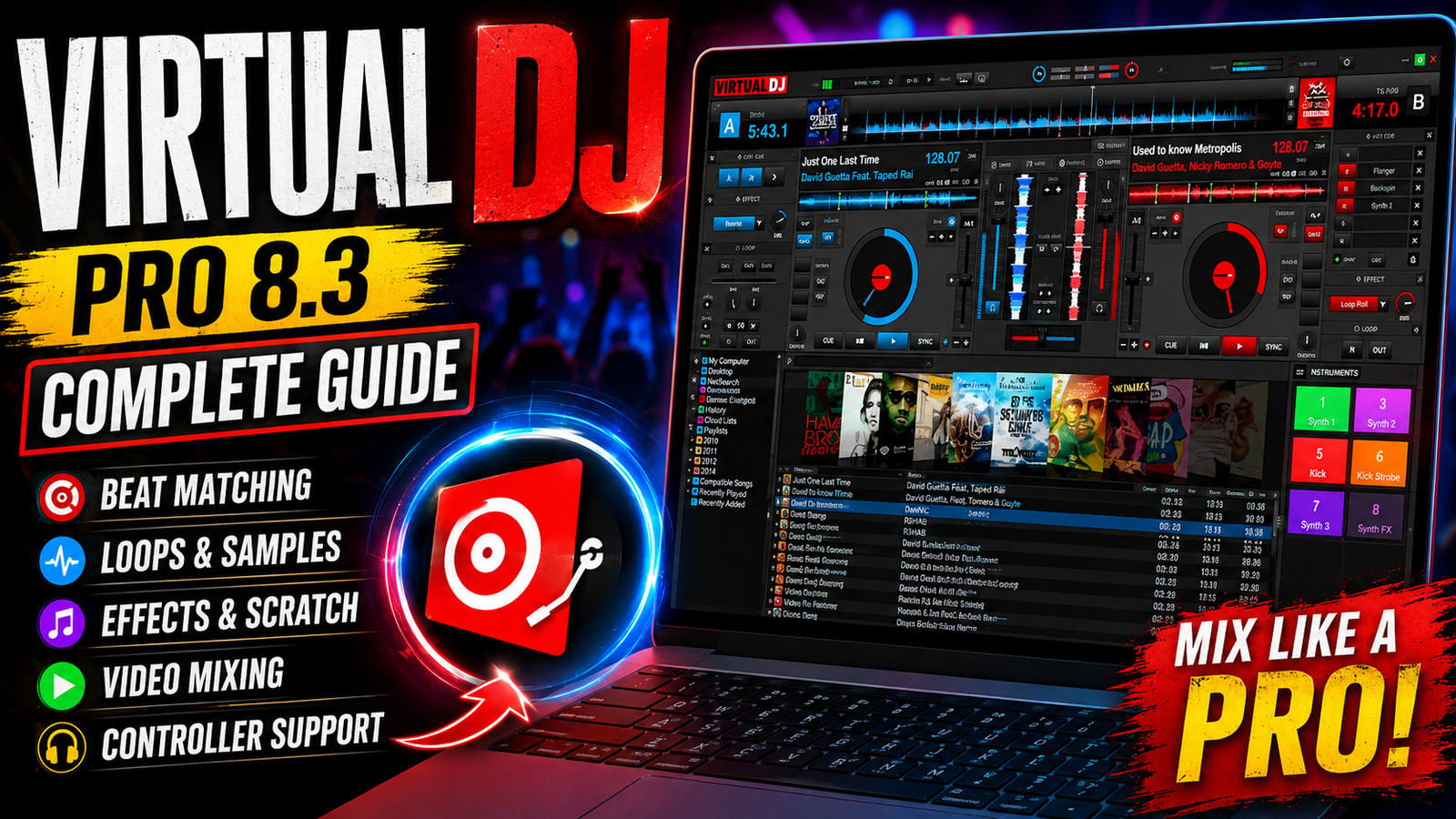
Virtual DJ Pro 8.3 is a powerful DJ mixing and music performance application designed for everyone from beginners and bedroom DJs to professional performers. It provides a comprehensive collection of tools for mixing music creating live remixes scratching tracks applying effects managing playlists and performing with external DJ controllers.With features such as BeatLock automatic pitch matching real-time scratching, VST effects compatibility MIDI controller support and video effects Virtual DJ Pro 8.3 provides a flexible environment for creative DJ performances. For more information offcial website
Key Features
- 1. Advanced Beat Matching
- VirtualDJ includes intelligent beat-matching technology that helps keep multiple songs synchronized. Automatic BPM calculation and pitch matching make it easier to transition between tracks.
- 2. Professional Mixing Controls
- The software provides volume controls, pitch adjustment, three-band equalizers, gain controls, crossfading, and other essential DJ mixing tools.
- 3. BeatLock Engine
- The BeatLock engine helps tracks remain synchronized during a mix, allowing DJs to concentrate more on performance and creative transitions.
- 4. Loops and Sampler
- Users can create automatic beat-aware loops and trigger samples through instant sampler slots. This makes it possible to add sounds, effects, and musical elements during live performances.
- 5. Scratch Simulation
- VirtualDJ provides realistic scratch simulation and virtual scratching functionality, allowing users to experiment with scratching directly from their computer.
- 6. Audio and Video Mixing
- The software is not limited to music. It can also mix video clips and provides video effects and transitions for DJs who perform multimedia shows.
- 7. Customizable Interface
- VirtualDJ supports customizable skins, shortcuts, macros, effects, and controller configurations, allowing users to create a setup that matches their workflow.
- 8. External Controller Support
- The software works with many MIDI-compatible DJ controllers and keyboards, providing physical controls for mixing, scratching, effects, and other functions.
Supported Functions
Virtual DJ Pro 8.3 supports a wide range of DJ and multimedia functions, including:
- Automatic BPM and beat detection
- Automatic pitch and level matching
- Beat-aware crossfading
- Three-band EQ and gain controls
- Real-time looping
- Multiple cue points
- Synchronized sampler
- Scratch simulation
- Master Tempo pitch processing
- Beat-aware audio effects
- VST effects compatibility
- Video mixing and transitions
- Karaoke support
- Internet broadcasting
- CD-to-MP3 conversion
- Music library and database management
- iTunes playlist compatibility
- ID3 metadata support
- Cover artwork browsing
- MIDI keyboard compatibility
- External DJ controller support
- ASIO sound-card compatibility
- Custom skins and shortcut macros
- Automatic mixing based on music style
These functions make VirtualDJ useful for both basic home mixing and more advanced live DJ applications.
Technical Setup Details
- Software Full Name: Virtual DJ Pro 8.3
- Setup Type: DJ/Music Production Software
- Category :DJ & Music Mixing Software
- Architecture: 64-Bit (x64)
Interface :Graphical User Interface - Operating System: Windows
System Requirements
- Processor: Pentium 4, 3 GHz or equivalent
- RAM: 1 GB
- Graphics: SVGA display with 1024 × 768 resolution
- Sound Card: DirectX-compatible sound card
- Storage: Approximately 200 MB of free disk space
- Operating System: Compatible Windows version
- Audio Hardware: ASIO-compatible sound card recommended for advanced setups
How to Install Virtual DJ Pro 8.3
- Obtain the official VirtualDJ installer for your operating system.
- Before installation, close unnecessary applications.
- Run the installer with the appropriate Windows permissions.
- Read and accept the software license agreement.
- Select the installation location if prompted.
- Continue through the installation wizard.
- Allow the installer to copy the required program files.
- Once installation is complete, launch VirtualDJ.
- Configure your audio output and preferred sound card.
- Connect and configure your compatible DJ controller, MIDI keyboard, or other hardware.
- Import or scan your music library.
- Test playback, headphones, cue points, effects, and mixing controls before performing live.
Virtual DJ Pro 8.3 is a feature-rich DJ mixing platform that combines automatic beat matching, pitch control looping sampling scratching audio effects video mixing karaoke broadcasting and external controller support. Its customizable interface and extensive mixing tools make it suitable for DJs with different levels of experience.
The software’s beat synchronization and automatic mixing functions can simplify many aspects of DJ performance while advanced users can take advantage of MIDI controllers VST effects video tools custom shortcuts and professional audio hardware.
Read Also : OnePlus Rollback Firmware Downloader V1.0 by GSMYOGESH