
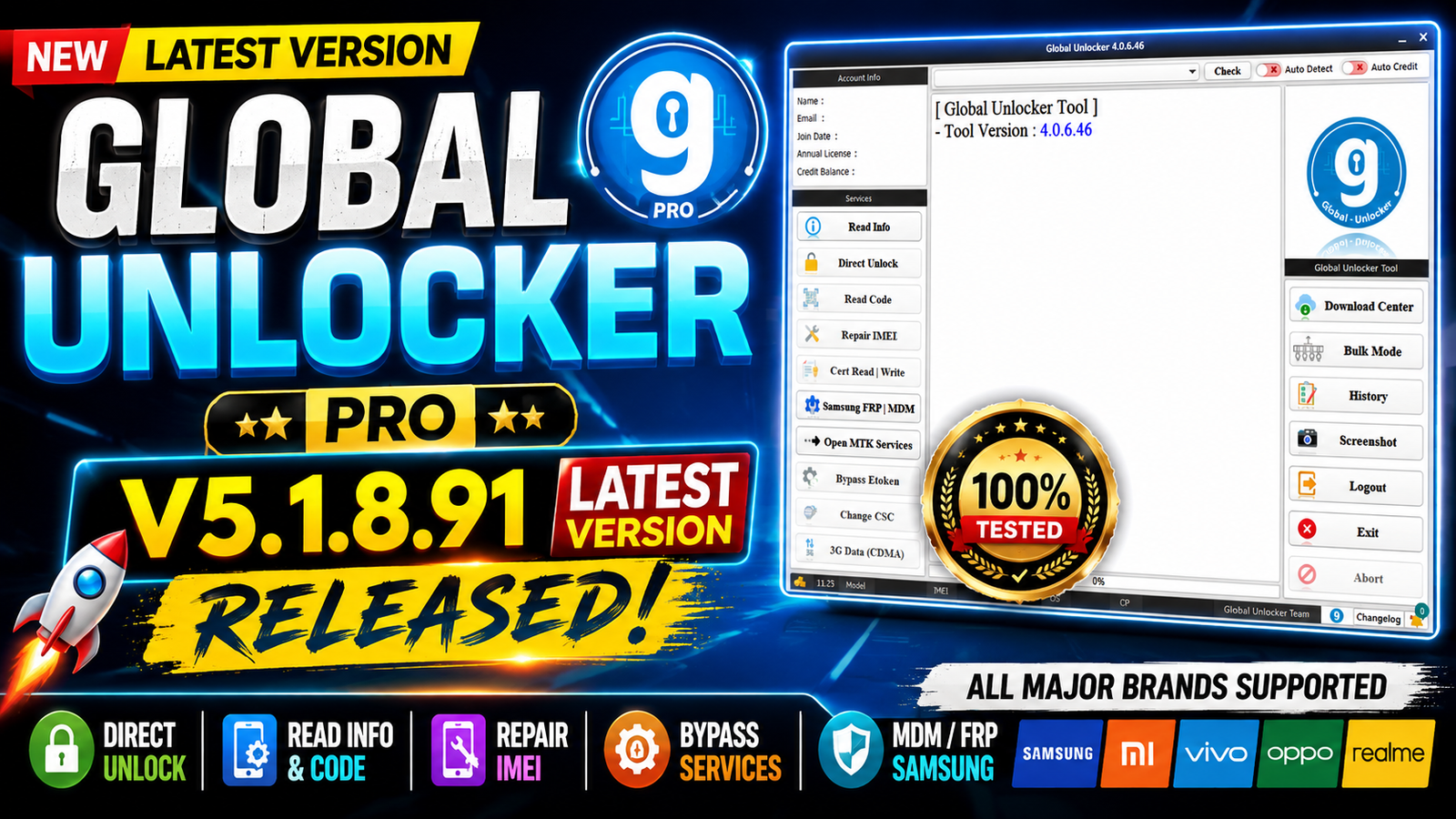
Global Unlocker Pro V5.1.8.91 is now available with a new update for mobile repair professionals and GSM technicians. This version introduces support for Motorola Bootloader Unlock and FRP Removal through Fastboot Mode, making it easier to service supported Motorola devices without complicated procedures. The release focuses on improving speed, compatibility, and overall performance for repair shops and advanced users.
For more information: official website.
Main Tools
- Motorola Module
- Fastboot Service Module
- Bootloader Unlock Tool
- FRP Removal Tool
- Device Information Reader
- USB Driver Detection
- Log & Operation Manager
Key Features
- New Motorola Unlock Bootloader feature added.
- New Motorola Remove FRP function.
- Supports operations through Fastboot Mode.
- Faster processing speed.
- Improved device detection.
- Stable and secure servicing.
- User-friendly interface.
- Compatible with the latest supported Motorola devices.
- Works on both 32-bit and 64-bit Windows systems.
Supported Functions
- Unlock Motorola Bootloader.
- Remove Factory Reset Protection (FRP).
- Fastboot Mode operations.
- Detect connected Motorola devices.
- Read device information.
- Safe communication with supported devices.
- Enhanced compatibility with supported Motorola models.
Technical Setup Details
- Software Name: Global Unlocker Pro
- Version: V5.1.8.91
- Developer: Global Unlocker Team
- Operating System: Windows 7, Windows 8, Windows 10, Windows 11
- Architecture: 32-bit & 64-bit
- Required RAM: 2 GB minimum (4 GB recommended)
- Processor: Intel or AMD Dual-Core or higher
- Storage Space: At least 500 MB free
- Connection Mode: USB Cable
- Device Mode: Fastboot Mode
- Supported Brand: Motorola
How to Install Global Unlocker Pro V5.1.8.91
- Download Global Unlocker Pro V5.1.8.91 from this website.
- Extract the downloaded ZIP or RAR file.
- Install the required USB drivers.
- Run the setup file as Administrator.
- Complete the installation process.
- Launch the software.
- Log in with your Global Unlocker Pro account.
- Boot the Motorola device into Fastboot Mode.
- Connect the device using a USB cable.
- Select Unlock Bootloader or Remove FRP, then start the operation.
Global Unlocker Pro V5.1.8.91 is a valuable update for GSM technicians who regularly work on Motorola smartphones. The addition of Unlock Bootloader and Remove FRP in Fastboot Mode simplifies common repair tasks while improving efficiency and reliability. If you frequently service Motorola devices, this version is worth updating to for its enhanced functionality and improved compatibility.
Read Also: ProfiCAD 13 House Wiring Diagram