
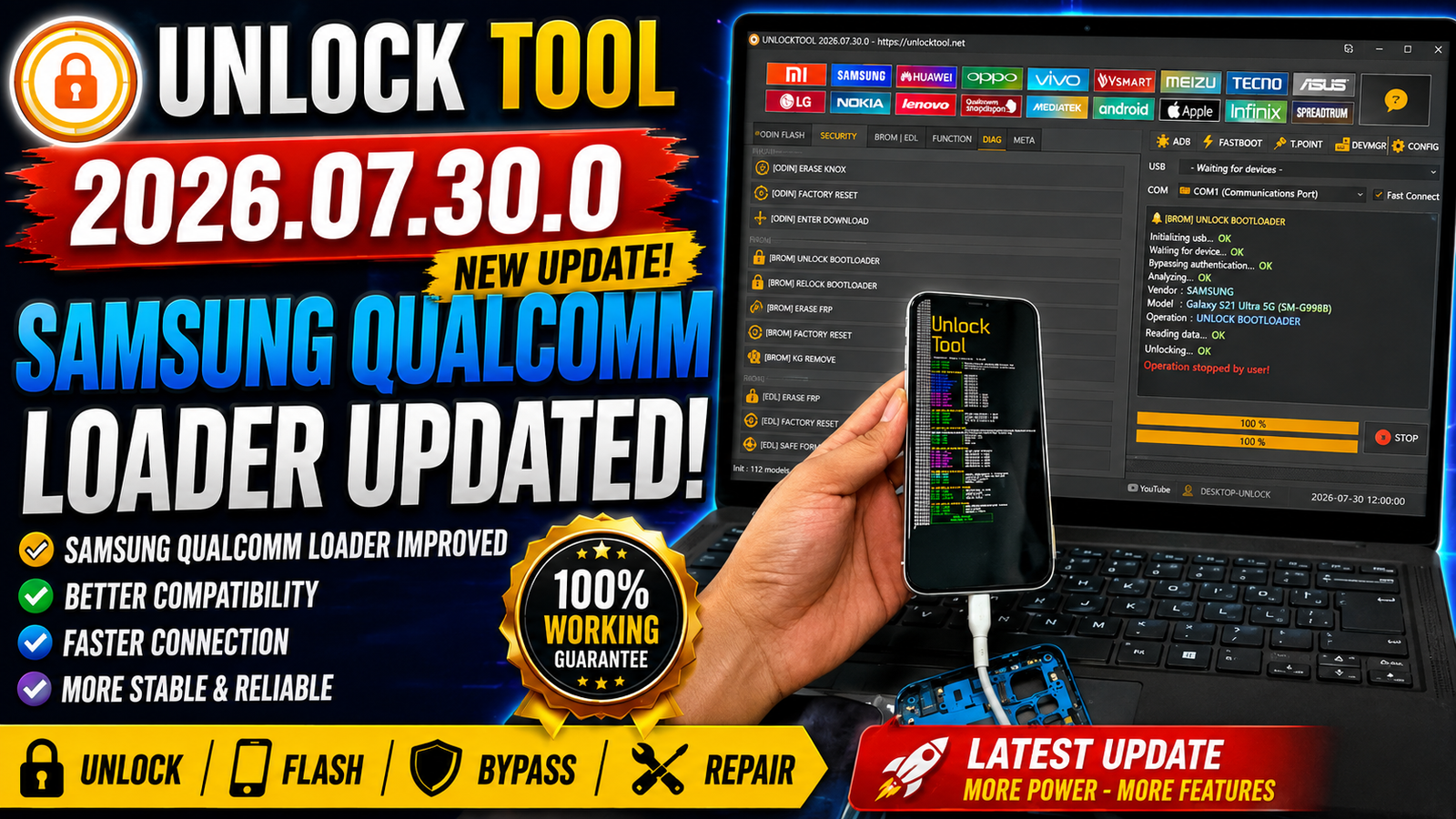
Unlock Tool 2026.07.30.0 is the latest update for GSM technicians and mobile repair professionals. This version introduces Apple A12/A13 Boot Ramdisk support and updates the Samsung Qualcomm Loader for the latest BIT security devices. Users can now perform advanced service operations on supported iPhones, iPads, and Samsung Qualcomm smartphones with improved compatibility and reliability.
The update also includes new Ramdisk download options, Apple diagnostic files, and the latest Qualcomm loaders, making Unlock Tool one of the best solutions for mobile servicing in 2026.
For more informaton: official website.
Main Tools
Unlock Tool 2026.07.30.0 includes the following modules:
- Apple A12/A13 Boot Ramdisk Module
- Samsung Qualcomm Loader Module
- Qualcomm Flash & Readback Tool
- FRP Unlock Tool
- Factory Reset Utility
- Flash Backup Manager
- Hardware Information Reader
- Apple Account Information Reader
- iOS Information Reader
- Apple Diagnostic Files Downloader
Key Features
Apple A12/A13 Boot Ramdisk Support:
The latest update adds full Boot Ramdisk support for Apple A12 and A13 devices.
Supported operations include:
- Backup Passcode
- Restore Passcode
- Read Apple Account
- Read Hardware Information
- Read iOS Version
- Factory Reset
Supported Apple Devices:
- iPhone 11
- iPhone 11 Pro
- iPhone 11 Pro Max
- iPhone SE 2020
- iPhone XS
- iPhone XR
- iPhone XS Max
- iPad Air 3
- iPad mini 5
- iPad 8
- iPad 9
PWND Support:
This version supports:
- USBLiter8 with RP2350 USB-A
which provides a reliable way to boot supported Apple devices into Ramdisk mode.
Samsung Qualcomm Loader Updated:
Unlock Tool now includes updated Qualcomm loaders compatible with the latest Samsung BIT security.
Supported functions include:
- Erase FRP
- Factory Reset
- Readback
- Flash Backup
Supported Functions
Apple Functions:
- Backup Passcode
- Restore Passcode
- Read Apple Account
- Read Hardware Info
- Read iOS Version
- Factory Reset
- Boot Ramdisk
- Device Detection
- Apple Diagnostics Support
Samsung Qualcomm Functions:
- Erase FRP
- Factory Reset
- Readback Firmware
- Flash Backup
- Qualcomm Emergency Mode Support
- Latest Loader Compatibility
- New BIT Security Support
Supported Samsung Models:
- Samsung A23 SM-A235N (BIT-C)
- Samsung Z Flip6 SM-F741U (BIT-4)
- Samsung S24 Ultra SM-S928N (BIT-6)
- Samsung S24 Ultra 5G SC-52E (BIT-1)
- Samsung S22 Ultra 5G SM-S908N (BIT-9)
- Samsung S23 5G SM-S911N (BIT-8)
- Samsung S23 Plus SM-S916N (BIT-6)
- Samsung M14 4G SM-M145F (BIT-C)
- Samsung S23 FE SM-S711U (BIT-8)
Apple Ramdisk Downloads:
Unlock Tool now provides direct access to required Apple files.
Available downloads include:
- Download File Ramdisk A12/A13
- iPhone Ramdisk
- iPad Ramdisk
- iPhone Diag Files
- iPad Diag Files
- Boot Diag File for iPhone & iPad (18-09-2024)
- Drivers for Supported Brands
These files simplify the repair process and ensure compatibility with supported Apple devices.
Technical Setup Details
- Software Name: Unlock Tool
- Latest Version: 2026.07.30.0
- Developer: Unlock Tool Team
- Operating System: Windows 10 / Windows 11 (64-bit)
- Processor: Intel or AMD Dual Core or higher
- RAM: 4 GB minimum (8 GB recommended)
- Storage: 1 GB free disk space
- Internet: Required for activation and updates
- USB Drivers: Samsung, Qualcomm, Apple, and other supported drivers
- Connection: USB Cable
- Status: Latest Release 2026
How to Install Unlock Tool 2026.07.30.0
- Download Unlock Tool 2026.07.30.0 from this website.
- Extract the ZIP or RAR file using WinRAR or 7-Zip.
- Install the required USB drivers.
- Launch Unlock Tool as Administrator.
- Log in with your active account.
- Connect your device using a compatible USB cable.
- Select the desired module (Apple or Samsung).
- Choose the required operation.
- Click Start and wait until the process completes.
Unlock Tool 2026.07.30.0 delivers significant improvements for both Apple and Samsung servicing. The addition of Apple A12/A13 Boot Ramdisk support allows technicians to perform passcode backup, account reading, hardware information retrieval, iOS detection, and factory reset on supported iPhones and iPads. At the same time, the updated Samsung Qualcomm Loader expands compatibility with newer BIT security versions, enabling FRP removal, factory reset, readback, and flash backup on recently released Samsung devices. With updated drivers, diagnostic files, and enhanced loader support, this release is a valuable upgrade for repair professionals looking for broader device compatibility and more efficient servicing.
Read Also: SamFw FRP Tool V5.9