
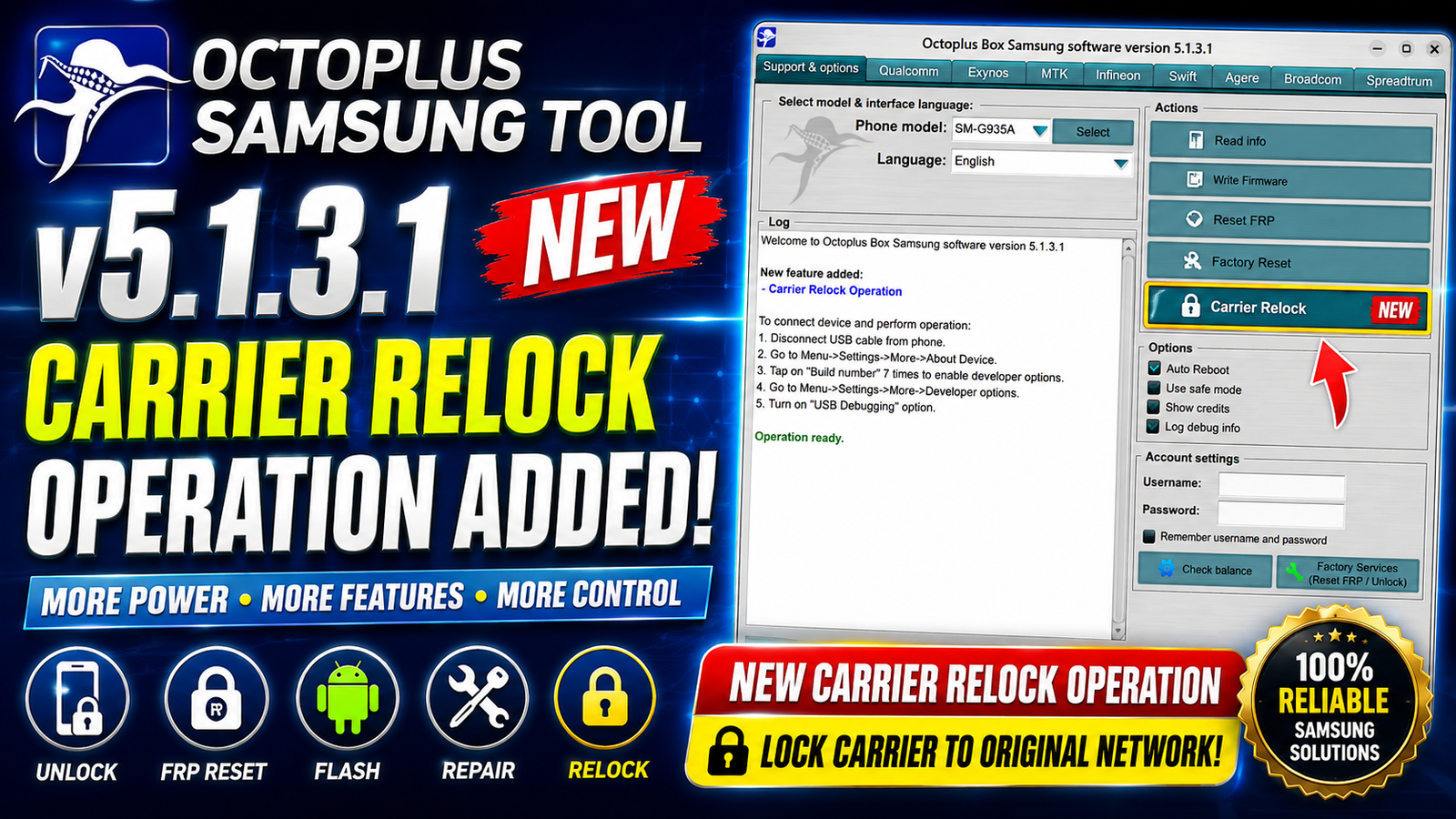
Octoplus Samsung Tool v5.1.3.1 is the latest update for mobile repair professionals and Samsung service technicians. This version introduces a new Carrier Relock operation expands support for many of the latest Samsung smartphones and tablets and adds new Qualcomm loaders for additional devices. It also supports the latest Samsung firmware including the 2026-07-05 security patch making it one of the most up-to-date releases for Samsung servicing.
Whether you need to perform Carrier Relock, flash firmware remove FRP repair software issues or service Qualcomm-based Samsung devices Octoplus Samsung Tool v5.1.3.1 delivers improved compatibility and reliability.
For more information: official website.
Main Tools
- Carrier Relock
- Samsung Flashing
- FRP Reset
- Factory Reset
- Read Device Information
- Qualcomm Loader Support
- Firmware Operations
- Download Mode Functions
- EFS Management
- Partition Management
- Device Diagnostics
- IMEI & Network Service Functions (Supported Models)
- Backup & Restore
- Security Repair
- Boot Repair
Key Features
- Added new Carrier Relock operation
- Supports firmware with 2026-07-05 Security Patch
- Expanded support for many new Samsung Galaxy devices
- Compatible with the latest Galaxy S26 Series
- Added support for Galaxy A17, A26, A37, A56, and A57
- Supports Galaxy S25 FE
- Supports Galaxy Z Flip 7 and Z Flip 7 FE
- Supports Galaxy Tab S10 FE
- Added multiple Qualcomm loaders
- Improved compatibility with newer Bit versions
- Better servicing performance
- Stable flashing operations
- Professional Samsung servicing solution
- Regular database updates
- Fast device detection
Supported Functions
New Carrier Relock Supported Devices:
- Samsung Galaxy A17 5G (SM-A176B, SM-A176U, SM-S176V)
- Samsung Galaxy A26 5G (SM-A266U, SM-S266V)
- Samsung Galaxy A37 5G (SM-A376B, SM-A376U, SM-S376V)
- Samsung Galaxy A56 5G (SM-A566E)
- Samsung Galaxy A57 5G (SM-A576B)
- Samsung Galaxy S25 FE (SM-S731B, SM-S731U)
- Samsung Galaxy S26 (SM-S942B, SM-S942U)
- Samsung Galaxy S26 Plus (SM-S947B, SM-S947U)
- Samsung Galaxy S26 Ultra (SM-S948B, SM-S948U)
- Samsung Galaxy Tab S10 FE (SM-X528U)
- Samsung Galaxy Z Flip 7 FE 5G (SM-F761U)
- Samsung Galaxy Z Flip 7 5G (SM-F766U)
Supported Carrier Relock Networks:
- AIO
- APP
- ASR
- ATT
- CCT
- CHA
- DSA
- DSG
- DSH
- IUS
- MXO
- SPT
- TCE
- TFN
- TMM
- TFV
- TMB
- TMK
- USC
- VPP
- VZW
- XAU
- XMT
Note: Carrier Relock is a credits-based operation.
Newly Added Qualcomm Loaders:
- Samsung Galaxy A73 5G (SM-A736B) Bit C
- Samsung Galaxy S21 5G (SM-G9910) Bit G
- Samsung Galaxy S21 FE 5G (SM-G990U2) Bit L
- Samsung Galaxy S22 5G (SM-S901U) Bit A
- Samsung Galaxy S22 Plus 5G (SM-S906U) Bit A
- Samsung Galaxy S22 Ultra 5G (SM-S908E) Bit E
- Samsung Galaxy S22 Ultra 5G (SM-S908U) Bit A
- Samsung Galaxy S24 Plus (SM-S926U) Bit 6
- Samsung Galaxy S24 Ultra (SM-S928U) Bit 6
- Samsung Galaxy Tab A9 Plus 5G (SM-X218U) Bit C
- Samsung Galaxy Tab S7 FE Wi-Fi (SM-T737) Bit 9
- Samsung Galaxy Z Flip 5 (SM-F731N) Bit 6
- Samsung Galaxy Z Flip 6 (SM-F741U) Bit 4
- Samsung Galaxy Z Fold 4 (SM-F936B) Bit C
- Samsung Galaxy Z Fold 5 (SM-F946U) Bit 8
- Samsung Galaxy Z Fold 6 (SM-F956U) Bit 4
Technical Setup Details
- Software Name: Octoplus Samsung Tool
- Version: v5.1.3.1
- Developer: Octoplus Team
- Supported OS: Windows 10 / Windows 11 (64-bit Recommended)
- Processor: Intel or AMD Dual-Core or higher
- RAM: 4 GB minimum (8 GB recommended)
- Hard Disk Space: 500 MB or more
- USB Driver: Samsung USB Driver Required
- Internet Connection: Required for activation and credits-based operations
- Dongle/Box: Octoplus Box or Octoplus Dongle Required
How to Install Octoplus Samsung Tool v5.1.3.1
- Download Octoplus Samsung Tool v5.1.3.1 from this website.
- Extract the downloaded archive using WinRAR or 7-Zip.
- Install the software by running the setup file.
- Install the latest Samsung USB Drivers if they are not already installed.
- Connect your Octoplus Box or Dongle to the computer.
- Launch the Octoplus Samsung Tool.
- Activate or log in with your Octoplus account if required.
- Connect the Samsung device using a USB cable.
- Select the required operation, such as Carrier Relock, Flash, FRP Reset, or Loader functions.
- Follow the on-screen instructions to complete the process.
Octoplus Samsung Tool v5.1.3.1 is an important update that significantly expands Samsung device support with the introduction of the new Carrier Relock operation. The update includes compatibility with the latest Galaxy S26 series, Galaxy Z Flip 7 Galaxy A17/A26/A37/A56/A57 and many other devices while also adding new Qualcomm loaders for newer Bit versions. With support for the 2026-07-05 security patch improved servicing capabilities and a wide range of supported carriers this release is an excellent choice for mobile repair professionals looking to service the latest Samsung smartphones and tablets efficiently.
Read Also: EBM Partition Manager