
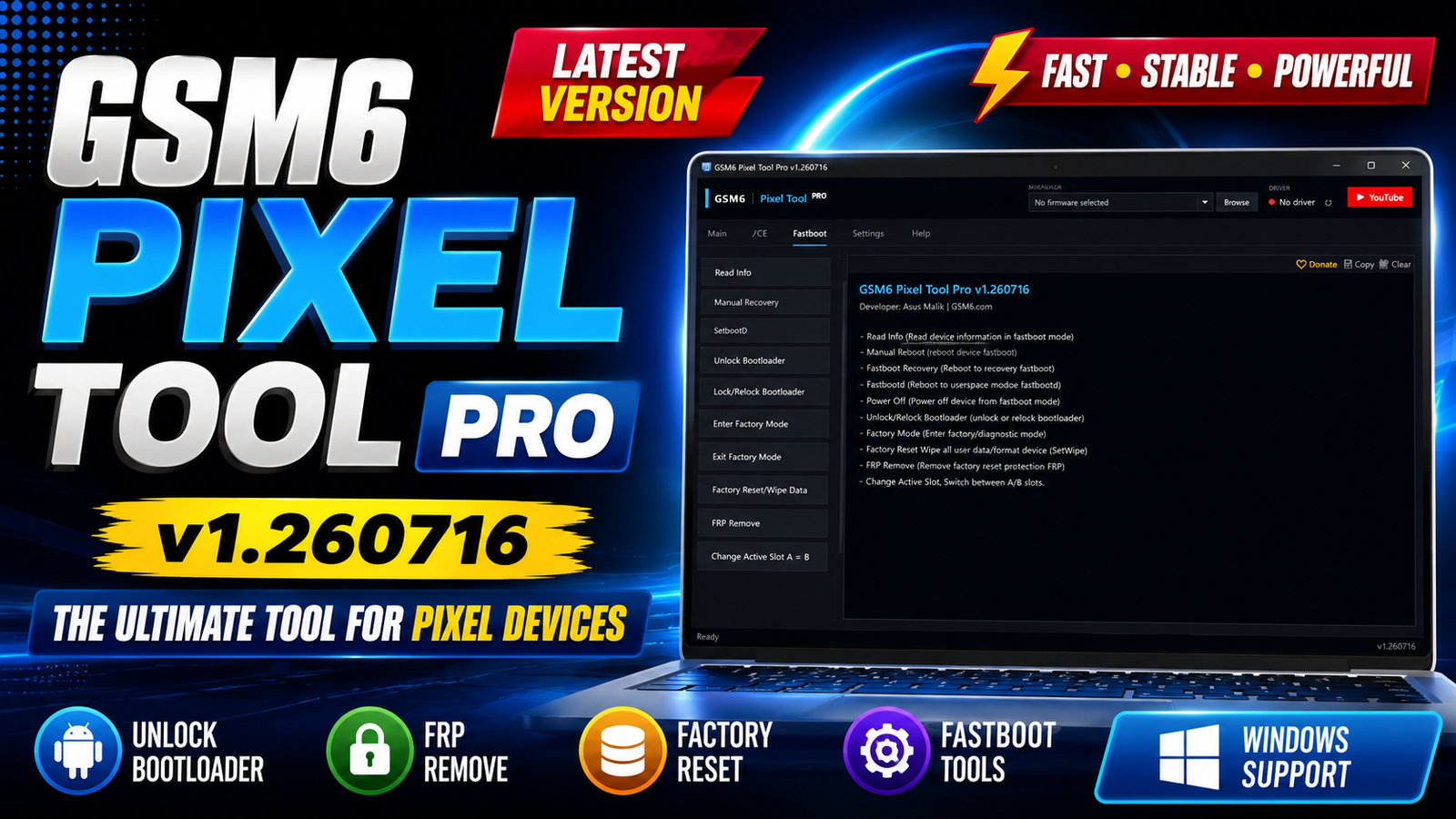
If you repair Google Pixel smartphones then GSM6 Pixel Tool Pro v1.260716 is a utility worth checking out. While searching for a free Pixel servicing tool I initially expected it to include only a few basic ADB commands. However after installing the software I discovered that it offers a much wider range of functions including firmware flashing Fastboot utilities rooting options FRP-related features partition management and Tensor-specific service functions. For more information: official website.
Main Tools
GSM6 Pixel Tool Pro v1.260716 comes with essential modules for mobile servicing:
1. Read Info: Reads important information from the connected Google Pixel device before performing repairs.
2. Flash Firmware: Installs official firmware on supported Pixel devices. This can help recover devices stuck in bootloop, on the Google logo, or after a failed software update.
3. Custom Flash: Allows flashing only selected firmware partitions instead of the complete firmware package.
4. ADB Sideload: Used for installing OTA update packages through Recovery Mode using ADB Sideload.
5. Root (Server): Provides server-based rooting for supported Pixel models.
6. Root (Direct): Offers a direct rooting method without using server functions.
7. Unroot (Server): Removes root access using GSM6 server services.
Key Features
- Simple and lightweight Windows application
- User-friendly interface
- Complete ADB management tools
- Advanced Fastboot operations
- Official firmware flashing
- Custom partition flashing
- Bootloader Unlock & Relock
- Factory Reset and Wipe Data
- FRP Removal options
- Install APK through ADB
- Install Magisk support
- Partition Backup & Restore
- Slot A/B Switching
- Tensor Technician Mode
- Compatible Firmware Finder
- Temporary IMEI 0 Repair
- Permanent CPID Repair
- Desktop shortcut installation
- Supports Windows 10 & Windows 11
Supported Functions
1. ADB Tab
The ADB section includes many everyday service functions.
- Read Info
- Reboot Device
- Reboot Bootloader
- Reboot Recovery
- FRP Remove
- Backup Partition
- Restore Partition
- Install APK
- Install Magisk
2. Fastboot Tab
The Fastboot tab contains nearly every common Fastboot operation required during Pixel servicing.
- Read Device
- Information
- Normal Reboot
- Recovery Reboot
- FastbootD Reboot
Power Off - Unlock Bootloader
Lock / Relock - Bootloader
- Enter Factory Mode
- Exit Factory Mode
- Factory Reset / Wipe Data
- FRP Remove
- Change Active Slot A ⇌ B
3. Tensor Technician Mode
After Technician Mode is enabled, additional advanced service functions become available.
- Read Config (ADB)
- Get Compatible
- Firmware
- Fix IMEI 0
- (Temporary)
- Fix CPID (Permanent)
- Disable Beta (Test)
Technical Setup Details
- Software Name: GSM6 Pixel Tool Pro
- Version: v1.260716
- License: Free Download
- Developer: GSM6 Team
- Operating System: Windows 10 / Windows 11
- Architecture: 64-bit
- Interface: English
- Installation: Offline Installer
- Category: Google Pixel Flash & Repair Tool
How to Install GSM6 Pixel Tool Pro v1.260716
Installing the software is straightforward and does not require any complicated configuration.
- Download the GSM6 Pixel Tool Pro v1.260716 setup file.
- Right-click the installer.
- Select Run as administrator.
- Wait for the setup wizard to open.
- Click OK to continue.
- Choose the installation folder (the default location is recommended).
- Click Next.
- If Windows asks to create the folder, click Yes.
- Leave the Start Menu folder unchanged.
- Click Next again.
- Enable Create Desktop Shortcut.
- Click Install.
- Wait while the installation completes.
- Leave Launch GSM6 Pixel Tool Pro checked.
- Click Finish to start the application.
GSM6 Pixel Tool Pro v1.260716 brings together a wide collection of repair and maintenance tools for Google Pixel smartphones. From firmware flashing and bootloader management to ADB utilities Fastboot commands partition backup rooting options and Tensor-specific service functions the software provides an all-in-one environment for Pixel servicing.
Read Also: UAT PRO V202.01