
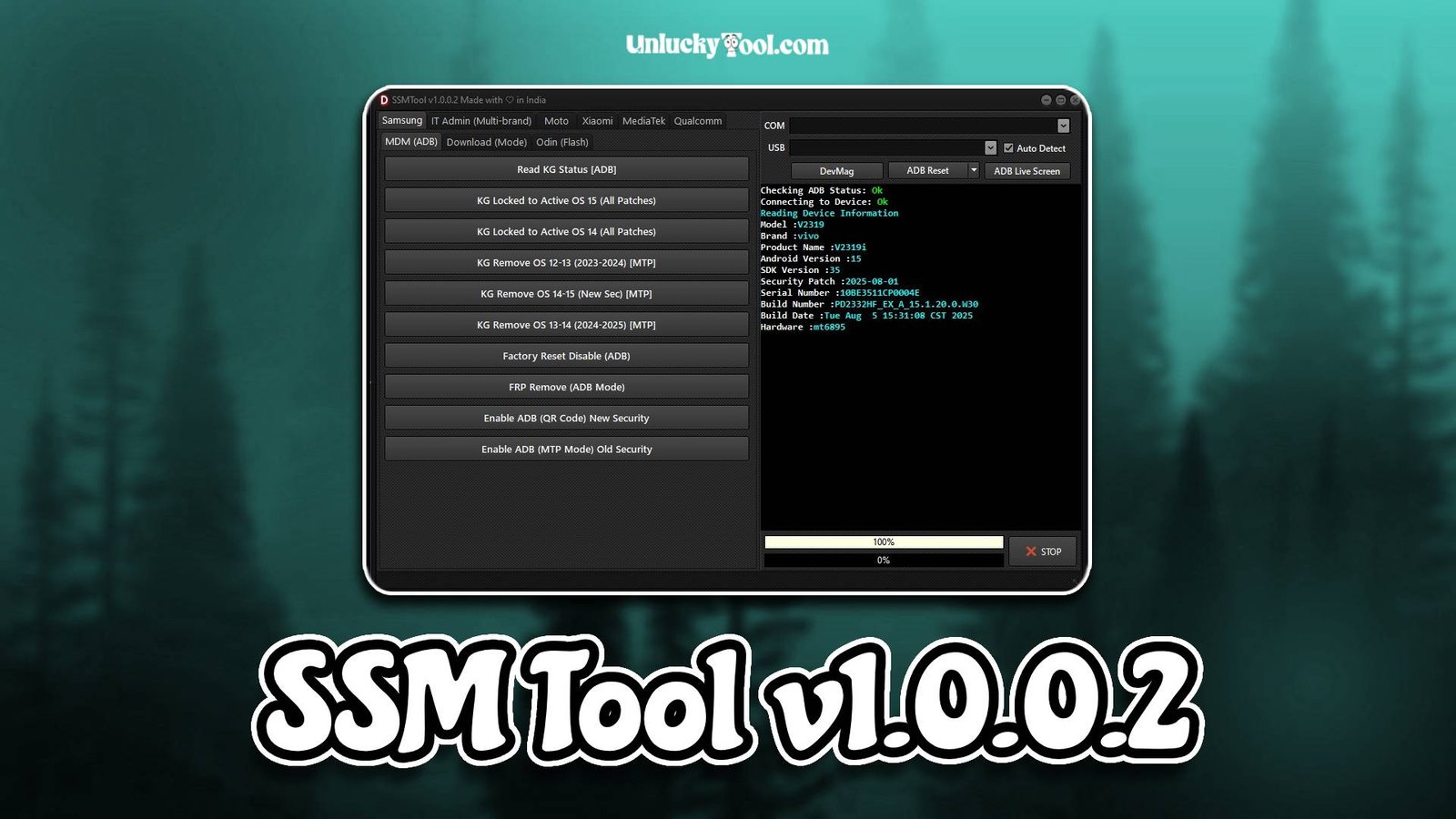
SSM Tool v1.0.0.2 is a powerful GSM software developed to provide complete service, unlocking, and repair solutions for Samsung Android devices. It is widely used by mobile technicians who need a reliable tool to handle tasks such as FRP bypass, flashing, and device unlocking. With the increasing complexity of smartphone security systems, tools like SSM Tool v1.0.0.2 play an important role in simplifying repair processes and ensuring successful results.
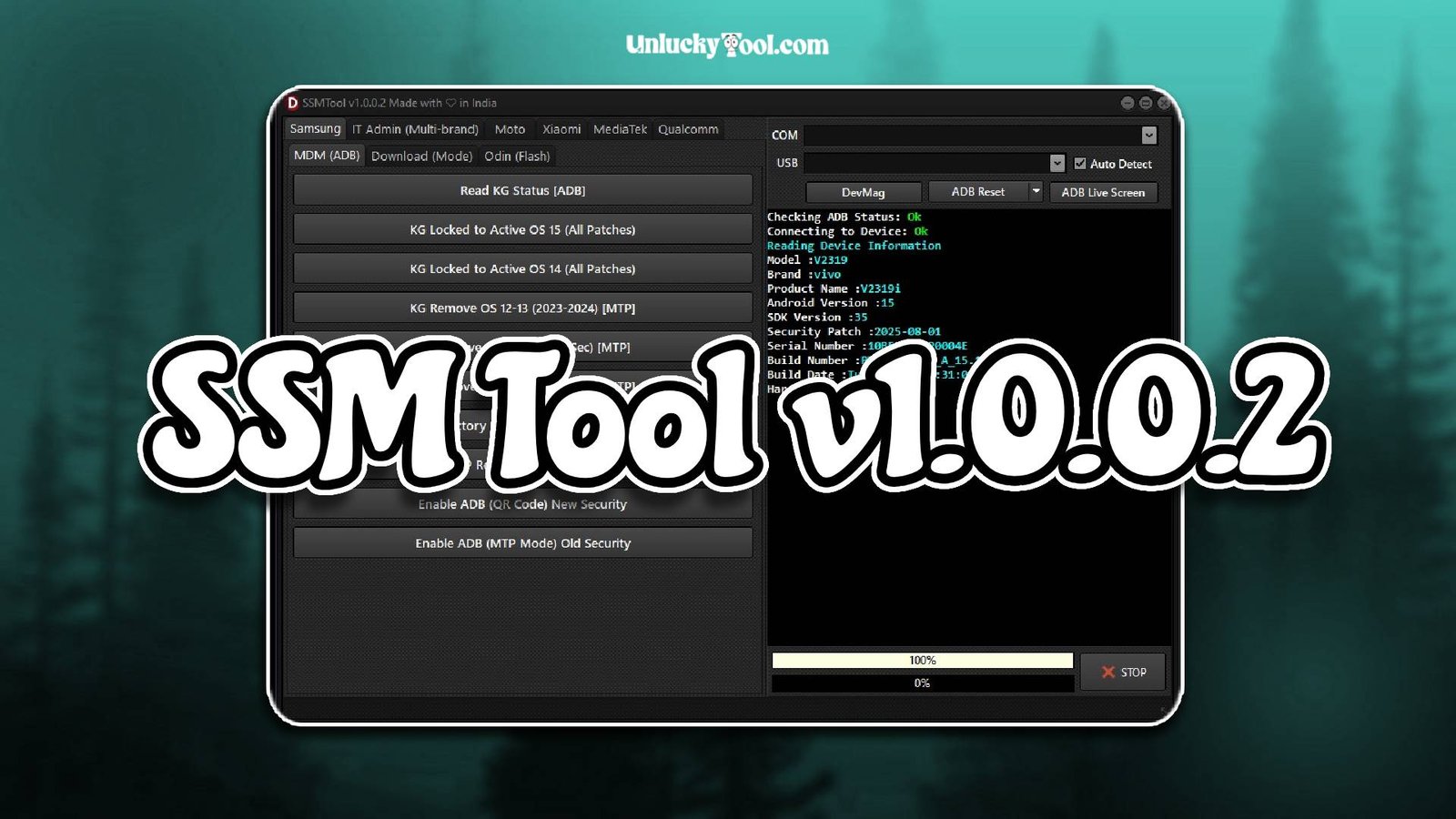
SSM Tool v1.0.0.2 is designed with a clean and easy-to-use interface that allows both beginners and professional users to perform advanced operations without confusion. The software focuses on Samsung devices, ensuring better compatibility and performance compared to generic GSM tools. It supports multiple models and Android versions, making it a versatile solution for mobile servicing.
In addition to unlocking features, SSM Tool v1.0.0.2 also provides essential repair functions that help fix software issues such as bootloop, system crashes, and firmware errors. The tool is optimized for speed and stability, ensuring smooth operations and reducing the chances of failure during critical tasks. This makes it a trusted choice for technicians who want efficiency and reliability in their daily work. For more information visit the official website.
Main Tools
- FRP bypass module for Samsung devices
- Firmware flashing tool for stock ROM installation
- Network unlock feature for carrier restrictions
- Factory reset and safe format utility
- Pattern and PIN lock removal tool
- ADB interface for device communication
- Fastboot operations for advanced control
- Device information reader
- Software repair tool for fixing system errors
- USB driver integration for stable connectivity
Key Features
- Designed specifically for Samsung smartphones
- Simple and beginner-friendly interface
- Fast and efficient unlocking process
- Supports multiple Samsung models and Android versions
- Lightweight software with quick installation
- Secure operations to protect device data
- No advanced technical knowledge required
- One-click solutions for common repair tasks
- High success rate in FRP bypass and unlocking
- Regular updates for improved compatibility
- Integrated tools for multiple operations
- Stable performance with minimal errors
SSM Tool v1.0.0.2 focuses on delivering reliable and efficient solutions for Samsung device servicing. Its features allow technicians to complete unlocking and repair tasks quickly while ensuring accuracy and safety.
Supported Functions
- Remove FRP lock from Samsung devices
- Unlock network restrictions on smartphones
- Flash stock firmware safely
- Reset screen locks including PIN and pattern
- Perform factory reset operations
- Fix bootloop and software crashes
- Read and write device information
- Enable ADB and Fastboot operations
- Restore devices to factory settings
- Fix firmware-related issues
- Support multiple Samsung models
- Perform general troubleshooting tasks
The supported functions of SSM Tool v1.0.0.2 make it a complete solution for Samsung mobile repair. It allows technicians to perform multiple operations using a single tool, improving workflow and reducing repair time.
Technical Setup Details
- Supported OS: Windows 7 / 8 / 10 / 11
- Minimum RAM: 4 GB recommended
- Storage Requirement: 300 MB free disk space
- Processor Requirement: Intel or AMD dual-core processor
- Required USB Drivers: Android USB drivers
- Supported Devices: Various Android smartphones and tablets
How to Install SSM Tool v1.0.0.2
- Download the software from https://unluckytool.com/
- Extract the downloaded archive file.
- Install required USB drivers.
- Run the software as administrator.
- Connect the mobile device using USB cable.
- Choose the desired operation such as flashing or unlocking.
SSM Tool v1.0.0.2 is a reliable and efficient GSM software designed specifically for Samsung device servicing. Its combination of unlocking, flashing, and repair features makes it a valuable tool for both beginners and professional technicians. The simple interface ensures ease of use, while the powerful backend delivers consistent results.
With strong compatibility, stable performance, and advanced features, SSM Tool v1.0.0.2 helps technicians handle various mobile repair tasks efficiently. It reduces complexity, saves time, and improves productivity, making it an essential addition to any GSM repair toolkit.
You can also check this tool: AT Pro v355