
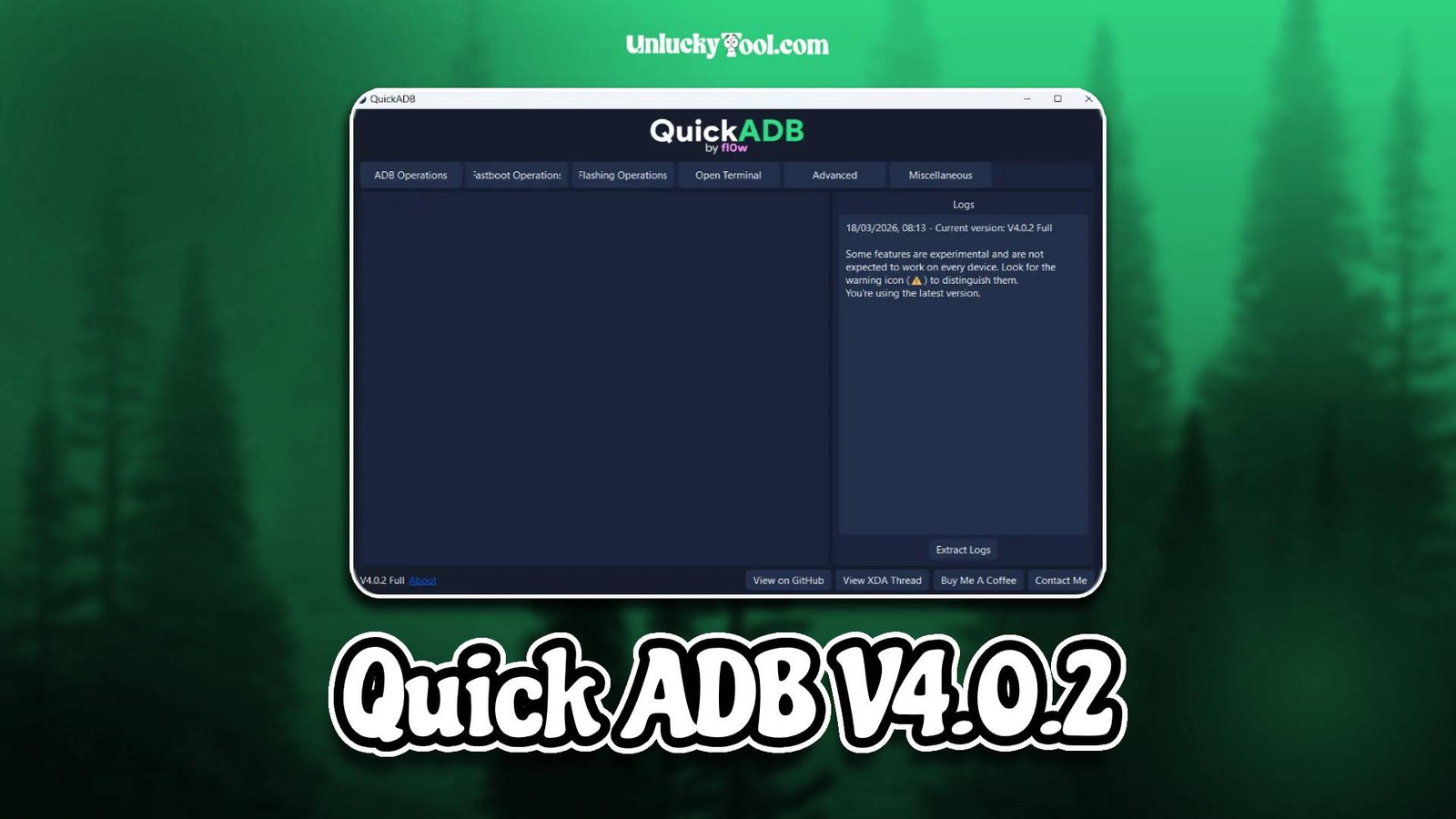
Quick ADB V4.0.2 is a powerful GSM utility designed to simplify ADB and Fastboot operations for Android devices. It is widely used by mobile technicians and advanced users who need a fast and reliable way to communicate with smartphones through a computer. This tool allows users to perform various debugging, unlocking, and repair operations without relying on complex command-line methods.
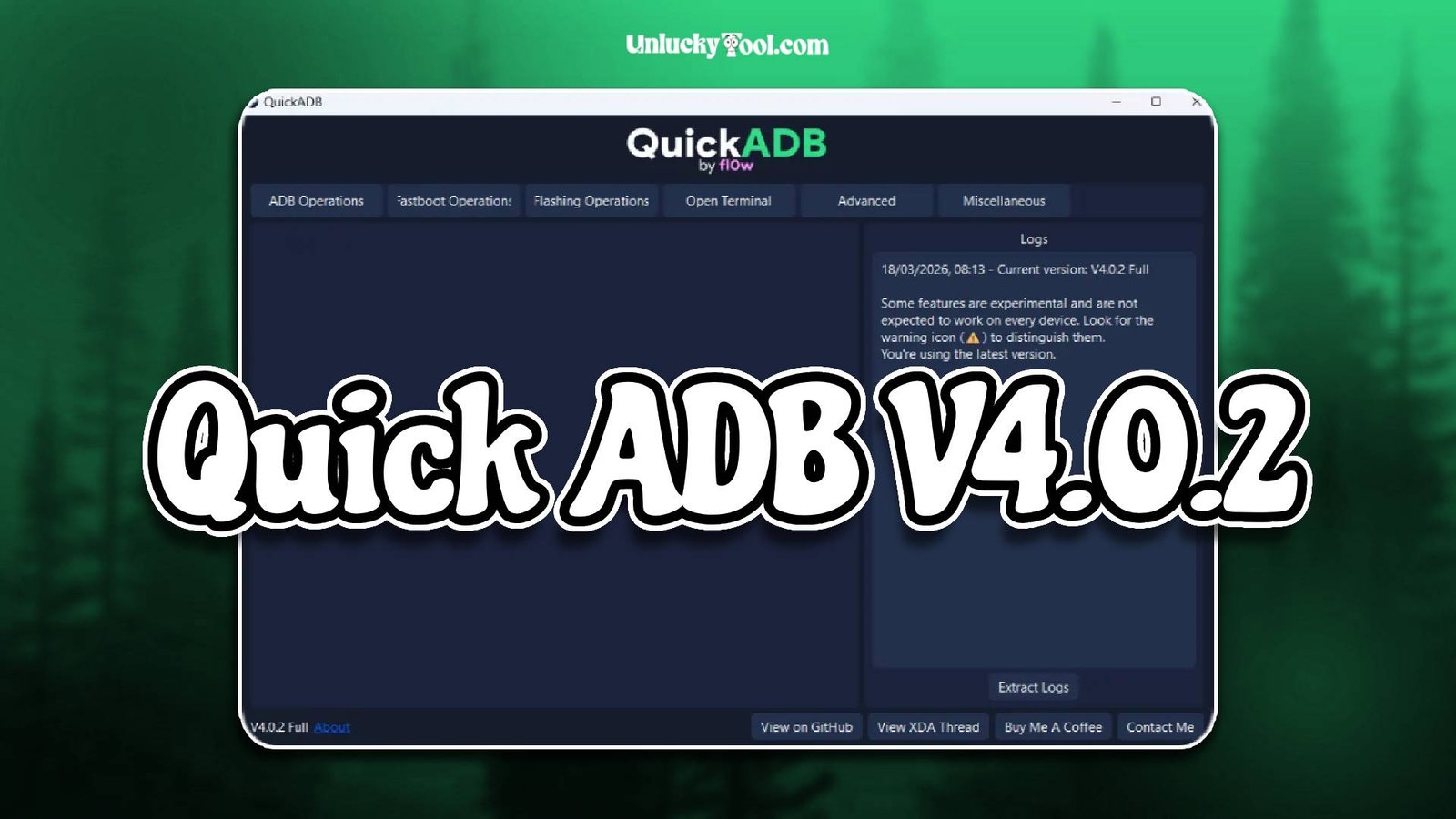
Quick ADB V4.0.2 is built with a simple graphical interface that makes it easy to execute ADB and Fastboot commands with just a few clicks. Instead of manually typing commands, users can access essential functions through pre-built options, saving time and reducing errors. The tool supports a wide range of Android devices and works smoothly with different brands and models.
In addition, Quick ADB V4.0.2 is optimized for speed and stability, ensuring smooth communication between the device and the computer. It is especially useful for enabling developer options, removing FRP locks, rebooting devices into different modes, and performing basic repair tasks. With its lightweight design and efficient performance, it is an essential tool for technicians working with Android devices daily. For more information visit the official website.
Main Tools
- ADB command execution tool for device communication
- Fastboot command interface for advanced control
- Reboot options for normal, recovery, and bootloader modes
- FRP bypass support using ADB methods
- App uninstall and package management tool
- Device information reader
- Logcat viewer for debugging purposes
- Screen lock removal support via ADB
- File transfer and management tool
- USB driver detection and integration support
Key Features
- Supports a wide range of Android devices
- Simple and easy-to-use graphical interface
- Eliminates need for manual command typing
- Fast execution of ADB and Fastboot commands
- Lightweight software with quick installation
- Compatible with all major Android versions
- Secure operations with minimal risk
- No advanced coding knowledge required
- One-click access to common ADB functions
- Useful for debugging and development tasks
- Stable connection between device and PC
- Regular improvements for better performance
Quick ADB V4.0.2 is designed to simplify technical processes and make them accessible to all users. Its features help technicians perform complex ADB tasks easily, improving efficiency and reducing the chances of mistakes.
Supported Functions
- Execute ADB commands without manual input
- Reboot devices into different modes
- Remove FRP lock using ADB methods
- Uninstall system and user applications
- Read complete device information
- Access Fastboot for advanced operations
- Transfer files between device and PC
- View system logs using Logcat
- Remove screen locks on supported devices
- Enable developer options and USB debugging
- Perform general troubleshooting operations
- Manage device connections efficiently
The supported functions of Quick ADB V4.0.2 make it a versatile tool for Android device management. It allows users to perform multiple operations quickly without needing technical command-line knowledge.
Technical Setup Details
- Supported OS: Windows 7 / 8 / 10 / 11
- Minimum RAM: 4 GB recommended
- Storage Requirement: 300 MB free disk space
- Processor Requirement: Intel or AMD dual-core processor
- Required USB Drivers: Android USB drivers
- Supported Devices: Various Android smartphones and tablets
How to Install Quick ADB V4.0.2
- Download the software from https://unluckytool.com/
- Extract the downloaded archive file.
- Install required USB drivers.
- Run the software as administrator.
- Connect the mobile device using USB cable.
- Choose the desired operation such as ADB command or Fastboot action.
Quick ADB V4.0.2 is a highly efficient and user-friendly tool for managing Android devices through ADB and Fastboot. It simplifies complex command-line operations and makes them accessible to beginners while still providing powerful features for advanced users.
With its fast performance, wide compatibility, and easy interface, Quick ADB V4.0.2 helps technicians perform tasks quickly and accurately. Whether it is debugging, unlocking, or device management, this tool offers a reliable solution that improves workflow and saves time.
You can also check this tool: Allen A12 Activator v1.8