
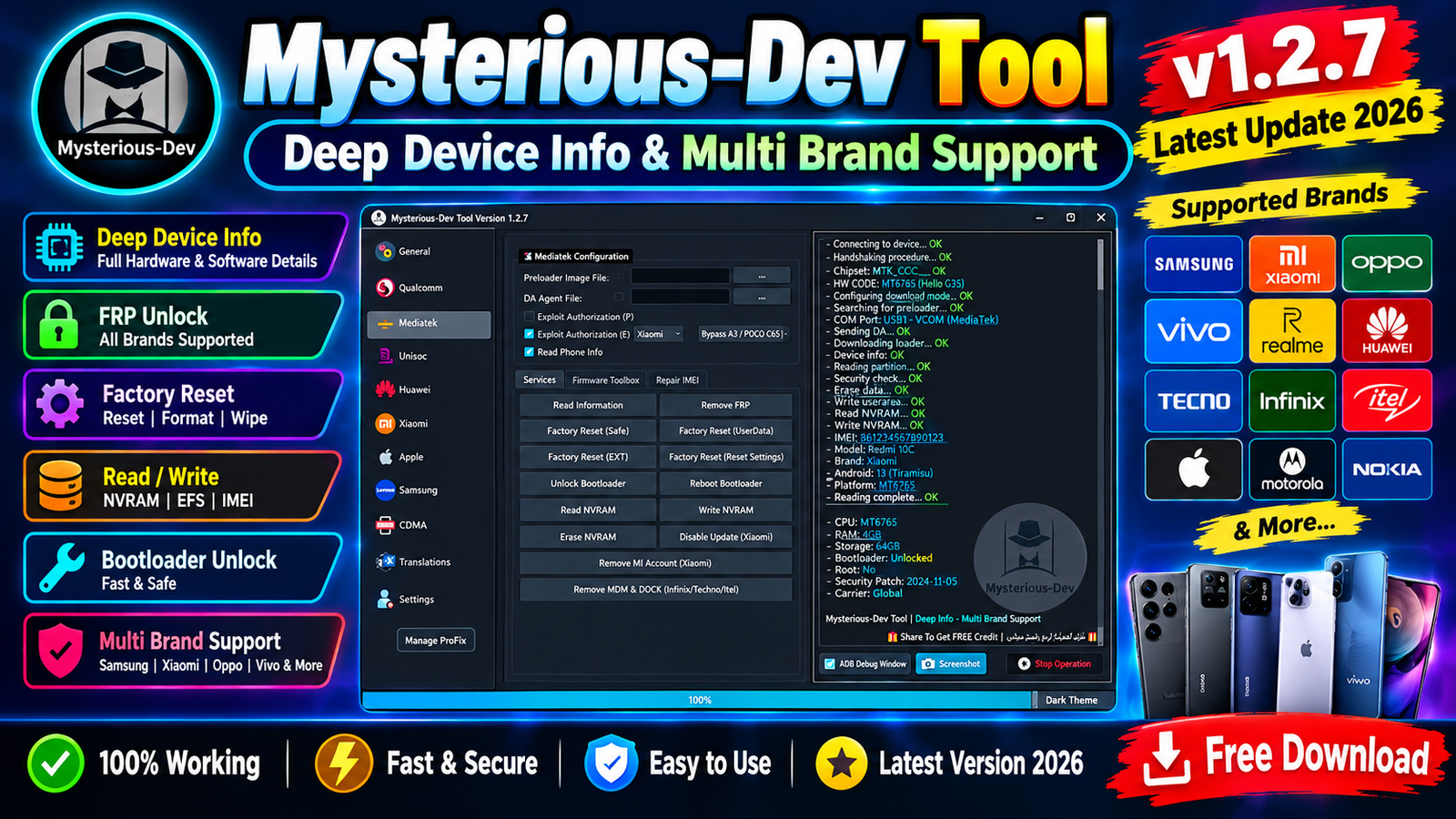
Mysterious-Dev Tool v1.2.7 is the latest updated version for mobile technicians and users who need detailed Android device information. The new 2026 release comes with improved device detection, better startup performance, expanded multi-brand recognition, and a cleaner operation log.
One of the biggest improvements in this version is Enhanced Deep Device Info Reading through EDL, Fastboot, and ADB modes. The tool can provide important device details such as the real market name, codename, and official model without leaving important values blank.
Mysterious-Dev Tool v1.2.7 also improves recognition for popular Android brands and customized operating systems. Samsung One UI, Xiaomi HyperOS, Huawei EMUI, ColorOS, Vivo, Transsion, TCL, and other interfaces are now better recognized.
For more information: official website.
Main Tools
- Deep Device Info Reading – Read detailed device information through EDL, Fastboot, and ADB.
- EDL Device Information – Identify supported devices connected in EDL mode.
- Fastboot Info Tool – Read important information from devices in Fastboot mode.
- ADB Device Info – Detect and display device details through ADB mode.
- Real Market Name Detection – Identify the actual market name of the connected device.
- Codename Detection – Show the device codename accurately.
- Official Model Detection – Display the official device model without missing values.
- Multi-Brand Recognition – Automatically recognize supported Android brands.
- Samsung One UI Detection – Improved recognition of Samsung devices running One UI.
- Xiaomi HyperOS Detection – Detect Xiaomi devices using HyperOS.
Key Features
The major features of Mysterious-Dev Tool v1.2.7 Latest Update 2026 include:
- Enhanced Deep Device Info Reading
- EDL device information reading
- Fastboot device information reading
- ADB device information reading
- Real Market Name detection
- Device Codename detection
- Official Model detection
- Multi-brand automatic recognition
- Samsung One UI recognition
- Xiaomi HyperOS recognition
- Huawei EMUI recognition
- OPPO ColorOS recognition
- Vivo device recognition
- Transsion device recognition
- TCL device recognition
- Complete Samsung CSC string display
- Original carrier configuration detection
- New operation log interface
- Improved startup speed
- Startup delay issue fixed
- Better partition access
- Improved firmware compatibility
- General performance improvements
- Improved stability
- Limited-time free access
- No tokens required during the free-access period
- No activation code required during the free-access period
- Automatic pre-filled login credentials
Supported Functions
The latest Mysterious-Dev Tool v1.2.7 focuses mainly on device information and identification functions.
EDL Mode:
The tool provides enhanced device information reading when the supported device is connected through EDL mode. This can help technicians identify devices that may not boot normally.
Fastboot Mode:
Fastboot information reading allows users to check important device information when a supported Android phone is connected in Fastboot mode.
ADB Mode:
When USB debugging is enabled and ADB communication is available, the tool can read detailed information from the connected Android device.
Device Identification:
The improved identification engine attempts to provide:
- Market Name
- Codename
- Official Model
- Brand
- Android-related information
- Software information
- Hardware information
Samsung CSC Reading:
Samsung technicians can use the improved CSC function to view the complete CSC string and carrier configuration associated with the device.
Multi-Brand Recognition:
The automatic recognition system supports several major Android brands and customized user interfaces, reducing the need to manually select a manufacturer.
Technical Setup Details
- Operating System: Windows 10 or Windows 11
- Processor: Intel or AMD processor
- RAM: Minimum 4 GB recommended
- Storage: Free space required for software files and logs
- USB Port: Working USB 2.0 or USB 3.0 port
- USB Cable: Good-quality Android data cable
- Android Drivers: Install the required USB drivers for proper device detection
- ADB Mode: ADB connection must be enabled on supported devices
- Fastboot Mode: Device must support Fastboot communication
- EDL Mode: Supported Qualcomm devices can be connected through EDL mode
- Internet Connection: Recommended for login and online-related functions
- Administrator Rights: Run the tool with administrator privileges when required
How to Install Mysterious-Dev Tool v1.2.7
Follow these simple steps to install and start using the latest version.
Step 1: Download the Tool
Download the latest Mysterious-Dev Tool v1.2.7 package from this Website.
Step 2: Extract the Files
If the software is provided in ZIP or RAR format, extract the complete package to a new folder on your Windows PC.
Step 3: Run the Tool
Open the extracted folder and launch the main executable file.
If Windows displays a security warning, verify that the software came from a trusted source before allowing it to run.
Step 4: Login
For the current limited-time free-access release, the login credentials are reportedly pre-filled automatically.
No tokens or activation codes are required during the free-access period described in the release notes.
Step 5: Connect the Device
Connect the supported Android phone using a good-quality USB cable and place the device into the required mode, such as:
- ADB
- Fastboot
- EDL
Step 6: Read Device Information
Select the appropriate device information function and allow the tool to communicate with the phone.
The software should display available information such as the brand, market name, codename, official model, and other supported details.
Mysterious-Dev Tool v1.2.7 is a useful update for Android technicians who need detailed device identification and multi-brand support. The biggest improvements include Deep Device Info Reading, EDL/Fastboot/ADB support, Samsung CSC detection, multi-brand recognition, improved operation logs, faster startup, and better stability.
The limited-time free-access offer also makes this release interesting for users who want to test the software without tokens or activation codes. However, users should always download the tool from a trusted source and use device-servicing functions carefully.
Read Also: Samsung PIT to Qualcomm XML Tool