
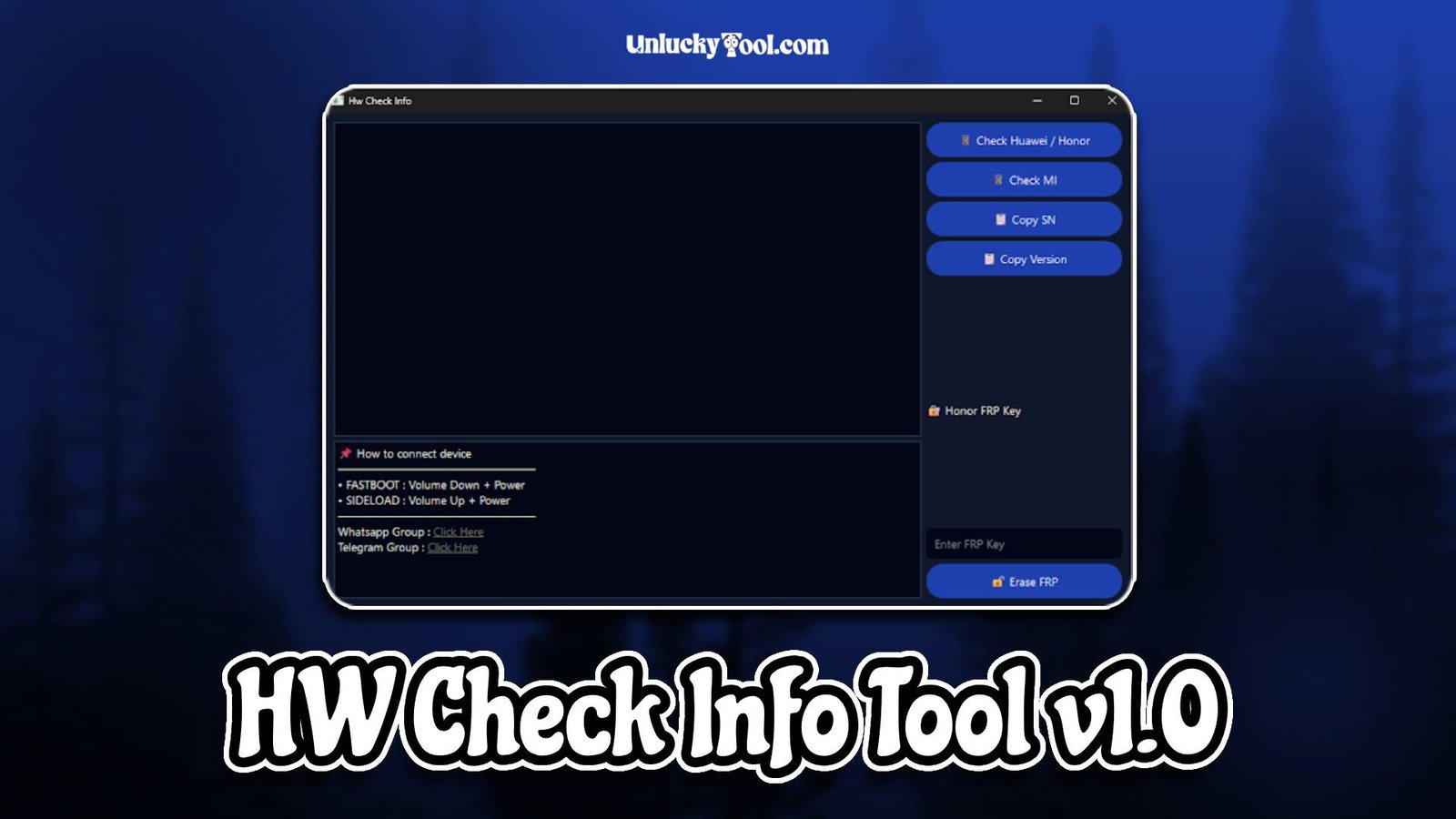
HW Check Info Tool v1.0 is a powerful GSM software designed to provide detailed hardware and software information about Android devices. This tool is especially useful for mobile technicians who need accurate device data before performing operations such as flashing, unlocking, or repairing. HW Check Info Tool v1.0 allows users to quickly analyze device specifications, ensuring better decision-making during repair processes.
HW Check Info Tool v1.0 is built with a simple and user-friendly interface, making it accessible for both beginners and experienced technicians. It supports a wide range of Android devices and works efficiently with various chipsets including Qualcomm, MediaTek, and Kirin. With its fast scanning engine, the software retrieves complete device information within seconds, saving time and improving workflow efficiency.
In addition to basic device details, HW Check Info Tool v1.0 provides advanced insights such as firmware version, bootloader status, IMEI information, and security patch level. This helps technicians understand the exact condition of a device before performing any critical operations. Its lightweight design and stable performance make it an essential utility in any GSM repair toolkit. For more information visit the official website.
Main Tools
- Device information reader for full hardware details
- IMEI and serial number checker
- Firmware and build version analyzer
- Bootloader status checker
- ADB interface for device communication
- Fastboot mode detection tool
- Security patch level reader
- USB connection testing utility
- Chipset identification tool
- Basic diagnostic tool for quick checks
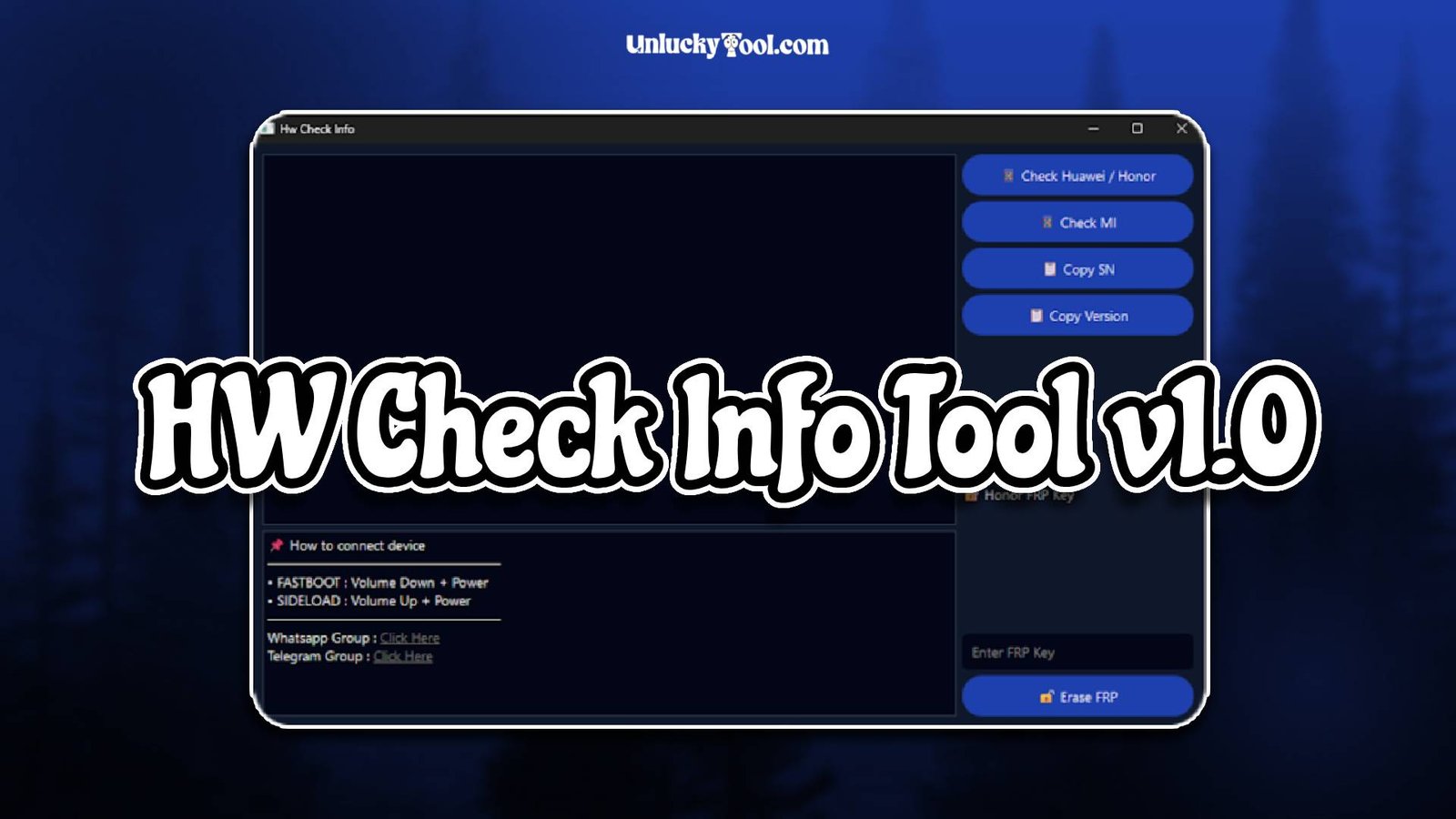
Key Features
- Provides detailed hardware and software information
- Supports a wide range of Android smartphones
- Compatible with Qualcomm, MediaTek, and Kirin chipsets
- Simple and easy-to-use interface
- Fast scanning and accurate results
- Lightweight software with quick installation
- No advanced technical skills required
- Secure and read-only operations
- One-click device information retrieval
- Helps technicians make better repair decisions
- Regular improvements for better compatibility
- Stable performance without crashes
HW Check Info Tool v1.0 is designed to simplify device analysis for technicians. Its key features focus on accuracy and speed, ensuring that users get complete and reliable information before performing any repair operation.
Supported Functions
- Read complete device hardware information
- Check IMEI and serial numbers
- Detect firmware version and build number
- Identify chipset type and model
- Check bootloader lock or unlock status
- Read Android security patch level
- Enable ADB communication with device
- Detect Fastboot mode availability
- Perform basic diagnostics on devices
- Verify USB connection stability
- Assist in troubleshooting device issues
- Support multiple Android brands and models
The supported functions of HW Check Info Tool v1.0 make it a valuable utility for technicians who need precise device information. It helps in diagnosing issues and planning repair operations more effectively.
Technical Setup Details
- Supported OS: Windows 7 / 8 / 10 / 11
- Minimum RAM: 4 GB recommended
- Storage Requirement: 300 MB free disk space
- Processor Requirement: Intel or AMD dual-core processor
- Required USB Drivers: Android USB drivers
- Supported Devices: Various Android smartphones and tablets
How to Install HW Check Info Tool v1.0
- Download the software from https://unluckytool.com/
- Extract the downloaded archive file.
- Install required USB drivers.
- Run the software as administrator.
- Connect the mobile device using USB cable.
- Choose the desired operation such as device info reading.
HW Check Info Tool v1.0 is a simple yet powerful GSM utility that provides essential device information for mobile technicians. Its fast performance and accurate results make it an important tool for diagnosing and analyzing smartphones before repair.
With its user-friendly interface and wide compatibility, HW Check Info Tool v1.0 helps technicians save time and avoid errors during repair operations. It ensures that users have complete knowledge about a device, making it easier to perform flashing, unlocking, and troubleshooting tasks efficiently.
You can also check this tool: Android Utility v1.9.2