
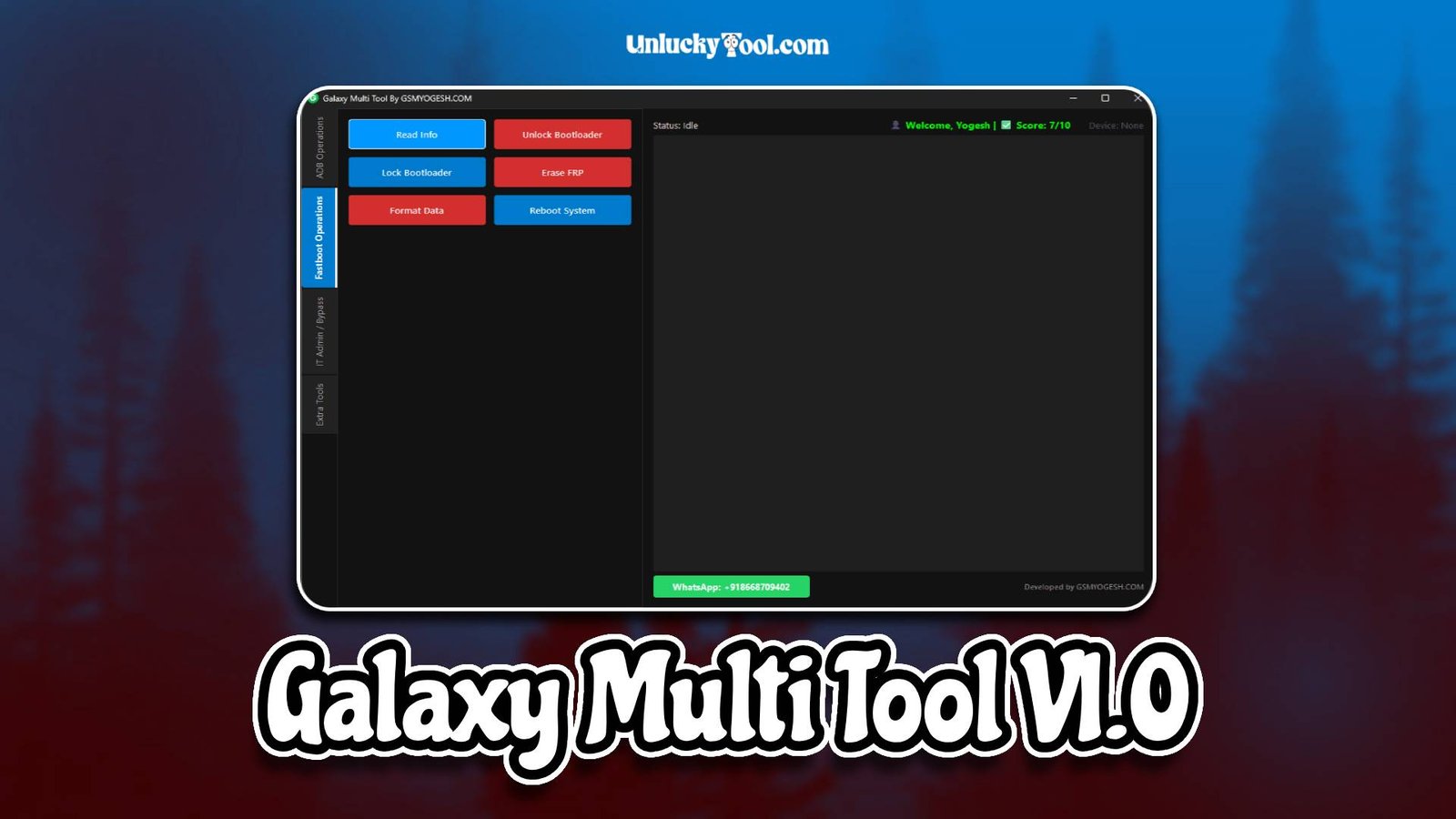
Galaxy Multi Tool V1.0 is an advanced and reliable GSM tool specifically designed for Samsung devices. This professional software allows users to perform various Android servicing operations such as FRP bypass, device unlocking, firmware flashing, and screen lock removal. It is a versatile solution for mobile technicians who want an all-in-one tool for servicing Samsung smartphones.
The tool is suitable for both beginners and experienced technicians due to its simple interface and efficient workflow. It helps reduce the need for multiple software by combining essential Samsung servicing functions into a single platform. With Galaxy Multi Tool V1.0, users can perform operations safely and quickly, making it an indispensable tool for mobile repair shops.
Its compatibility with most Samsung models, including older and newer devices, ensures technicians can handle a wide variety of repair tasks without switching tools. Regular updates keep the tool aligned with new security patches and Android firmware versions. For more information visit the official website.
Main Tools
- FRP bypass module for Google account removal on Samsung devices
- Firmware flashing tool for restoring stock ROM and fixing software issues
- Device unlocking tool for network and carrier restrictions
- Factory reset tool for locked devices without erasing data
- Screen lock removal tool to reset PIN, pattern, and password
- ADB and Download mode utilities for advanced troubleshooting
- Samsung chipset-specific support module for Broadcom, Exynos, and Qualcomm
- Automatic device detection to simplify workflow and reduce errors
These main tools cover the most commonly required Samsung servicing operations, making Galaxy Multi Tool a one-stop solution for repair shops.
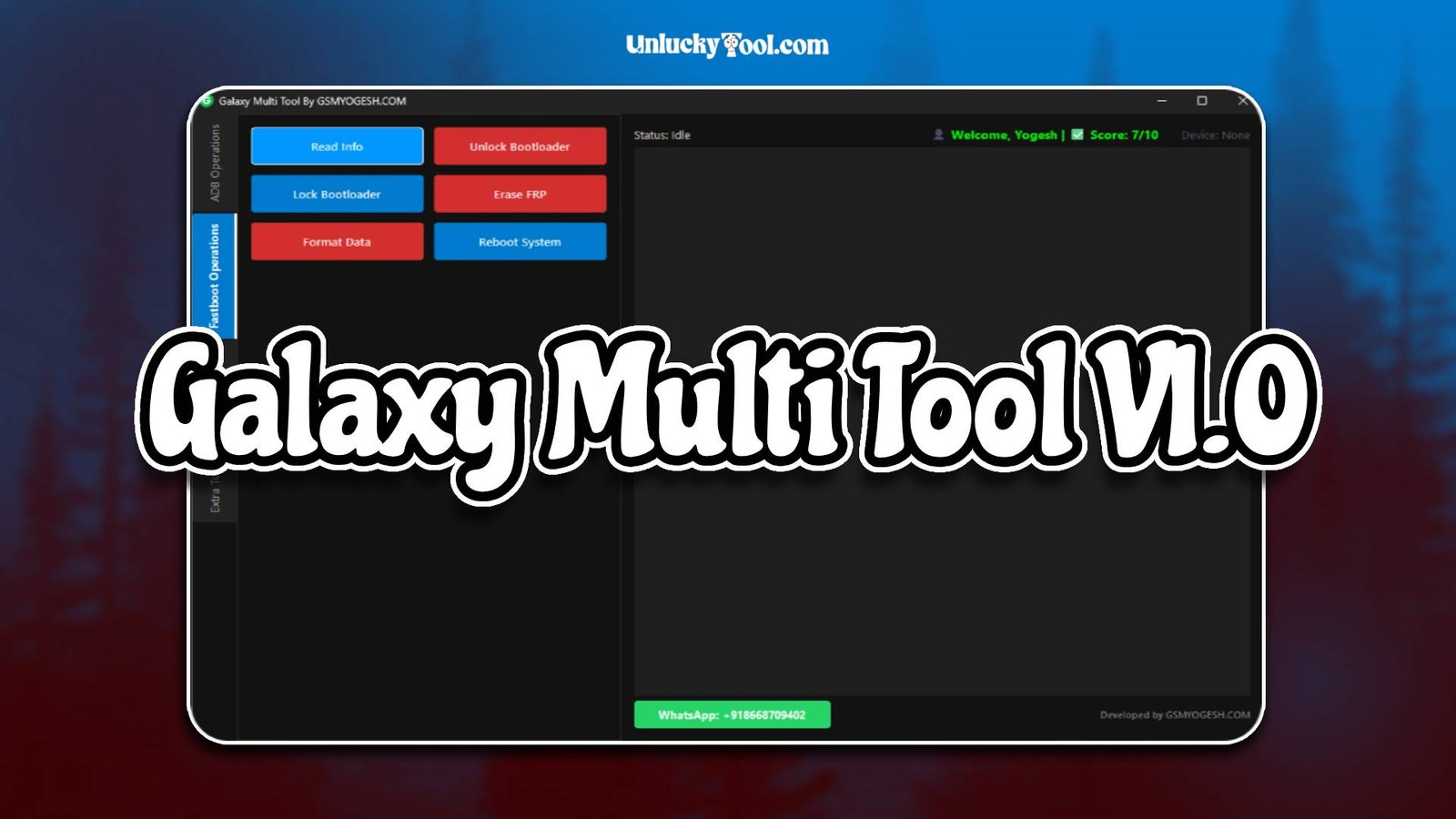
Key Features
- User-friendly interface designed for both beginners and professionals
- High-speed operations for FRP bypass and unlocking
- Support for a wide range of Samsung devices, including Galaxy A, M, and S series
- One-click solutions for common software issues
- Secure and stable performance to prevent accidental device damage
- Lightweight software that does not overload system resources
- Regular updates for firmware compatibility and bug fixes
- Support for multiple Samsung chipsets such as Exynos, Qualcomm, and Broadcom
- No advanced technical knowledge needed to perform basic operations
- Automatic detection and connection of devices for faster workflow
- Stable performance even during long repair sessions
- Built-in safeguards to maintain device integrity during unlocking or flashing
These features ensure that both new and experienced users can efficiently service Samsung devices with minimal errors.
Supported Functions
- Flash stock firmware to restore Samsung devices with software issues
- Remove FRP lock safely and efficiently
- Unlock screen locks including PIN, pattern, or password
- Factory reset locked devices without risking user data
- Unlock network restrictions for carrier-locked Samsung devices
- Fix bootloop, stuck logo, or unresponsive device issues
- Read device information such as firmware version, model, and hardware
- Enable ADB and Download modes for advanced troubleshooting
- Perform chipset-specific operations on Exynos, Qualcomm, and Broadcom devices
- Reset security locks and perform other Samsung-specific servicing tasks
With these supported functions, technicians can solve almost all common Samsung software issues using a single tool, increasing efficiency and workflow speed.
Technical Setup Details
- Supported OS: Windows 7 / 8 / 10 / 11
- Minimum RAM: 4 GB recommended
- Storage Requirement: 300 MB free disk space
- Processor Requirement: Intel or AMD dual-core processor
- Required USB Drivers: Samsung USB drivers
- Supported Devices: Various Samsung smartphones and tablets
How to Install Galaxy Multi Tool V1.0
- Download the software from unluckytool.com.
- Extract the downloaded archive file.
- Install required USB drivers.
- Run the software as administrator.
- Connect the mobile device using USB cable.
- Choose the desired operation such as flashing or unlocking.
Galaxy Multi Tool V1.0 is a reliable and advanced GSM tool tailored for Samsung device servicing. It provides essential features like FRP bypass, unlocking, firmware flashing, and screen lock removal in a single platform. The tool’s stable performance, high compatibility, and simple interface make it suitable for both beginners and professional technicians.
Technicians can save time and avoid switching between multiple software while servicing Samsung devices. Galaxy Multi Tool V1.0 ensures secure, efficient, and accurate repair operations, making it an essential addition to any mobile repair workshop.
You can also check this tool: Avila v1.8