
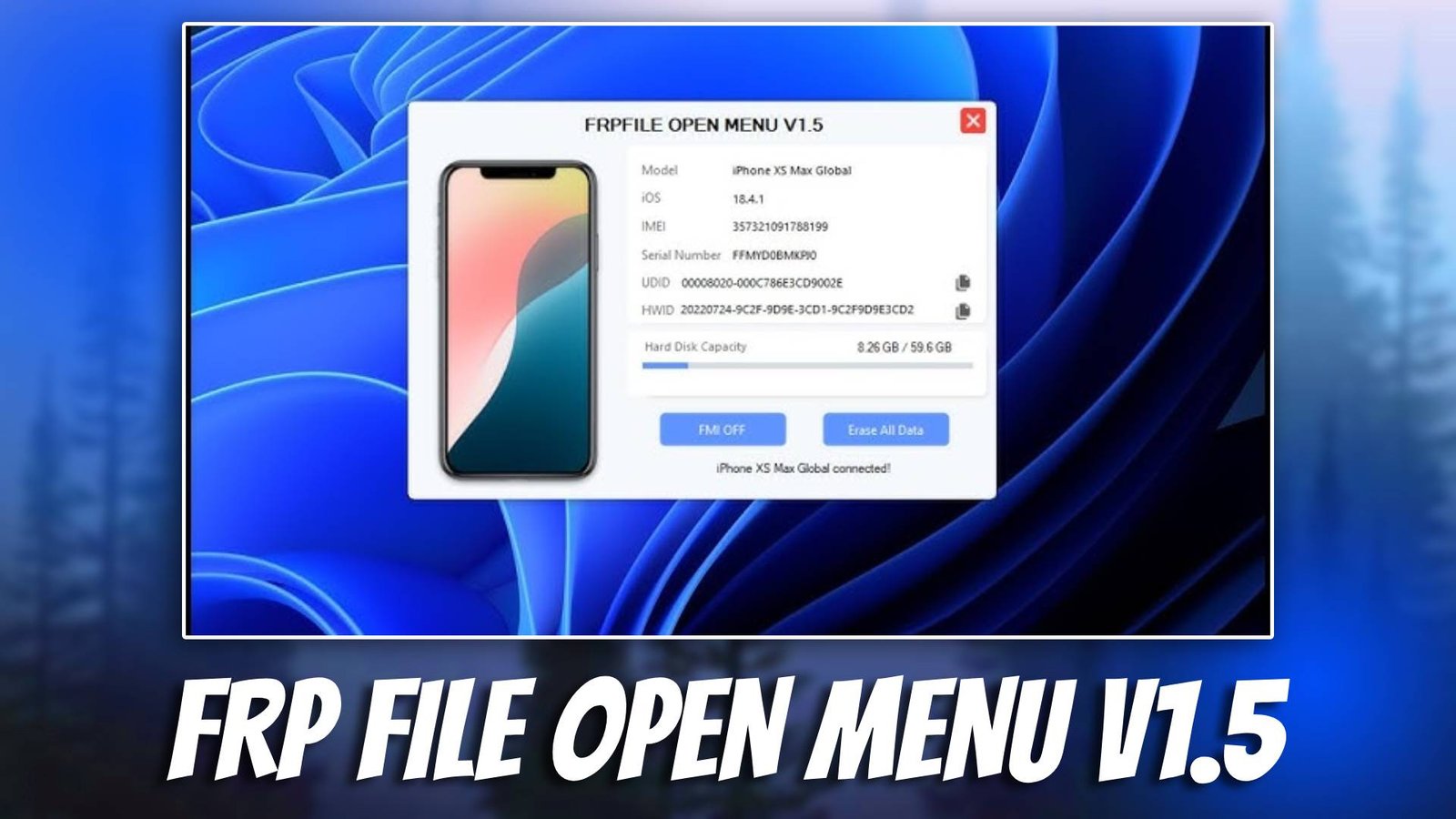
FRP FILE OPEN MENU V1.5 is a useful GSM tool developed to help mobile technicians perform Android servicing tasks quickly and efficiently. Modern smartphones include several security protections, such as Factory Reset Protection (FRP), which can sometimes prevent users from accessing their devices after a reset. Tools like this help technicians manage these issues and restore device accessibility safely.
Mobile repair specialists frequently face situations where devices are locked due to forgotten Google account credentials or software errors. FRP FILE OPEN MENU V1.5 simplifies these repair procedures by providing a structured interface that allows technicians to perform various unlocking and servicing operations without complicated technical steps.
This Android servicing software is particularly helpful for beginners who are learning smartphone repair as well as professional technicians working in mobile repair shops. For more details visit official website. With reliable utilities and simple controls, the tool allows technicians to troubleshoot device issues more efficiently while reducing repair time.
Main Tools
The FRP FILE OPEN MENU V1.5 software includes several built-in modules that assist technicians in performing different smartphone repair operations.
- Flashing Tool
This module helps technicians install or reinstall firmware on Android devices. Firmware flashing can repair system crashes, boot loops, or corrupted operating systems. - FRP Bypass Tool
The FRP bypass module allows technicians to remove Google account verification locks that appear after a factory reset. - Unlocking Utility
This tool helps remove screen locks such as pattern locks or PIN locks, allowing technicians to regain access to the device system. - Bootloader Management
Bootloader management utilities allow technicians to unlock or manage the device bootloader for advanced repair operations. - Device Utilities
Additional utilities provide functions such as reading device information, performing diagnostics, and resetting devices to factory settings.
Key Features
- Specialized FRP Management Tool
The software focuses on simplifying FRP related operations, helping technicians quickly resolve account verification problems. - Simple User Interface
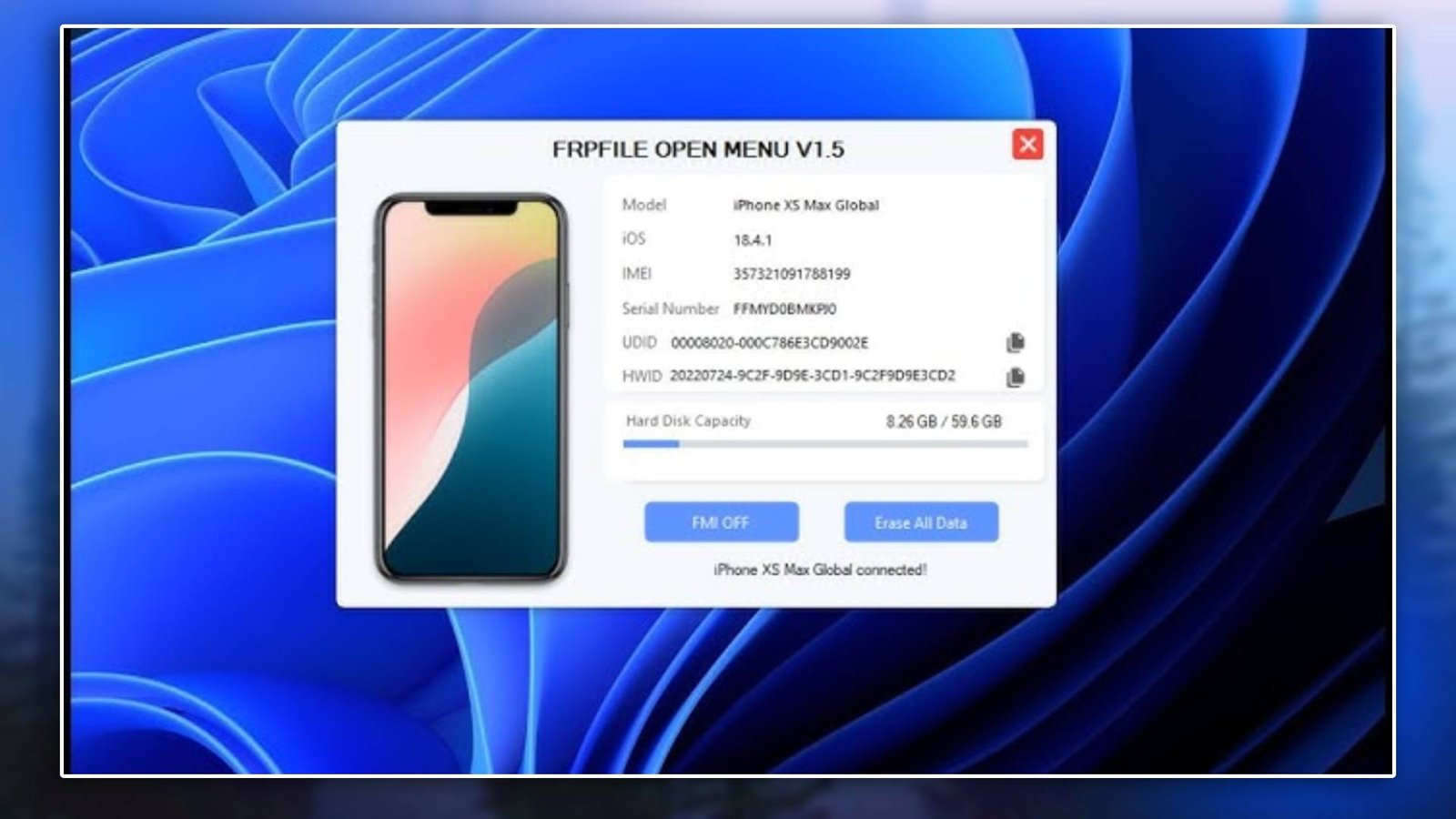
The interface is designed to be easy to understand so technicians can access repair functions without complicated menus. - Quick Device Detection
Once USB drivers are installed, the tool detects connected devices quickly and prepares them for servicing operations. - Supports Multiple Android Models
The tool supports many Android smartphones, making it useful for technicians working with different device brands. - Efficient Repair Performance
Optimized internal modules allow repair tasks such as unlocking and flashing to run more smoothly and reliably.
Supported Functions
The software provides several essential smartphone repair functions used in daily servicing tasks:
- FRP bypass – remove Google account verification after factory reset.
- Firmware flashing – install official firmware to repair software problems.
- Pattern unlock – remove screen pattern lock from supported devices.
- Bootloader unlock – unlock device bootloader for advanced servicing.
- IMEI repair – restore device IMEI in supported repair scenarios.
- Device info reading – retrieve hardware and software information.
- Factory reset – restore the device to its default system configuration.
These functions help technicians repair many common Android software problems quickly.
Technical Setup Details
- Supported OS: Windows 7 / 8 / 10 / 11
- Minimum RAM: 4 GB recommended
- Storage Requirement: 500 MB free space
- Processor Requirement: Intel or AMD dual-core processor
- Required USB Drivers: Android USB drivers / ADB drivers
- Supported Devices: Various Android smartphones and tablets
How to Install FRP FILE OPEN MENU V1.5
Follow these steps to install the software:
- Download the software from unluckytool.com.
- Extract the downloaded archive file.
- Install required USB drivers.
- Run the software as administrator.
- Connect the mobile device using USB cable.
- Choose the desired operation such as flashing or unlocking.
FRP FILE OPEN MENU V1.5 is a practical Android servicing software designed to help technicians solve common smartphone security and software issues. With modules for flashing, FRP bypass, and device management utilities, it provides an efficient solution for everyday repair tasks.
The tool is suitable for both beginner technicians and experienced mobile repair professionals. Its simple interface and reliable repair modules make it easier to handle device problems while saving time during smartphone servicing operations.
Read Also