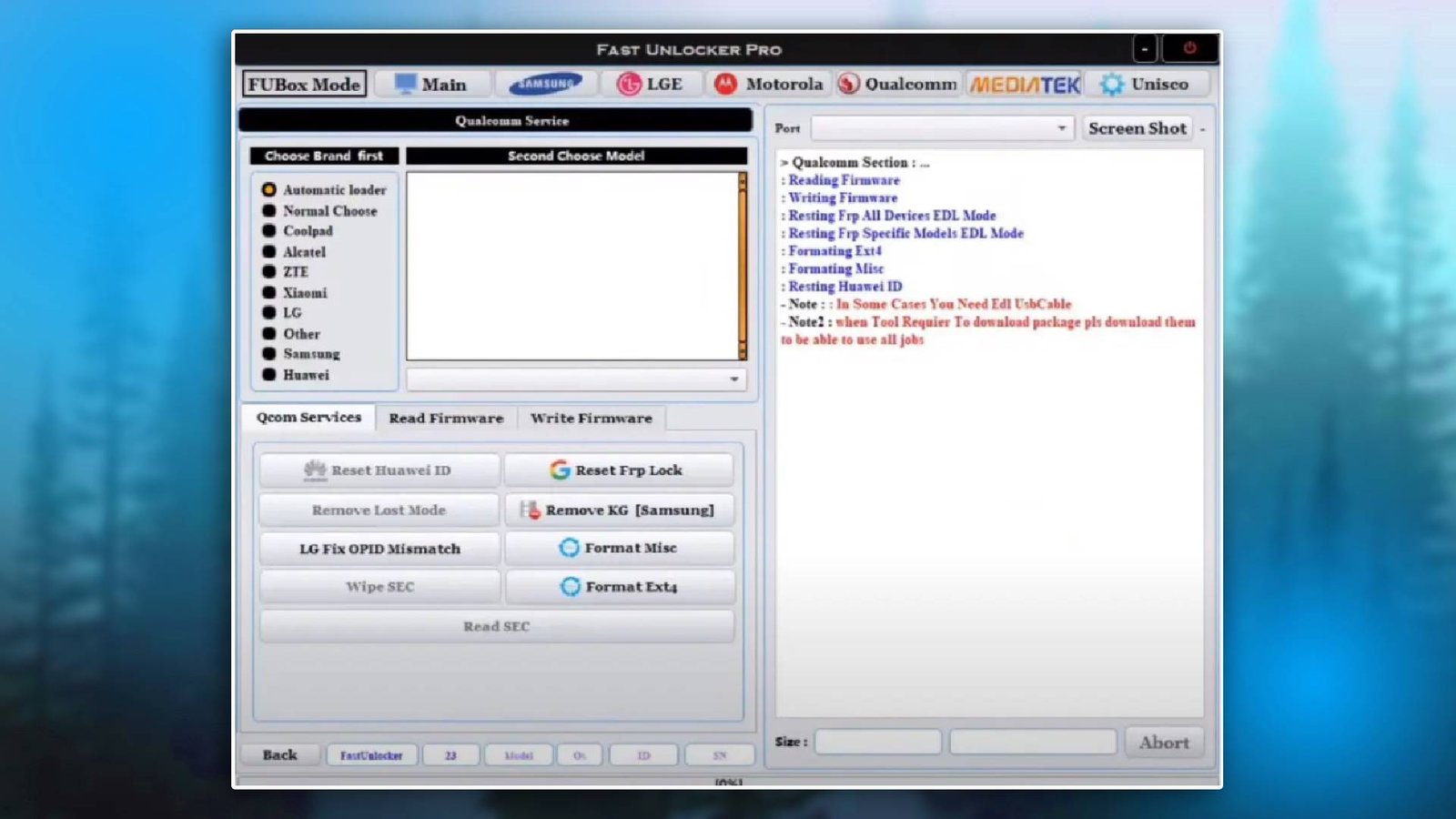

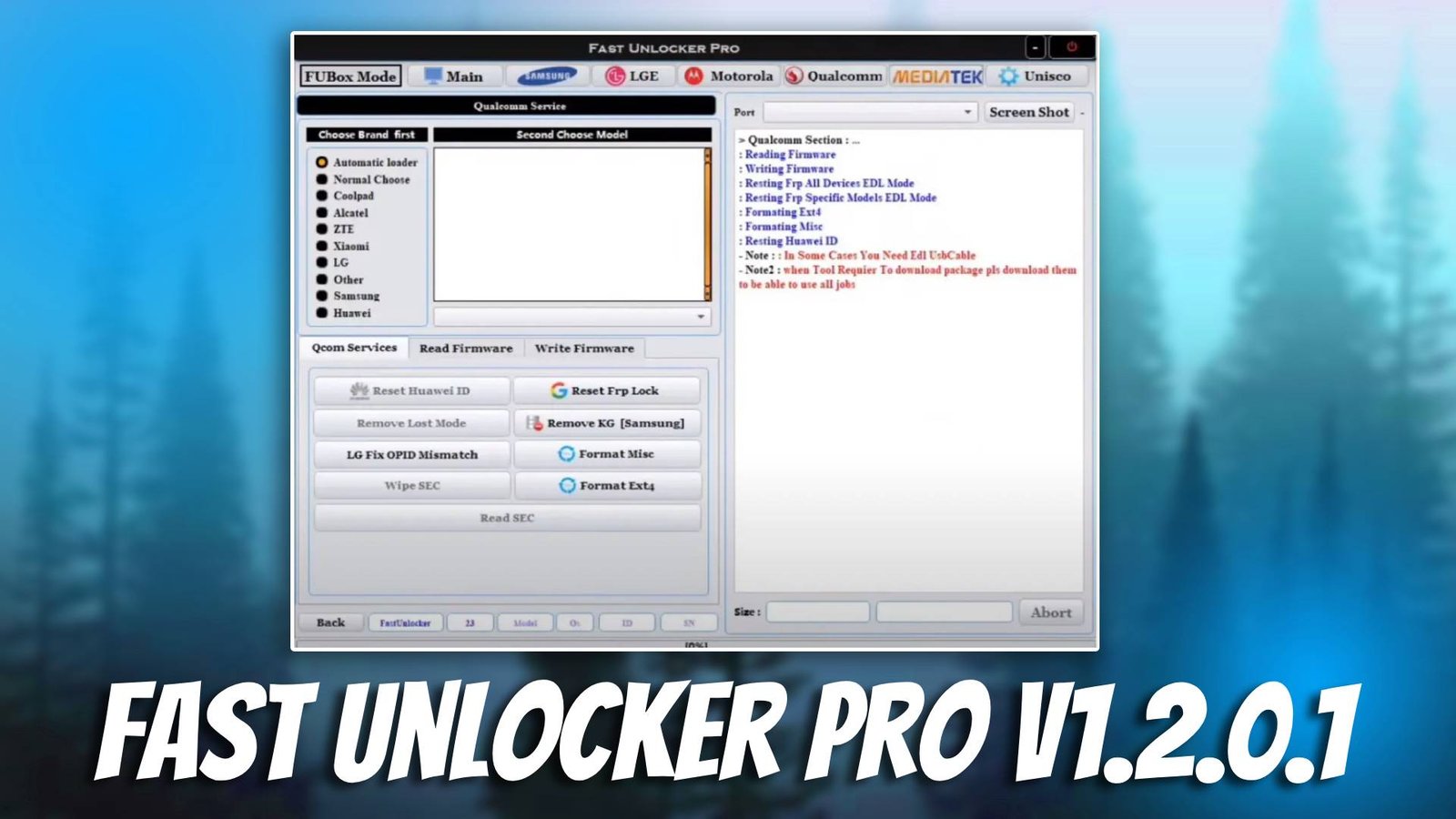
Fast Unlocker Pro V1.2.0.1 is a powerful GSM tool designed to help mobile technicians unlock Android devices, remove security locks, and perform essential repair operations. Many smartphones become locked due to forgotten passwords, FRP protection, or system restrictions. This Android servicing software provides a simple and efficient way to bypass these issues and restore device access. Mobile technicians rely on tools like this to save time and handle complex unlocking tasks without manual commands.
In daily repair work, technicians face devices with pattern locks, FRP locks, or bootloader restrictions. Fast Unlocker Pro V1.2.0.1 simplifies these processes by offering an easy interface and automated features. This tool ensures smooth unlocking operations and reduces the chances of errors during repair. For more information visit official website.
Main Tools
The Fast Unlocker Pro V1.2.0.1 includes multiple modules for Android repair:
- Flashing Tool
Allows technicians to install firmware and fix software issues like boot loops and crashes. - FRP Bypass Tool
Helps remove Google account lock after factory reset. - Unlocking Utility
Removes screen locks including PIN, password, and pattern locks. - Bootloader Management
Unlocks bootloader for advanced operations. - Device Utilities
Reads device info and performs factory reset functions.
Key Features
- Fast Unlocking System
Quickly removes screen locks and security restrictions from Android devices. - User-Friendly Interface
Simple design makes it easy for beginners and professionals. - Wide Device Support
Compatible with many Android brands and models. - Stable Performance
Ensures safe unlocking without damaging device software. - Time-Saving Tool
Automates complex repair tasks for faster workflow.
Supported Functions
- FRP bypass – remove Google account lock
- Firmware flashing – install firmware files
- Pattern unlock – remove screen locks
- Bootloader unlock – enable advanced repair
- IMEI repair – fix IMEI (supported devices)
- Device info reading – view system details
- Factory reset – restore default settings
Technical Setup Details
- Supported OS: Windows 7 / 10 / 11
- Minimum RAM: 4 GB
- Storage Requirement: 300 MB
- Processor: Dual-core Intel/AMD
- USB Drivers: Android USB drivers
- Supported Devices: Android smartphones
How to Install Fast Unlocker Pro V1.2.0.1
- Download the software from unluckytool.com.
- Extract the file.
- Install USB drivers.
- Run as administrator.
- Connect device via USB.
- Select operation.
Fast Unlocker Pro V1.2.0.1 is a reliable unlocking tool for mobile technicians. It simplifies Android repair tasks and helps quickly remove locks, making it ideal for both beginners and professionals.
Read Also
