
EFT PRO Update V5.3.3

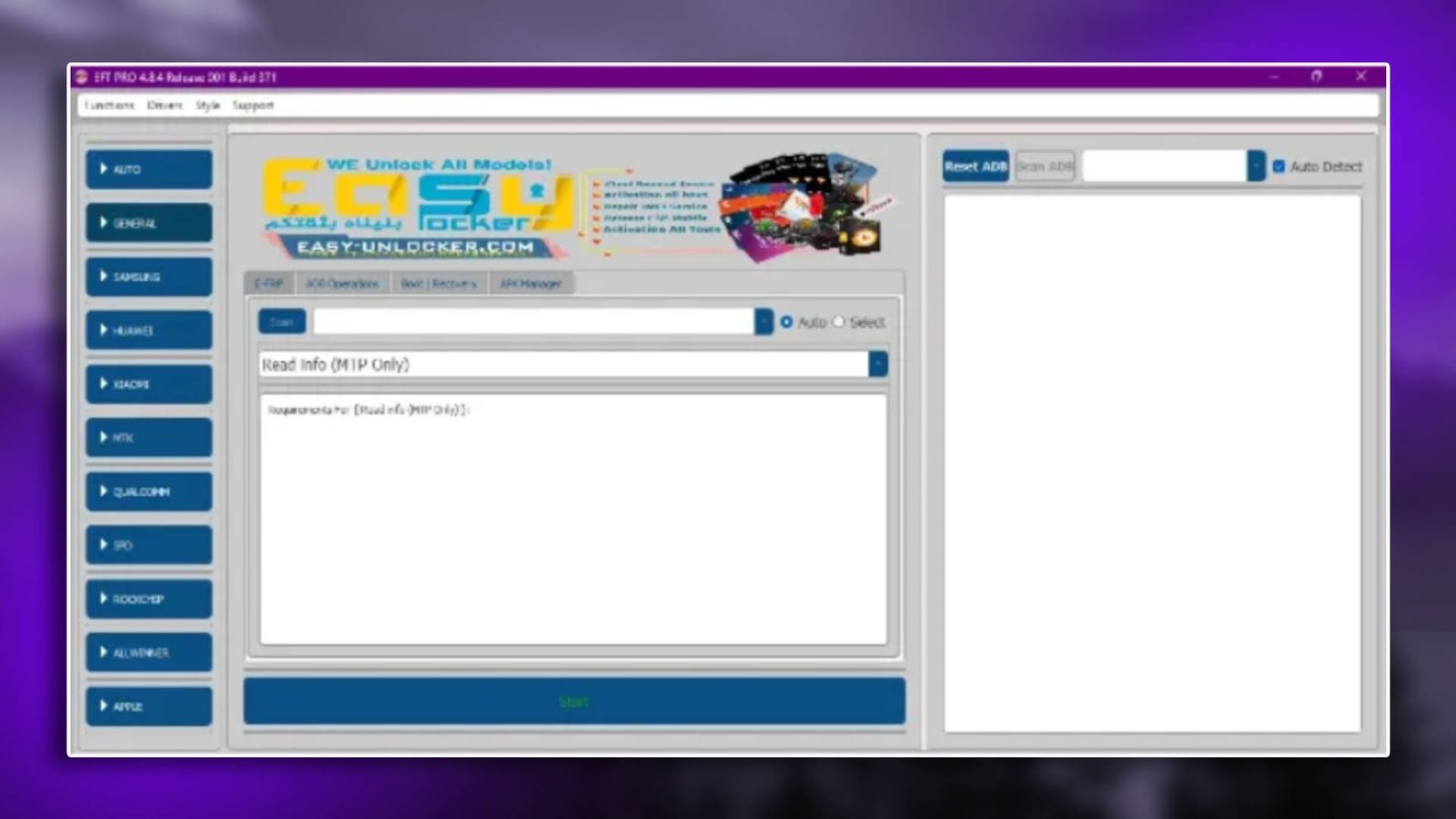
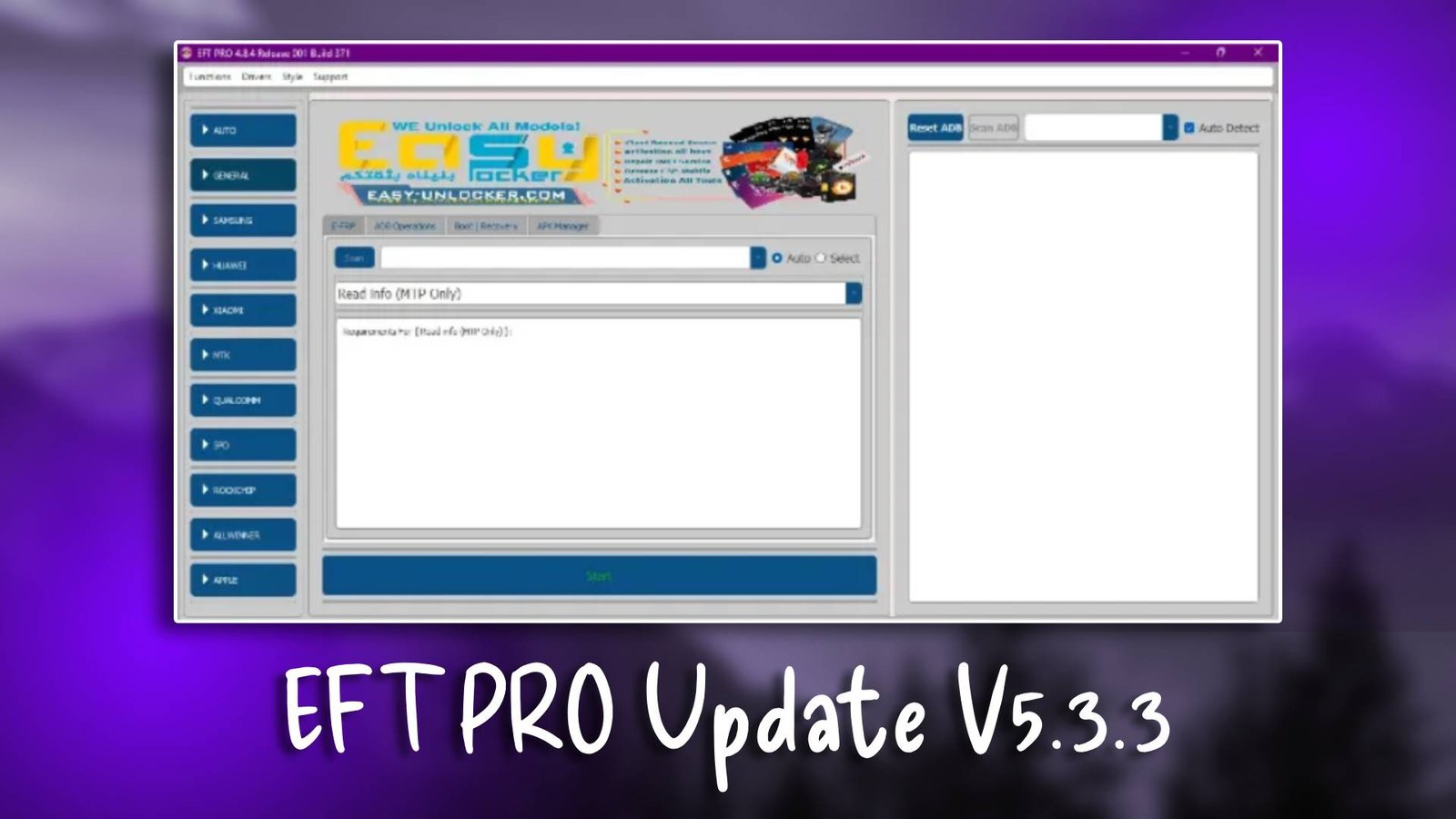
EFT PRO Update V5.3.3 is a professional GSM tool widely used by technicians for unlocking devices, repairing software issues, and performing firmware flashing tasks. More information about the software can be found on the official website.

Main Tools

  • Android firmware flashing tool
  • FRP bypass module
  • Device unlocking utility
  • Bootloader unlock tool
  • Device information reader
EFT PRO Update V5.3.3

Key Features

  • Multi-brand Android device support
  • High-speed firmware flashing engine
  • Built-in FRP bypass utilities
  • Automatic device detection
  • Professional technician interface

Supported Functions

  • FRP bypass Google account removal
  • Firmware flashing system installation
  • Pattern unlock lock screen removal
  • Bootloader unlock device access
  • IMEI repair network restoration
  • Device info reading hardware details
  • Factory reset system cleanup

Technical Setup Details

  • Supported OS: Windows 10 / Windows 11
  • Minimum RAM: 4 GB
  • Storage Requirement: 600 MB
  • Processor Requirement: Intel Core i3 / AMD equivalent
  • Required USB Drivers: Qualcomm, MediaTek, Samsung
  • Supported Devices: Android smartphones

How to Install EFT PRO Update V5.3.3

  1. Download the EFT PRO Update V5.3.3 from unluckytool.com.
  2. Extract the downloaded archive file.
  3. Install required USB drivers.
  4. Run the software as administrator.
  5. Connect the mobile device using USB cable.
  6. Choose the desired operation such as flashing or unlocking.

Mobile repair technicians need reliable tools capable of handling complex Android servicing operations. This GSM utility provides modules for firmware flashing, device unlocking, and system maintenance.

Its wide compatibility with Android smartphones makes it useful for technicians who regularly perform repair tasks such as FRP bypass and device restoration. Both experienced technicians and beginners can benefit from its organized interface and powerful repair utilities.

Read Also