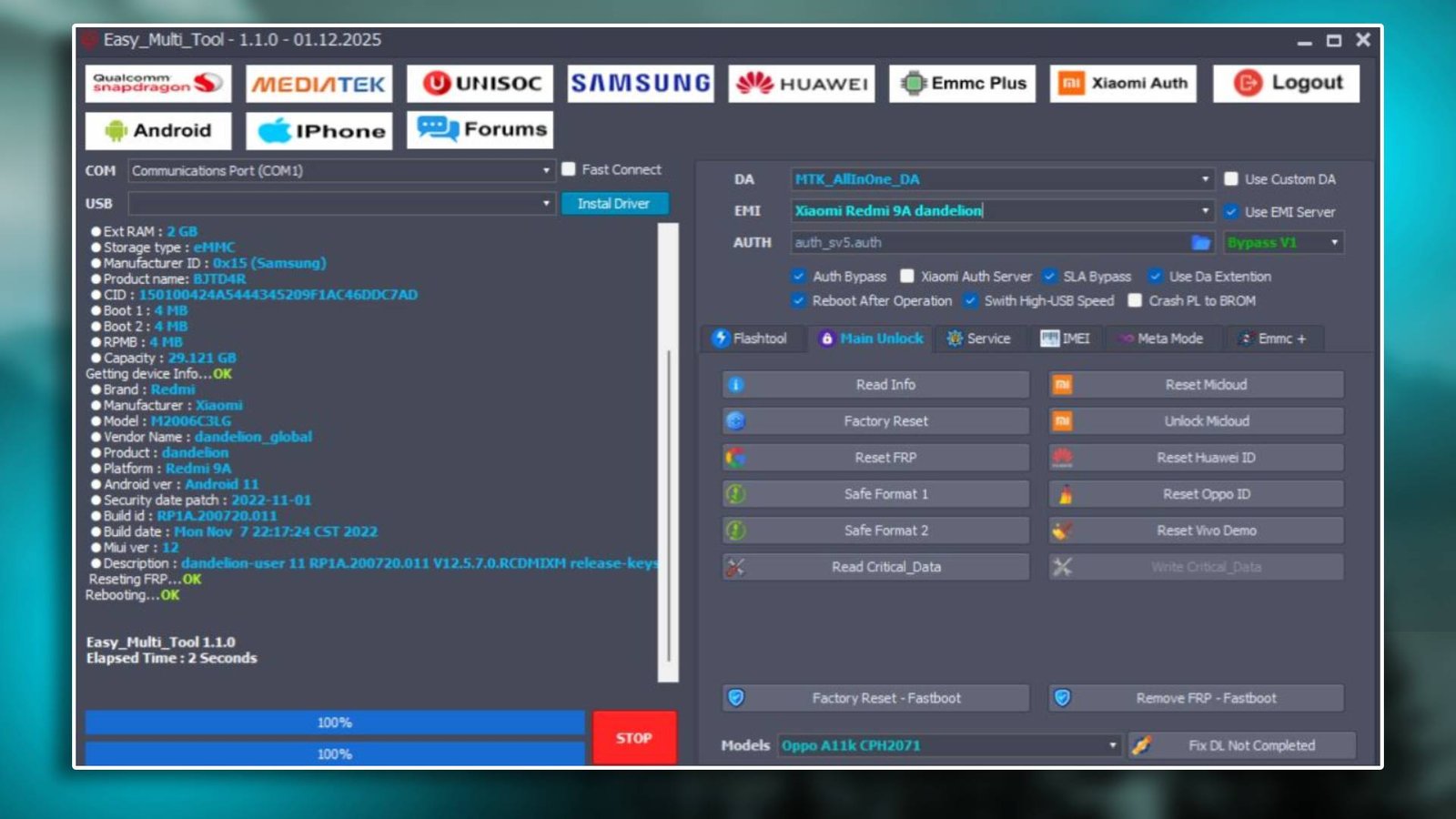

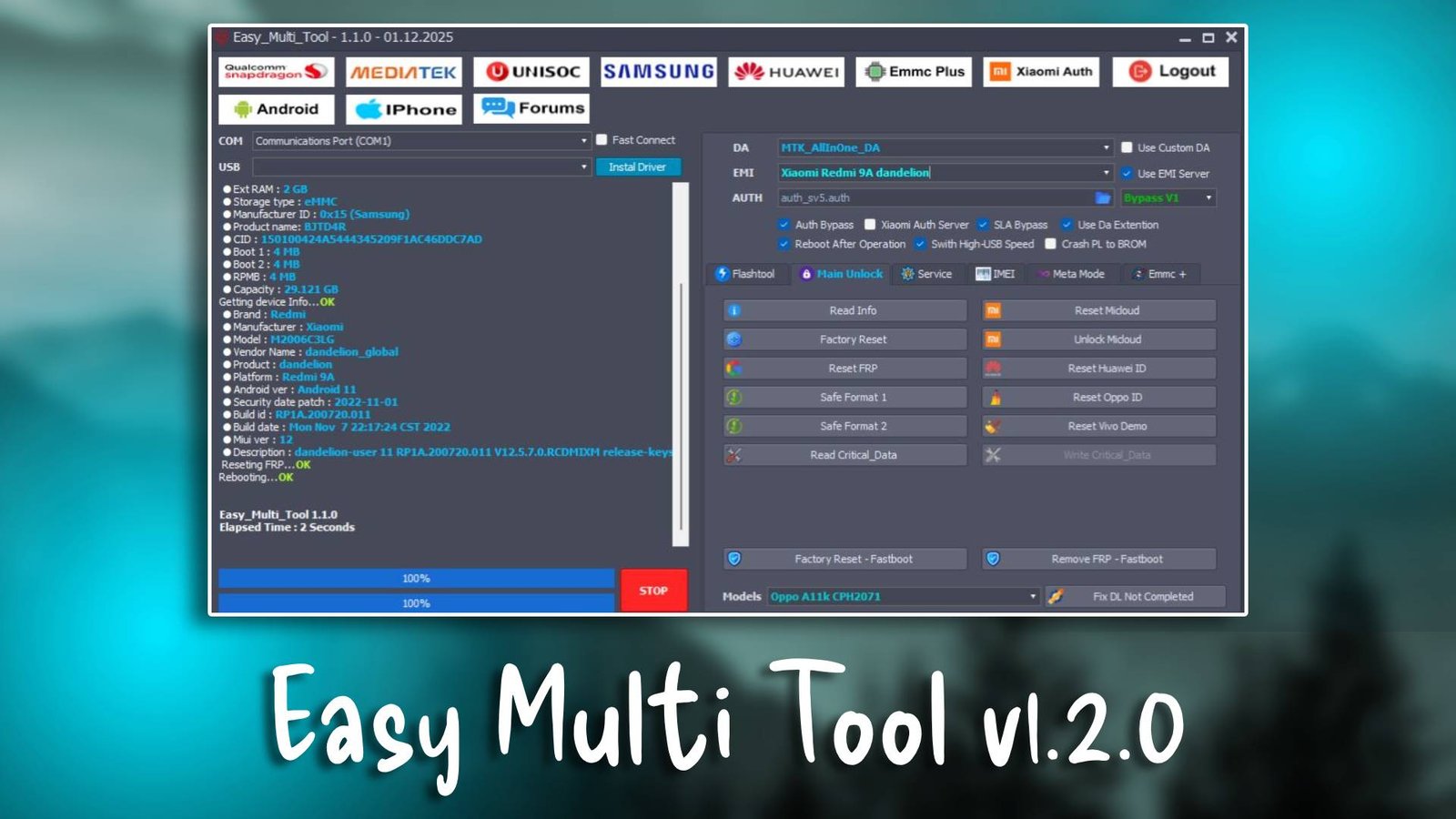
Easy Multi Tool v1.2.0

Easy Multi Tool v1.2.0 is a reliable GSM tool designed to provide efficient solutions for mobile repair professionals.

Technicians can get official updates and support on the official website. Its advanced modules and multi-brand support make it ideal for professional repair shops.

Main Tools

  • Firmware Flashing Tool
    Installs or repairs firmware efficiently.
    Fixes bootloop and system errors quickly.
  • FRP Bypass Module
    Removes Google account locks after reset.
    Allows technicians to regain device access.
  • Unlocking Utility
    Removes pattern, PIN, or password screen locks.
    Recovers locked devices safely.
  • Device Diagnostic Tools
    Reads detailed firmware and hardware information.
    Helps identify device status before repair.
Easy Multi Tool v1.2.0

Key Features

  • Multi-Brand Support
    Works with Samsung, Xiaomi, Huawei, Oppo, Vivo.
    Enables servicing multiple devices with one tool.
  • Fast Flashing Performance
    Installs firmware smoothly without errors.
    Reduces risk of software corruption.
  • Quick FRP Unlock
    Removes Google locks efficiently.
    Saves technicians valuable time.
  • Beginner-Friendly Interface
    Clean layout for easy navigation.
    Ideal for new and experienced repair technicians.

Supported Functions

  • FRP Bypass
    Removes Google account verification locks.
    Restores device access after reset.
  • Firmware Flashing
    Repairs or installs firmware packages.
    Fixes software and boot errors.
  • Pattern Unlock
    Removes screen locks safely.
    Restores usability of Android smartphones.
  • Device Information Reading
    Provides hardware and firmware details.
    Useful for troubleshooting and diagnostics.

Technical Setup Details

  • Supported OS: Windows 7 / 8 / 10 / 11
  • Minimum RAM: 4 GB
  • Storage Requirement: 1 GB free space
  • Processor Requirement: Intel / AMD dual-core processor
  • Required USB Drivers: Qualcomm, MediaTek, Samsung drivers
  • Supported Devices: Multiple Android smartphones

How to Install Easy Multi Tool v1.2.0

  1. Download the software from unluckytool.com.
  2. Extract the downloaded archive file.
  3. Install required USB drivers.
  4. Run the software as administrator.
  5. Connect the mobile device using USB cable.
  6. Choose the desired operation such as flashing or unlocking.

Easy Multi Tool v1.2.0 is a trusted GSM tool for Android servicing. Its flashing, unlocking, and FRP bypass modules simplify repair tasks. Multi-brand support and easy interface make it an essential tool for repair shops.

Read Also