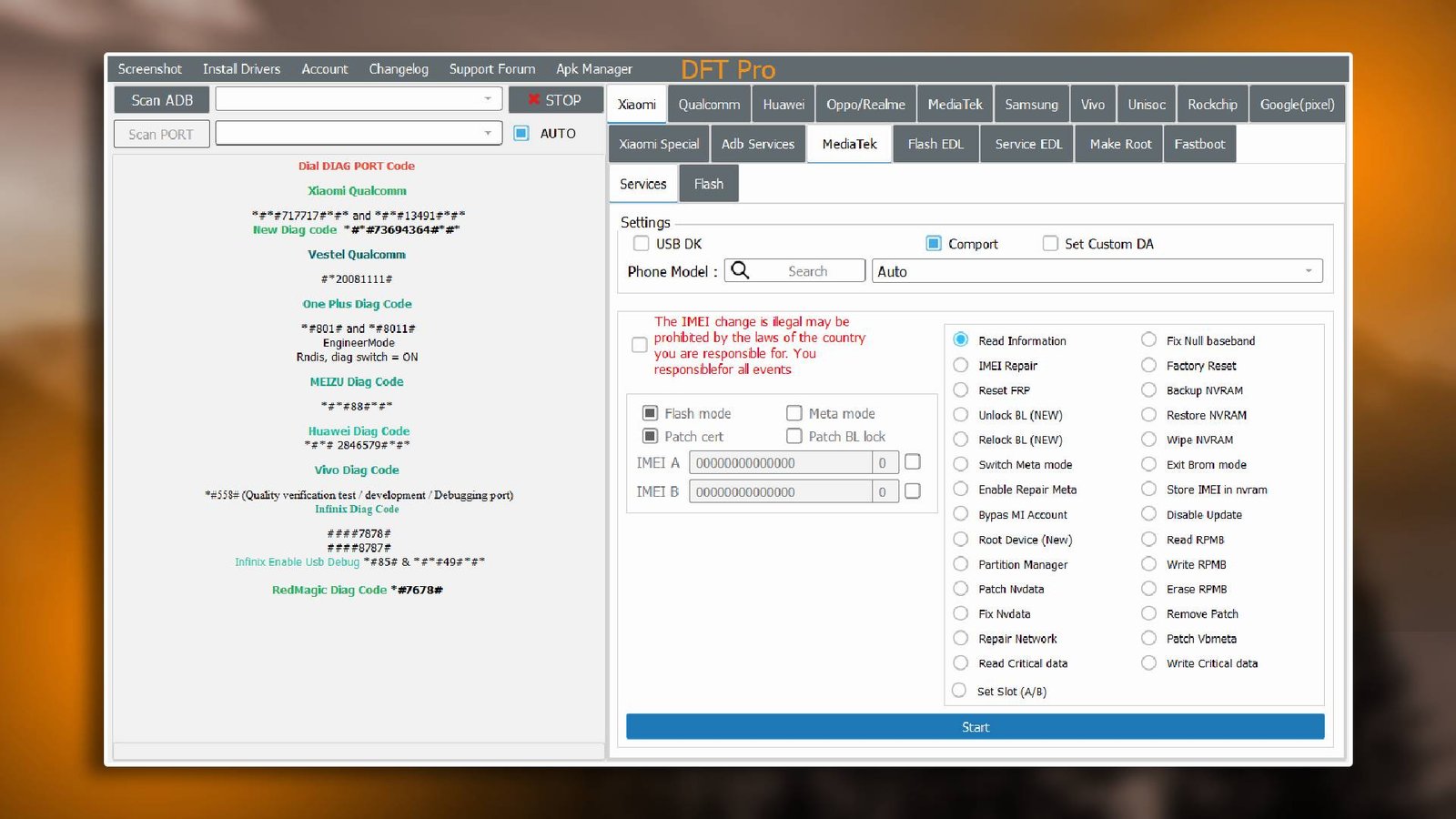

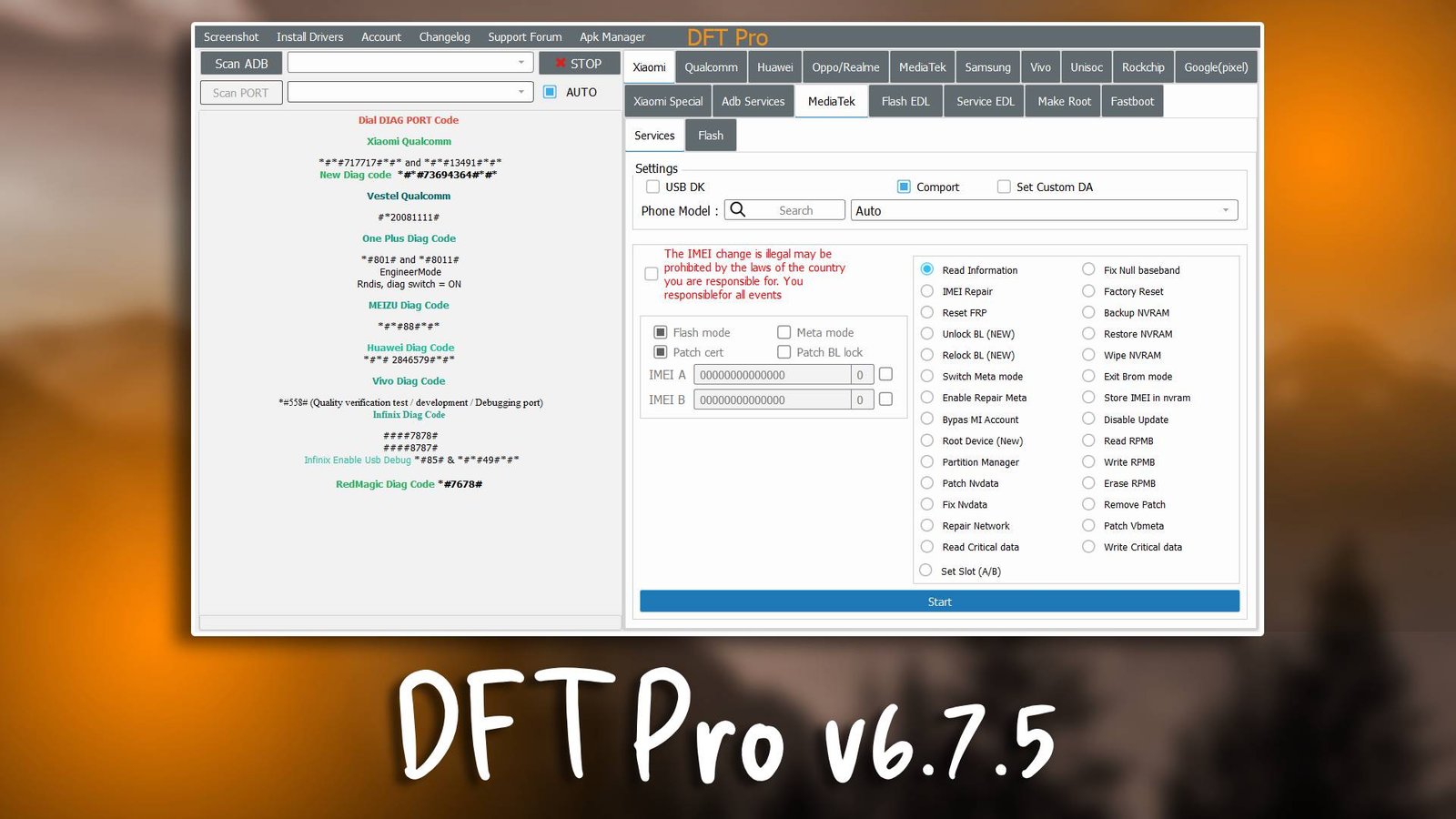
DFT Pro v6.7.5 is a powerful and reliable GSM tool designed for mobile technicians and repair professionals. It simplifies mobile servicing tasks such as firmware flashing, FRP bypass, and unlocking utilities. Whether you are repairing smartphones or performing advanced Android servicing, this tool provides an efficient solution for every technician. You can download it from the official website.
Main Tools
- DFT Pro v6.7.5 comes with essential modules for mobile servicing:
- Flashing Tool – Quickly updates or repairs the firmware on supported devices.
- FRP Bypass Tool – Allows technicians to remove Google account locks efficiently.
- Unlocking Utility – Unlocks SIM restrictions and carrier locks.
- Bootloader Management – Helps in unlocking or relocking the bootloader.
- Device Utilities – Provides features like factory reset, device info reading, and IMEI repair.
Key Features
- User-Friendly Interface – Designed for beginners, allowing easy navigation through modules.
- High Compatibility – Works with a wide range of Android devices across brands.
- Fast Processing – Reduces flashing and unlocking time, saving technicians hours.
- FRP Bypass Functionality – Securely bypasses Google account verification without data loss.
- Regular Updates – Ensures the software stays compatible with latest Android versions.
Supported Functions
DFT Pro v6.7.5 supports core mobile repair functions, including:
- FRP Bypass – Remove Google account locks.
- Firmware Flashing – Update or restore device firmware.
- Pattern Unlock – Reset locked device screens.
- Bootloader Unlock – Unlock bootloader safely for customization.
- IMEI Repair – Fix corrupted or missing IMEI numbers.
- Device Info Reading – View comprehensive hardware and software details.
- Factory Reset – Reset devices to default settings while maintaining stability.
Technical Setup Details
- Supported OS: Windows 7/8/10/11 (64-bit recommended)
- Minimum RAM: 4 GB
- Storage Requirement: 500 MB free space
- Processor Requirement: Intel i3 or higher
- Required USB Drivers: Universal ADB, Qualcomm, and MTK drivers
- Supported Devices: Most Android smartphones and tablets
How to Install DFT Pro v6.7.5
- Download DFT Pro v6.7.5 from the official website.
- Extract the downloaded archive file.
- Install the required USB drivers.
- Run the software as Administrator.
- Connect the mobile device via USB cable.
- Choose the desired operation such as flashing or unlocking.
DFT Pro v6.7.5 is a trusted GSM tool for mobile technicians and repair professionals. Its intuitive interface and wide range of functionalities simplify mobile servicing tasks like firmware flashing, FRP bypass, and unlocking. Whether you are a beginner or a professional, DFT Pro v6.7.5 ensures a fast, secure, and reliable repair workflow.
Read Also:
