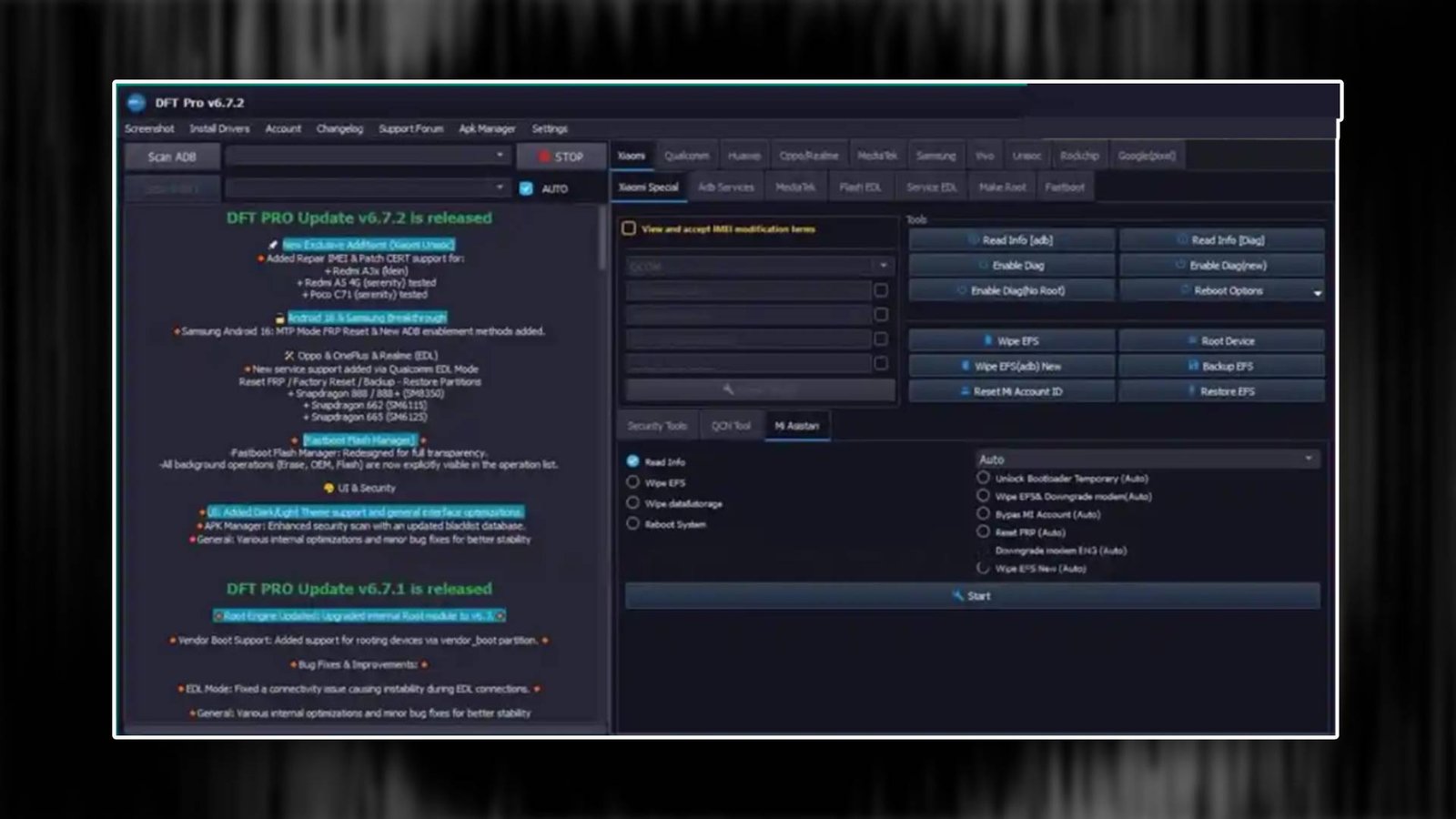

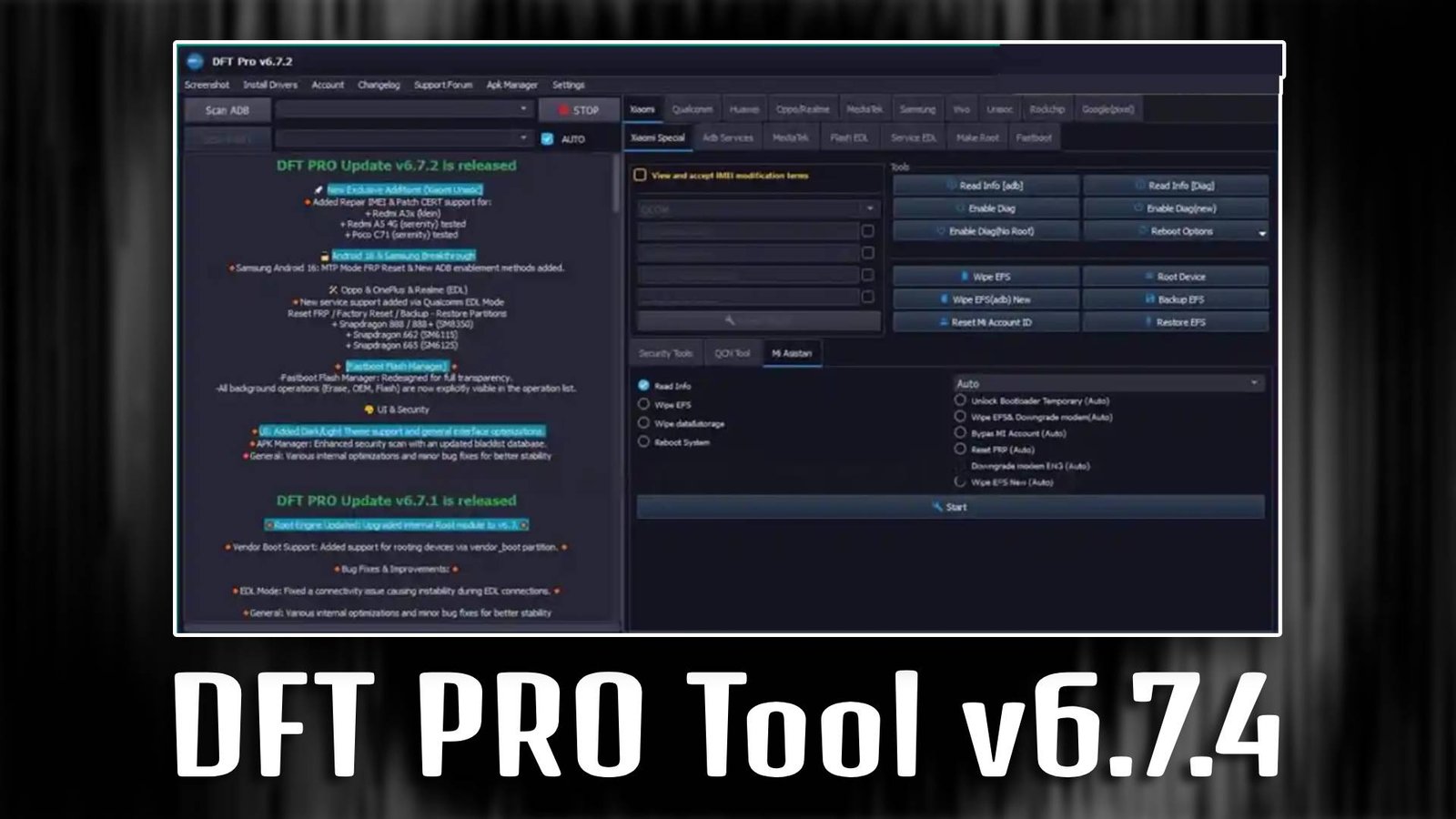
DFT PRO Tool v6.7.4

DFT PRO Tool v6.7.4 is designed to simplify Android mobile servicing for both beginners and professionals. This software allows users to perform unlocking, flashing, and repair tasks quickly without requiring advanced technical knowledge.

Main Tools

  • FRP Unlock Tool – Removes Google account lock securely.
  • Flash Tool – Installs official firmware easily.
  • Pattern Unlock Tool – Unlocks forgotten passwords.
  • IMEI Repair Tool – Restores device network access.
  • Boot Repair Tool – Fixes startup problems.
  • Factory Reset Tool – Safely resets smartphones.
DFT PRO Tool v6.7.4

Key Features

  • Beginner Friendly Interface – Easy to use layout.
  • Multi Brand Support – Compatible with many devices.
  • One Click Repair – Fast operations.
  • Secure Processing – Protects device data.

Supported Functions

  • FRP Removal
  • Firmware Flash
  • Pattern Unlock
  • Boot Repair
  • Factory Reset
  • Device Information
  • Network Repair

Technical Setup Details

  • Software Name: DFT PRO Tool v6.7.4
  • Latest Version: 6.7.4
  • Setup File Name: DFT_PRO_v6.7.4_Setup.exe
  • Full Setup Size: 160 MB
  • Setup Type: Offline Installer
  • Compatibility: 32bit / 64bit
  • Developer: DFT Team

How to Install

  1. Download the AP DB DOWNLOADER setup file from a trusted source.
  2. Extract the ZIP file using WinRAR or 7-Zip.
  3. Open the extracted folder on your PC.
  4. Run the setup file as Administrator.
  5. Follow the on-screen installation instructions.
  6. Complete the installation process.
  7. Launch AP DB DOWNLOADER and connect your Android device.

DFT PRO Tool v6.7.4 offers a reliable and efficient way to unlock and repair Android devices with minimal effort.

Read Also: DFS Tool V1 Latest Version