
Arabic All Samsung by Albkre soft V2.0.9

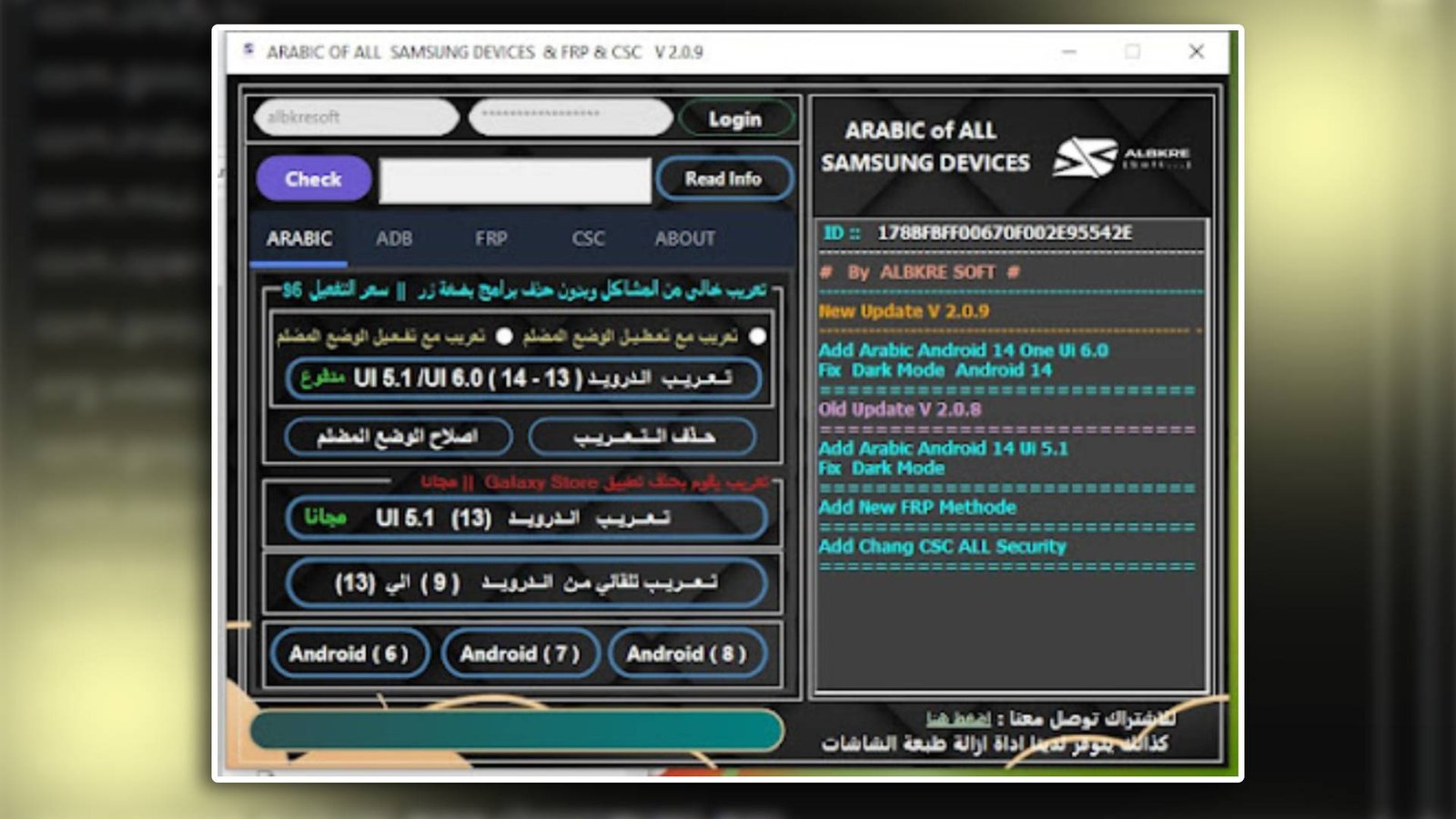
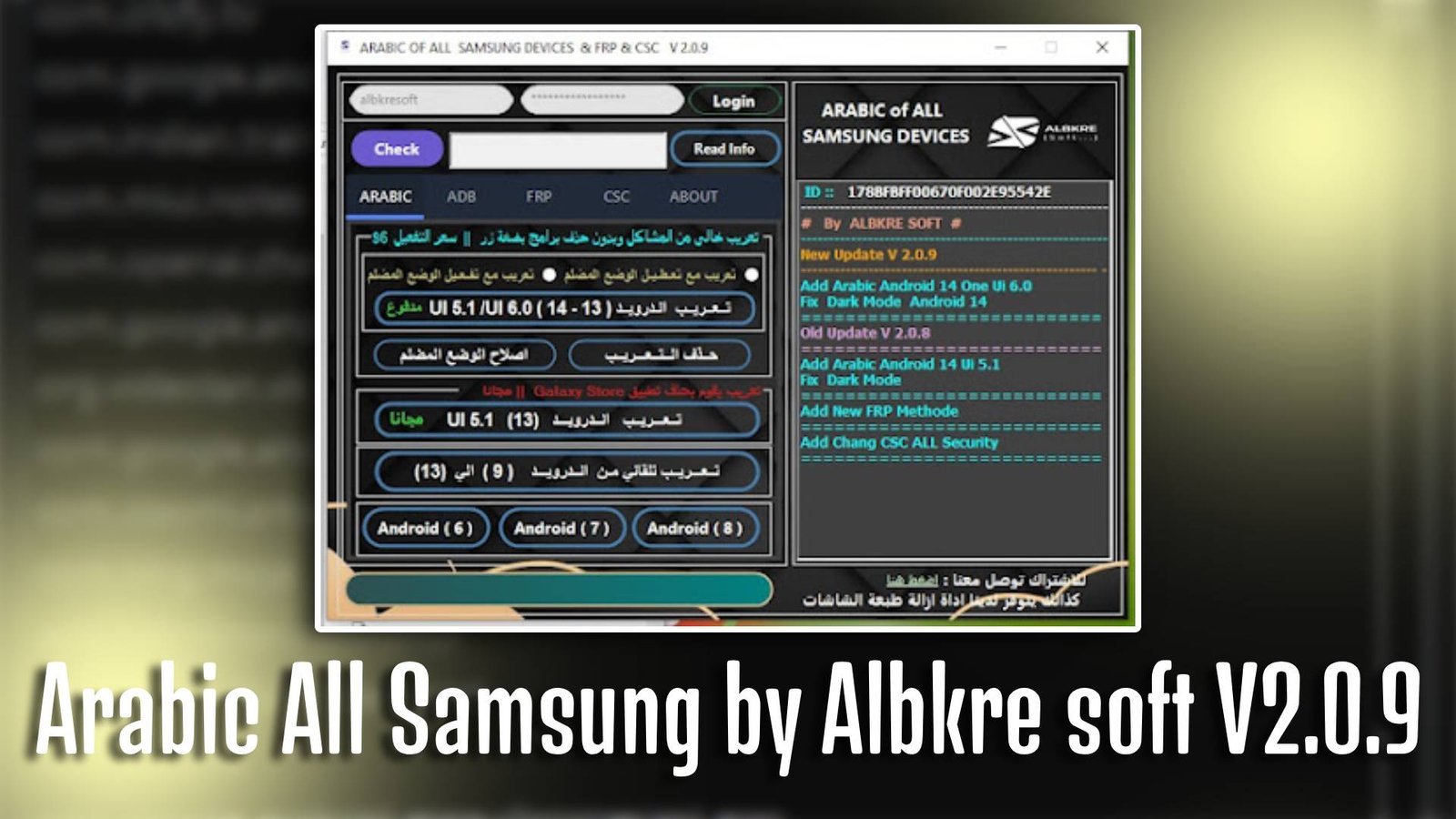
Arabic All Samsung by Albkre soft V2.0.9 is a useful Windows-based servicing tool developed to enable Arabic language support on Samsung smartphones. It is specially designed for mobile technicians and beginners who want to add Arabic language, fix firmware issues, or unlock Samsung devices without complex procedures. With Arabic All Samsung by Albkre soft V2.0.9, users can perform important device operations quickly and safely.

Main Tools

  • Arabic Language Enabler – Easily add Arabic language support to Samsung devices.
  • FRP Unlock Tool – Helps bypass Google account verification lock.
  • ADB Functions Tool – Performs device commands using USB debugging mode.
  • Factory Reset Tool – Restores device to default settings in one click.
  • CSC Changer Tool – Changes device region settings to support Arabic firmware.
  • Device Info Reader – Shows complete hardware and software details.
Arabic All Samsung by Albkre soft V2.0.9

Key Features

  • Easy Arabic Activation: Arabic All Samsung by Albkre soft V2.0.9 allows users to enable Arabic language without flashing firmware.
  • Simple Interface: Designed with a beginner-friendly dashboard for quick usage.
  • Multiple Samsung Support: Arabic All Samsung by Albkre soft V2.0.9 supports a wide range of Samsung models.
  • Fast Performance: Execute device servicing operations in just a few clicks.

Supported Functions

  • Enable Arabic Language
  • Remove FRP Lock
  • Factory Reset Device
  • Change CSC Region
  • Read Device Information
  • Reboot Device
  • Enable ADB Mode

Technical Setup Details

  • Software Name: Arabic All Samsung by Albkre soft
  • Latest Version: V2.0.9
  • Setup File Name: Arabic_All_Samsung_by_Albkre_soft_V2.0.9.zi
  • Full Setup Size: 150 MB
  • Setup Type: Offline Installer
  • Compatibility: 32-bit / 64-bit
  • Developer: Albkre soft

How to Install

  1. Download the setup file from a trusted source.
  2. Extract the ZIP file using WinRAR or 7-Zip.
  3. Open the extracted folder.
  4. Run the setup file as Administrator.
  5. Follow the on-screen installation instructions.
  6. Install required USB drivers if prompted.
  7. Launch Arabic All Samsung by Albkre soft V2.0.9 and connect your device.

Arabic All Samsung by Albkre soft V2.0.9 is an effective and reliable tool for enabling Arabic language and performing essential repair functions on Samsung devices. With its easy interface and powerful features, Arabic All Samsung by Albkre soft V2.0.9 is an excellent choice for both beginners and professional technicians.

Read Also: Apizu Tool v4.3.0