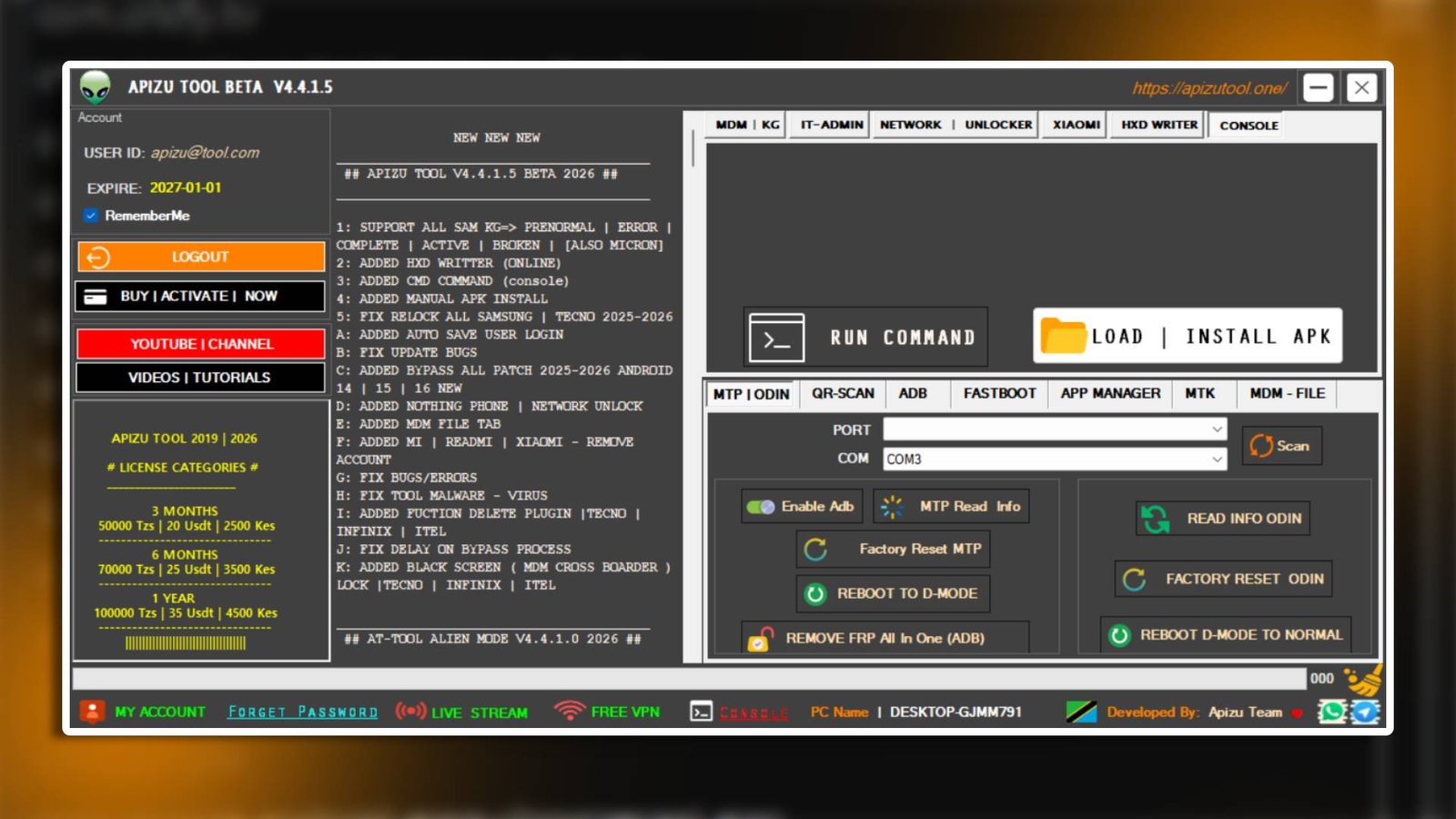

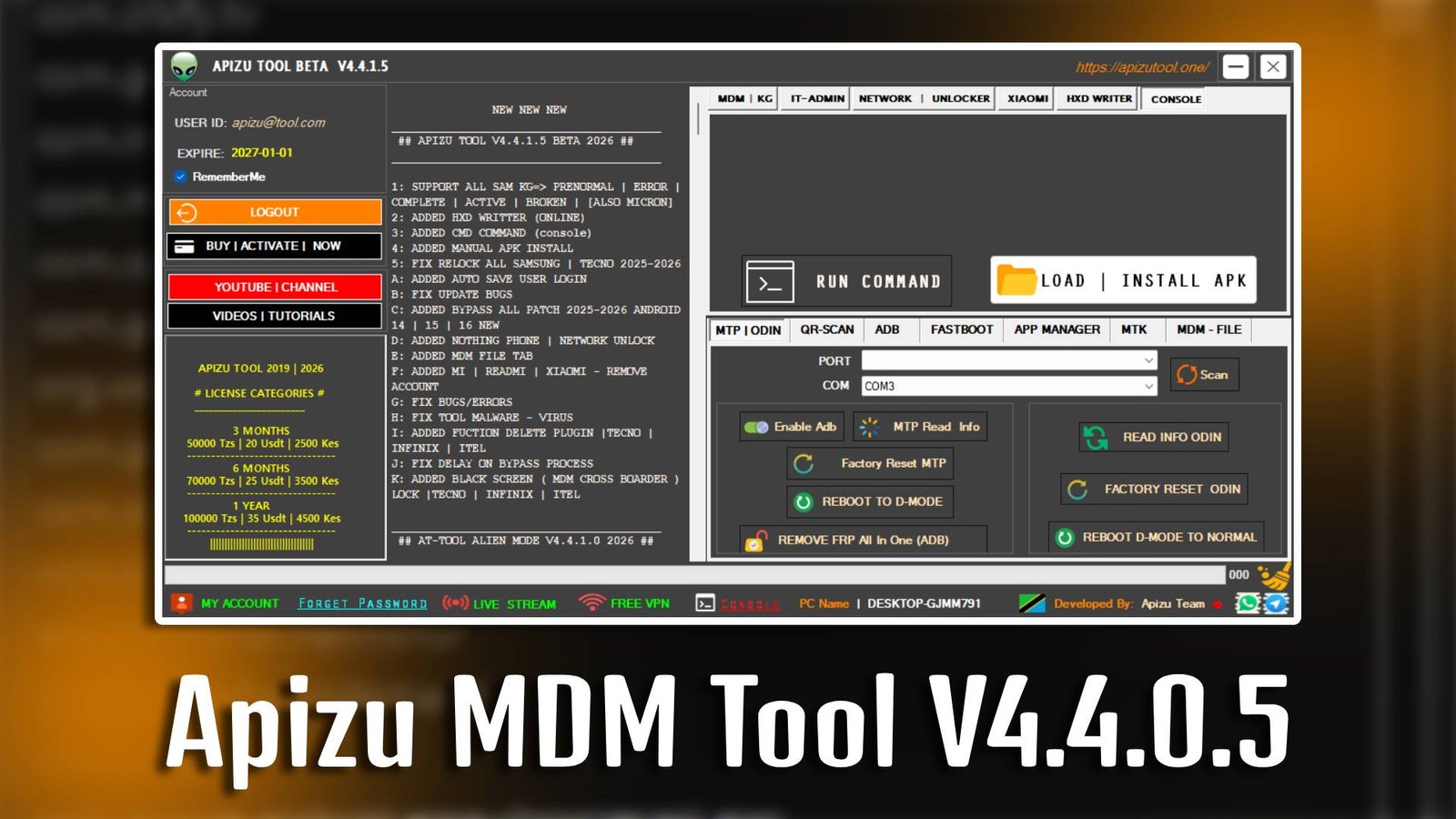
Apizu MDM Tool V4.4.0.5

Apizu MDM Tool V4.4.0.5 is a reliable Windows-based software designed to help users bypass Mobile Device Management (MDM) lock on iOS devices. It is especially useful for users who are stuck on the remote management screen after resetting their iPhone or iPad. With Apizu MDM Tool V4.4.0.5, you can quickly remove MDM restrictions and regain full control of your device without needing advanced technical knowledge.

Main Tools

  • MDM Bypass Tool – Helps remove remote management lock from supported iOS devices.
  • Device Activation Tool – Assists in activating iPhones or iPads after MDM removal.
  • Restore Assistant – Allows safe device restoration without data issues.
  • Connection Checker – Ensures proper device connection before performing operations.
  • System Status Tool – Displays device management status in real time.
  • Auto Detection Tool – Automatically detects connected iOS devices for easy processing.
Apizu MDM Tool V4.4.0.5

Key Features

  • Simple User Interface: Apizu MDM Tool V4.4.0.5 is designed with beginners in mind for smooth and easy navigation.
  • Quick MDM Removal: Apizu MDM Tool V4.4.0.5 can bypass MDM lock within minutes without complex steps.
  • Safe Operation: Ensures device safety during the bypass process with minimal risk.
  • Fast Processing: Performs device management operations efficiently to save time.

Supported Functions

  • Remove MDM Lock
  • Bypass Remote Management Screen
  • Activate iOS Devices
  • Device Information Check
  • USB Connection Support
  • Restore Device Settings
  • MDM Status Monitoring

Technical Setup Details

  • Software Name: Apizu MDM Tool
  • Latest Version: V4.4.0.5
  • Setup File Name: Apizu_MDM_Tool_V4.4.0.5.zip
  • Full Setup Size: 150 MB (Approx)
  • Setup Type: Offline Installer
  • Compatibility: 32bit / 64bit Windows
  • Developer: Apizu Team

How to Install

  1. Download the setup file from a trusted source.
  2. Extract the ZIP file using WinRAR or 7-Zip.
  3. Open the extracted folder on your PC.
  4. Run the setup file as Administrator.
  5. Follow the on-screen installation instructions.
  6. Connect your iOS device using a USB cable.
  7. Launch Apizu MDM Tool V4.4.0.5 and start the bypass process.

Apizu MDM Tool V4.4.0.5 is a useful and beginner-friendly software for removing MDM lock and managing iOS devices efficiently. With its simple interface and fast performance, Apizu MDM Tool V4.4.0.5 makes the MDM bypass process easy even for non-technical users.

Read Also: Apizu MDM Tool 4.4.0.1