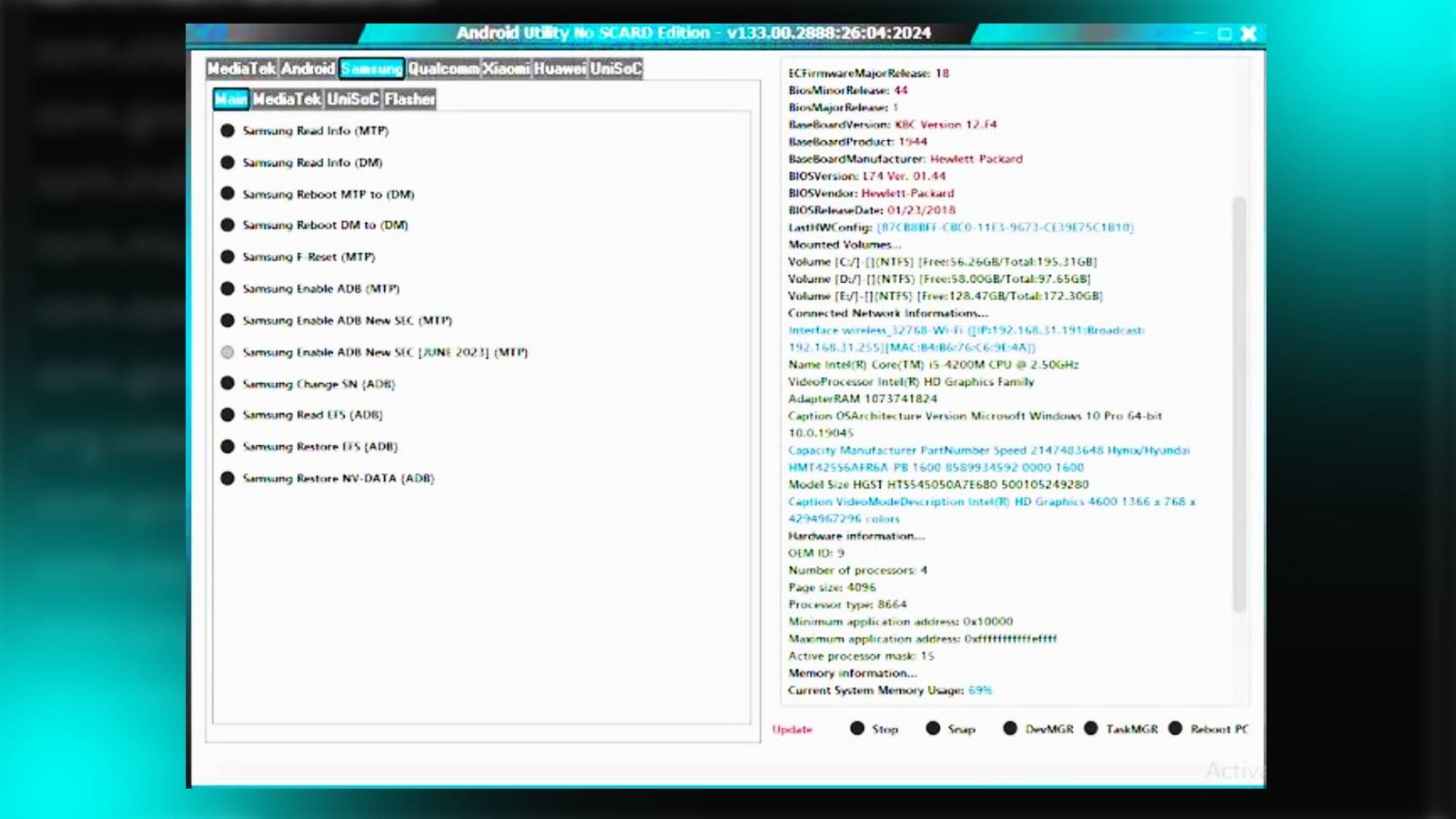

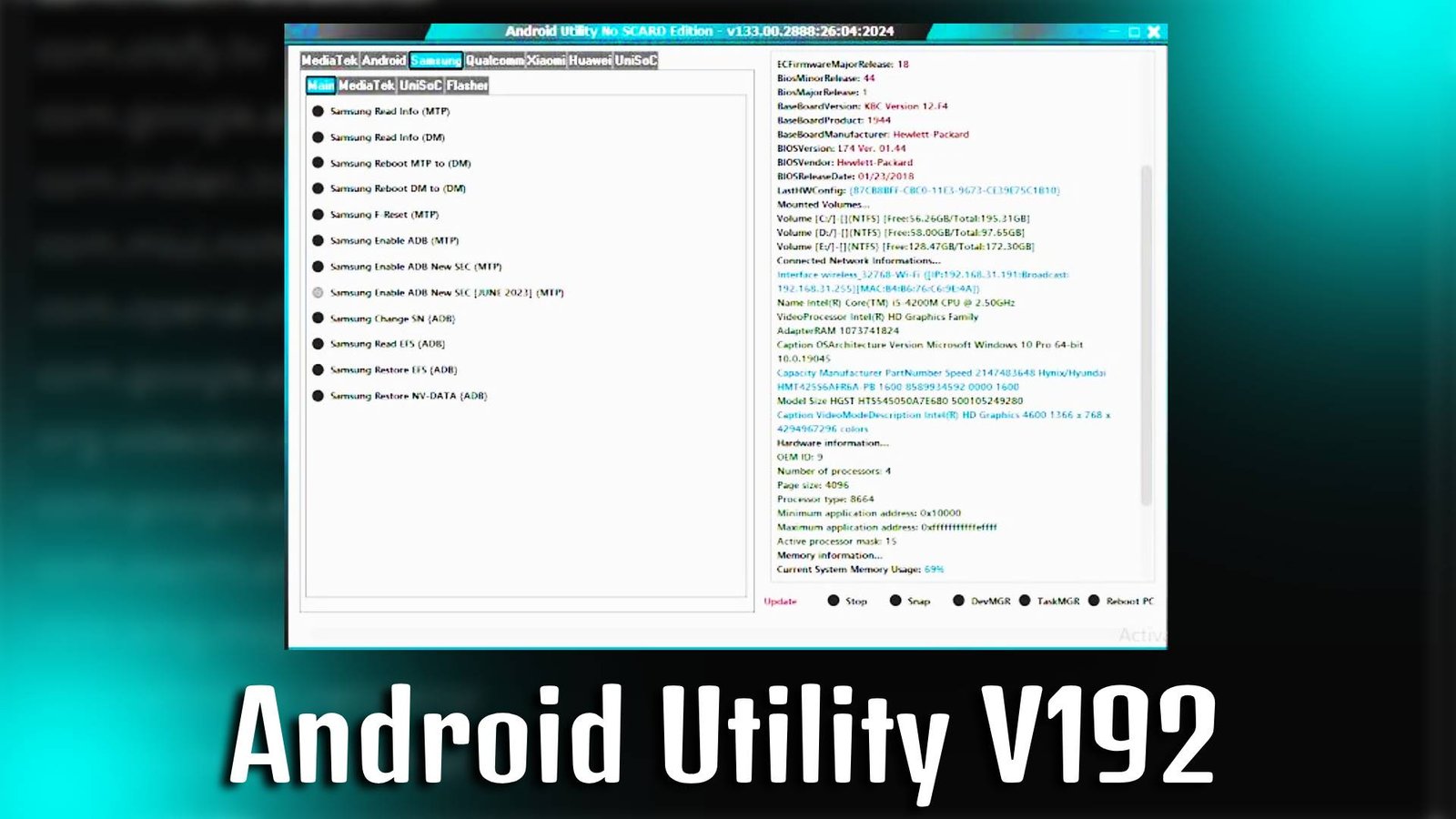
Android Utility V1.9.2 is a professional mobile servicing software designed to help users repair, unlock, and manage Android smartphones directly from their PC. Whether you want to remove FRP lock, unlock bootloader, or fix software-related issues, Android Utility V1.9.2 offers a simple and beginner-friendly interface to perform advanced mobile operations without technical expertise
Main Tools
- FRP Removal Tool: Easily bypass Google account verification on supported Android devices using Android Utility V1.9.2.
- Bootloader Unlock Tool: Unlock your device bootloader for flashing custom ROMs.
- ADB & Fastboot Tool: Perform ADB commands and Fastboot operations in one place.
- Mi Account Bypass Tool: Remove Mi Cloud account from supported Xiaomi devices.
- Factory Reset Tool: Reset your Android device without accessing settings.
- Device Info Tool: Check complete device hardware and software information instantly.
Key Features
- User-Friendly Interface: Android Utility V1.9.2 provides a clean and simple UI suitable for beginners and technicians.
- Multi-Brand Support: Supports various Android brands including Samsung, Xiaomi, Vivo, Oppo, and more.
- Fast Processing Speed: Perform unlocking and bypass tasks quickly using optimized tools.
- Safe Operations: Android Utility V1.9.2 ensures secure device servicing with minimal risk.
Supported Functions In Android Utility V1.9.2
- Remove FRP Lock
- Flash Firmware
- Unlock Bootloader
- Wipe Data / Factory Reset
- Remove Pattern / PIN Lock
- Read Device Information
- Reboot to Recovery / Fastboot Mode
Technical Setup Details
- Software Name: Android Utility
- Latest Version: V1.9.2
- Setup File Name: Android_Utility_V1.9.2.zip
- Full Setup Size: 250 MB (Approx)
- Setup Type: Offline Installer
- Compatibility: 32bit & 64bit (Windows)
- Developer: Android Utility Team
How to Install
- Download the Android Utility V1.9.2 setup file on your PC.
- Extract the downloaded ZIP file using WinRAR or 7-Zip.
- Open the extracted folder.
- Run the setup file as Administrator.
- Install all required USB drivers if prompted.
- Launch Android Utility V1.9.2 after installation.
- Connect your Android device via USB cable and start using the tool.
Android Utility V1.9.2 is a reliable and efficient Android servicing tool that helps users unlock, repair, and manage their smartphones with ease. With its powerful features and beginner-friendly interface, Android Utility V1.9.2 is an ideal solution for both mobile technicians and general users looking to fix Android software issues quickly.
Read Also: Android Win Tool v1.9.4
