
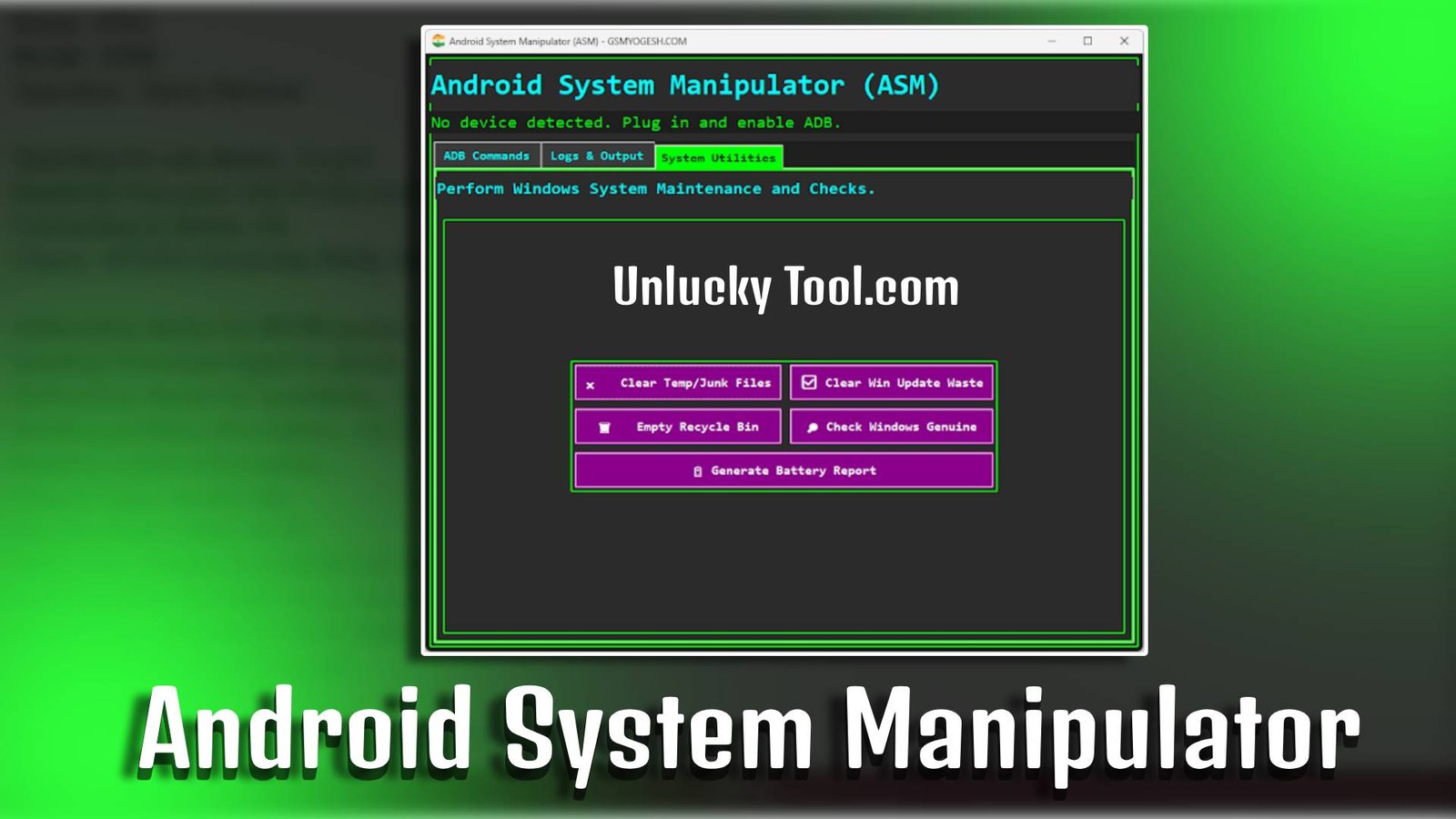
Android System Manipulator is a powerful utility software designed to help users manage, repair, and customize Android devices at the system level. Whether you are facing issues like FRP lock, bootloop, or software malfunction, Android System Manipulator provides beginner-friendly tools to fix common Android problems quickly and efficiently.
Main Tools
- FRP Unlock Tool – Easily bypass Google account verification locks.
- Boot Repair Utility – Fix bootloop or stuck logo issues on Android devices.
- Pattern & PIN Remover – Remove screen locks without data loss.
- ADB Management Tool – Perform system-level commands safely.
- Firmware Flash Tool – Install or update Android firmware manually.
- IMEI Repair Module – Restore missing or corrupted IMEI numbers.

Key Features
-
Fast DB File Downloading
Android System Manipulator is designed for beginners with simple navigation and easy-to-use options.
-
Multi-Brand Support
Supports various Android brands including Samsung, Xiaomi, Vivo, Oppo, and more.
-
Fast Processing Engine
Android System Manipulator performs unlocking and repairs quickly without system lag.
-
Safe Operations
Advanced safety features prevent data corruption during repair processes.
Supported Functions
- FRP Bypass
- Pattern Unlock
- Bootloop Fix
- Firmware Flashing
- Factory Reset
- IMEI Repair
- Device Information Check
Technical Setup Details
- Software Name: Android System Manipulator
- Latest Version: v2.0
- Setup File Name: Android_System_Manipulator_Setup.exe
- Full Setup Size: 150 MB
- Setup Type: Offline Installer
- Compatibility: 32bit & 64bit
- Developer: ASM Team
How to Install
- Download the Android System Manipulator setup file on your PC.
- Extract the downloaded ZIP file using WinRAR or 7-Zip.
- Open the extracted folder and run the setup file.
- Follow the installation instructions shown on the screen.
- Complete the setup process and launch the software.
- Connect your Android device using a USB cable.
- Enable USB Debugging mode on your device to start using Android System Manipulator.
Android System Manipulator is an all-in-one Android repair and management tool that simplifies complex system-level tasks for beginners. With its powerful features and easy installation process, Android System Manipulator is a reliable solution for unlocking, repairing, and maintaining Android devices efficiently.
Read Also: Android Research Tool Beta