
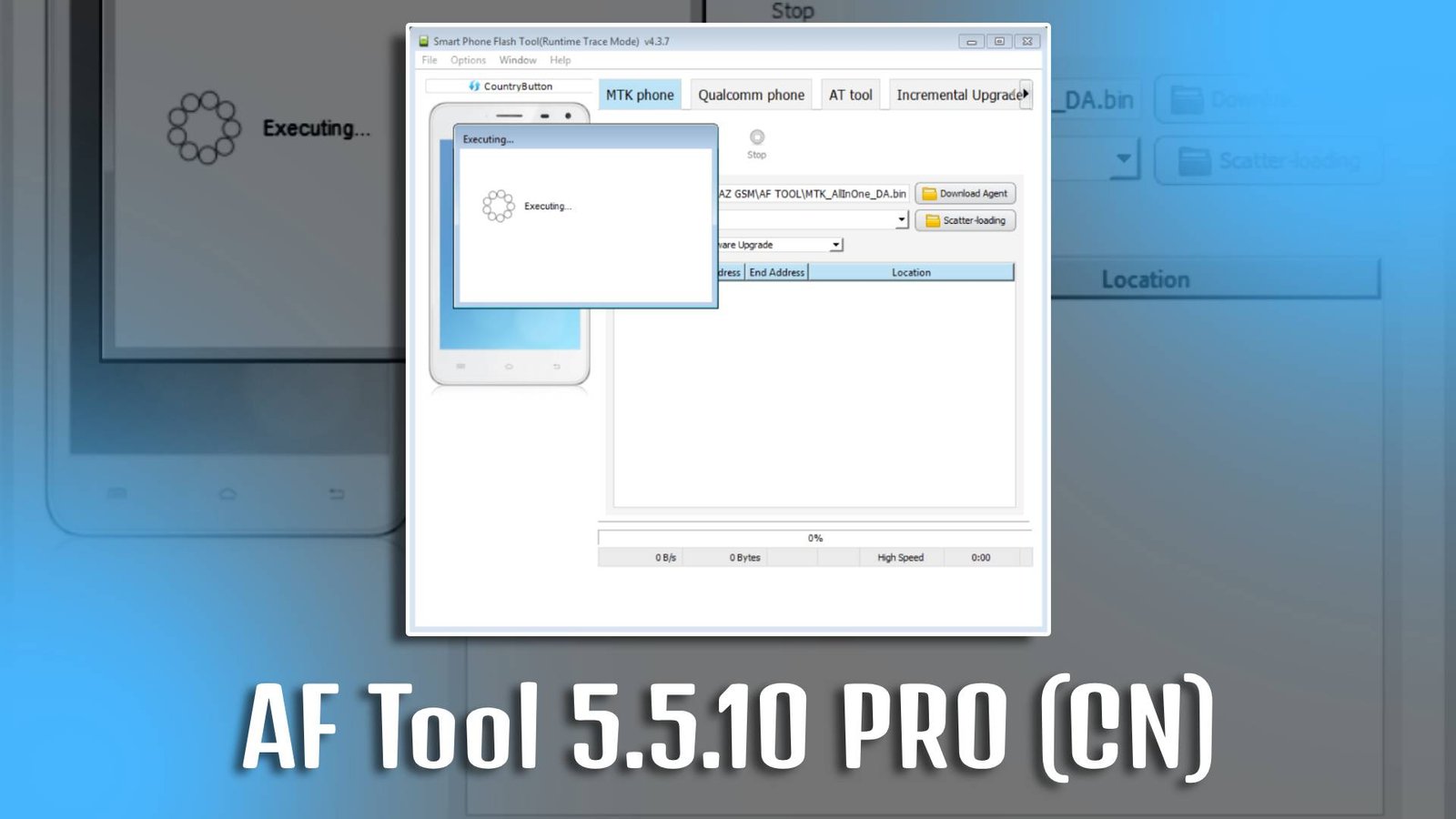
AF Tool is a professional Android mobile servicing software designed to help users unlock and manage their devices efficiently. AF Tool 5.5.10 PRO (CN) is widely used for productivity tasks such as removing FRP locks, bypassing screen locks, enabling ADB mode, and fixing software-related issues without requiring advanced technical knowledge.
AF Tool 5.5.10 PRO (CN) offers a simple and user-friendly interface that allows beginners and professionals to perform unlocking operations quickly and safely.
Main Tools
-
FRP Unlock Tool
AF Tool 5.5.10 PRO (CN) helps remove Google account verification lock easily.
-
Screen Lock Removal
Bypass PIN, pattern, or password lock on Android devices.
-
Factory Reset Tool
Reset devices without accessing phone settings.
-
Bootloader Unlock Tool
Unlock bootloader for advanced device access.
-
ADB Enable Tool
Enable USB debugging mode instantly.
-
Device Information Reader
View complete system information.
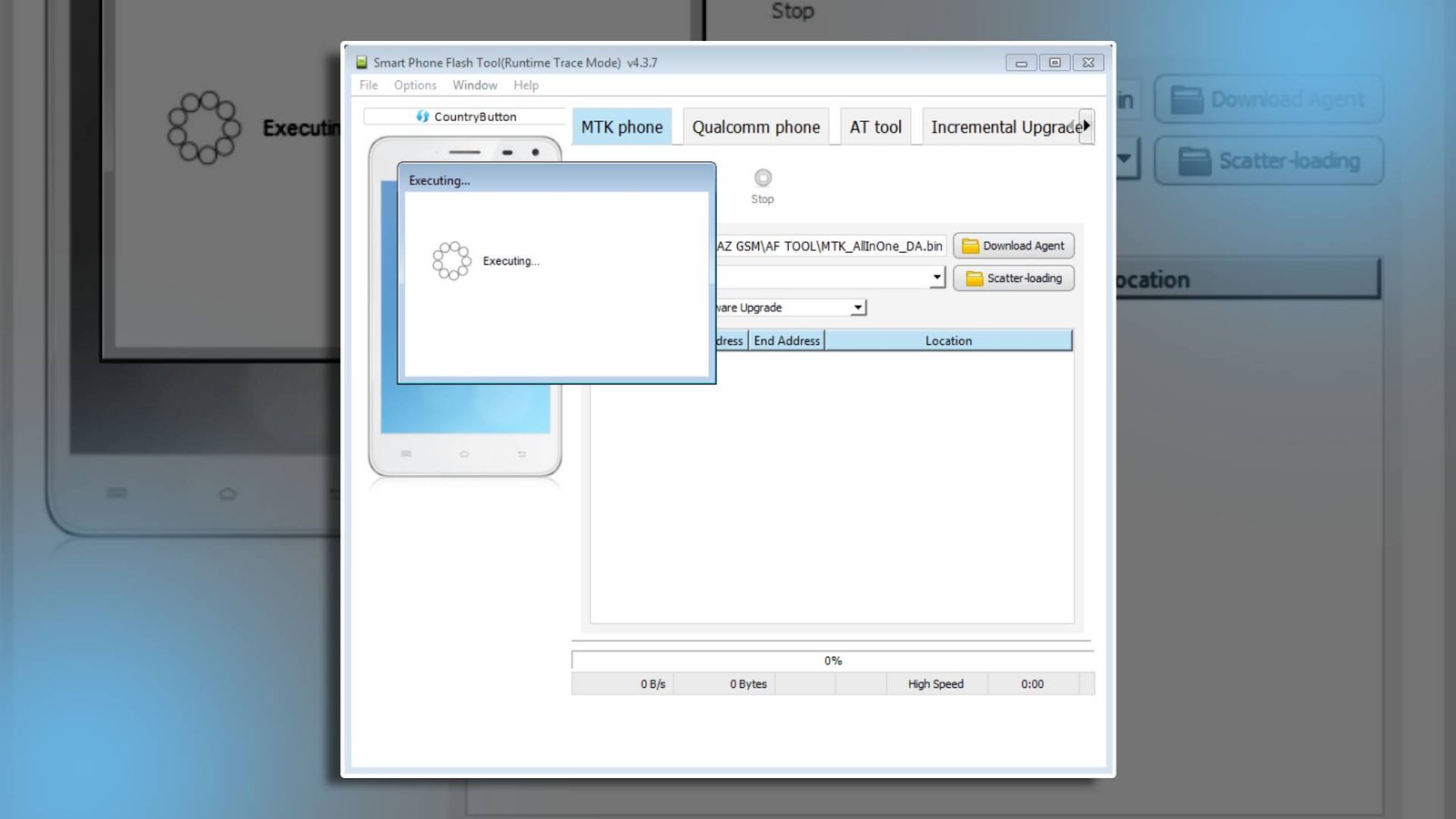
Key Features
-
AF Tool 5.5.10 PRO (CN) supports multiple Android device brands and models.
-
AF Tool 5.5.10 PRO (CN) provides fast unlocking operations without complex procedures.
-
Beginner-friendly interface makes AF Tool 5.5.10 PRO (CN) easy to use.
-
Secure unlocking process protects device data during operations.
Supported Functions in AF Tool 5.5.10 PRO (CN)
- FRP Lock Removal
- Pattern Lock Bypass
- PIN Lock Removal
- Password Unlock
- Factory Reset
- Bootloader Unlock
- ADB Mode Enable
Technical Setup Details
- Software Name: AF Tool
- Latest Version: 5.5.10 PRO (CN)
- Setup File Name: AF_Tool_5.5.10_PRO_CN.zip
- Full Setup Size: Approximately 200 MB
- Setup Type: Offline Installer
- Compatibility: 32-bit / 64-bit
- Developer: AF Team
How to Install
- Download the AF Tool 5.5.10 PRO (CN) setup file.
- Extract the ZIP file using WinRAR or 7-Zip.
- Open the extracted folder.
- Run the setup file as Administrator.
- Follow the on-screen instructions.
- Wait for installation to complete.
- Launch AF Tool 5.5.10 PRO (CN) and connect your device.
AF Tool 5.5.10 PRO (CN) is an efficient and beginner-friendly solution for Android users who want to unlock devices and resolve software-related issues easily. With its simple interface and fast performance, AF Tool 5.5.10 PRO (CN) improves device productivity without requiring advanced technical skills.
Read Also: ADB Safty Core Disable Tool