
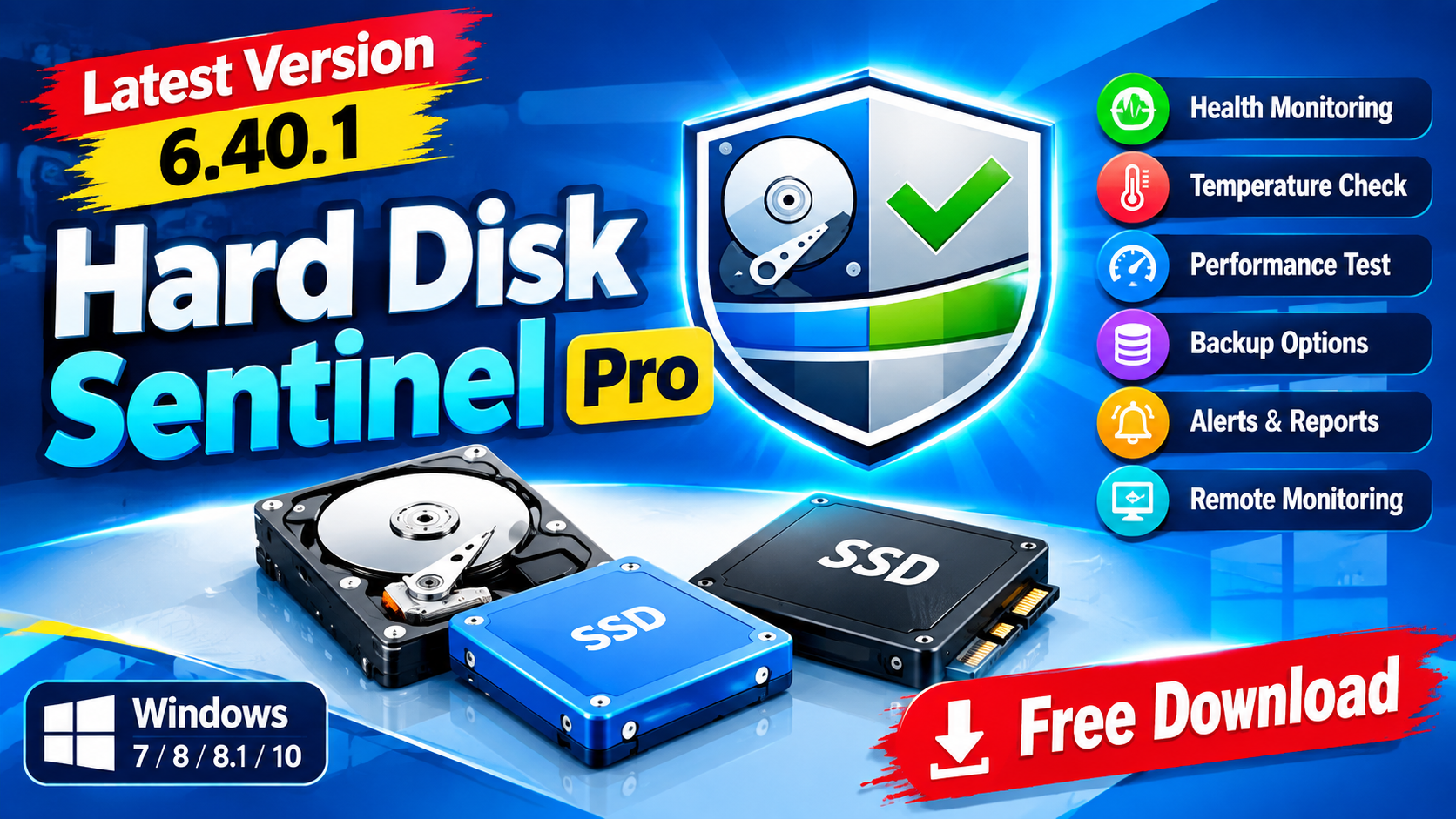
Hard Disk Sentinel Pro is a professional hard disk monitoring and diagnostic application designed to help users monitor the health performance temperature and overall condition of HDD SSD and SSHD drives. It uses S.M.A.R.T. technology and other monitoring methods to detect potential drive problems performance degradation and signs of failure.
The software can provide detailed information about internal drives as well as supported external storage connected through USB or e-SATA. It also offers alerts reports backup-related features remote monitoring, and performance testing tools.For more information official website
Key Features
- Hard Disk Sentinel Pro
- HDD and SSD Monitoring: Monitor the health, temperature, performance, and S.M.A.R.T. information of storage drives.
- Drive Health Analysis: Detect potential problems and performance degradation at an early stage.
- Real-Time Temperature Monitoring: View drive temperature and receive alerts when configured limits are reached.
- Performance Testing: Measure disk transfer speeds and use the results for performance comparison and troubleshooting.
- Advanced Power Management: Adjust supported power-management settings to balance performance and data safety.
- Free Fall Control: Configure supported drive sensitivity to help improve data protection.
- Automatic Backup Options: Supports various backup workflows for local and remote destinations.
- Remote Monitoring: Check hard disk status remotely through supported web-based monitoring features.
- API Interface: Allows compatible third-party applications to query detected disk information.
- Detailed Reports: Generate comprehensive reports containing drive health and diagnostic information.
Supported Functions
Hard Disk Sentinel Pro provides a wide range of functions for monitoring and managing storage devices. Users can view detailed information about installed HDDs, SSDs, and supported hybrid drives, including health status, temperature, performance, and S.M.A.R.T. attributes.
The software can also perform disk transfer-speed measurements, which can help identify unusual performance changes. Its alert system can notify users about potentially important changes in drive condition.
For supported systems, the Professional edition also provides backup-related features, remote monitoring capabilities, advanced power-management controls, and an API interface for developers and third-party applications.
Technical Setup Details
- Software Full Name: Hard Disk Sentinel Pro
- Latest Version: 6.40.1
- Setup Type: Offline Installer / Standalone Setup
- File Name: Hard Disk Sentinel Pro
- File Size: Approximately 41 MB
- Architecture: 32-bit (x86) / 64-bit (x64)
- License: Pro/Professional Edition
- Operating System: Windows 10 / Windows 11
System Requirements
Hard Disk Sentinel Pro make sure your computer meets the basic requirements:
- Operating System: Windows 7, Windows 8, Windows 8.1, Windows 10
- Processor: Intel Pentium 4 Dual Core or equivalent/higher
- RAM: 1 GB minimum
- Free Disk Space: Approximately 200 MB
- Storage Support: Compatible HDD, SSD, or SSHD
- Architecture: x86 or x64
How to Install Hard Disk Sentinel Pro
- Hard Disk Sentinel Pro
- Download the Hard Disk Sentinel Pro 6.40.1 setup package from a trusted and legitimate source.
- If the downloaded file is compressed, extract it using WinRAR, WinZip, or Windows’ built-in extraction tool.
- Open the extracted folder and locate the installer.
- Run the installer with the appropriate Windows permissions.
- Read and accept the software license terms.
- Select the installation location and continue with the installation.
- Wait until the installation process is completed.
- Launch Hard Disk Sentinel from the Start menu or desktop shortcut.
- Allow the application to detect your connected HDD, SSD, or SSHD drives.
- Review the displayed health, temperature, performance, and S.M.A.R.T. information.
Hard Disk Sentinel Pro is a feature-rich storage monitoring utility for users who want to keep track of HDD and SSD health temperature performance and S.M.A.R.T. information. Its diagnostic tools alerts reporting capabilities backup-related functions and remote monitoring features make it useful for maintaining storage devices and identifying potential problems before they become serious.
Read Also:FolderSizes_10.1.54