
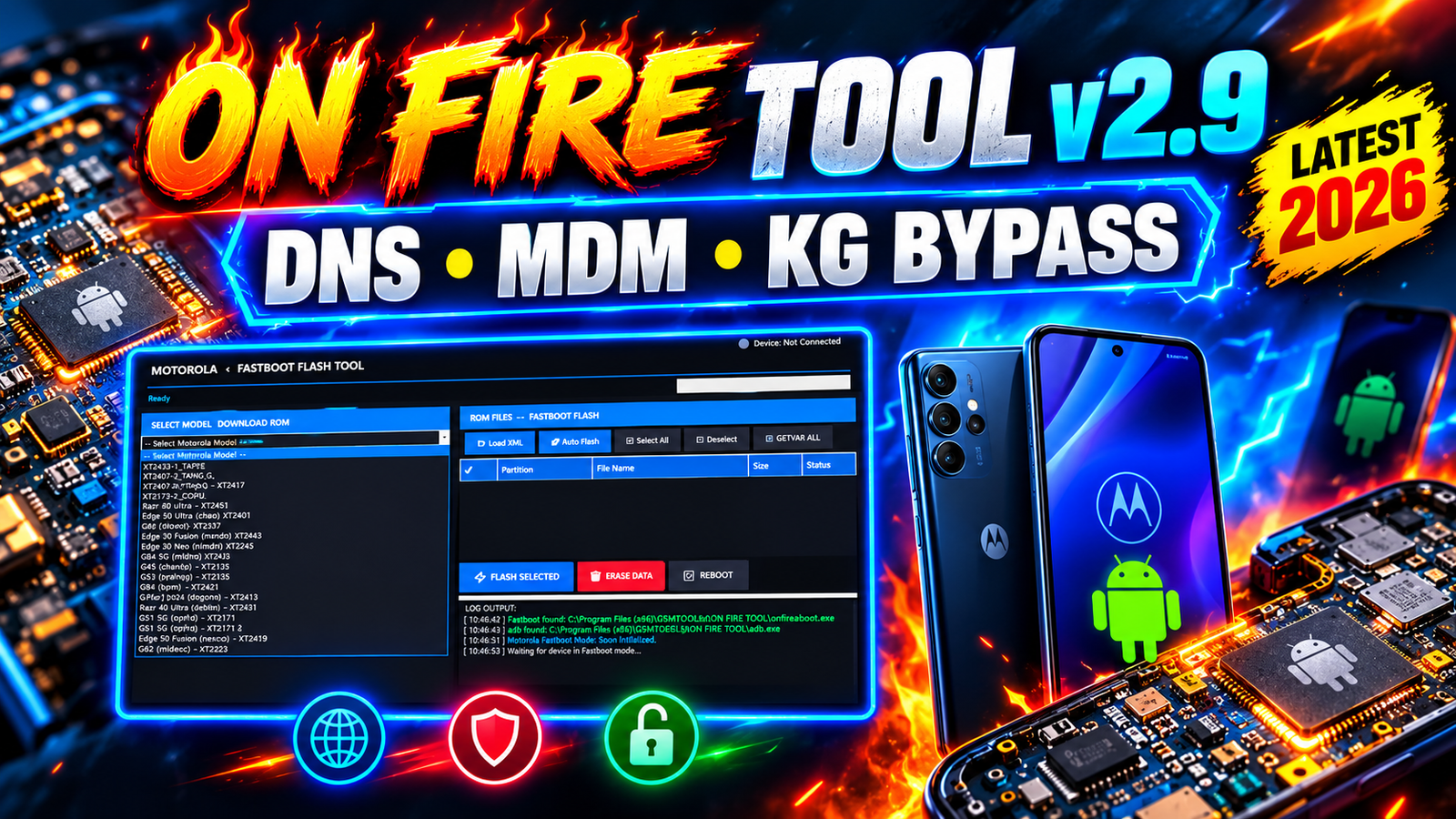
ON FIRE TOOL v2.9 Latest Version 2026 is a new Android servicing and device management tool designed for technicians and mobile repair users. The latest ON FIRE TOOL update comes with several useful sections for ADB services, Samsung KG operations, Xiaomi operations, Motorola Fastboot, MediaTek servicing, MDM management, DNS generation, and Android device control.
The new ON FIRE TOOL v2.9 release brings back the tool with working features and improved support for different Android servicing tasks. According to the available changelog, this version includes a DNS MDM Generator, KG Locked Bypass, QR Active ADB, MediaTek operations, MDM tools, and full Windows support.
For more information: official website.
Main Tools
- ADB Services & Management Tool
- Device Info Reader
- ADB File Transfer Tool
- ADB APK Installer
- Package Manager PRO
- FRP ADB Tool
- QR Active ADB Tool
- Xiaomi Mi Account Tool
- Xiaomi FRP & Userdata Tool
- Xiaomi Persist Eraser
- Samsung KG Locked Bypass Tool
- Samsung KG DNS Generator
- Samsung Active KG Tool
- Motorola Fastboot Flash Tool
- Motorola MDM Tool
- Motorola Carrier MDM Remove Tool
- MediaTek MTK Service Tool
- SPD Plugin Remove Tool
- Infinix / Tecno Security Tool
- Universal MDM Bypass Tool
- Kiosk & IT Admin MDM Tool
Key Features
The latest update contains several important features that make it different from earlier versions.
DNS MDM Generator:
One of the major additions is the DNS MDM Generator. It provides pre-built DNS profiles for supported servicing scenarios.
Available profiles include:
- Samsung KG
- KIOSKO / IT 2026
- MDM / Claro
- Motorola White Screen
- Payjoy
The tool also provides a custom DNS profile builder where users can add custom domains using line, comma, or mixed formats.
MDM and Carrier Management:
ON FIRE TOOL v2.9 includes a dedicated MDM section with multiple device management functions.
The listed options include:
- MDM_Bypass_SecPlugin
- MDM Bypass Kiosko & ATT
- Claro MDM Removal
- Telcel MDM Removal
- Universal MDM Remover
- Black Screen Solution
- Play Store MDM Fix
- Nokia 2024 MDM Bypass
- Nokia Legacy MDM Remove
- MDM Relock Protection
- Android 15 IT Admin Work Profile Method
- Honor ATT and KIOSKO MDM functions
These functions should only be used on devices that the technician or owner is authorized to service.
ON FIRE App and Device Control:
The tool includes an ON FIRE APK for supported device management operations.
The application can be used for:
- Install ON FIRE APP
- Uninstall ON FIRE APP
- Manage Device Owner permissions
- Install NetPatch VPN
- Network and firewall control
DNS Network Control Manager v2.0:
The DNS Network Control Manager is another important component of the v2.9 update.
It provides:
- Pre-built DNS generation profiles
- Samsung KG DNS
- KIOSKO / IT DNS
- MDM / Claro DNS
- Motorola White Screen DNS
- Payjoy DNS
- Custom DNS Profile Builder
- Apply DNS through ADB
- QR Anti Play Protect DNS
- Factory Reset DNS change protection
Supported Functions
- Read Android Device Information
- Read Model Number and Serial Number
- Read IMEI and OS Version
- Read Country Code and Operator MCC/MNC
- Check Device Lock Status
- Transfer Files via ADB
- Install APK via ADB
- Read Installed Packages
- Delete Unwanted or Virus APK
- Scan and Manage App Packages
- Uninstall User and Risky Packages
- FRP ADB Mode for Supported Android 12–14
- Google Account Functions for Supported OS 16
- Enable ADB via QR / Quick Share
- Install Supported Apps and Store Packages
- Xiaomi Mi Account Operations
- Xiaomi Persist Erase
- Xiaomi FRP and Userdata Operations
- Xiaomi / Honor / Huawei Google Play Removal
- TestDPC Operations on Supported Devices
- Samsung CID Manager Operations
- Samsung KG Locked Operations
- Samsung Active KG Operations
- Samsung KG DNS Generation
- Motorola Fastboot Flash
- Motorola ROM and XML Loading
- Custom Partition Flashing
- Auto Flash Function
- Fastboot Getvar All
- Fastboot Data Erase and Reboot
- Motorola MDM Operations
- Motorola Carrier MDM Removal
- Motorola DNS Profile Generation
- MTK Userdata Erase
- MTK FRP and Userdata Operations
- MTK Security Bypass
- SPD Plugin Remove / Bypass
- Infinix Security Plugin Removal
- Tecno Security Plugin Removal
- Universal MDM Removal
- KIOSKO and IT Admin MDM Functions
- Claro / Telcel MDM Removal
- Nokia MDM Operations
- Honor ATT and KIOSKO MDM Functions
- Play Store MDM Fix
- MDM Relock Protection
- DNS MDM Profile Generation
- Custom DNS Profile Creation
- Apply DNS via ADB
- QR Anti Play Protect DNS
- Factory Reset DNS Protection
- ON FIRE APK Install / Uninstall
- Device Owner Management
- NetPatch VPN Installation
- Apple / iOS Listed Service Functions
Technical Setup Details
Before installing ON FIRE TOOL v2.9 Latest Version 2026, make sure your Windows computer is properly prepared.
Basic Requirements:
- Windows PC
- ON FIRE TOOL v2.9 archive
- RAR extraction software
- USB cable
- Correct Android USB drivers
- ADB drivers where required
- Internet connection for supported online functions
- ON FIRE TOOL account credentials
- Sufficient free storage
- Administrator permissions if required
For flashing or servicing operations, always use the correct firmware and drivers for the exact device model.
How to Install ON FIRE TOOL v2.9
Installing ON FIRE TOOL v2.9 on Windows is simple. Follow the steps below.
Step 1 – Download the Tool
Download the ON FIRE TOOL v2.9 archive from your trusted source.
Step 2 – Extract the RAR File
Find the downloaded RAR file on your computer.
Right-click the archive and select the option to extract it into a new folder.
Step 3 – Run the Setup
Open the extracted folder and double-click:
ONFIRETOOL.exe
When the installation wizard appears, click Next.
Step 4 – Enter Installation Password
The installer will ask for a password.
Enter: 123
Then click Next.
Step 5 – Create Desktop Shortcut
Keep Create a Desktop icon checked and click Install.
Wait while the installation process finishes.
Step 6 – Finish Installation
After installation, uncheck Visit product web site if you do not want to open the website.
Keep Launch ON FIRE TOOL checked and click Finish.
Step 7 – Open the Tool
When the Welcome to On Fire! popup appears, click OK.
Step 8 – Login
Enter your ON FIRE TOOL account email and password in the login window.
Click LOGIN to open the main dashboard.
The tool is now ready for supported operations.
ON FIRE TOOL v2.9 Latest Version 2026 is a feature-rich Android servicing solution that brings multiple repair and device management functions into one Windows application. The latest release focuses heavily on DNS MDM, Samsung KG Locked operations, ADB management, MediaTek servicing, Motorola Fastboot, and MDM tools.
The addition of the DNS MDM Generator, custom DNS profiles, QR Active ADB, ON FIRE APK, and expanded MDM support makes v2.9 an important update for technicians working with supported Android devices.
Read Also: Clip Studio Paint EX 5 x64