
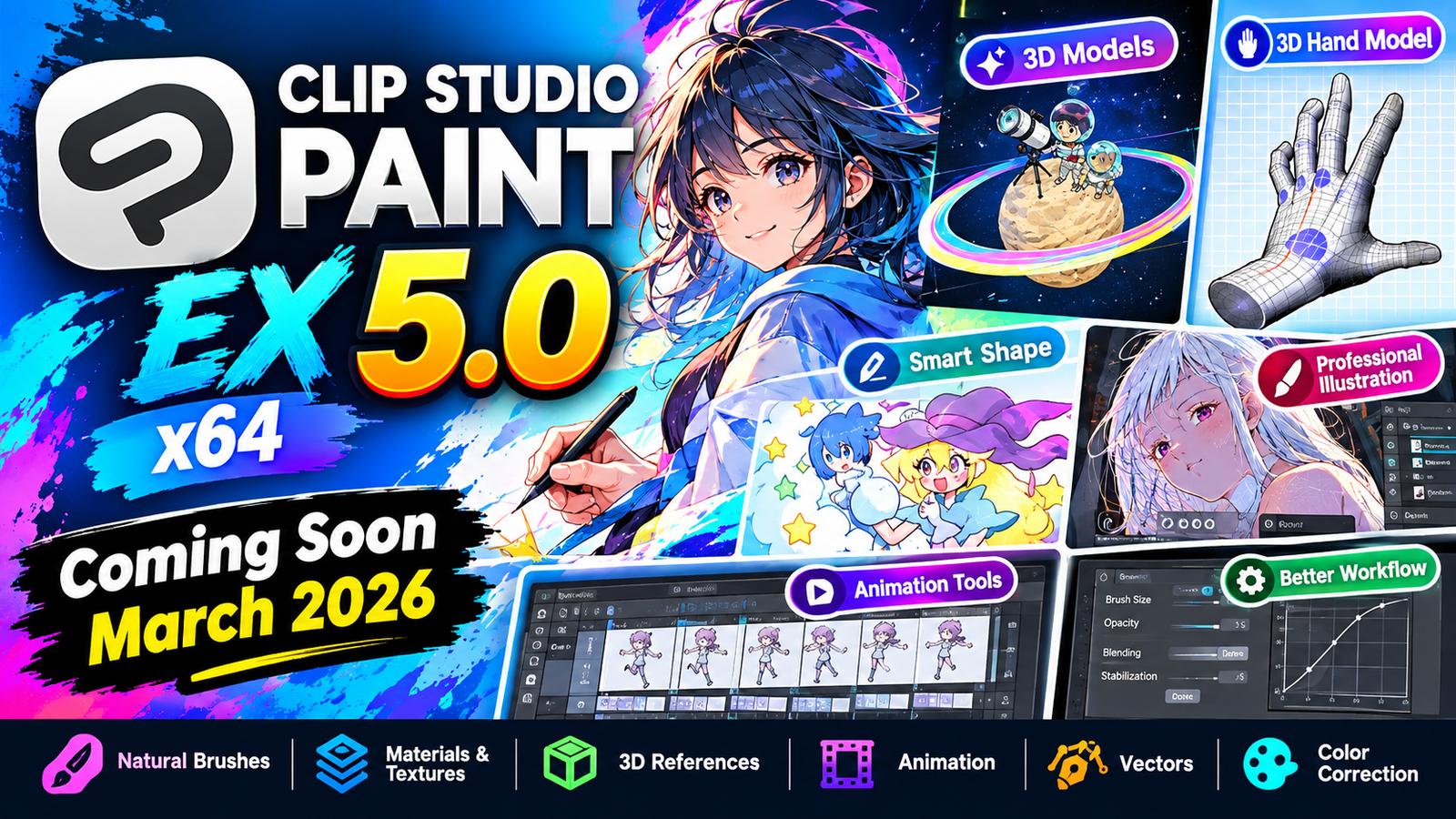
Clip Studio Paint EX 5 x64 is a professional digital art illustration comic manga and animation software designed for artists who want natural drawing tools and an extensive creative workflow. It provides realistic brushstrokes that can feel similar to traditional pencils and paintbrushes while offering advanced digital features such as 3D references vectors animation tools color correction transformations and customizable brushes.
The software supports both beginners and professional creators with a user-friendly interface and a large library of brushes textures patterns gradients, 3D models and other creative materials. With Clip Studio Paint EX 5 artists can create illustrations character designs comics manga animations and detailed artwork on compatible Windows systems.For more information official website
Key Features
- Clip Studio Paint EX 5 x64
- Natural Brushstrokes: Create smooth and expressive strokes that feel similar to traditional drawing tools.
- Customizable Brushes: Adjust brush tips, textures, pressure sensitivity, size, opacity, and other settings.
- Large Material Library: Access thousands of brushes, textures, patterns, gradients, and 3D materials.
- 3D Drawing References: Use 3D figures, heads, hands, and poses as references for character artwork.
- Smart Shape: Draw clean lines, curves, and shapes freehand while continuing to use your preferred brushes.
- 3D Hand Models: Pose detailed hand models to help create accurate and expressive hand drawings.
- Animation Tools: Create basic animations with frame-based workflows and onion skin support.
- Puppet Warp: Easily modify character poses and artwork using a flexible puppet-style transformation.
- 3D Head Models: Adjust facial proportions and angles to create better face references.
- Sub View: Display reference images while working on your main canvas.
- Advanced 3D Features: Work with 3D objects, primitives, drawing figures, patterns, guide lines, and realistic materials.
- Faster Rendering: Improved processing helps with large watercolor brushes and other demanding operations.
- Improved Blending: Create smoother color blending while maintaining high-quality brush settings.
- Velocity Dynamics: Change brush size and opacity according to drawing speed, pen pressure, and tilt.
- Faster Fill: Fill areas even when there are gaps in line art.
- Advanced Transformations: Improve rotation, scaling, mesh transformation, free transformation, and puppet warp.
- Tonal Correction: Apply tonal corrections to multiple selected layers simultaneously.
- Color Profile Support: Manage color profiles to maintain more consistent colors between environments.
- EX Page Features: Apply selected layer compositions to multiple pages and batch-export layer compositions.
- Workspace Customization: Organize tools and palettes according to your preferred workflow.
Supported Functions
Clip Studio Paint EX 5 x64 supports a broad range of professional creative functions, including:
- Digital illustration and painting
- Comic and manga creation
- Character design
- Professional animation
- Basic animation with onion skin
- Vector drawing
- Raster-based artwork
- Realistic color mixing
- Brush customization
- Texture and pattern creation
- 3D modeling references
- 3D character posing
- 3D hand and head references
- Layer management
- Puppet warp
- Mesh transformation
- Tonal correction
- Color profile management
- Page and layer composition management
- Batch export
- Reference-image workflows
- Custom workspaces
- Professional comic production
Technical Setup Details
- Software Full Name: Clip Studio Paint EX 5 x64
- Latest Version: 5.0.4
- Setup Type: Standalone Setup
- File Name: Clip Studio Paint EX 5
- File Size: Approximately 474 MB
- Architecture: 64-bit (x64)
- License: Refer to the software publisher’s licensing terms
- Operating System: Windows 10 / Windows 11
System Requirements
Clip Studio Paint EX 5 x64 make sure your computer meets the required specifications.
- Operating System: Windows 10 or Windows 11, preferably updated
- Processor: Intel Pentium i5, multi-core GHz or higher
- RAM: 4 GB or more
- Storage: At least 2 GB of available free space
- Architecture: 64-bit (x64)
- Graphics: A graphics configuration compatible with Windows and the application’s drawing/3D features is recommended
- Input Device: A compatible mouse, drawing tablet, or pen display can improve the drawing experience
How to Install Clip Studio Paint EX 5
- Clip Studio Paint EX 5 x64
- Clip Studio Paint EX 5 x64
- Download the official Clip Studio Paint EX 5 installer from the software publisher.
- Extract the downloaded archive if it is compressed.
- Open the extracted installation folder.
- Run the Clip Studio Paint installer.
- Follow the on-screen installation instructions.
- Accept the applicable license terms.
- Select the desired installation location.
- Allow the installer to complete the installation process.
- Launch Clip Studio Paint EX 5 from the Start Menu or desktop shortcut.
- Sign in or activate the software according to the publisher’s official licensing requirements.
Clip Studio Paint EX 5 x64 is a powerful creative application for digital artists illustrators comic and manga creators character designers and animators. Its combination of natural brushes customizable materials 3D references vector tools animation features transformation tools and professional comic functions provides a flexible environment for creating detailed digital artwork.
For the best experience use a compatible 64-bit Windows system with sufficient RAM and storage and obtain the software through a legitimate source.
Read Also:UltraSearch Pro 4