
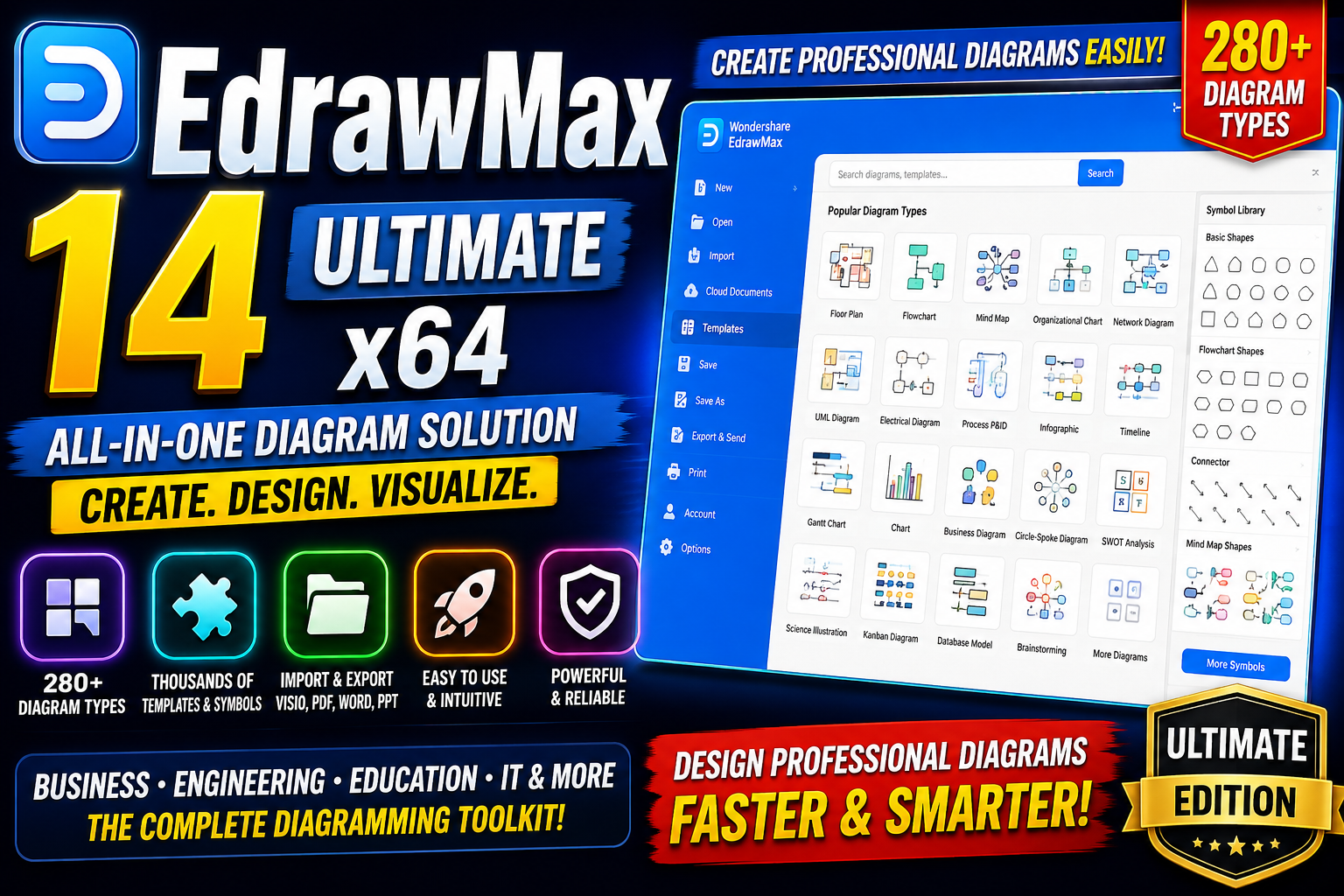
EdrawMax 14 Ultimate x64 is an all-in-one diagramming and visualization solution designed to help users create professional diagrams business presentations technical illustrations mind maps building plans UML diagrams electrical schematics wireframes and many other visual documents. With a large collection of templates symbols customization tools and broad file-format compatibility EdrawMax provides a practical environment for both professional and everyday diagramming tasks.For more information : official website
Key Features
- Thousands of professionally designed templates help users start projects quickly.
- Extensive symbol libraries make it easier to build detailed and visually consistent diagrams.
- Templates are available for business, engineering, education, networking, and many other categories.
- Import and work with supported Visio files.
- Export diagrams to familiar formats such as PDF, Word, PowerPoint, JPEG, HTML, and other supported formats.
- Simplify sharing and collaboration across different applications.
- Create more than 280 types of diagrams from a single application.
- Build technical drawings, flowcharts, organizational charts, infographics, floor plans, mind maps, and more.
- Combine different diagramming tools within one workspace.
- User-friendly interface helps beginners create professional diagrams efficiently.
- Drag-and-drop tools make adding shapes, symbols, connectors, and other objects straightforward.
- Dynamic editing tools provide detailed control over diagram elements.
Supported Functions
- Flowchart and workflow creation.
- Mind mapping and brainstorming.
- Organizational charts and business diagrams.
- UML and software-development diagrams.
- Network and infrastructure diagrams.
- Electrical and engineering diagrams.
- Building plans and floor plans.
- P&ID and technical diagrams.
- Infographics and business presentations.
- Wireframes and UI-related diagrams.
- Science illustrations.
- Import and export through supported file formats.
- Template and symbol-based diagram creation.
Technical Setup Details
- Software Full Name: EdrawMax 14 Ultimate
- Application Type: Offline Installer / Standalone Setup
- Architecture: 64-Bit (x64)
- Version: EdrawMax 14.5.1.1300 Ultimate Multilingual x64
- Download Size: Approximately 290 MB
- Interface: Graphical User Interface
- Primary Function: Diagramming, Visualization, and Technical Design
System Requirements
- Operating System: Windows 7/8/8.1/10/11
- Memory (RAM): 2 GB of RAM required.
- Hard Disk Space: 500 MB of free space required.
- Processor: Intel Pentium i3 or equivalent multi-core processor.
- Architecture: 64-Bit (x64)
How to InstallEdrawMax 14
- Download the EdrawMax 14 installer from the software developer or another authorized source.
- Locate the downloaded setup file on your computer.
- Right-click the installer and select Run as administrator.
- Select your preferred installation language if prompted.
- Review and accept the software license agreement.
- Choose the destination folder for the installation.
- Select the required installation options and click Install.
- Wait while the setup wizard copies the required program files.
- Launch EdrawMax 14 after the installation is completed.
- Sign in or activate the software using a valid license if required.
EdrawMax 14 Ultimate x64 offers a comprehensive collection of tools for creating professional diagrams technical drawings business visuals and presentations. Its extensive templates large symbol library broad diagram support flexible customizatio and file compatibility make it a versatile choice for designers engineers students business users and other professionals. With its streamlined interface and drag-and-drop workflow EdrawMax can make complex visual documentation easier to create and manage.
Read Also : IObit Software